

How to Create Membership Cards in an Afternoon
 By the Kemicard team
Designing a membership card used to mean a print run, a minimum order and a six-week lead time. Now the design is the quick part — the decisions around it are what deserve the afternoon.
Decide these four things first
- What the card proves — membership, tier, entitlement, or all three.
- Who verifies it, and how — a scan at a desk, a visual check, or both.
- What changes during the year — tier, expiry, balance, entitlements.
- Where the truth lives — the record the card renders from.
Get those right and the design takes twenty minutes. Get them wrong and you will be reissuing cards all year.
The build, step by step
- Start from the record. Members already exist in your CRM; the card is a projection of that data, not a new database.
- Map the fields — name, member number, tier, valid-through, and the barcode source.
- Design the front for a two-second glance. Name, tier, status. Nothing else competes.
- Use the back properly — benefits, terms, renewal link, contact. It is the most under-used space in the format.
- Pick the code format your existing scanners already read.
- Preview both wallets before issuing anything.
- Issue in bulk to the existing base, then automatically to each new member.
The QR code question
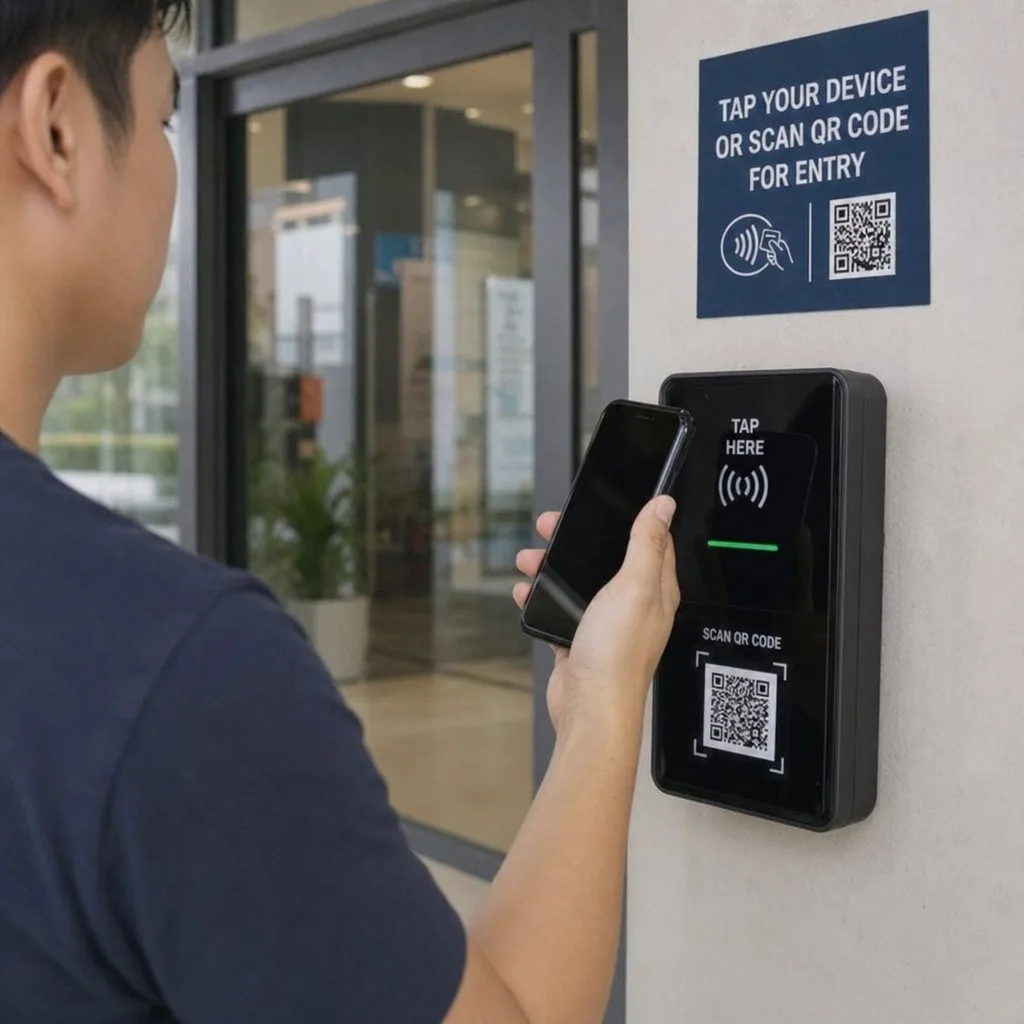
A QR code on a membership card is not decoration — it is the entire verification mechanism. Two rules: make it unique per member, and validate it against the live record rather than trusting what the screen displays. A code that only encodes a member number, checked by eye, is a photocopy waiting to happen.
What to do about lapses
This is where digital pulls decisively ahead. A lapsed member holding plastic still holds a card that looks valid. A lapsed member holding a wallet card holds one that has already changed — expired, switched to a lapsed design, or failing validation at the door. Nobody has to have an awkward conversation about collecting anything.
Where Kemicard fits
The card is designed in Kemicard Studio inside Salesforce, mapped to your member object, and issued from the record — individually, in bulk, or automatically by Flow when someone joins. See membership cards, the Studio guide, and choosing membership software.
Getting the card onto members' phones
Distribution is where membership schemes quietly fail. The card can be perfect and still reach a third of the membership if the delivery route asks too much.
- The welcome email does most of the work. A new member who joins online should have the card before they arrive, in the message they were already going to open.
- SMS for the ones who never open email. Higher open rates, and appropriate where you already have consent.
- A QR poster at the desk catches walk-ins and existing members who joined before the programme.
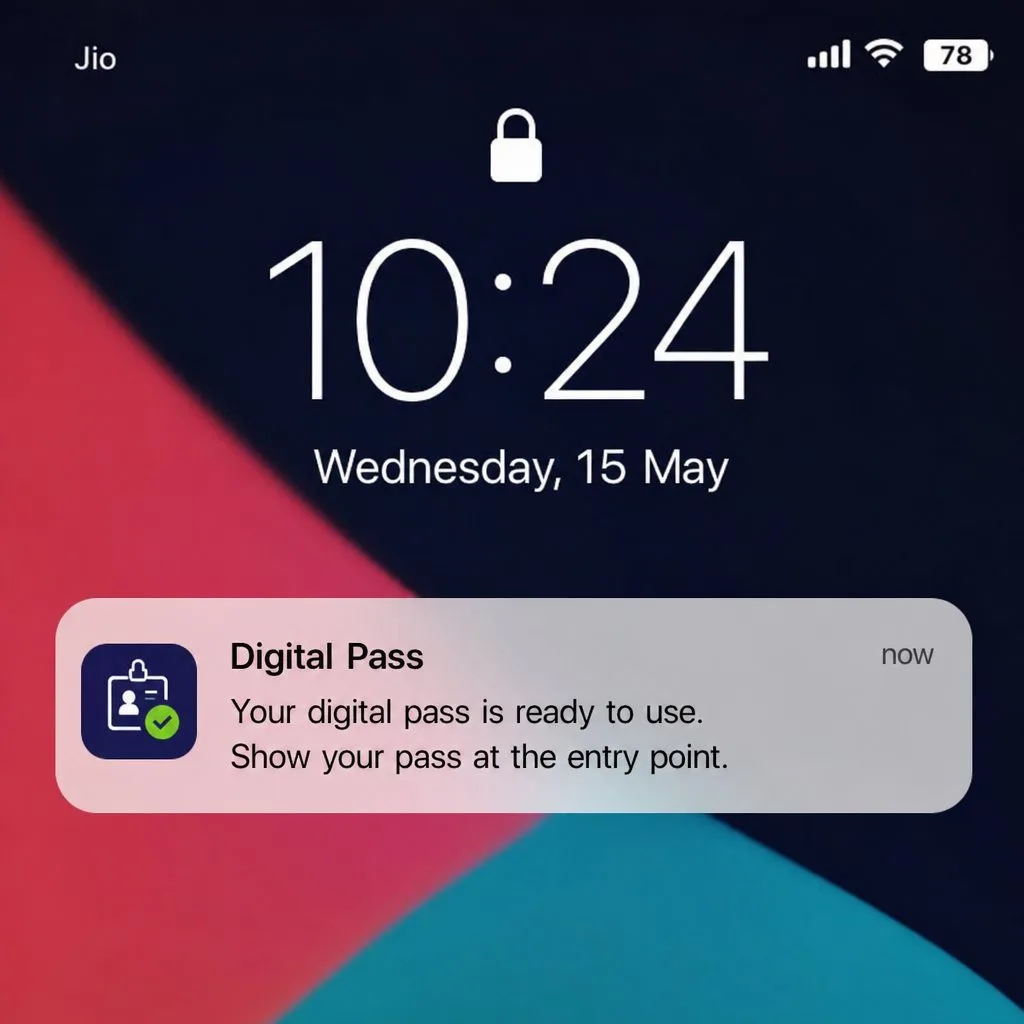
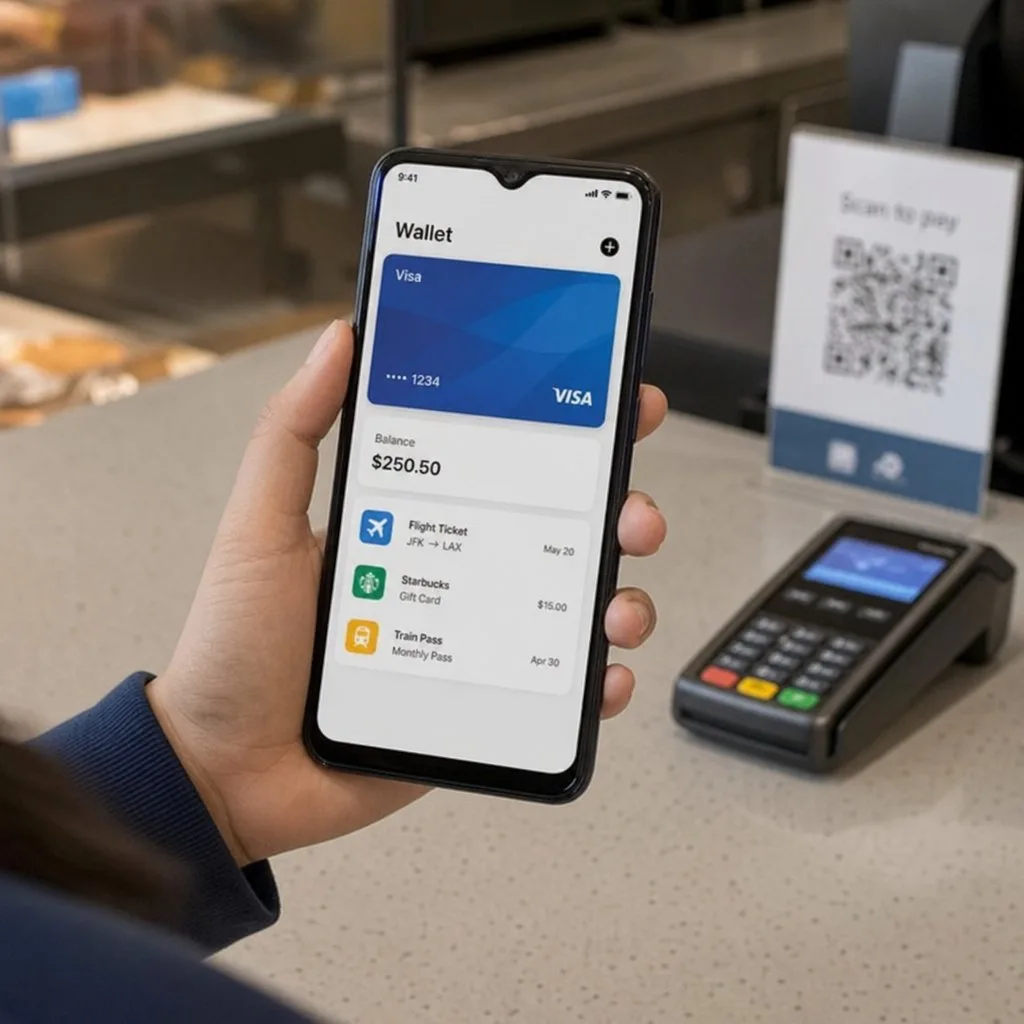
- Never require an app. Apple Wallet and Google Wallet are already installed; asking for a download is where most of the attrition happens.
Keeping the card accurate without double entry
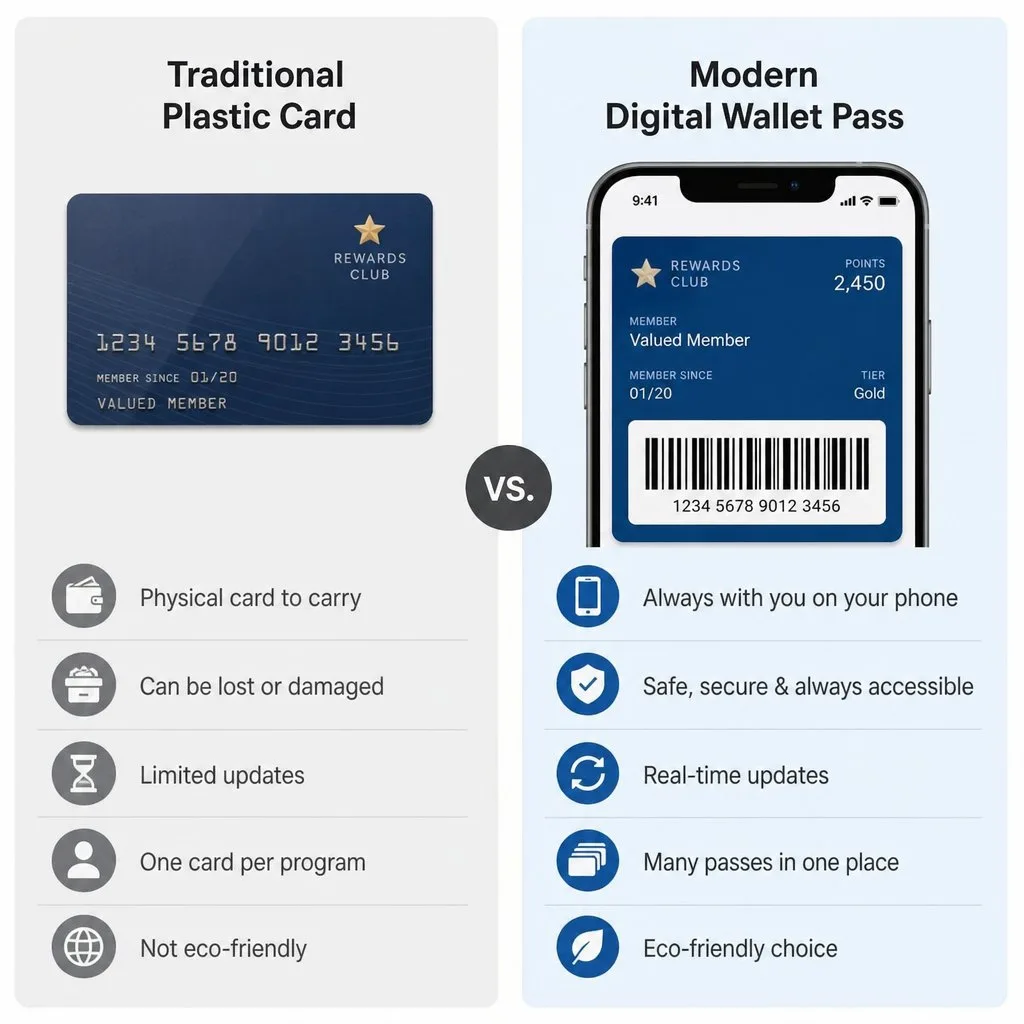
The reason to drive the card from your membership record rather than a spreadsheet is not elegance — it is that any manual step will eventually be skipped, and a card that says "Active" for a lapsed member is worse than no card.
Renewals, upgrades, freezes and cancellations should each update the pass automatically. When a member changes tier, the card changes tier. When they cancel, the barcode stops validating. Nobody at the front desk needs to remember anything.
From nothing to a live card, in order
The build itself is short. Most of the elapsed time in a membership project goes on decisions that could have been made in the first hour.
- Pick the template style. A store-card layout for tiers and balances; a generic layout where the card is mainly identification. This determines what the front can show.
- Decide the verification method first. QR, barcode or NFC — driven by what your door or till already reads, not by preference. Retrofitting this later means reissuing every card.
- Map the fields to records. Name, member number, tier, expiry. Each should point at a field you already maintain, or you have just created a second source of truth.
- Configure the lifecycle. What happens on renewal, upgrade, freeze and cancellation. This is the part that determines whether the programme still works in year two.
- Set up analytics before launch, not after. Installs, scans and lapses are only useful if you have the baseline.
FAQ
- Can we issue to existing members at once? Yes — bulk issuance from a report or list view.
- What if someone upgrades tier? Switch the template and the card they already hold updates.
- Do we need a designer? No. Administrators build the template; brand assets are all it needs.
Sources: Apple's Creating a store card pass and Wallet design guidelines; Google's Generic pass documentation.
Explore Kemicard
Product & solutions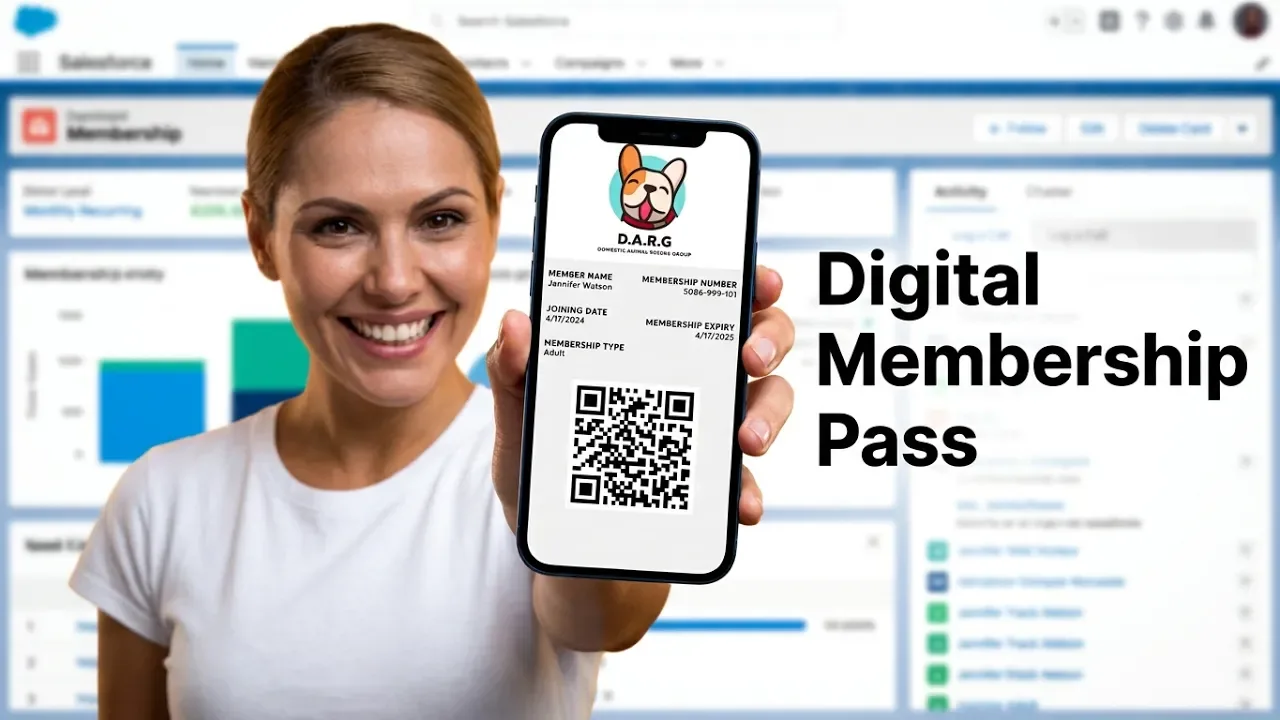
Design a Member Card From Your Own Data
Book a demo, test drive Kemicard, or start a free 30-day trial.
 Start Free Trial