

Put Every Event Ticket in Apple Wallet and Google Wallet, Issued From Salesforce
A Salesforce-native event ticketing app, installed from AppExchange. Your team creates tickets from registration records, updates them when the event changes, checks attendees in at the gate, and reports on every scan without leaving Salesforce.
 Try on AppExchange
Salesforce Event Ticketing Integration Apps Still Leave the Event Work in Another System
Your attendees register through Salesforce, but the ticketing platform holds the tickets, the scans, and the entry history in its own database. None of it reaches the Contact record until someone uploads it.
Who is inside right now
Live check-in counts exist only in the scanner app. Staff standing at the venue can see the number, but Salesforce has no record of it.
Which ticket was already used
A duplicate scan surfaces at the gate and stays there. The record in Salesforce never learns that the same ticket tried to enter twice.
Who did not show
No-show lists arrive days after the upload. By the time the segment exists, the moment to book them for the next event has passed.
Every question above has an answer during the event. None of those answers reach Salesforce until the event is over and someone sends the export manually — unless the tickets, the scans, and the records live in the same system to begin with.
Registering attendees in Blackthorn? See Kemicard with Blackthorn Events.
Salesforce Event Tickets in Apple Wallet and Google Wallet, Built From the Fields on Your Records
Map a pass field to a Salesforce field once, and every ticket fills itself. It works the same on standard and custom objects, so registrations can live wherever your org already keeps them.
Mapped from your objects
Registrations can live on standard or custom objects. Point each pass field at a Salesforce field once, and every ticket after that fills itself.
Personalized to each attendee
One template renders a personal ticket for every registrant. The name and tier on the pass belong to that attendee, pulled from their record.
One edit updates both wallets
Kemicard compiles the same template to Apple Wallet and Google Wallet formats. Change the design once, and both versions carry it — nothing is maintained twice.
Running member events? Issue member-priced tickets on the membership record.
Your next event can run its tickets from Salesforce. Issue, update, check in, and report, all inside Salesforce.
Book the Event Ticketing DemoThe Features of a Salesforce Native Event Ticketing App, Built Around Event Day
Whatever the event, set the trigger once and tickets are issued as registrations come in. On the day, the same passes work at the gate, and every scan lands back on the record.
Automated ticket issuance
A registration meets the condition you set in Flow, and the ticket goes out on its own. Nobody works through a send list.
Bulk issuance
Issue tickets for the whole registration list in one operation. A festival's worth of passes goes out in batches, without any manual sends.
Multi-channel delivery
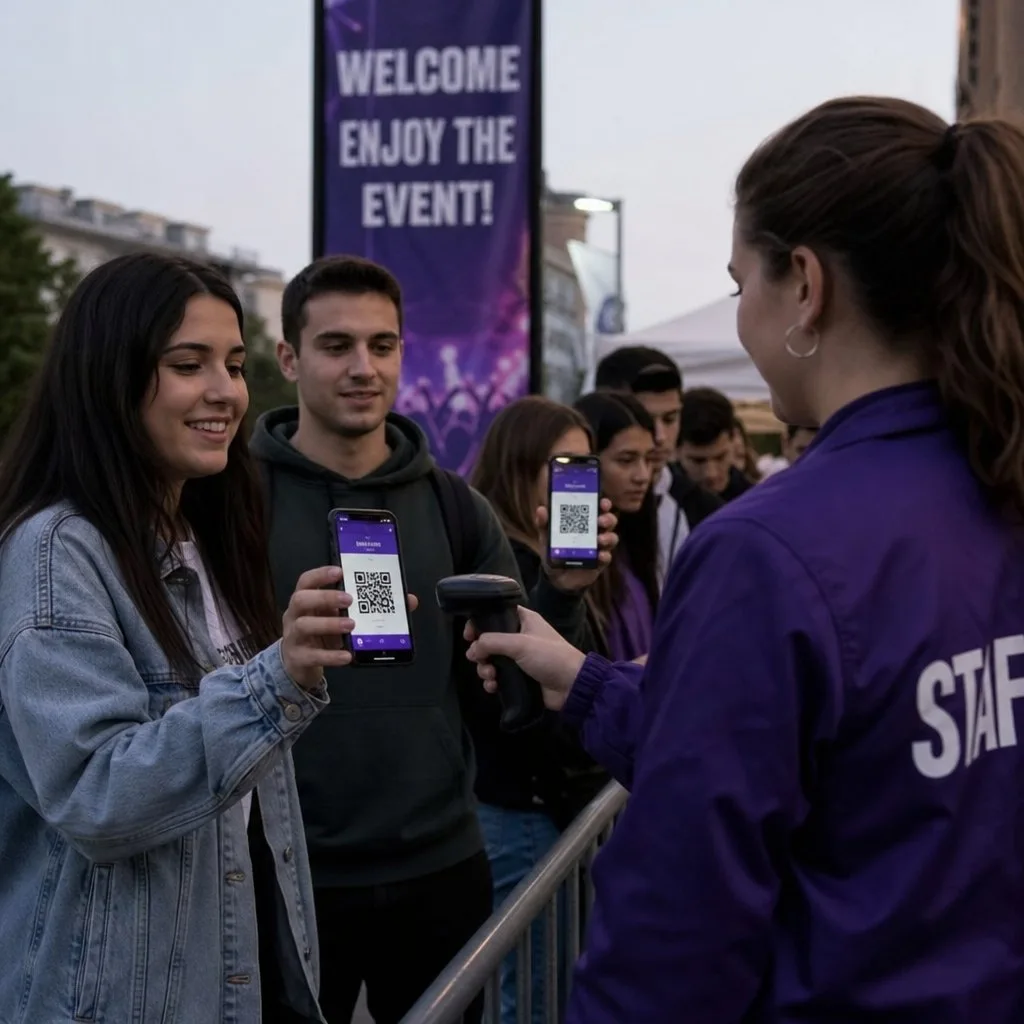
The add-to-wallet link goes out by email, SMS, WhatsApp, or QR code. Landing pages cover the walk-ups who register right at the door.
Geo-triggered surfacing
The ticket appears on the lock screen as the attendee nears the venue. Nobody searches an inbox while the queue builds behind them.
Event reminders
Doors-open alerts and session notices push through the pass itself. The message reaches the lock screen, and no separate app download is required.
Real-time ticket updates
Change the gate or the start time on the record, and every issued ticket shows the new detail in both wallets straight away.
Unique QR per ticket
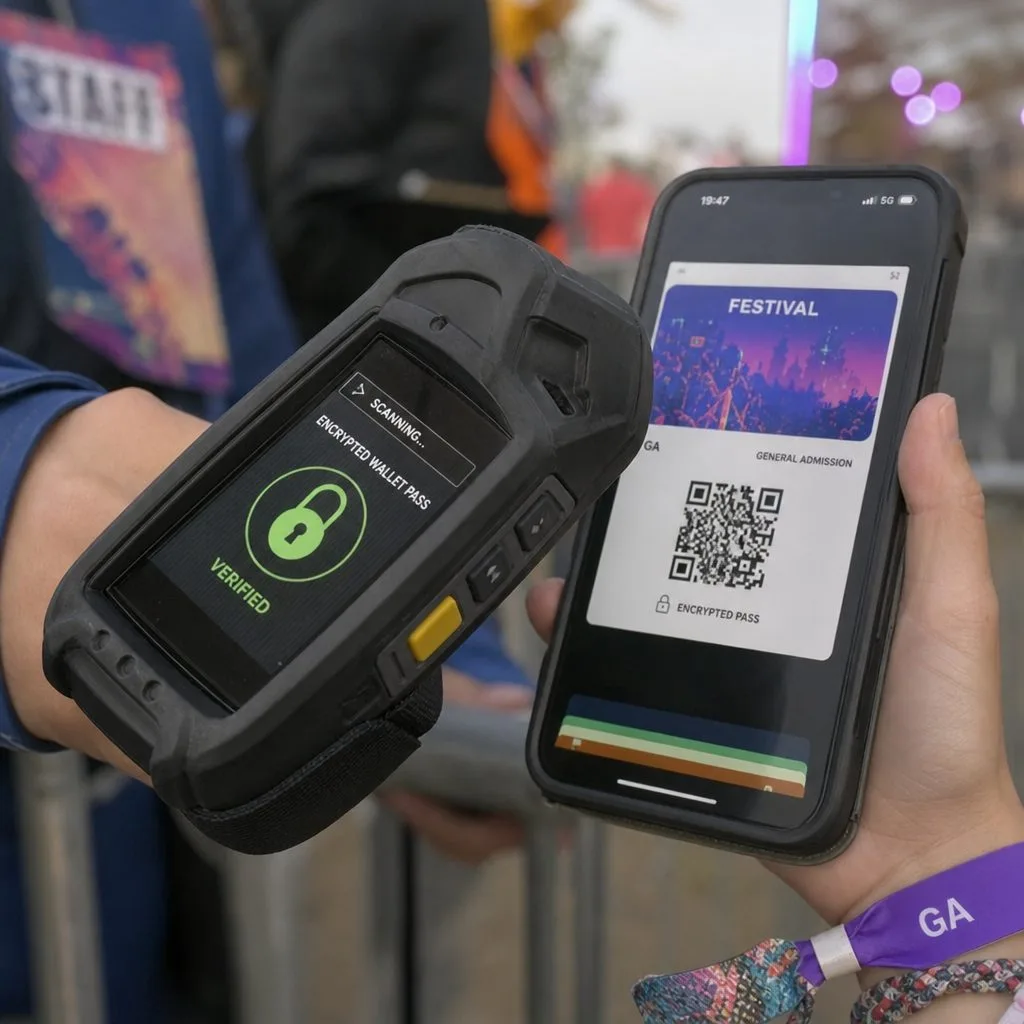
Every pass carries its own code, tied to the record it came from. The scanner validates it in real time at the gate.
Tier-aware tickets
VIP and general passes render from the same template with different field values. The tier shows on the pass and at the scan.
Gate rules and flags
Set how re-entry and duplicates are handled for each event. Staff sees the result at the moment of scan, while the line moves.
Event Check-In Reports Inside Salesforce, Ready Before the Event Ends
Attendance, entry times, check-in rates, and no-show segments are built in Salesforce dashboards during the event. One report setup covers every event on the calendar, and the numbers update as staff scan.
Attendance tracking
Every check-in belongs to a Contact, and history builds across the event series. The same record shows this year's arrival and last year's no-show.
- Live check-in counts by gate and by session
- Session attendance measured against registrations
- No-show segments ready for follow-up journeys
Entry scan reports
Scan-level detail for the team running the venue. Entry times and gate activity show where queues form and when a door needs staff.
- Scans reported per gate and per hour
- Entry-time distribution for queue planning
- Re-entry and duplicate logs, as configured per event
More on event check-in and attendance tracking in Salesforce, and on the scan tracking and check-in reports Kemicard writes.
Salesforce AppExchange Event Management, Ticketing, and Check-In on One Native App
Registration, ticketing, check-in, and reporting run as one managed package in your org. Tickets are issued from your objects, and scans are written back to them.
One record for the whole event
Registration, ticket, scan, and follow-up all land on the same Contact or registration record. Nothing is exported or merged after the event closes.
Security and permissions inherited
Ticketing data stays inside your Salesforce environment. The profiles and permission sets you maintain govern it, in Salesforce's SOC 2 Type II environment.
Scales with the org
Bulk issuance and Salesforce automation carry a small gala or a full festival weekend. The setup stays the same while the volume grows.
Priced by passes, no per-ticket fees
Plans are annual and priced by the passes you issue. A sold-out event costs what you planned, with no fee per ticket sold.
Running a conference? Read about conference ticketing in Salesforce.
Check-in, demonstrated
The scanner verifying a pass against live Salesforce data — the same component you would put on a door or a registration desk.
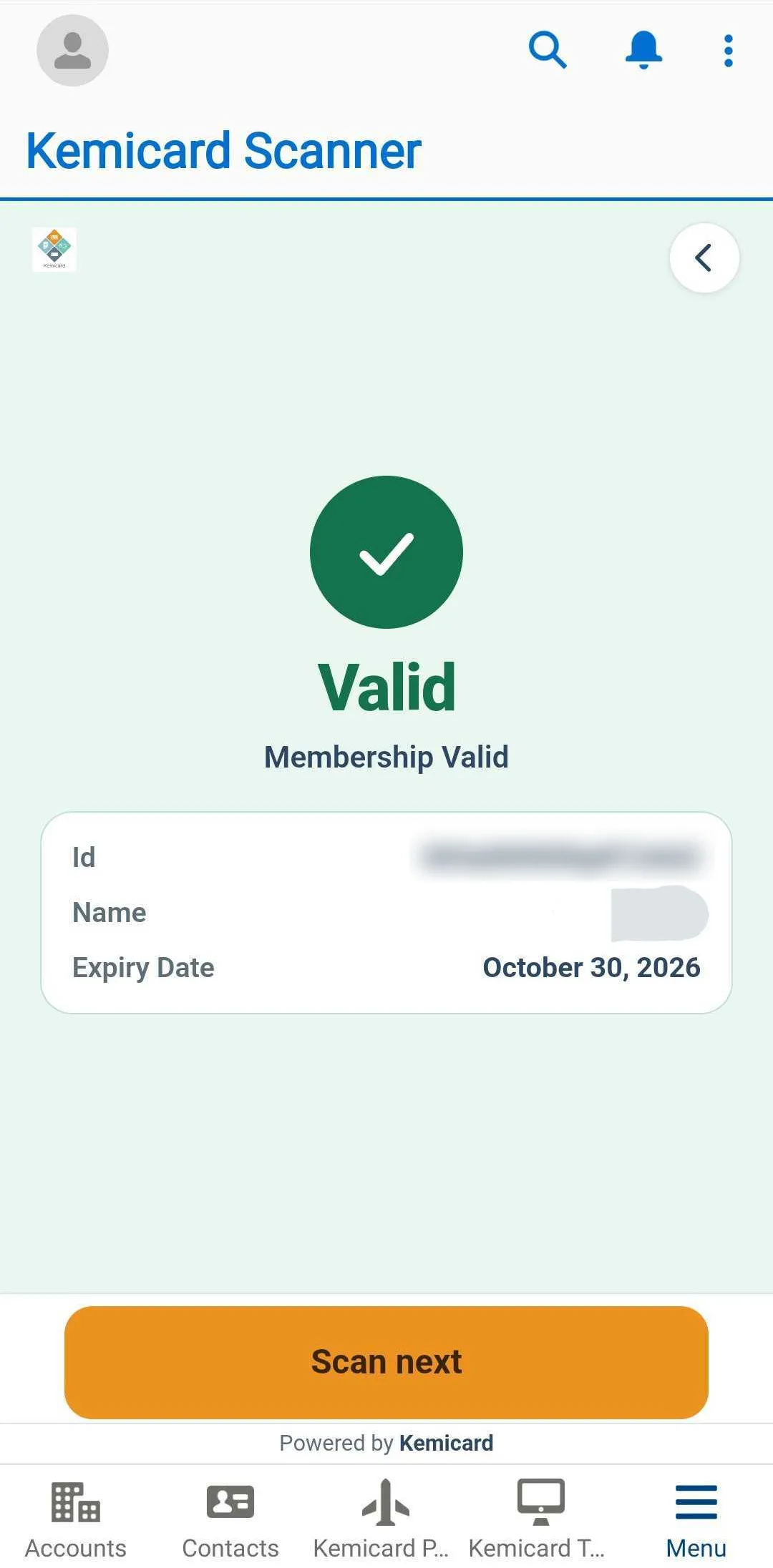
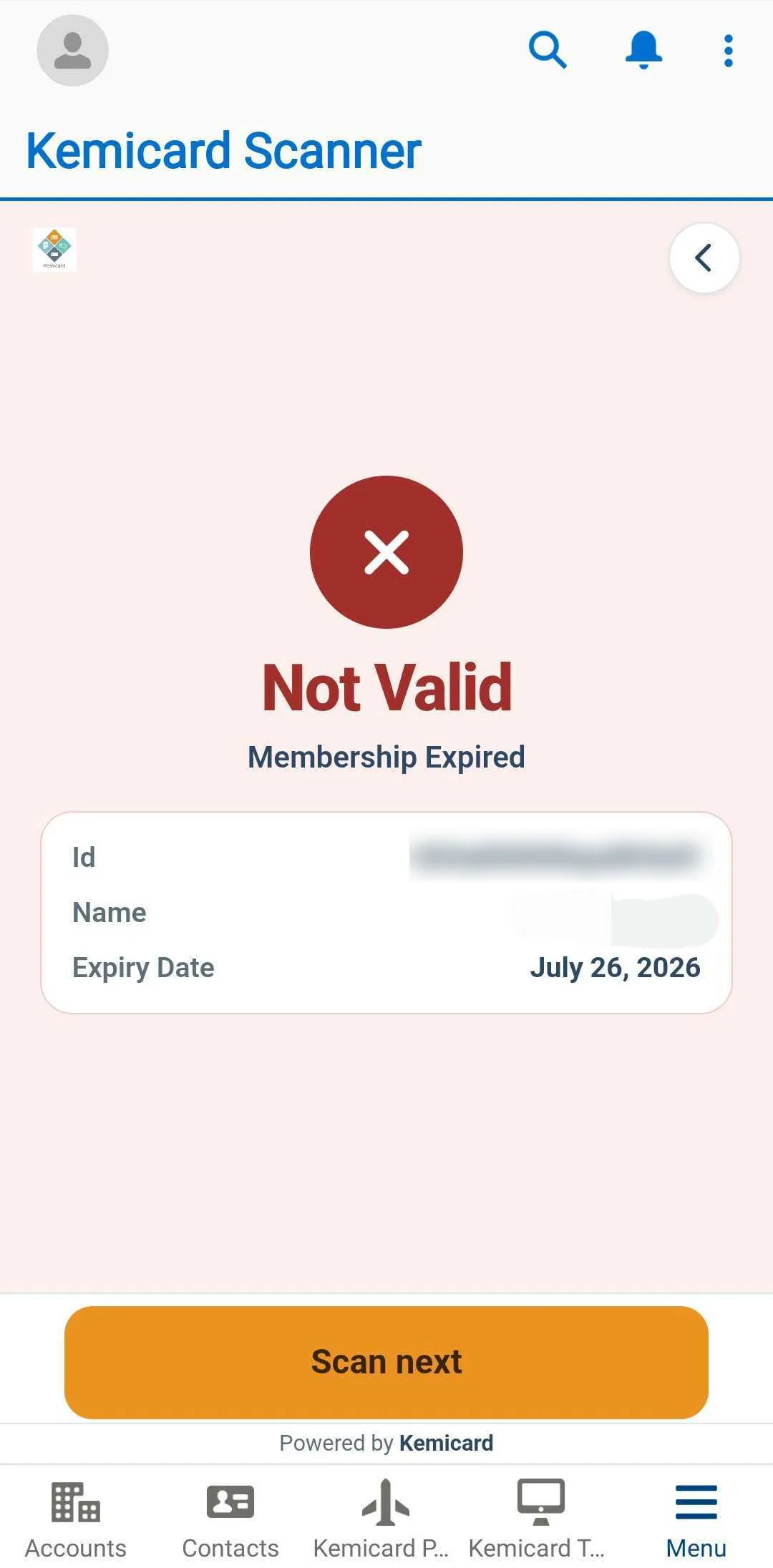
More on the video tutorials page.
Kemicard powers check-in at Salesforce community events too — see the conferences we attend and run.
Frequently Asked Questions
No. Check-in opens as a screen on phones, tablets, or handheld barcode scanners your staff already carry. There is no gate hardware to rent and no separate scanner account to manage.
Yes. The same template renders name, role, and access level on the pass, and the QR handles entry and session scans. Conferences skip badge printing and the pickup queue that comes with it.
For issuing tickets, running check-in, and reporting attendance, yes. However registrations reach Salesforce — web forms, Experience Cloud pages, or imports — tickets are issued from the record. There is no external ticketing database left to sync.
A Salesforce admin does. Setup is a pass template, field mapping, and a Flow trigger — the same work admins already do. Typical orgs configure it without custom code.
Check three things on any shortlist: where the ticketing data lives, whether every scan writes back to your records, and whether pricing adds per-ticket fees. Kemicard keeps the data in your org, writes back every scan, and prices annually by passes issued.
Yes. Templates and Flows are reused per event, and attendance history builds on the Contact across the series. The third year of your conference reports against the first two.
Sources: Apple's Showing a Pass on the Lock Screen; Google's Event tickets, Rotating Barcodes and MultipleDevicesAndHoldersAllowedStatus documentation.
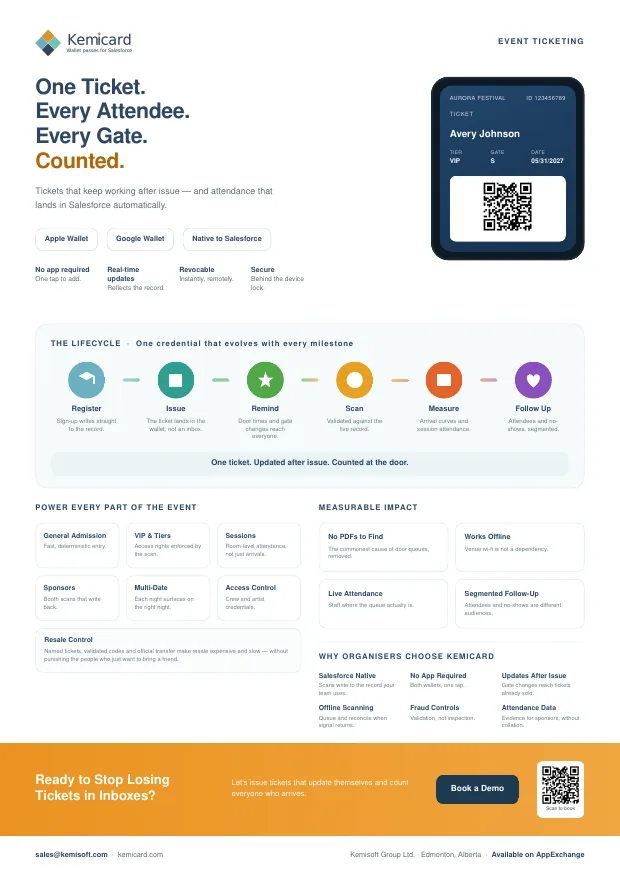
Event Ticketing — the brochure
A one-page summary for a conference table or an email, or the six-page version for the colleague who has to approve it. Both cover what you can issue, how it works, and the push and back-of-card examples for event ticketing.
Further reading
From the blog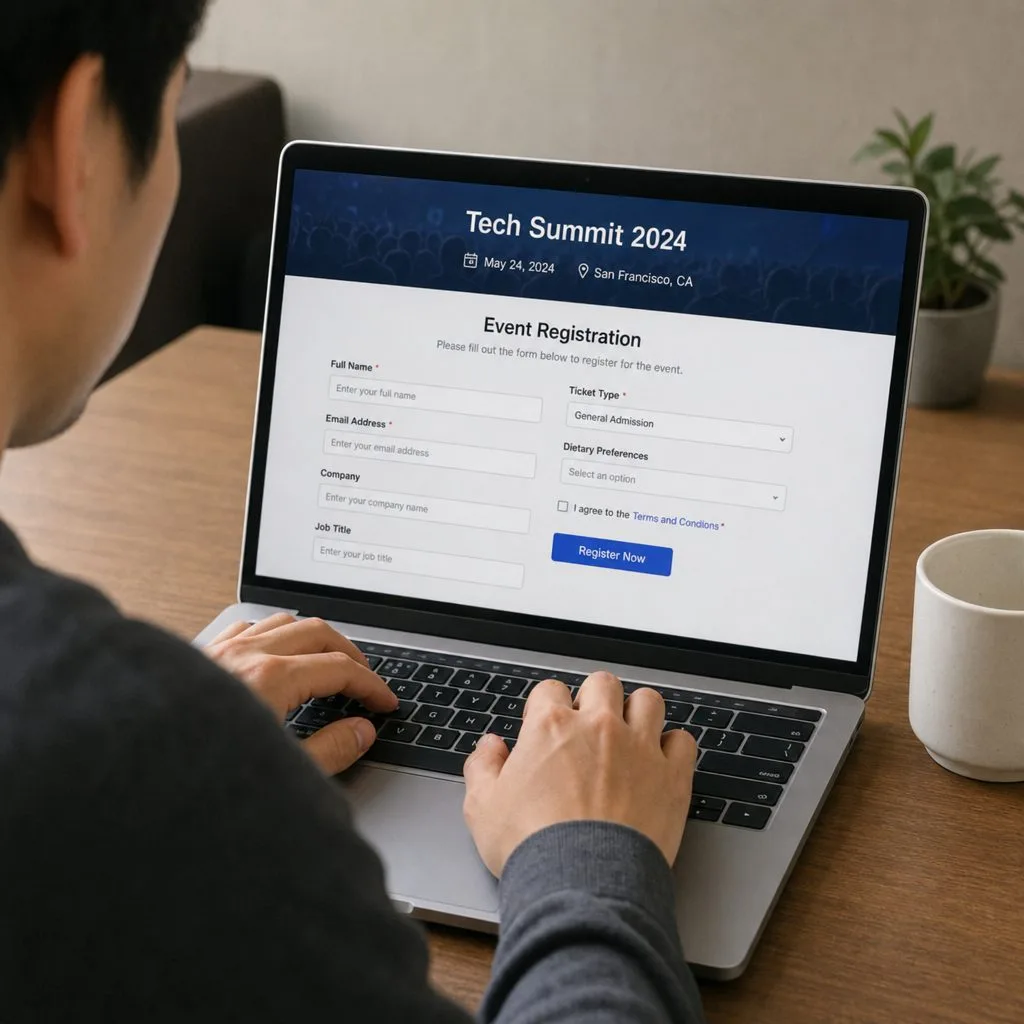
See a Ticket Issued, Updated, Scanned, and Reported From Salesforce
Bring your event data model to the demo. We issue a live wallet ticket, change the gate, and scan it back onto the record.