

Event Tickets Go Digital: QR Tickets in Apple & Google Wallet
 By the Kemicard team
Print-at-home PDFs get forwarded, screenshots get reused, and "check your email for your ticket" creates a line at the gate. Digital event tickets in the wallet fix all three — and give organizers a live channel to every attendee until the encore.
What makes a wallet ticket different
A wallet ticket is a live object, not a document. The QR code is there for the gate, but the ticket also carries seat, time, and gate fields that can change after purchase — and when they do, every issued ticket updates itself and can notify the attendee on the lock screen. Doors moved? Support act added? Weather delay? One change in Salesforce reaches every phone.
The attendee journey, end to end
- Register — your existing registration flow creates the attendee record in Salesforce.
- Receive — the confirmation email carries one smart link; iPhones get Add to Apple Wallet, Android gets Add to Google Wallet.
- Remember — the ticket surfaces on the lock screen as the attendee approaches the venue.
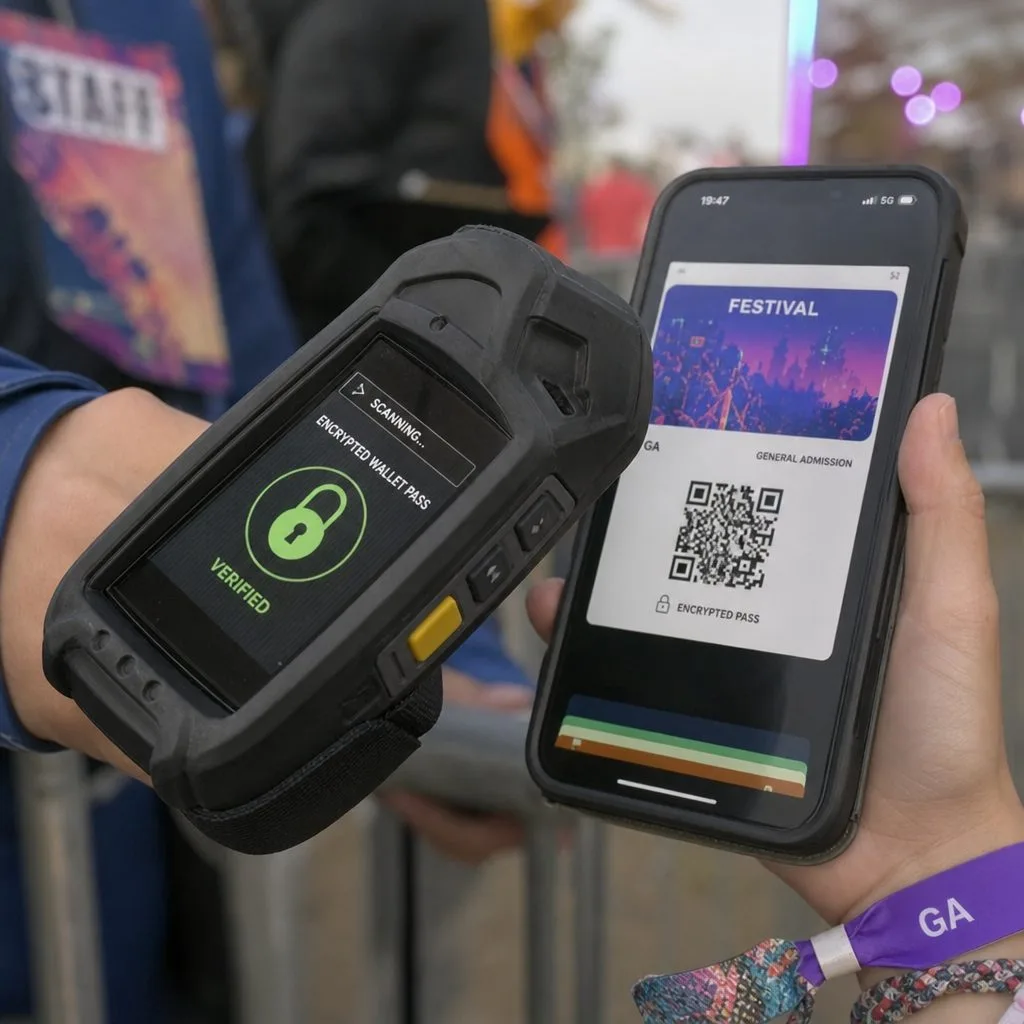
- Enter — a scan validates the QR against the live record, flags duplicates, and checks the attendee in.
- Return — attendance lands in the CRM, powering follow-up campaigns and next-event offers automatically through Flow or Salesforce Marketing Cloud.
Fraud: the quiet killer of PDF ticketing
A PDF is a picture; a wallet ticket is a credential. Signed passes can't be altered, device-bound tickets on Google Wallet invalidate shared copies, and scan-time validation rejects a barcode the second time it hits the gate. The details are in our pass security explainer.
Beyond the single event
Season passes, VIP credentials, and multi-day festival passes are where wallet ticketing compounds: one pass, updated per event day, with benefits on the back of the ticket and push messaging between sessions. Organizers running on Salesforce get all of it from the records they already keep — see event ticketing and the events & entertainment page for the full capability set.
FAQ
- Does this replace our registration platform? No — it plugs into it. Registration keeps creating records — in Sales Cloud, Experience Cloud registration pages, or event packages like Blackthorn — and Kemicard turns them into wallet tickets.
- What if an attendee's phone dies? Front-of-house can look up the record and check them in manually — the record, not the barcode, is the source of truth.
- Apple and Google both? One template, both wallets, one link — see how the two wallets differ.
How event access actually evolved
Torn paper stubs gave way to printed barcodes, then to PDFs attached to confirmation emails, and now to credentials that live in the wallet. Each step removed friction at the gate; only the last one removed the gap between what the ticket says and what the organiser knows.
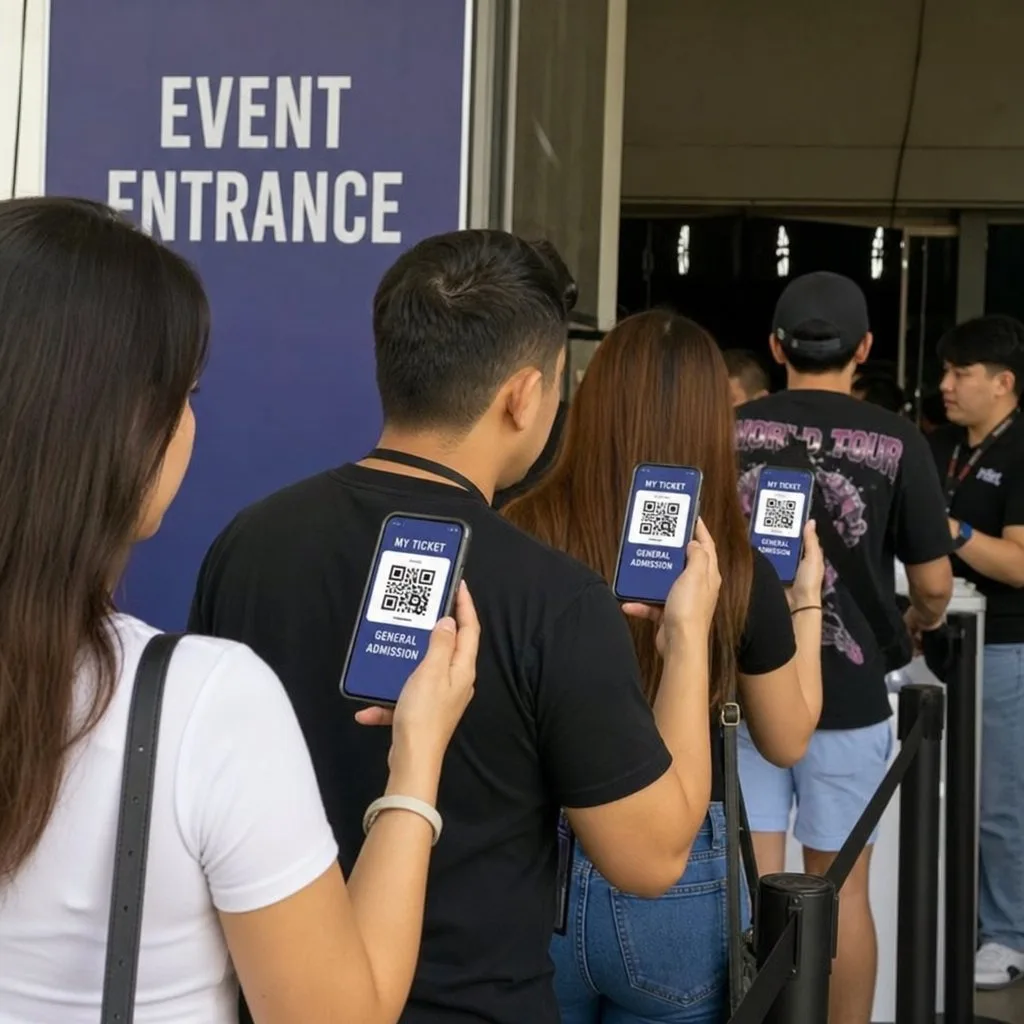
The practical difference shows up when something changes. A venue move, a time shift, a seat reallocation: with paper or PDF that is a fresh email and a hope. With a wallet credential it is a silent update on every phone already holding the ticket, plus a lock-screen note if it matters enough.
Sources: Apple's Wallet Passes documentation; Google's Event tickets documentation.
Explore Kemicard
Product & solutions
Run Your Next Event on Wallet Tickets
Book a demo, test drive Kemicard, or start a free 30-day trial.
 Start Free Trial