

Are Digital Wallet Passes Secure? What Issuers Should Know

 By the Kemicard team
The first question every board, IT team, and privacy officer asks about wallet passes: is this safe? Short answer — a signed wallet pass is dramatically harder to forge, share, or leak than plastic, PDFs, or print-at-home tickets. Here's why.
The wallet's own security layer
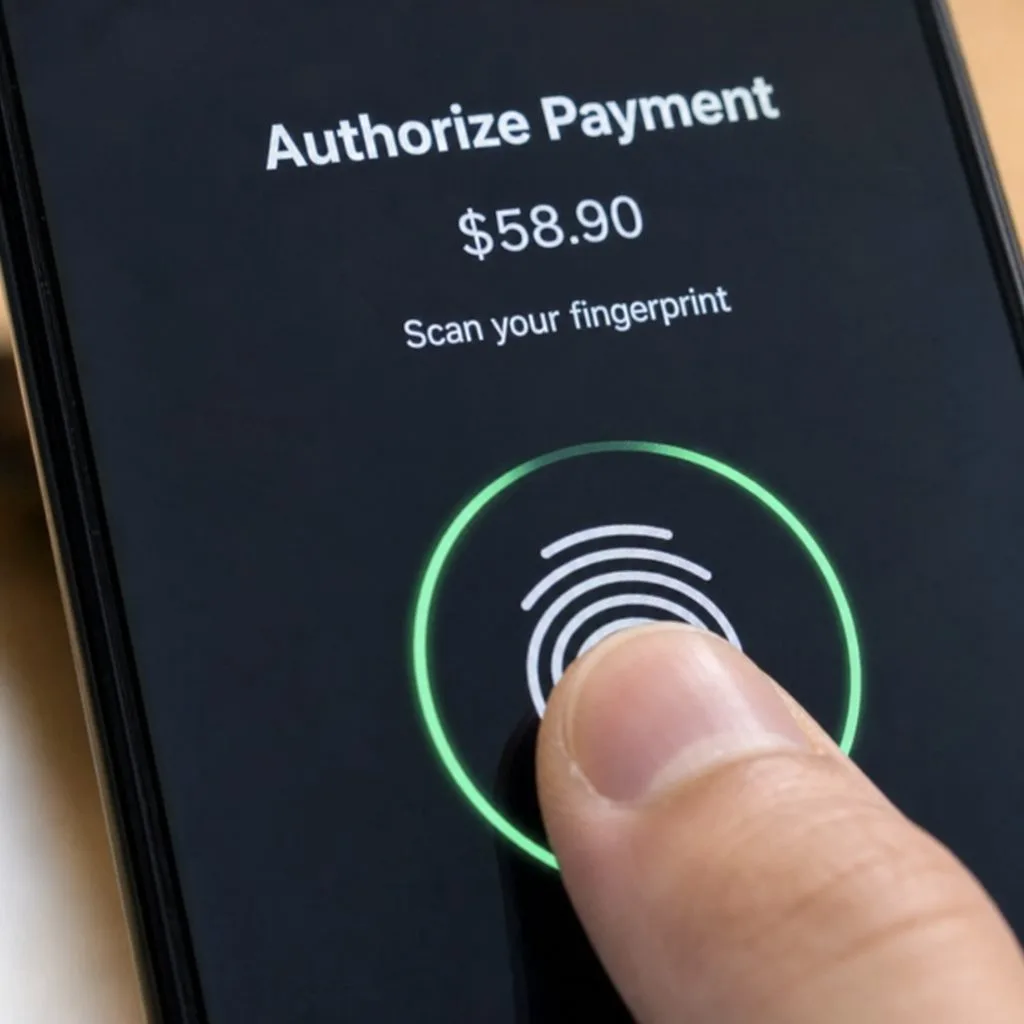
Apple Wallet and Google Wallet were built to hold payment cards, so passes inherit bank-grade infrastructure. The wallet encrypts stored content, and access to the device is protected by biometric authentication — Face ID, Touch ID, or fingerprint — or a passcode. On the payments side, the wallets never expose real card numbers, using tokenization instead; your passes sit inside that same hardened container.
Signing: why passes can't be forged
Every Apple Wallet pass is a cryptographically signed .pkpass bundle — modify one byte and the signature breaks, and the wallet refuses it. Google Wallet passes are objects created through authenticated API calls, never assembled by the user. Compare that to a PDF ticket, which anyone can screenshot, edit, and reprint.
Verification at the door
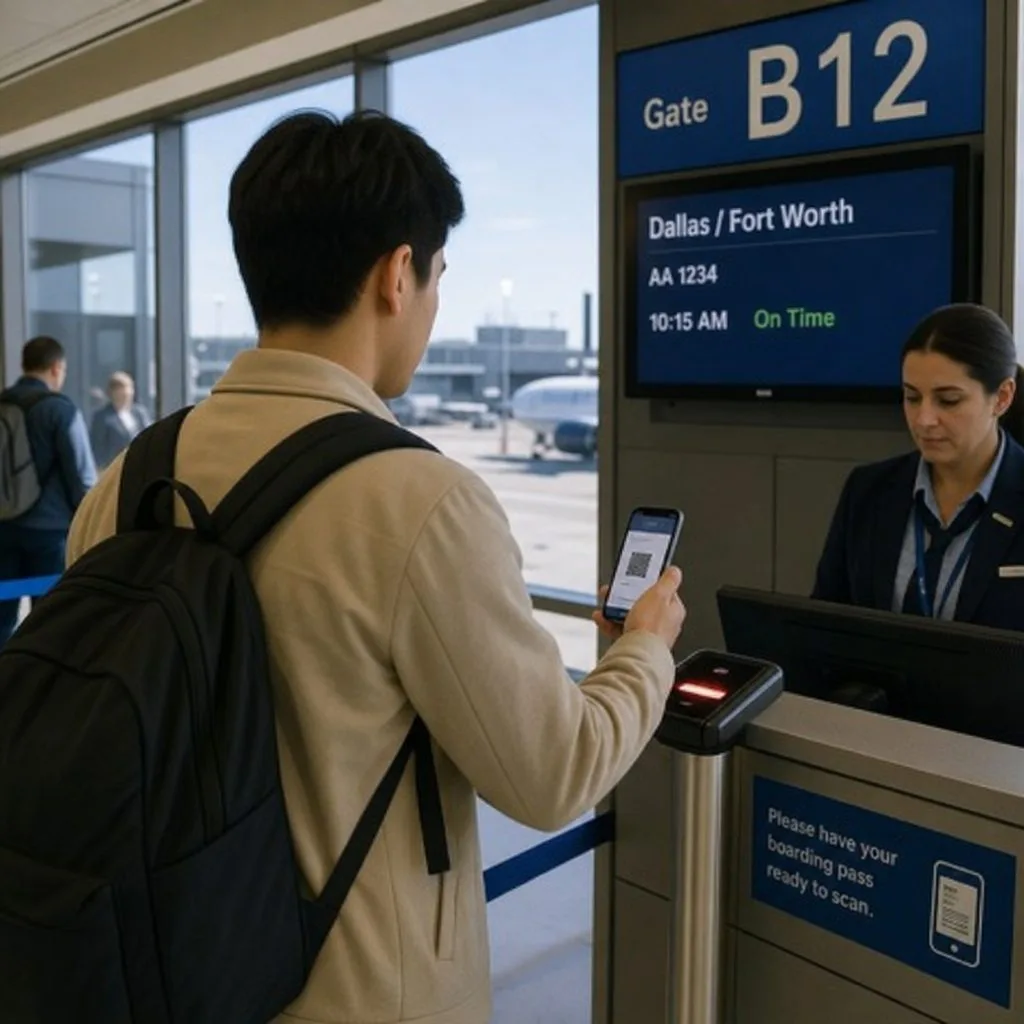
A barcode alone proves nothing — validation does. When a pass is scanned, the barcode resolves against the source record in Salesforce: is this membership active, has this ticket already been used, is this coupon still valid? Duplicates and counterfeits fail at scan time. See the Scanner & Check-In guide for how scan-time checks work.
Sharing controls
The subtler risk isn't forgery — it's a real pass shared with five friends. Issuers get layered defenses: wallet-level sharing configuration, device-bound passes on Google Wallet that invalidate shared copies, multi-device detection, and download links that expire by count or date. The full model is described in our Trust Center.
The data-residency question
For most organizations the biggest exposure isn't the pass — it's where member data goes to produce it. Standalone pass platforms require syncing your CRM data to their cloud, creating a second copy under a second vendor's security posture. A Salesforce-native wallet pass platform renders passes from data that never leaves your org, so your existing Salesforce security review — including Shield encryption and event monitoring if you use them — already covers it. That's the architecture argument in Kemicard vs standalone platforms.
FAQ
- Can someone screenshot a pass? They can screenshot the front — but a screenshot doesn't update, and scan-time validation rejects already-used or inactive barcodes.
- What if a phone is lost? Wallet content sits behind the device's biometrics/passcode, and the pass can be expired remotely from Salesforce in seconds.
- Does Kemicard see our member data? Passes are generated from your org's data under your org's controls; see the Trust Center for the full posture.
Sources: Apple's Building a Pass (how passes are signed and packaged); Google's Google Wallet API documentation.
Explore Kemicard
Product & solutions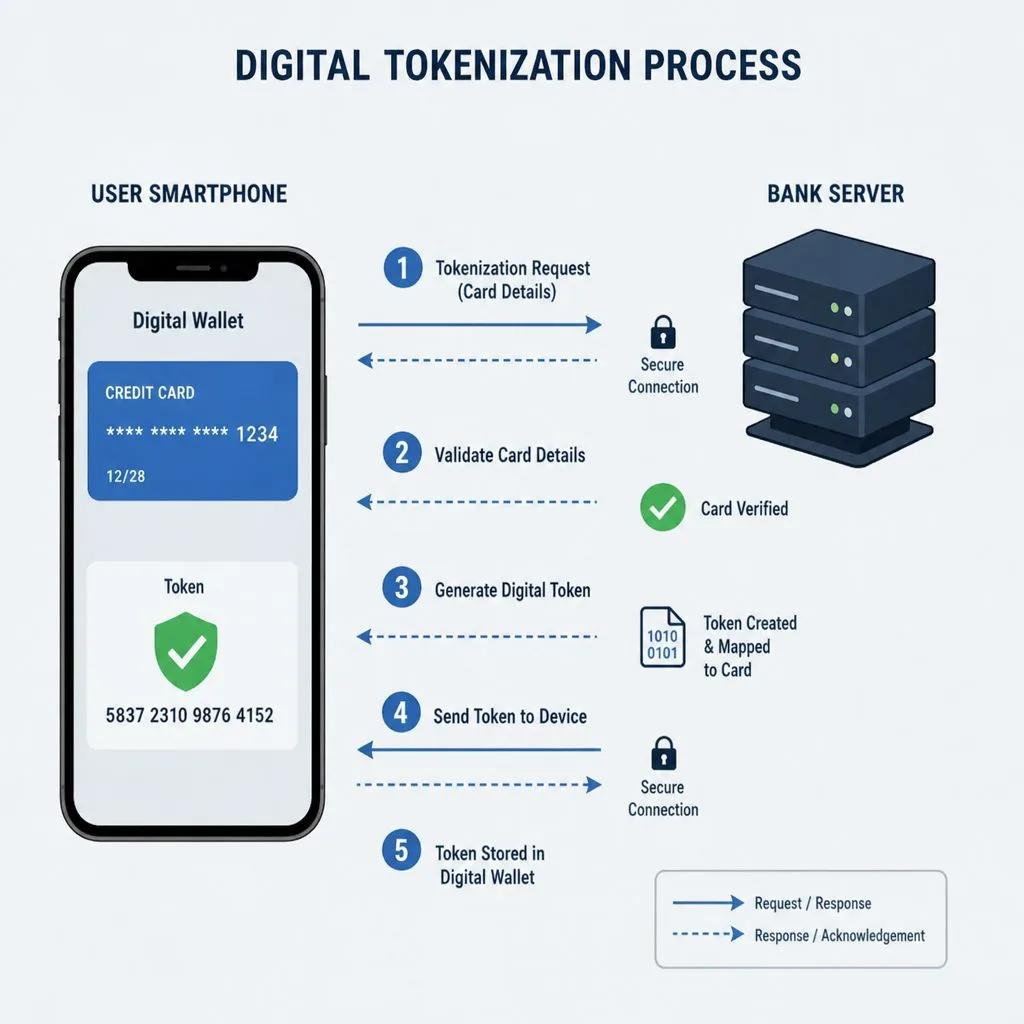
Security-Review-Ready Wallet Passes
Book a demo, test drive Kemicard, or start a free 30-day trial.
 Start Free Trial