

What Is a .pkpass File? Apple Wallet Passes Explained
 By the Kemicard team
Every card, ticket, and coupon in Apple Wallet is a .pkpass file. If you're planning a wallet program, understanding the format explains both what's possible and what your platform should be doing for you.
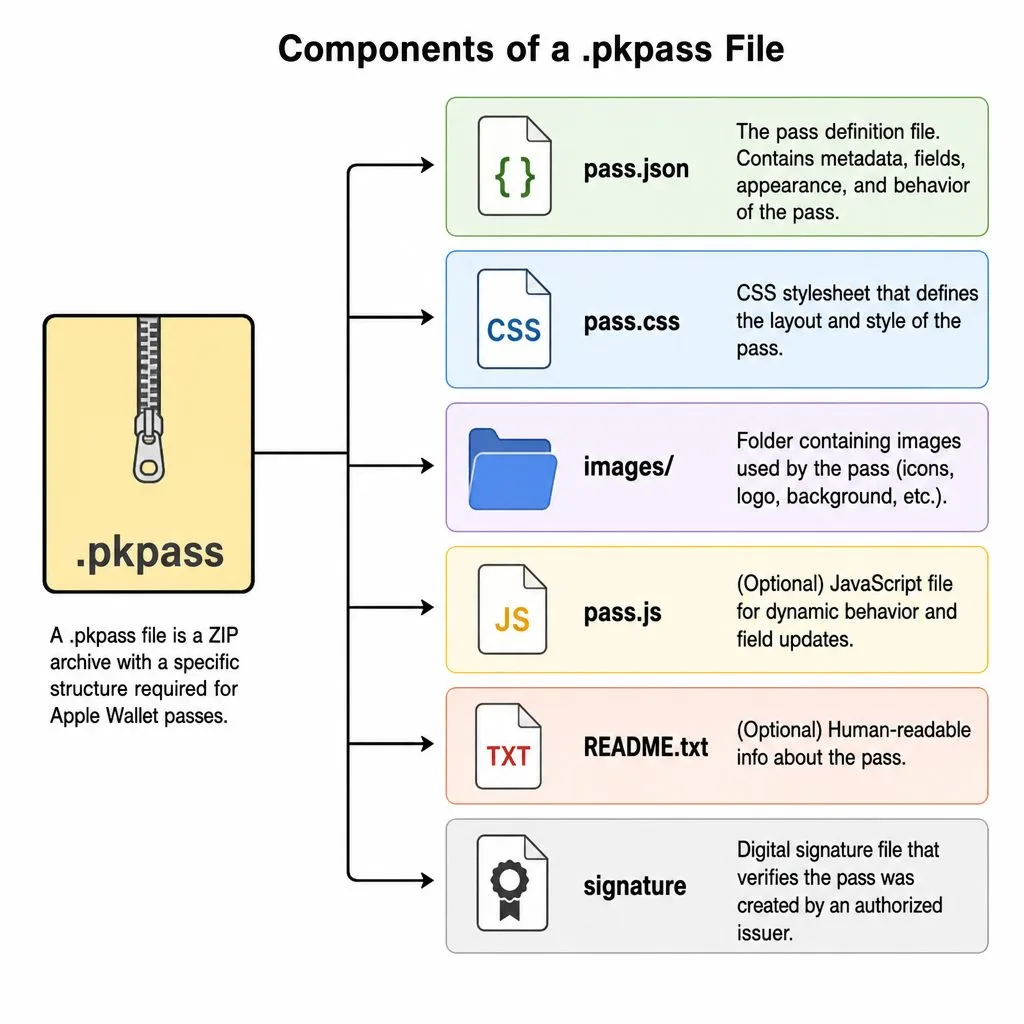
What is a .pkpass file? It is the signed bundle Apple Wallet installs when someone taps Add to Apple Wallet. The .pkpass file format is a ZIP archive with a fixed structure, and all the .pkpass file information — fields, colors, barcode — lives in pass.json. Curious how to open .pkpass files on a desktop? Rename to .zip and look inside. Wondering how to create .pkpass files without hand-signing certificates? That is exactly what Kemicard automates. Details below.
Inside a .pkpass
A .pkpass is a ZIP archive with a strict structure: a pass.json describing the layout, fields, colors, and barcode; image assets (logo, icon, strip); localizations; a manifest listing a checksum for every file; and a cryptographic signature created with a certificate issued by Apple to the pass creator. If any byte changes without re-signing, the pass is invalid — that signature is why wallet passes are trustworthy at the door.
Pass types and layouts
Apple defines five styles — generic, store card, coupon, event ticket, and boarding pass — each with fixed field positions: header, primary, secondary, auxiliary, and back fields. Design within the system and passes feel native; fight it and they look broken. (Google Wallet uses a different but analogous model — see our Apple vs Google comparison.)
Common uses for .pkpass files
The same format powers most of what lives in a wallet today: airline boarding passes, event and concert tickets, retail coupons and loyalty cards, membership cards, and student or staff IDs. Anything with an identity, a barcode, and data that changes over time is a candidate.
How to open a .pkpass file
On an iPhone or iPad, tap the file or link and Apple Wallet offers to add it — that's the whole process. On a Mac, double-clicking hands it to Wallet on devices signed into the same Apple ID. On Android, third-party apps such as WalletPasses or PassWallet can import .pkpass files, though most issuers (Kemicard included) simply send Android users a native Google Wallet pass instead. And on a desktop, renaming the file to .zip lets you inspect its contents.
How to create a .pkpass file
Doing it yourself means the full Apple developer path: obtain an Apple Developer account, request a pass type certificate, define the layout in pass.json, add the image assets, generate the manifest checksums, and sign and package the archive. Then repeat the signing every time any pass changes — which is why hand-built passes rarely survive contact with a real program.
How updates reach the phone
A pass carries a web service URL and an authentication token. When the source data changes, the issuing server tells Apple's push service, the device fetches the updated .pkpass, and the card refreshes silently — that's how a membership tier or event gate changes on thousands of phones in seconds.
Do you need a .pkpass generator?
Only if you enjoy managing certificates, signing pipelines, and push registrations. Kemicard generates, signs, and updates .pkpass files (and their Google Wallet equivalents) automatically from Salesforce records: you design the template with clicks, map fields, and the platform handles the format. Read how in the technical architecture, or try it on the AppExchange Test Drive.
Sources: Apple's Wallet Passes documentation; Building a Pass; Adding a Web Service to Update Passes; and Apple Support's Add, use, and share tickets and passes in Apple Wallet.
Explore Kemicard
Product & solutions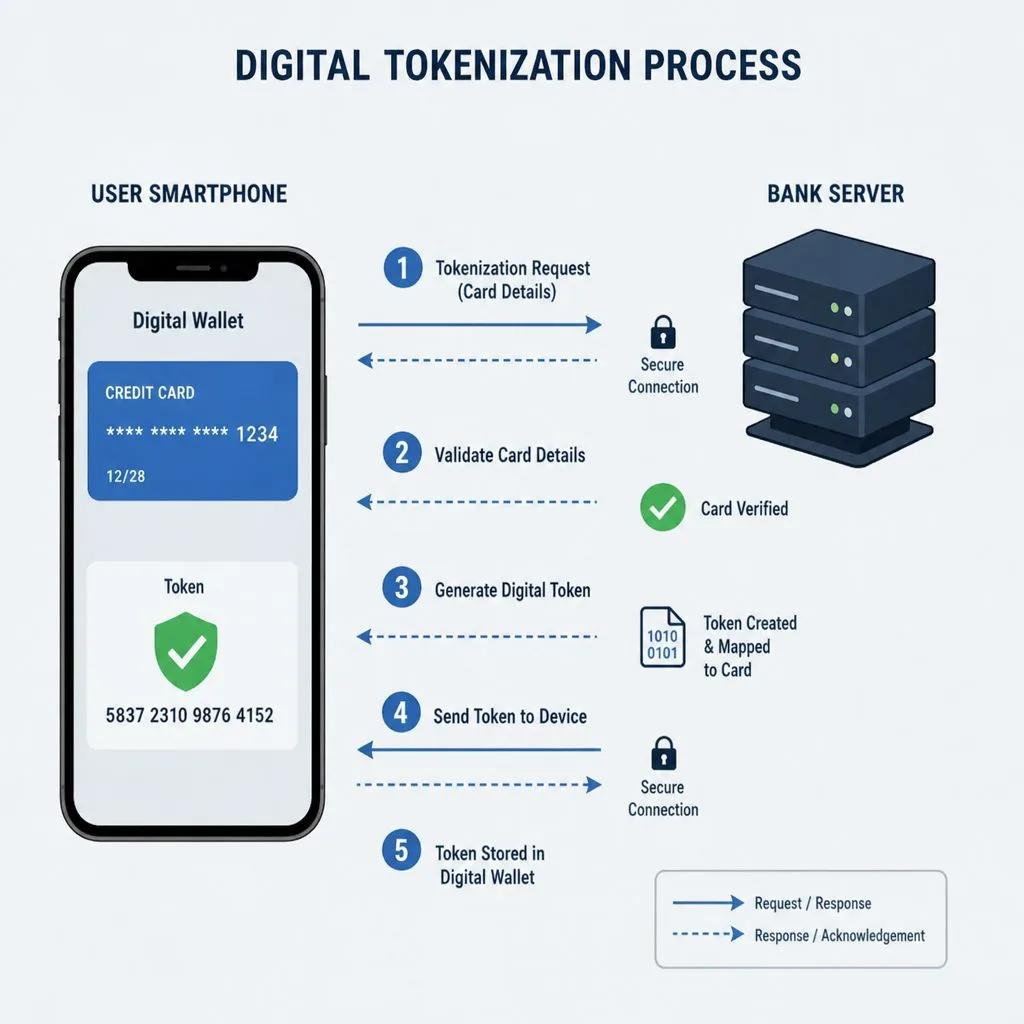
Put Your Salesforce Data in Every Wallet
Book a demo, test drive Kemicard, or start a free 30-day trial.
 Start Free Trial