

Hotel and Resort Wallet Passes in Apple Wallet and Google Wallet Issued Directly From Salesforce
Kemicard connects to any Salesforce guest record and generates the right pass automatically, whether that is a resort loyalty card, a spa membership, or a private club credential, all delivered to Apple Wallet and Google Wallet without a separate app or manual export.
What hospitality teams use Kemicard for
VIP & privilege cards
Branded access cards — beach, facility, founders, VVIP — with member details and recent activity on the pass, and tailored scanner logic at each touchpoint.
Guest loyalty tiers
Tier upgrades reflect on the card the same day, with a push that invites the guest to enjoy the new benefit on their next stay.
Amenity & venue access
Scan-verified entry that checks entitlements, records the visit, and decrements allowances — with exceptions flagged to staff instantly.
Guest Messages With Perfect Timing
Hospitality is timing. Push notifications from the guest's wallet pass hit the arrival, the stay, and the return — without asking the guest to install anything.
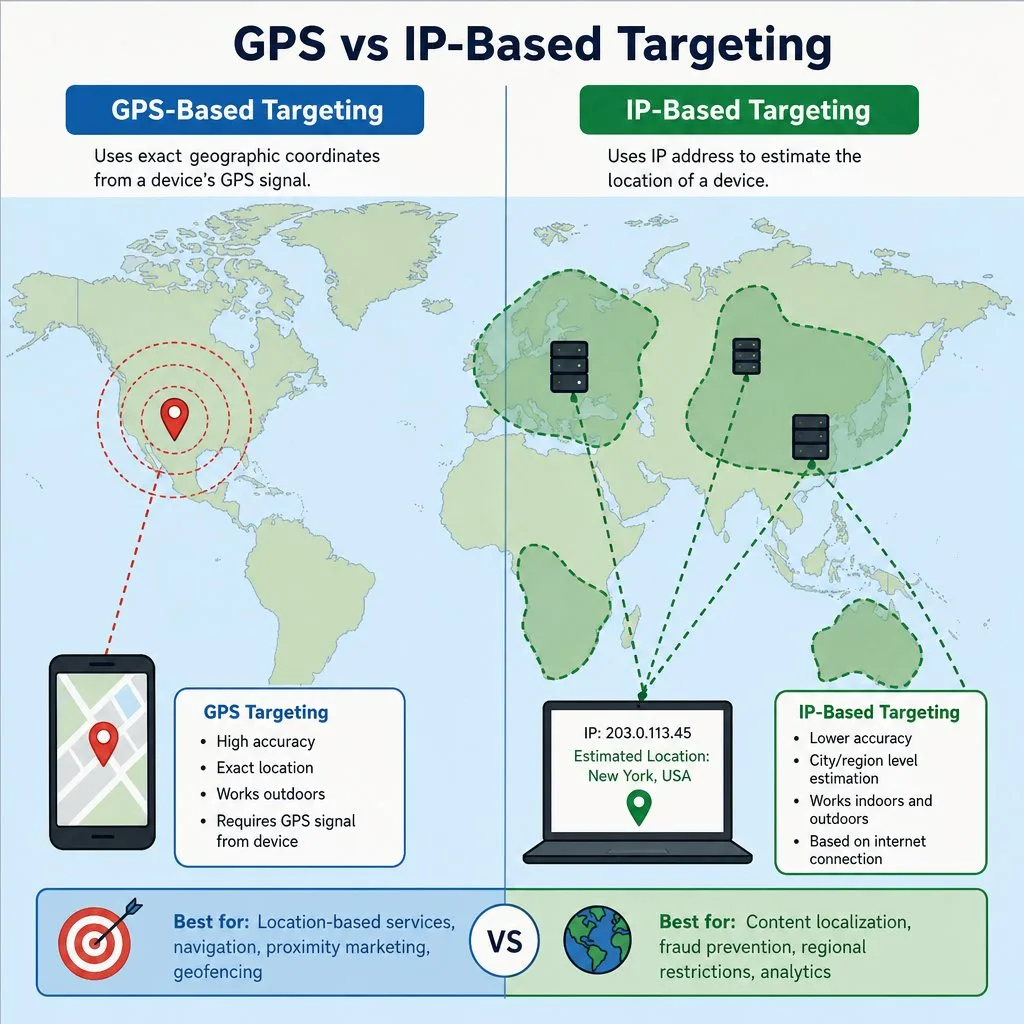
- Pre-arrival. Check-in windows, parking, and upgrade offers push as the guest approaches the property, geofence-triggered.
- On property. Table-ready alerts, spa availability, happy-hour starts — moments that monetize an in-house guest.
- Loyalty in the stay. Points and tier progress update live, turning every folio charge into visible progress.
- The return. A re-booking offer lands a week after checkout, while the memory is still good.
Every message here is a template — sent automatically from a Salesforce Flow, a scheduled Kemicard Connect send, or a single record, at no per-message cost.

1 Cliffside Drive
Monterey, CA 93940
Checkout: Thursday 12:00 PM
The Back of the Card: A Concierge in the Wallet
Wi-Fi, amenity hours, and one-tap concierge — the questions every guest asks, answered on the pass they already have.
Every row is a back-of-pass field configured in Kemicard Studio — plain text, tappable links, and phone numbers, all mapped to Salesforce data. Seasonal hours and pool closures update from Salesforce to every in-house guest's card in seconds.
Front Desk to Beach Gate, One Record
- Scan-driven benefits tracking — every privilege use is a Salesforce record: card, location, date, staff member. Daily benefit reports come standard.
- Arabic & RTL support — language-specific templates per audience, proven in production for Arabic-market deployments.
- Sharing controls — set the sharing level per template: Apple on or off, Google in four Kemicard sharing levels down to one account on one device. Add a rotating barcode so a photographed code expires within seconds, detect duplicate installs, and switch compromised cards to a “duplicated card detected” state.
- Geofenced welcome — the guest's card surfaces as they arrive on property.
 Marina Resort
 Grand Vista Hotels
Hospitality, in practice
Hospitality runs on moments: check-in, the room upgrade, the late checkout, the returning guest recognized by name. A wallet pass is the one guest touchpoint that survives the whole journey — booked, pre-arrival, on property, and post-stay — without asking the guest to install anything.
Issue the pass at booking confirmation from the Salesforce record: it carries the confirmation number, dates, and a QR code the front desk scans for instant lookup. Pre-arrival, geofencing surfaces the pass as the guest approaches the property. During the stay it becomes the loyalty card — points, tier, and perks updating live as folio data hits Salesforce. After checkout, the same pass flips to a re-booking offer with a push notification, turning a one-time guest into a returning one.
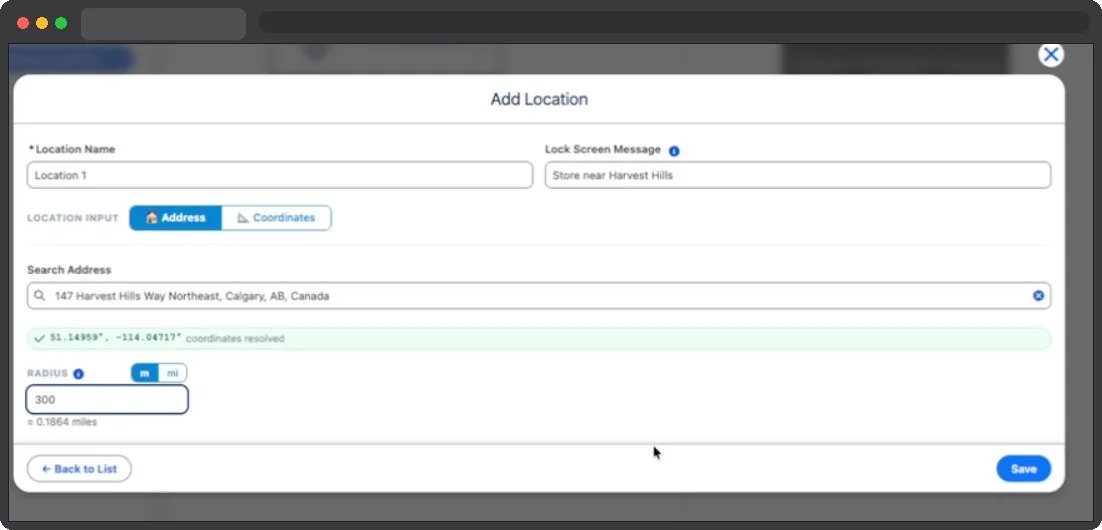
For restaurant groups, spas, and clubs inside the property, one Kemicard template per outlet keeps branding distinct while every scan writes to the same guest record — finally giving marketing a single view of on-property engagement. And because it's all Salesforce, your existing journeys in Marketing Cloud or Flow orchestrate the messaging without a new vendor in the loop.
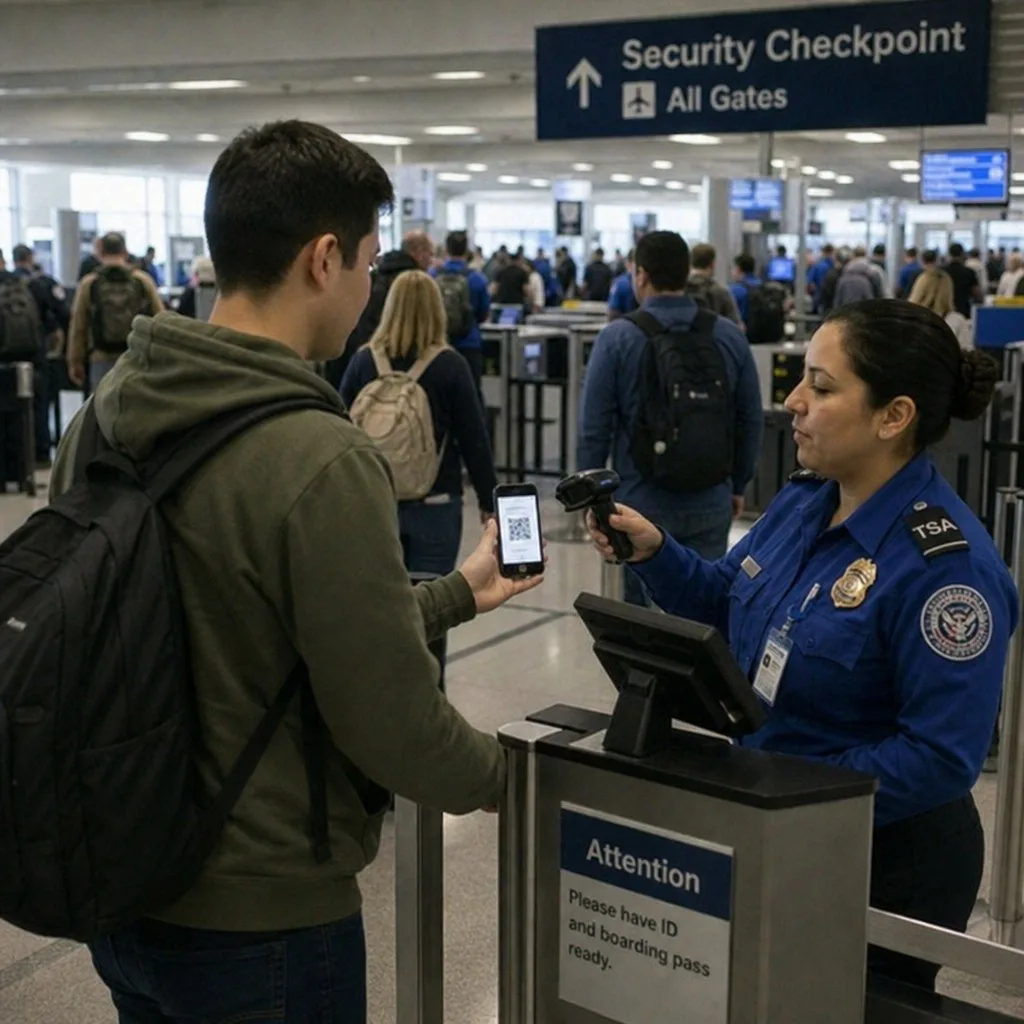
The Pass Should Be in the Wallet Before Check-In
The most valuable moment for a hospitality pass is the one before the guest reaches the desk. A booking confirmation that carries the reservation into the wallet turns arrival into a scan instead of a search through email for a reference number.
- It surfaces on arrival. Set the property location as the relevance rule and the pass appears on the lock screen as the guest pulls in.
- It works with no signal. International guests on roaming will not load a portal. A stored pass does not need to.
- It updates after issue. A room change, an upgrade or a late checkout reaches a pass already on the phone.
- The back of the pass answers the questions that otherwise become calls to reception — breakfast hours, wi-fi, parking, the direct number.
The pattern is borrowed from airlines; see digital boarding passes.
Sources: Apple's Showing a Pass on the Lock Screen; Google's Loyalty cards documentation; Salesforce's LoyaltyMemberCurrency object reference.
Give Every Guest a Card Worth Keeping
See a resort-grade access and loyalty program configured in a live org.
A Salesforce Hospitality Wallet Pass for Every Stage of the Guest Journey From Booking to Loyalty Membership
Kemicard issues a different Salesforce hospitality wallet pass at each stage of the guest relationship. A booking confirmation pass goes to Apple Wallet or Google Wallet at reservation, a resort pass activates at check-in, and a loyalty membership card updates automatically as the guest earns tier status in Salesforce.
Hotel Loyalty Card
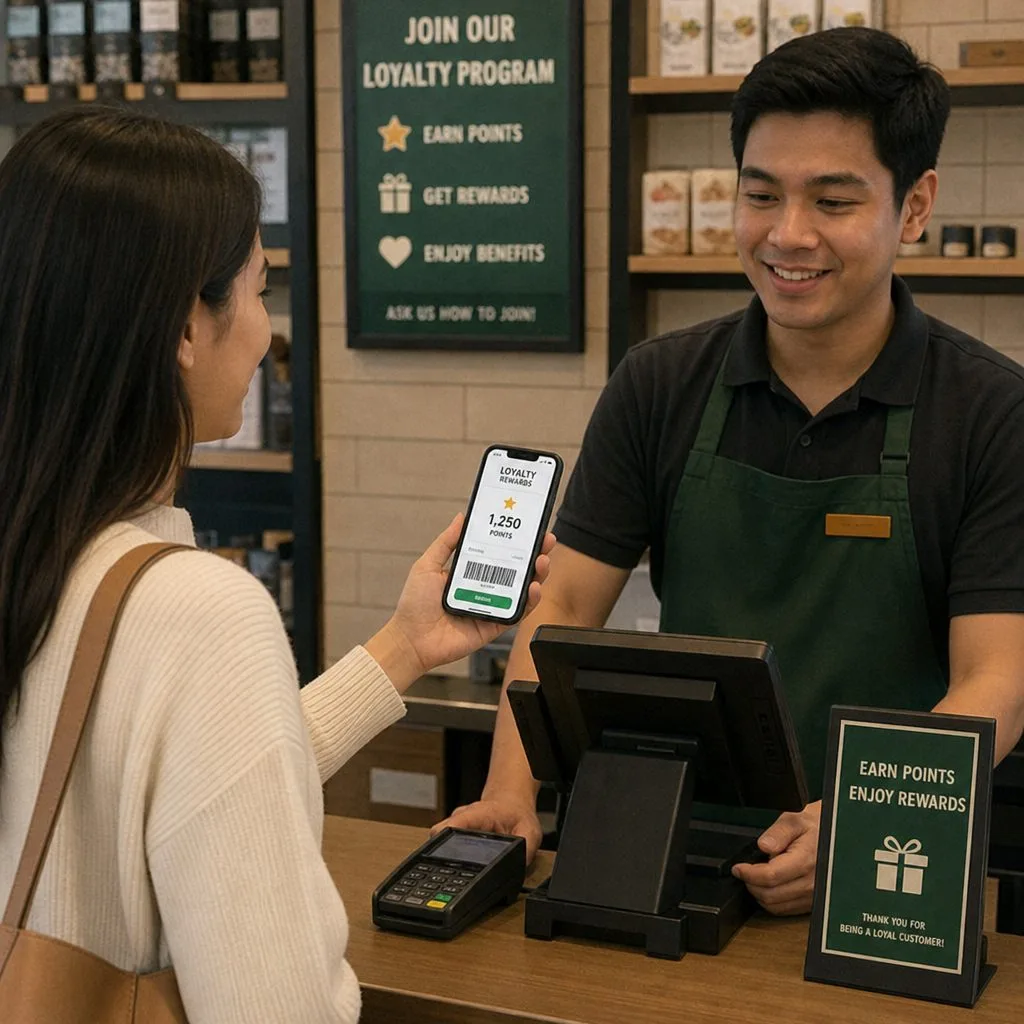
Connects to Salesforce Loyalty Management and displays points balance, tier status, and member ID in Apple Wallet and Google Wallet. Updates after every qualifying stay.
Resort and Wellness Pass
Issued for resort stays and spa programs from a single Salesforce record. Covers pool access, fitness facilities, and treatment bookings in one pass the guest already carries.
Club Membership Card
Created for private dining clubs, golf memberships, and residence programs managed in Salesforce. Carries member number, privileges, and valid-through date without a separate card program.
Group and Event Pass
Issued to wedding parties, conference attendees, and group bookings from a Salesforce campaign or event record. Personalised per guest with session details, meal preferences, and expiry.
The Apple Wallet and Google Wallet Hotel Loyalty Card That Grows With the Guest Relationship Inside Salesforce
Every point earned, every tier crossed, and every membership renewal updates the guest's loyalty card in Apple Wallet and Google Wallet without any action from the hotel team. Kemicard keeps the pass connected to the Salesforce record, so the guest always sees accurate tier status, points balance, and member ID.
- Issued on Loyalty Enrollment. Kemicard creates the loyalty pass in Apple Wallet and Google Wallet the moment the enrollment record is completed in Salesforce. No manual trigger required.
- Points Balance on the Pass Face. Current points balance pulls from Salesforce Loyalty Management and displays on the pass, updated after every qualifying stay or transaction.
- Expiry Countdown Notification. Kemicard sends a lock screen notification in Apple Wallet and Google Wallet as the renewal date approaches, prompting the guest to renew before the membership lapses.
- Automatic Revocation on Membership Lapse. If a membership closes or lapses in Salesforce, Kemicard revokes the pass in both wallets immediately. Lapsed members cannot present an outdated card at the property.
Salesforce Marketing Cloud Hotel Wallet Passes Delivered at Every Guest Journey Milestone
Kemicard connects to the Salesforce Marketing Cloud so every journey milestone produces a pass action. A booking confirmation issues a hotel pass, a pre-arrival step updates check-in details, and a post-stay trigger adds earned loyalty points automatically.
Booking Confirmation Pass on Journey Entry
When a guest enters a booking journey in Salesforce Marketing Cloud, Kemicard issues the hotel booking pass to Apple Wallet and Google Wallet at that step automatically.
Pre-Arrival Pass Update via Journey Step
A pre-arrival journey step triggers Kemicard to update the guest's existing pass with check-in time, room details, and property address before they travel.
Post-Stay Loyalty Card Issuance
A post-checkout journey step issues or updates the loyalty card with points earned during the stay, reflecting the current Salesforce Loyalty Management balance immediately.
Tier Upgrade Pass via Marketing Cloud Trigger
When a guest crosses a loyalty tier in Salesforce, a Marketing Cloud journey triggers the pass tier name and design to update in the guest's wallet automatically.
Conference, Wedding, and Resort Event Passes Issued From Salesforce With Each Property's Own Branding
Kemicard issues branded passes to conference, wedding, and event attendees using Salesforce data to automatically populate session details, meal preferences, and access levels.
- Passes Issued From a Salesforce Campaign Record. A confirmed group booking or event campaign in Salesforce triggers Kemicard to issue a personalized pass to every attendee on the record automatically.
- Personalised Pass Per Attendee. Each guest receives their own pass carrying their name, session access, meal preference, and attendee type pulled directly from Salesforce fields.
- Property Branding Per Pass. Each property in the hotel group has its own pass template in Kemicard. The correct logo, colours, and layout apply automatically based on the property field in the Salesforce record.
- Multi-Property Pass Routing From One Org. Hotel groups managing multiple properties in one Salesforce org issue distinctly branded passes for each location without duplicating configuration or maintaining separate accounts.
- Session and Access Level on the Pass Face. Conference session times, room assignments, and facility access levels display on the pass face and update in Apple Wallet and Google Wallet if the Salesforce record changes.
Frequently Asked Questions
Kemicard works with any Salesforce object, including FSC Hospitality guest profiles, standard contact and campaign records, and custom objects built for hotel loyalty or reservation management. Pass fields map to whatever fields the hotel team already uses in their org.
Kemicard generates an Add to Wallet link that can be delivered by email, SMS, or through a Salesforce Marketing Cloud journey. The guest taps the link and adds the pass to Apple Wallet or Google Wallet in one step. No account creation or app download is required.
Yes. Kemicard detects the guest's device and delivers an Apple Wallet pass or a Google Wallet pass accordingly. Both pass types are configured from the same Salesforce template and carry identical field mappings.
No. All property pass templates are configured and managed within the hotel group's existing Salesforce org. The correct template applies to each pass based on the property field in the record, with no external dashboard or separate account required per property.
Kemicard installs directly from the Salesforce AppExchange and connects to existing records without a custom integration project. Most hotel teams configure their first pass template and issue their first live pass within the same week as installation.
Kemicard works for any hotel or resort running on Salesforce, from a single boutique property to a multi-brand portfolio. The platform scales to the number of records and pass types in the org without requiring additional infrastructure.
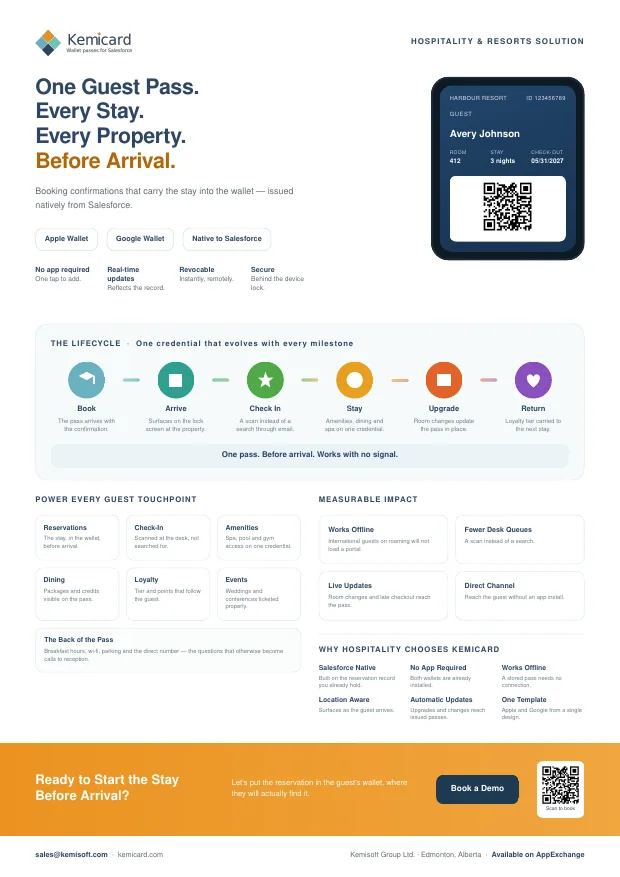
Hospitality & Resorts — the brochure
A one-page summary for a conference table or an email, or the six-page version for the colleague who has to approve it. Both cover what you can issue, how it works, and the push and back-of-card examples for hospitality and resorts.
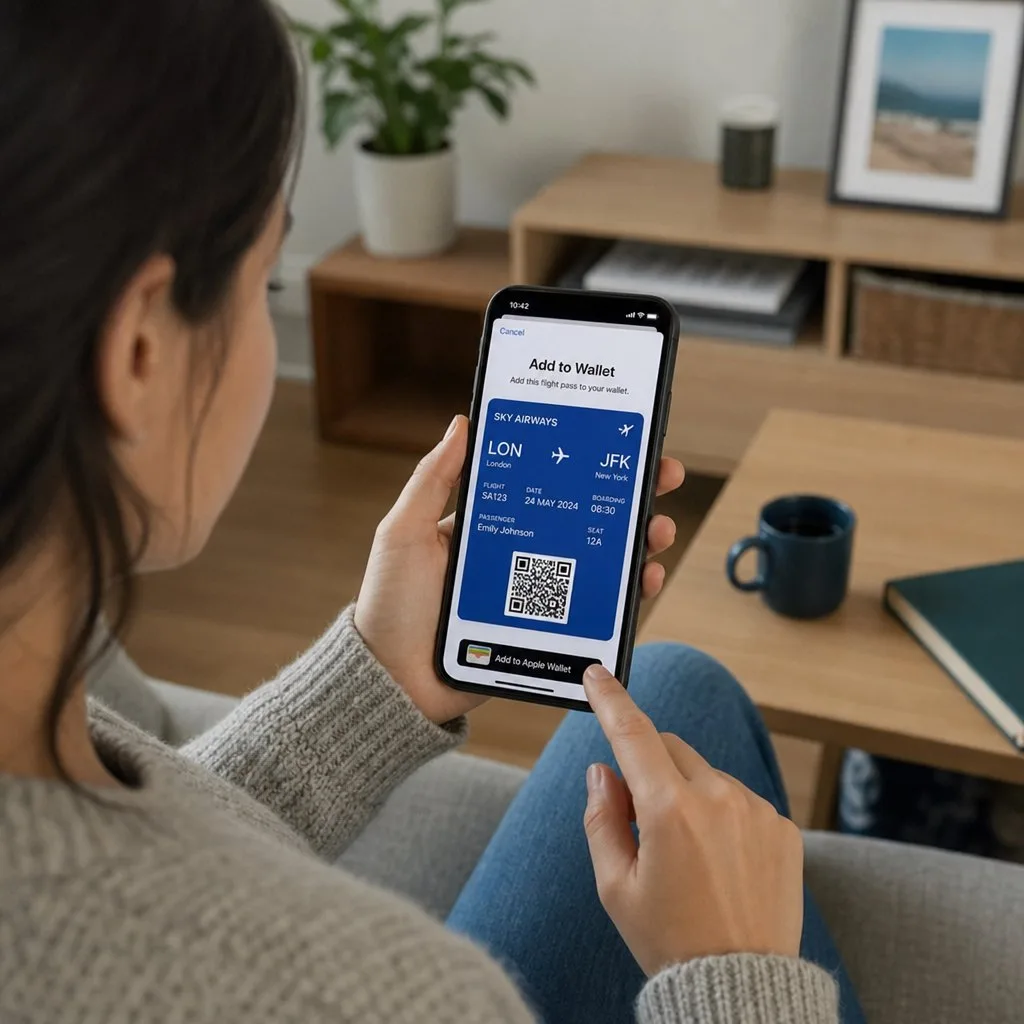
 Get It on AppExchange