

Digital Boarding Passes: The Template Every Other Pass Copied
 By the Kemicard team
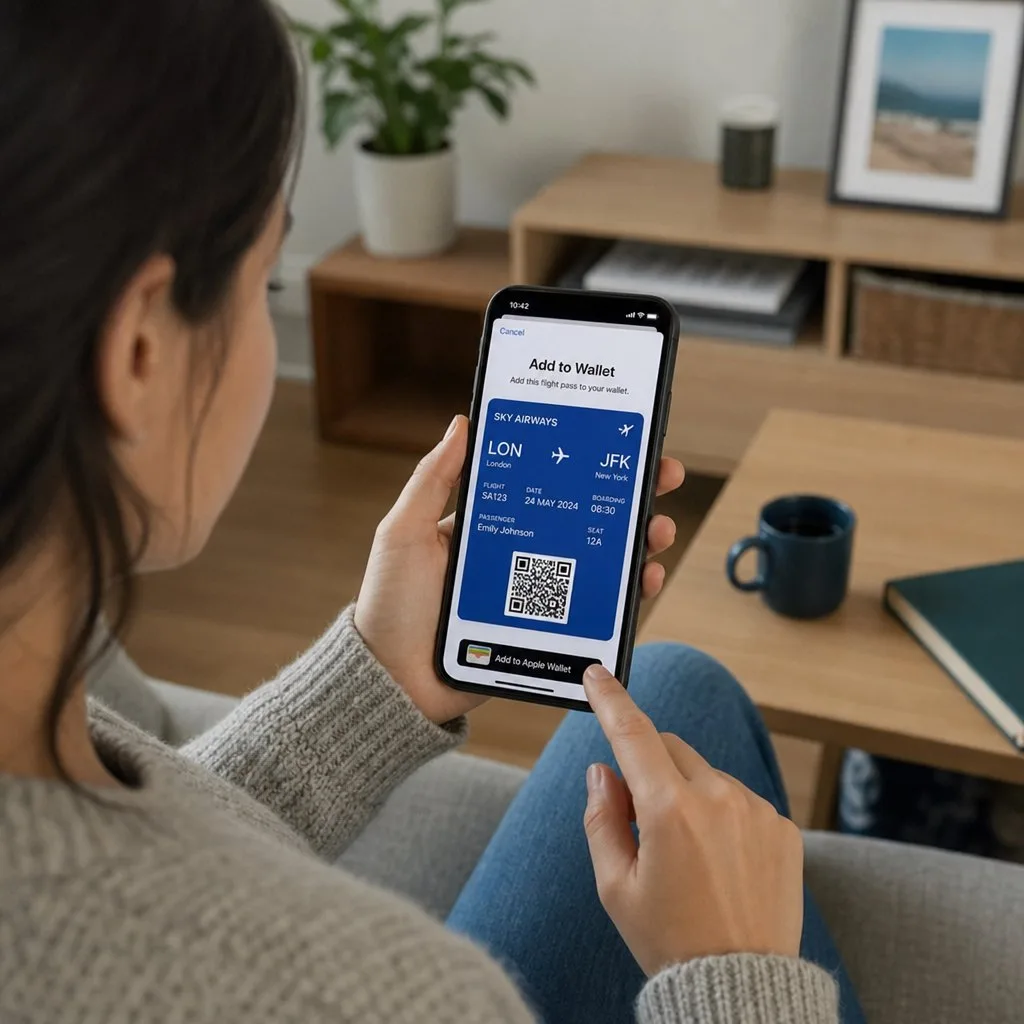
Airlines solved the mobile credential problem before anyone else had to, under harder conditions than most organisations will ever face: millions of daily users, no tolerance for queue delay, and a document that changes after it is issued. If you are designing any kind of pass, the boarding pass is the reference implementation.
Why it works
Four properties, and every one of them transfers to membership cards, tickets and credentials.
- It appears when it is needed. The pass surfaces on the lock screen at the airport, at the right time, without anyone searching. Relevance by time and location is the single most underused feature in wallet passes generally.
- It updates after issuance. Gate changes, delays and seat reassignments reach a pass already sitting on the phone. This is what a PDF fundamentally cannot do.
- It works offline. Airport wi-fi is unreliable and roaming data is expensive. A pass stored on the device does not care.
- It brightens the screen for the scanner. A small detail that removes a genuine failure at the gate.
The retrieval problem, illustrated
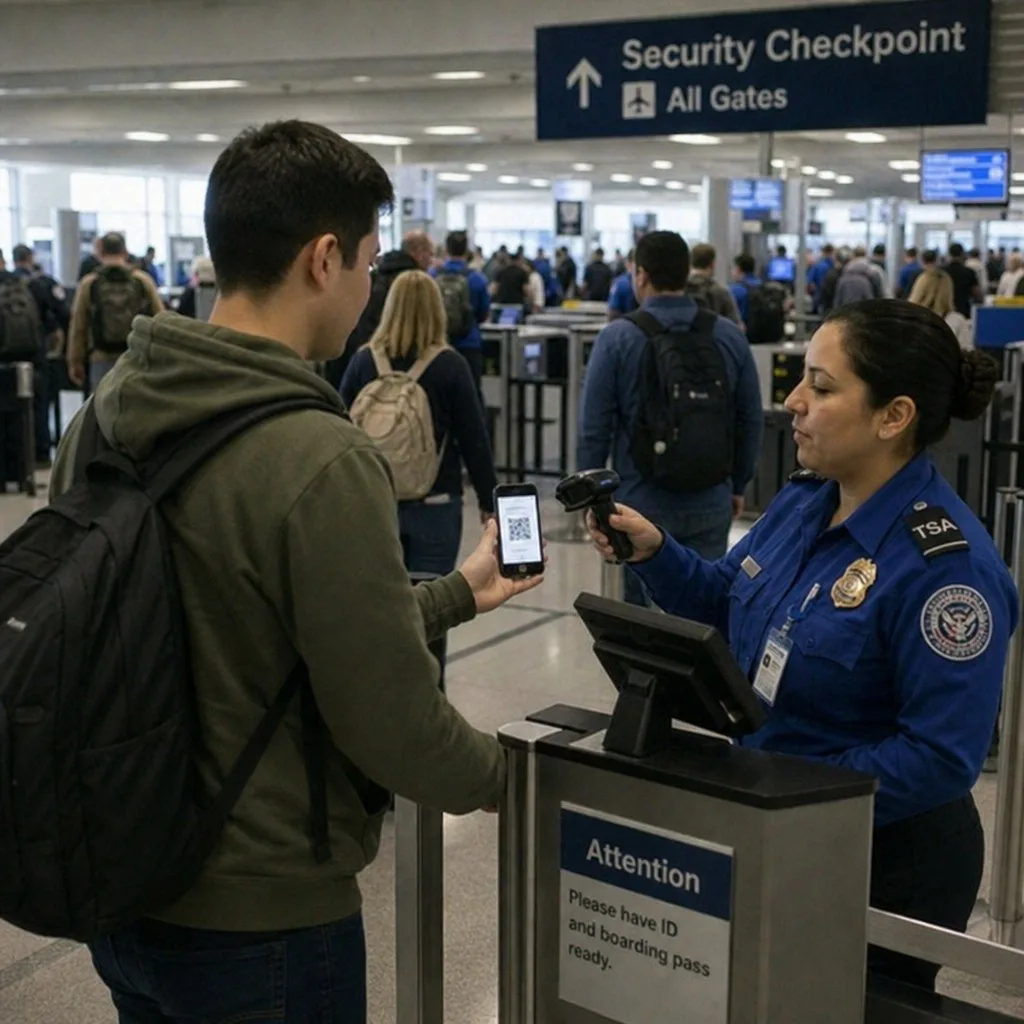
Watch a boarding queue and you will see the argument for wallet passes made repeatedly. The passengers who are slow are not disorganised; they are the ones whose pass is an email attachment. They are searching an inbox, on a congested network, with people behind them.
The passengers with the pass in their wallet take about two seconds. Same barcode, same airline, same flight — the only difference is where the pass lives, and that difference is the entire user experience.
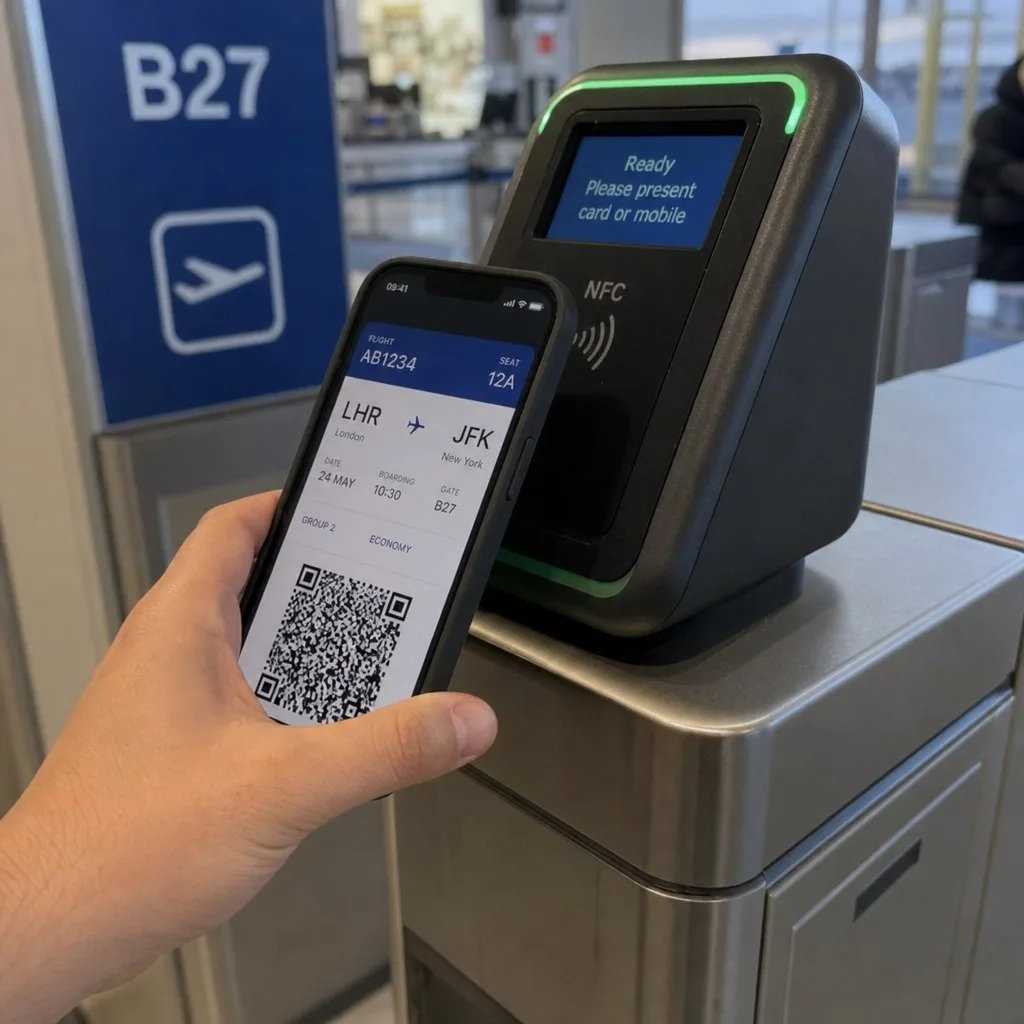
How a boarding pass gets to the wallet
Four routes, in rough order of how often they are used:
- The airline app at check-in — an "Add to Apple Wallet" or "Add to Google Wallet" button after checking in.
- The check-in confirmation email, which carries the same button. This is the route most non-airline organisations should copy, because it needs no app.
- An attached
.pkpassfile, which iOS opens directly into Wallet. - A kiosk or desk QR code scanned at the airport, which is the fallback that catches everyone else.
The lesson for other issuers is that the email route does most of the work. Requiring an app download before someone can hold their own credential loses a substantial fraction of them.
What goes wrong, and why
- The pass will not add. On Android, check that a screen lock is set — Google Wallet requires one for payments, and a missing one is a frequent cause. It is the single most common support question and the fastest to resolve.
- The barcode will not scan. Usually screen brightness or a heavily scratched protector. Passes that auto-brighten avoid most of this.
- The update never arrived. Automatic Updates was switched off on the pass, or notifications were declined at install.
- Two passes, one flight. A reissue that created a new pass rather than updating the existing one — an issuer error, and a confusing one for the passenger at the gate.
What to take from it
If you issue event tickets, membership cards or credentials, the boarding pass has already answered your design questions.
- Set relevance. A date, a location, or both. A pass that surfaces itself is worth several that do not.
- Update rather than reissue. One pass per entitlement, changed over time. Reissuing creates duplicates and confusion.
- Assume no connectivity at the point of use, and design the offline case first.
- Put one thing on the front. Gate and seat, or the equivalent for you. Everything else goes on the back.
- Distribute by email. No app requirement, no barrier.
The same mechanics, on your records
A boarding pass is a `.pkpass` file with a web service URL and a relevance rule — the same machinery behind every other pass. Kemicard issues that machinery from Salesforce records, so a ticket, a membership or a credential behaves the way a boarding pass does. See what a .pkpass file is and electronic tickets explained.
FAQ
- Do I still need to print? Almost never for the airline, but some destinations still ask to see a boarding pass at immigration or a check. Carrying one costs nothing.
- Does it work with a dead phone? No. A boarding pass needs a working screen, so charge before you travel.
- Can two passengers share a device? Usually yes — multiple passes can sit in one wallet, though some carriers require each passenger present separately.
- Is it more secure than paper? Yes. It is behind a device lock and validated against a live record, and a paper pass is neither.
Sources: Apple's Showing a Pass on the Lock Screen, Distributing and updating a pass and Wallet design guidelines; Google's Boarding passes documentation.
Explore Kemicard
Product & solutions
Build Passes That Behave Like Boarding Passes
Book a demo, test drive Kemicard, or start a free 30-day trial.
 Start Free Trial