

How Digital Loyalty Cards Work in Apple & Google Wallet
 By the Kemicard team
Punch cards get lost. Plastic gets left at home. A digital loyalty card lives on the one thing your customers never forget — their phone. Here's how wallet-based loyalty actually works, and what it takes to run one well.
What is a digital loyalty card?
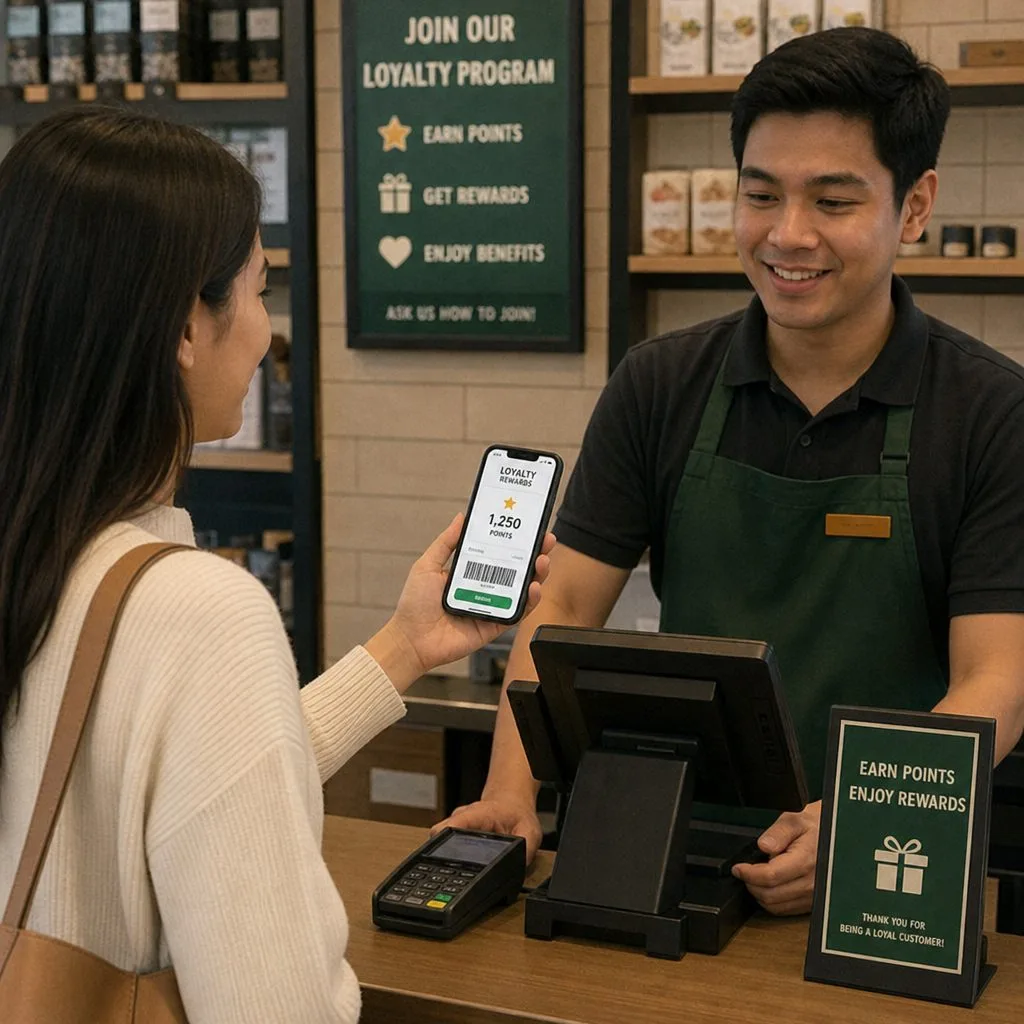
A digital loyalty card is a pass stored in Apple Wallet or Google Wallet that carries a member's identity, points balance, tier, and a scannable barcode. Unlike a loyalty app, there is nothing to download and no account to create: the customer taps one link, the card lands in their wallet, and it stays current automatically. Every visit, the cashier or scanner reads the barcode, the balance updates, and the card on the phone refreshes in real time.
Why wallet loyalty beats punch cards and apps
- Adoption — one tap to join versus an app install; wallet passes routinely see multiples of app-based enrollment rates.
- Presence — the card sits next to the customer's payment cards, and can surface on the lock screen when they walk near your location.
- Live data — points, rewards, and offers update on the card itself the moment they change in your system.
- A customer engagement channel — every card can carry customer engagement notifications, such as a reward earned, a tier reached or an offer about to expire, with no ad spend required.
- No plastic — nothing to print, mail, or replace, and a sustainability story your customers notice.
The anatomy of a great loyalty pass
The front of the card carries your brand, the member's name, their tier, and the points balance — the fields customers check most. The barcode drives earning and redemption at the counter. The back of the card is where programs win repeat visits: current rewards, how far to the next tier, terms, and a link to the member portal. Design guidance and a complete walkthrough live in our loyalty template guide.
Where the data should live
A loyalty card is only as good as the data behind it. If your customer records, purchases, and service history are already in Salesforce, a standalone loyalty rewards platform means syncing all of that to another cloud — and keeping it synced forever. The Salesforce-native alternative: the card renders from the CRM record itself. Points change in Salesforce, the card updates; a Flow detects a milestone, the card gets a push message. That's the model behind Kemicard loyalty programs — it complements Salesforce Loyalty Management if you run it, works with plain Sales or Service Cloud if you don't, and applies equally to retail, hospitality, and membership organizations.
Benefits for the business — and the customer
For the business: no printing or replacement costs, real-time insight into visit and redemption behavior, a persistent branded presence in the wallet, and a push channel that costs nothing per message. For the customer: nothing to carry, nothing to lose, points that are always current, and rewards that surface exactly when they're useful.
Personalization and data-driven marketing
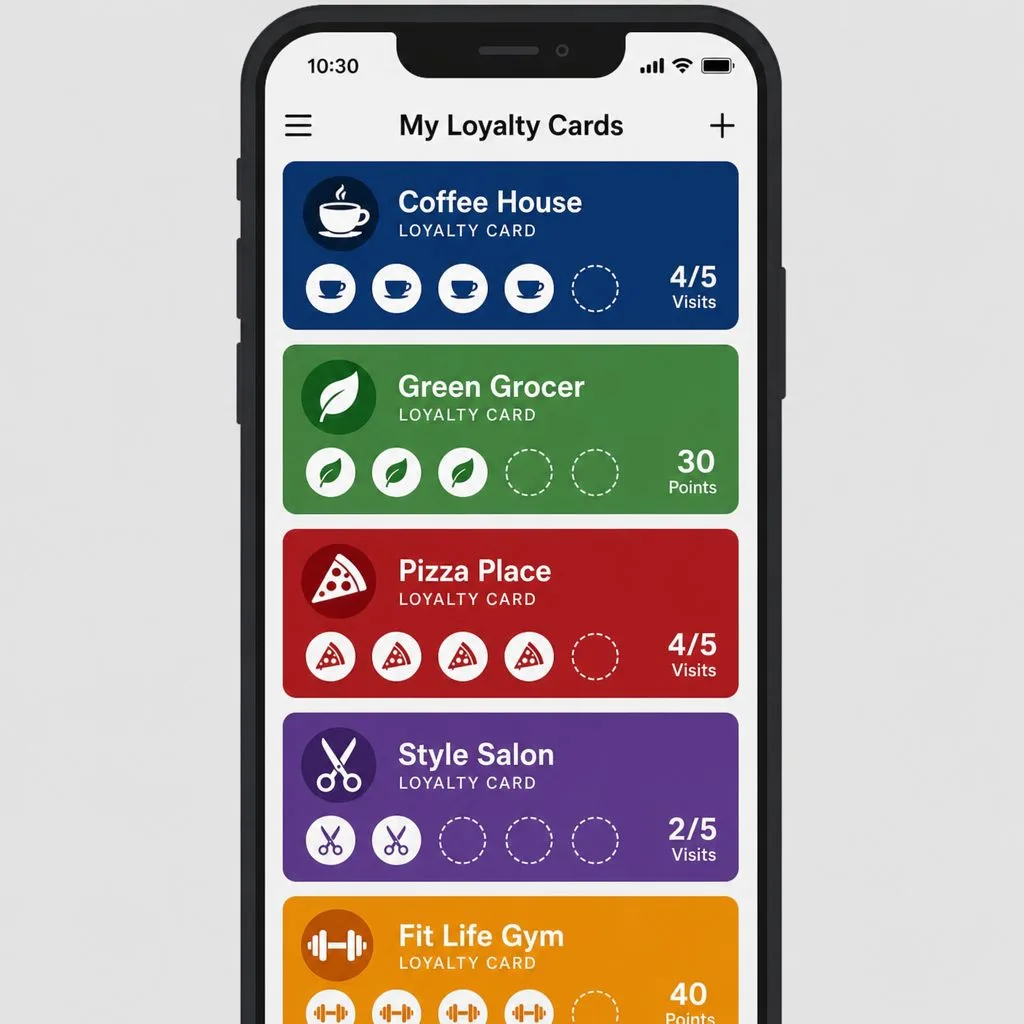
Because every earn and burn is a record, the program learns: segment by frequency, basket, or lapse risk, and send offers that match from Salesforce Marketing Cloud journeys or simple Flows — a birthday reward, a "50 points from your free coffee" nudge, a win-back offer after 60 quiet days. Generic blasts become targeted moments.
Eco-friendly, and cheaper to run
Retiring plastic and paper isn't just a sustainability story your customers notice — it removes an entire cost line: card stock, printing, shipping, reissuing. The card that can't be lost never needs replacing.
Best practices for launch
- Make joining instant — a QR code at the counter and a link in receipts; no forms.
- Reward the first visit — seed the card with points so the balance is never zero.
- Design for the glance — balance and tier on the front, everything else on the back.
- Message sparingly — lock-screen space is earned; save pushes for real value.
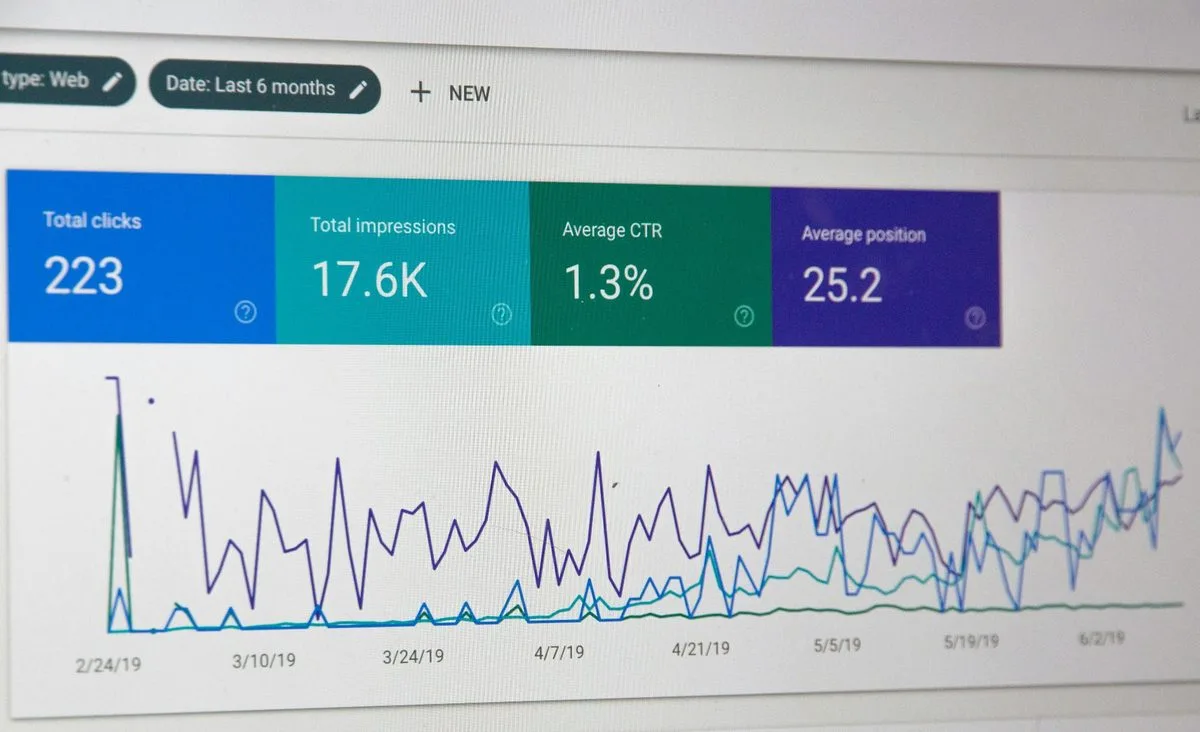
- Measure and tweak — watch redemption rate and active passes weekly; adjust the reward loop, not the design.
Getting started
Start with one segment and one reward loop: enroll customers via a QR code at the counter or a link in your receipts, issue the card from the contact record, and award points on scan. From there, layer in tiers, geofenced lock-screen reminders, and win-back offers for lapsing members. Most teams launch a pilot in days, not months.
Do you need a customer loyalty app?
The instinct is to build one, and it is usually the wrong instinct.
A digital loyalty app gives you the richest possible experience for the customers who install it, and the honest number for that is a minority — often a small one. Every step between the counter and the reward loses people, and an app store download is the largest step there is.
A wallet loyalty card inverts the trade. It is thinner than an app: no push-notification centre of its own, no in-app catalogue, no branded home screen. What it has is adoption, because Apple Wallet and Google Wallet are already on iPhones and most Android phones that will walk through your door, and joining takes about ten seconds.
For most retail, hospitality and membership businesses, a loyalty card app is the answer to a question customers were not asking. If you already have an app with real engagement, add the wallet pass alongside it — the two are complementary, and the pass reaches the people the app never will.
FAQ
- Do customers need an app? No — Apple Wallet and Google Wallet are pre-installed. The card installs with one tap.
- What happens when points change? The pass updates silently over push; the customer sees the new balance next time they glance at the card.
- Can one design serve both wallets? Yes — one template renders correctly for each platform. See Apple Wallet vs Google Wallet for the differences.
The structural problem with old loyalty systems
Legacy programmes fail for a reason that has nothing to do with the reward on offer. The customer cannot see their position without effort, and the business cannot see the customer's behaviour without a project.
Both halves are the same defect: the state of the relationship lives somewhere neither party can reach easily. Cards that carry a number but no balance. Databases that hold a balance but never surface it. An app that would solve both, if anyone would install it.
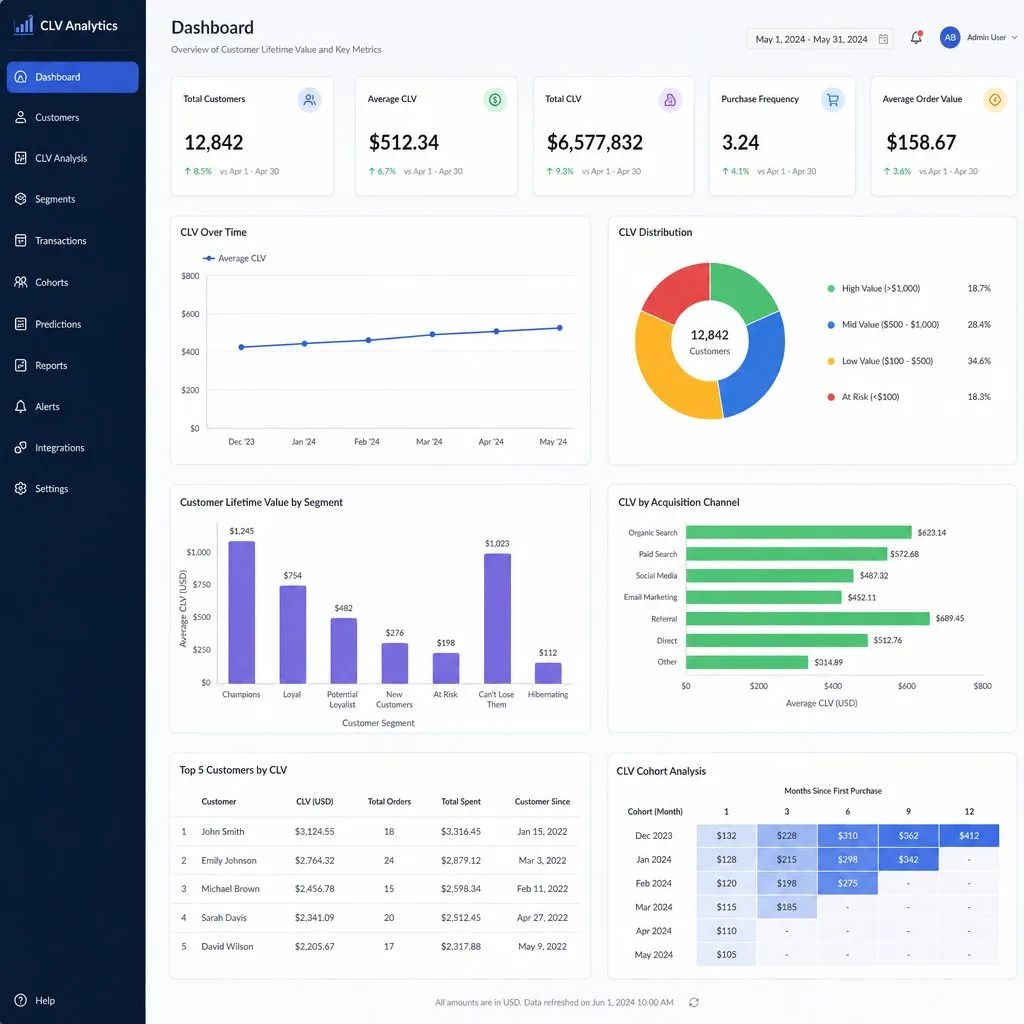
The wallet resolves it because it is already installed and already open at the moment of purchase. The balance is on the card, the card is next to the payment method, and every scan writes back to the record. Nothing new to adopt on either side.
Sources: Apple's Creating a store card pass, Showing a Pass on the Lock Screen and Adding a Web Service to Update Passes; Google's Loyalty cards documentation.
Explore Kemicard
Product & solutions
Launch a Wallet Loyalty Program From Salesforce
Book a demo, test drive Kemicard, or start a free 30-day trial.
 Start Free Trial