

Salesforce's Google Wallet Integration for Loyalty Management, Compared With Kemicard
Loyalty Management now has a built-in route to Google Wallet. If you already run Loyalty Management, it is the first option you should look at. This page sets out what Salesforce documents it does, what it takes to set up, and where Kemicard covers ground it doesn't.
The short version. If your members only need a Google Wallet loyalty card and gift-card vouchers, and your team can run the Google Cloud setup, Salesforce's integration is part of Loyalty Management and needs no separate app. If your members carry iPhones, or you want to design the card inside Salesforce, or you need passes beyond loyalty, Kemicard covers that.
At a glance
| Salesforce Loyalty Management + Google Wallet | Kemicard | |
|---|---|---|
| Wallets | Google Wallet. "Google" is the service provider on the pass template. [4] | Apple Wallet and Google Wallet |
| Pass types | A loyalty membership card, and a gift-card pass for vouchers. Up to 50 vouchers can be linked to one loyalty card. [3] | Loyalty cards, membership cards, event tickets, coupons and vouchers, and access credentials |
| What it is | A feature of Loyalty Management, with its own Digital Pass Template and Digital Pass objects [3] | An AppExchange managed package installed in the same org. It works with Loyalty Management or with your own points object. |
| Where the card is designed | Pass classes are created in the Google Pay & Wallet Console, and visuals in Google's Pass Builder [3] | In Kemicard Studio, inside Salesforce |
| Setup | In Google: a service account; a Cloud project with the Wallet API and the IAM Service Account Credentials API enabled; the Token Creator role; console admin access; an issuer account. In Salesforce: a Java Keystore certificate generated with the JDK, a JWT external credential, principals, and named credentials. [2][5] | Install from the AppExchange. Apple and Google signing certificates are managed by Kemicard. |
| Issuing a card | The Issue Digital Pass action. A Flow runs on enrolment or voucher issue and generates a URL, which the member opens from your app or Experience Cloud site. [3] | The Generate Pass action in Flow. The add-to-wallet link goes out by email, SMS or QR code. |
| Updating a card | The Refresh Digital Pass action, which you call with values such as points, tier, member type and expiry date. Available from API version 66.0. [6] | The pass updates when the record changes, and push notifications can announce the change |
| What the loyalty card can show | Default fields: account name and ID, barcode, reward points, tier, member type and expiry date. You can add custom parameters. [4][6] | Any field you map from the record, front and back of the pass |
| Messages and location | Not described in Salesforce's Google Wallet documentation | Push notifications, and location reminders for up to 10 locations |
| Scanning | Not described in Salesforce's Google Wallet documentation | The Kemicard Scanner checks the live record and writes the scan back to Salesforce |
| Licensing | Orgs with the B2C – Loyalty, B2C – Loyalty Plus, B2B – Loyalty, Loyalty Management – Growth or Loyalty Management – Advanced licence [4] | An annual subscription from $3,500 for 5,000 passes (pricing) |
| Who stands behind it | Salesforce describes Google Wallet as a third-party service provider that customers use at their own option and discretion [1] | Kemicard supports both wallet integrations as the vendor, including changes Apple or Google make to their pass formats |
Where Salesforce's integration is the better choice
- Your members are on Android. If a Google Wallet card reaches the people you need to reach, the built-in route may be all you need.
- You want to stay entirely within Loyalty Management. It uses Loyalty Management's own objects and invocable actions, with no separate app to install or license.
- Vouchers are the main event. Linking up to 50 vouchers to the member's loyalty card is designed in [3].
- Your team is comfortable with Google Cloud. The setup asks for a service account, API enablement, IAM roles and a Java Keystore certificate. That is routine for some teams and a project for others.
Where Kemicard is the better choice
- Your members carry iPhones. Salesforce's documentation covers Google Wallet only. Kemicard issues the same card to Apple Wallet and Google Wallet from one design.
- You'd rather not run Google Cloud setup. There is no service account, keystore or named credential to configure. Certificates for both wallets are managed for you.
- The card should do more than display a balance. Push notifications, location reminders and scan-back to Salesforce are part of the product (features).
- The program goes beyond loyalty. Event tickets, membership cards and coupons run from the same app and org (solutions).
- You don't run Loyalty Management. Kemicard also works on your own points or membership objects.
Kemicard is the wallet-card layer either way. Loyalty Management stays the system that runs the program's rules, accruals and tiers. See Kemicard with Loyalty Management.
Sources
- Salesforce Help: Integrate Loyalty Management With Google Wallet
- Salesforce Help: Cross-Platform Setup
- Salesforce Help: Digital Pass Template Setup and Dynamic Pass Generation
- Salesforce Help: Create a Digital Pass Template
- Salesforce Help: Integration Prerequisites and Setup
- Loyalty Management Developer Guide: Refresh Digital Pass
"Salesforce Digital Wallet", the tool for monitoring Data Cloud and Agentforce consumption, is a different product and unrelated to this comparison. See all platform comparisons.
Further reading
From the blog
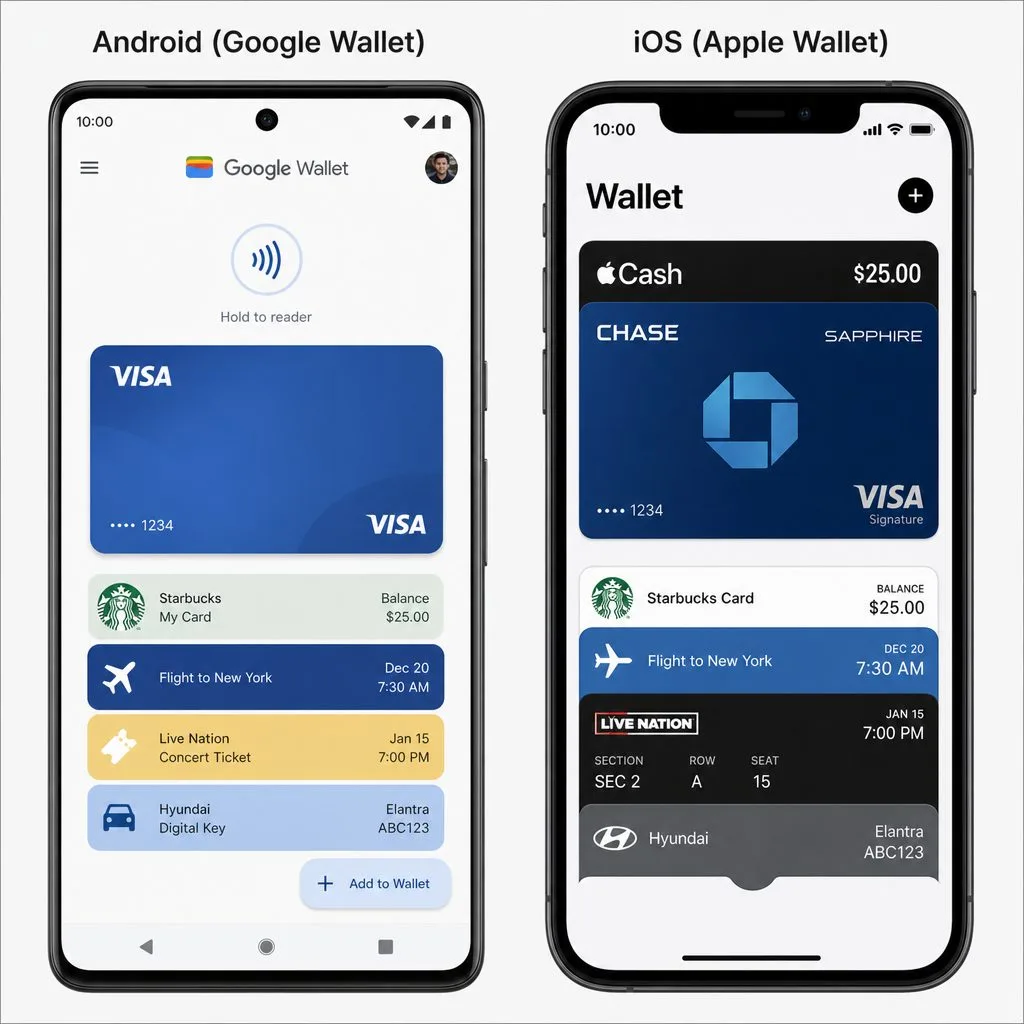
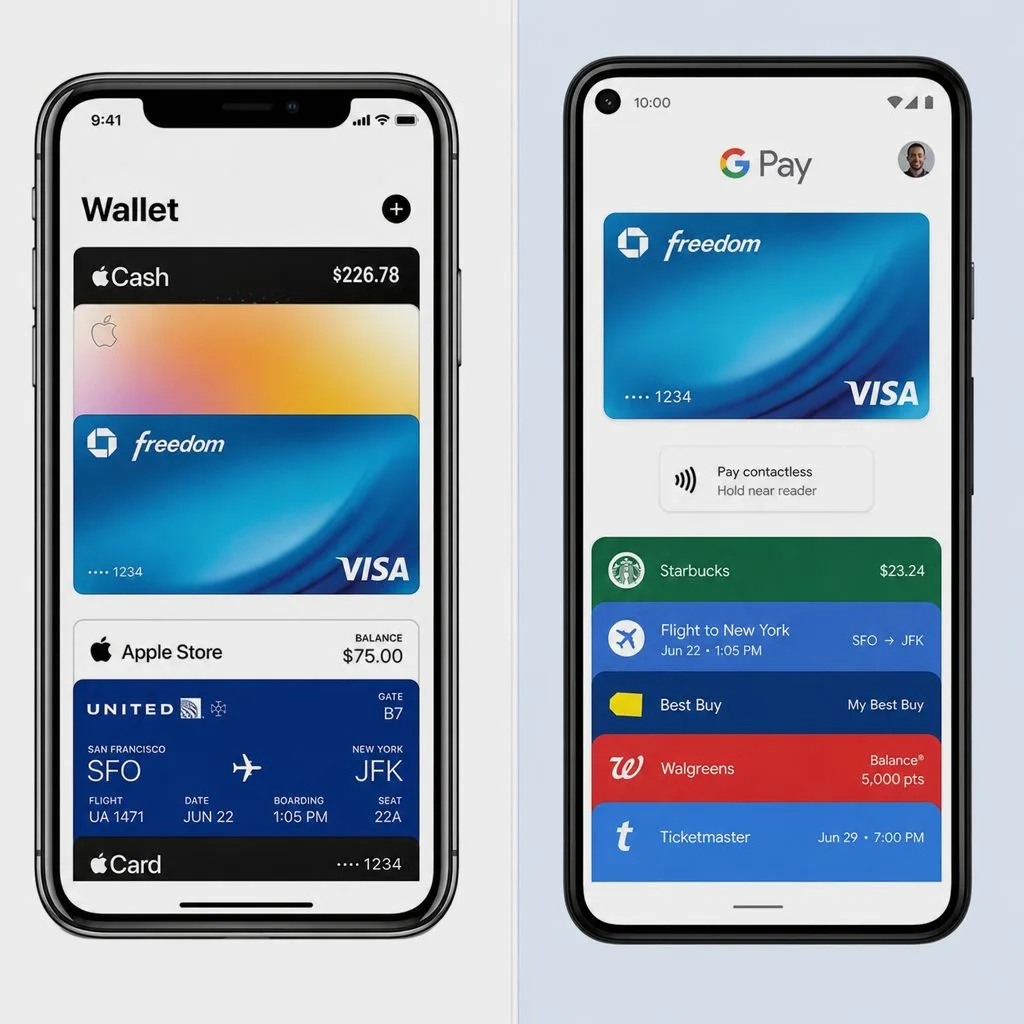
See Your Loyalty Card in Both Wallets
Bring your Loyalty Management program to a demo, or try Kemicard hands-on from the AppExchange.
 Test Drive