

How to Implement a Loyalty Program in Salesforce, From Rules to the Card Members Carry

 By the Kemicard team
A loyalty program in Salesforce has three layers: the rules that move points and tiers, the records that hold them, and the card the member actually carries. Salesforce gives you two routes for the first two. This guide covers both, the decisions to make before you choose, a five-phase plan, and where the wallet card fits in. That last step is the one most plans leave out.
What a loyalty program in Salesforce is made of
Whichever route you take, the same parts have to exist:
- The program: its name, its rules and the currencies it uses.
- Members: one record per person, linked to the Contact.
- Points: often two kinds. Salesforce's Trailhead material calls points that move a member up a tier qualifying points, and points a member can spend non-qualifying points.
- Tiers: the levels, and the threshold to reach each one.
- Rules: how points are earned (accrual), spent (redemption) and expired.
- The card: what the member sees. It shows the balance and tier the records hold, and it's scanned when they redeem.
Decide these five things before you build
The setup screens come later. These are business decisions, and every one of them shapes the records you build:
- Earning basis. What earns points. Money spent is the usual answer, and some programs also reward referrals or a completed profile.
- Point value. What a point is worth when it's spent. The earning rate and the redemption rate are two separate numbers.
- Tier thresholds. The points needed to reach each tier, whether that count runs for a lifetime or a qualifying period, and whether members can drop back down.
- Reward types. A discount only takes points off the balance. A voucher creates something the member redeems later, which needs a record of its own.
- Expiry. How long points last, counted from when they were earned or from the member's last activity.
Settle them in writing first. Changing a threshold after launch means recalculating every member who already holds points.
Two ways to build it
| Salesforce Loyalty Management | Your own objects | |
|---|---|---|
| What comes prebuilt | Program, member, currency, tier and transaction records, plus rule tooling | Nothing. You create every object and rule |
| Who does the work | An admin or implementation partner configures it | An admin builds it with Flow, and a developer for anything Flow can't do |
| Cost | A separate licence, priced per org per month | No extra Salesforce licence. Your team's build time instead |
| Best for | Large or multi-program loyalty with complex rules | A simpler program, or one you want to start small |
| The wallet card | Reads the Loyalty Management records | Reads your points and tier fields |
Route 1: Salesforce Loyalty Management
Loyalty Management is Salesforce's own loyalty product, licensed per org on top of your Salesforce edition. It runs in Lightning Experience on Enterprise, Performance, Developer and Unlimited editions that have Loyalty Management enabled.
What it costs
Salesforce lists three editions, priced per org per month and billed annually:
- Starter, $20,000: includes 100,000 brand advocates (Salesforce's term for program members).
- Growth, $35,000: a single program, with member, reward, benefit and partner administration.
- Advanced, $45,000: multiple programs on one platform.
Tiers and qualifying periods
A tier group defines the hierarchy of tiers in a program, and qualifying points decide which tier a member reaches. The tier model sets when the qualifying period runs. In Trailhead's example the program uses the anniversary model, so the period starts on the day the member joins and the qualifying balance resets at the end of it.
Accrual, redemption and expiry
- Transactions are recorded as journals. Accrual and redemption processes act on them, in real time or in batches.
- Decision tables handle rules with many if-then conditions. One example is varying the points a redemption needs by season or location.
- Flows connect the processes. They call Loyalty Management's standard actions, such as Credit Points, Debit Points, Change Tier and Assign Member Tier Benefits.
- High volumes run as batch jobs and Data Processing Engine jobs. An out-of-the-box job expires a non-qualifying points balance on a set date.
The card on this route
Loyalty Management documents a Google Wallet integration for loyalty cards. It's Google Wallet only, and it needs a Google Cloud setup (how it compares). Kemicard adds Apple Wallet and Google Wallet from the same Loyalty Management records: the membership number, the points balance and the current tier (Kemicard with Loyalty Management).
Route 2: build it on your own objects
A loyalty program can run in Salesforce without the Loyalty Management licence. You build the same parts on custom objects in the org you already use.
The objects you need
- Member: one record per person, linked to the Contact, so loyalty data reports alongside the rest of the customer history.
- Points transaction: one record for every earn or spend, as a child of the member. Keeping each movement on its own row is what makes a balance checkable later.
- Tier: one record per tier, with its threshold and benefits.
- Reward: needed if you track claimed rewards, with a code or status field.
- Program: needed if you run more than one program.
Keeping the balance and tier current
- Balance: the sum of the transaction rows. A roll-up summary field adds them up without code, but only across a master-detail relationship, so the transaction has to be a detail of the member (Roll-Up Summary Field). With a lookup instead, a record-triggered Flow updates the balance.
- Redemptions: a transaction row with a negative value, so one sum covers earning and spending and the history stays readable.
- Tier: a record-triggered Flow on the member compares the balance with the thresholds whenever it changes, and writes the new tier.
- Expiry: a scheduled Flow finds transactions past the expiry period.
Anything Flow can't reach moves into Apex. Build vs buy draws the same line between configuration and code for wallet passes.
A five-phase implementation plan
The order is the same on either route, and each phase ends with something you can check:
- Settle the rules. Agree the earning basis, point value, tiers, rewards and expiry with the business. Done when the five answers exist in writing.
- Pick the route. Loyalty Management, or a build on your own objects. Done when the cost is approved.
- Build the data model. Configure or create the program, member, points and tier records. Done when a test member saves with a points row attached.
- Build the automation. Accrual, redemption, tier changes and expiry. Done when one posted transaction moves the balance and the tier with no manual edit.
- Issue the card and launch. Design the card, add a Flow that issues it at enrolment, and issue cards to existing members in one bulk run. Then test the whole loop in a sandbox: earn, redeem, tier change, scan. Done when a test member's card changes on the phone as their balance moves.
Phases 3 and 4 are where the routes differ most. Loyalty Management configures them, and the custom route builds them. Phase 5 is the same either way: how to issue Apple Wallet and Google Wallet loyalty cards from Salesforce walks through it.
Why the card belongs in the plan
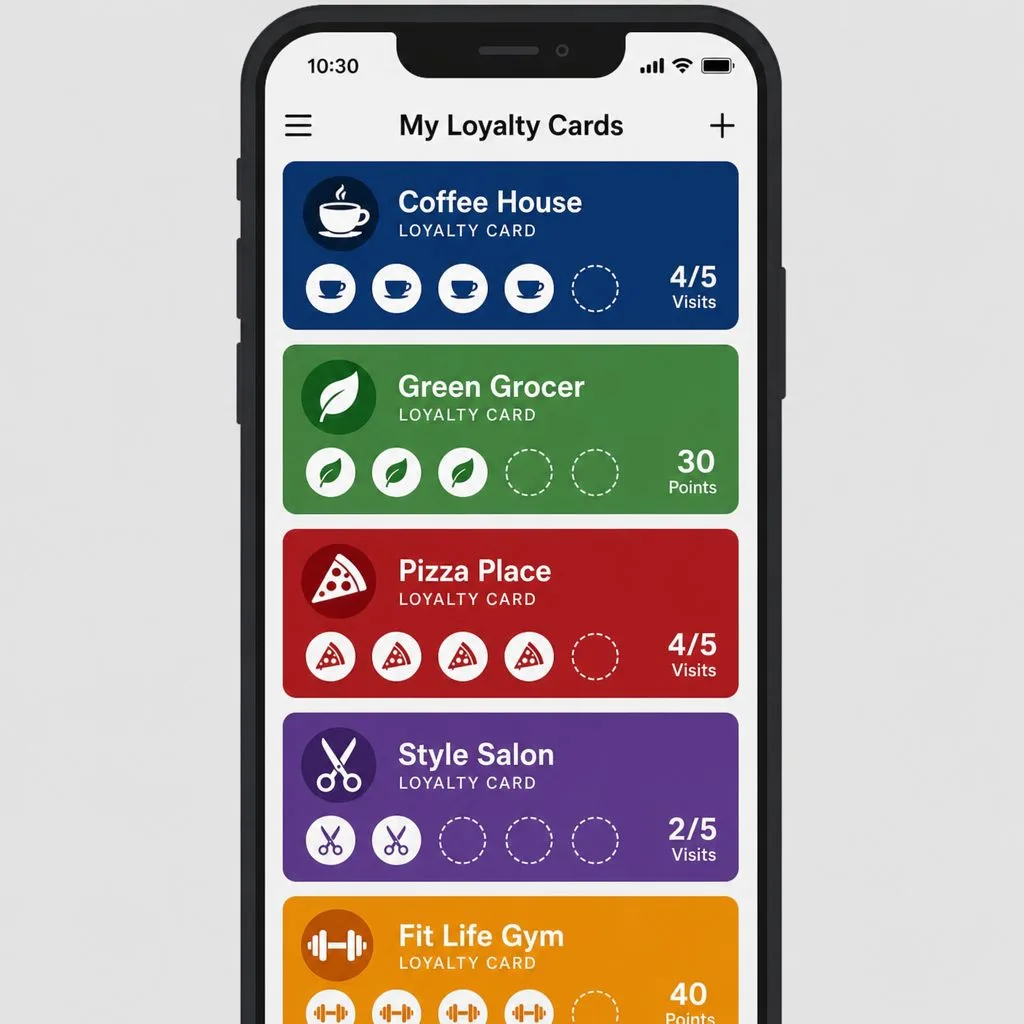
Neither route includes the card members carry. Without one, members can't see their balance or tier without logging in somewhere, and staff look them up by name at the counter. A wallet card fixes both:
- The balance and tier are on the phone. The card reads them from Salesforce and updates when they change. A tier change needs no reissue.
- Redemptions are scanned against the record. The Kemicard Scanner checks the live record and writes the scan back. Single-use redemption can be switched on per template in the Flow.
- Engagement reaches the lock screen. A push notification can tell a member about new points or a tier upgrade (features).
Final take
A loyalty program in Salesforce is records plus the rules that change them. Loyalty Management supplies those records and rule tooling under its own licence, and a custom build creates them on your own objects. On either route, settle the rules first and prove the automation before you enrol anyone. Then put the program in front of members on a card they carry.
Kemicard issues that card. It's an Apple Wallet and Google Wallet loyalty card built from the same Salesforce records that hold the points, whether those come from Loyalty Management or your own fields. See Kemicard for loyalty programs or compare options in the best wallet loyalty platforms for Salesforce.
Frequently asked questions
Do I need Loyalty Management to run a loyalty program in Salesforce?
No. You can build the member, points transaction, tier and reward records on custom objects and automate them with Flow. The licence buys prebuilt records and rule tooling, which matters more as programs and rules get complex.
Which Salesforce editions support Loyalty Management?
Salesforce's developer guide lists Lightning Experience in Enterprise, Performance, Developer and Unlimited editions with Loyalty Management enabled. A custom build needs only custom objects and Flow, so it asks less of your edition.
Can a custom program move to Loyalty Management later?
Yes. Members and their point transactions can be loaded into Loyalty Management's objects, because both routes hold the same parts. The rules are rebuilt in Loyalty Management's tooling, since Flows written against your custom objects don't carry across.
What can a live loyalty program report on?
Standard Salesforce reports read the loyalty records: enrolments, active members by tier, points earned against points redeemed, and redemption rate. With a Kemicard card, installs and scans report alongside them (analytics).
Sources: Salesforce: Loyalty Management pricing; Salesforce Developers: Loyalty Management Data Model and Loyalty Management Standard Invocable Actions; Trailhead: Create and Manage a Customer Loyalty Program and Examine Decision Tables, Batch Jobs, and Data Processing Engine; Salesforce Help: Roll-Up Summary Field, Triggered Flows and Integrate Loyalty Management With Google Wallet.
Explore Kemicard
Product & solutions
Put Your Loyalty Program in Members' Wallets
Bring your Loyalty Management setup or your own points fields to a demo, or start a free 30-day trial.
 Start Free Trial