

Salesforce Loyalty Management and Google Wallet: How the Integration Works, and How Kemicard Compares
 By the Kemicard team
Salesforce Loyalty Management can put a member's loyalty card and vouchers into Google Wallet. If you already run Loyalty Management, it's the first option to look at. This article walks through how Salesforce's integration works, from the Google Cloud setup to the Flow that issues the pass, then compares it with Kemicard, so you can decide whether you need one, the other, or both.
Salesforce details are taken from Salesforce Help and the Loyalty Management Developer Guide as published on 9 October 2026 (sources at the end). For the short version, see our side-by-side comparison.
What Salesforce's integration is
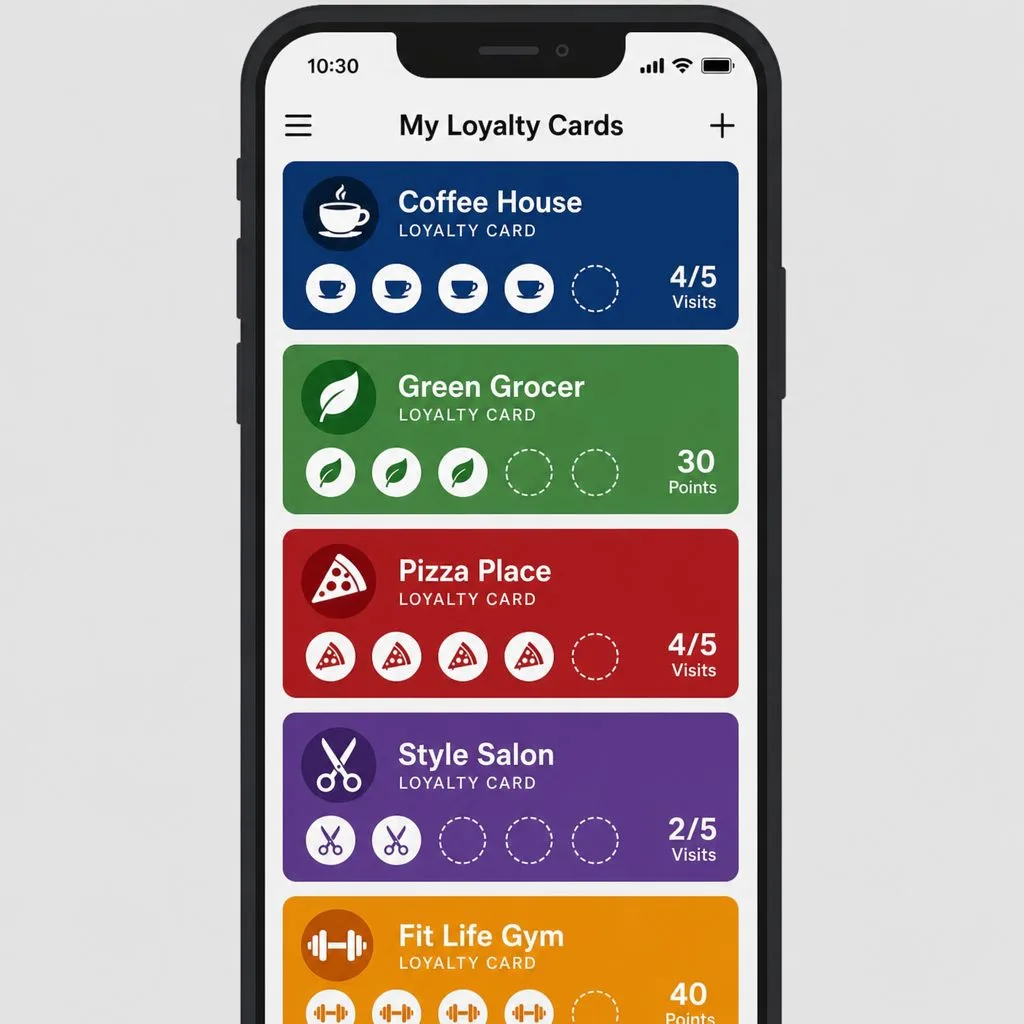
It's a feature of Loyalty Management that issues and manages digital passes, a loyalty membership card and vouchers, in a member's Google Wallet. Salesforce's own example: a customer signs up on a brand's website, Salesforce creates the contact and loyalty program member records, and the site offers an “add to Google Wallet” option. The member confirms in the Google Wallet app, and the card shows their membership ID, tier and point balance.
- Several programs, one wallet. A member enrolled in more than one loyalty program can see each card in Google Wallet.
- Vouchers attach to the card. When a program issues a voucher to a member who already holds the membership pass, Salesforce links it to that pass automatically, up to 50 per card.
- Google as a third party. Salesforce describes the Google Wallet integration as a third-party service provider that customers use “at their own option and discretion”.
It runs on Developer, Enterprise, Performance and Unlimited editions with Loyalty Management enabled, and digital pass templates need one of these licences: B2C – Loyalty, B2C – Loyalty Plus, B2B – Loyalty, Loyalty Management – Growth or Loyalty Management – Advanced.
What you set up, in Google Cloud and in Salesforce
Salesforce splits the work across both environments. Here is the full list from its setup documentation:
| Where | Task |
|---|---|
| Create a Google service account, used for the certificates and secure communication | |
| Create a Google Cloud project and enable the Google Wallet API and the IAM Service Account Credentials API | |
| Grant the service account the Service Account Token Creator role | |
| Add the service account as an Admin user in the Google Pay & Wallet Console | |
| Set up a Google Wallet API issuer account | |
| Salesforce | Generate a Java Keystore (JKS) certificate with the Java Development Kit from the service account key, and upload it |
| Salesforce | Create a JSON Web Token (JWT) external credential, its principals, and named credentials, then enable the external credential principals |
| Google (design) | Design pass classes in the Google Pay & Wallet Console (Loyalty Card for members, Gift Card for vouchers) and customise the visuals in Google's Pass Builder |
| Salesforce (design) | Create a Digital Pass Template: service provider Google, type Loyalty or Gift Card, and the ID of the Google class. Activate it to generate its parameters, and add custom parameters if needed |
In practice that's a project for someone comfortable in Google Cloud and Salesforce's credential framework. The pass design itself lives in Google's tools, not in Salesforce.
How a pass is issued and kept current
Two invocable actions, both available from API version 66.0, do the work:
- Issue Digital Pass. When a member enrolls or the program issues a voucher, a Flow runs the action with the template's parameters and generates a URL. The member opens it from your mobile app or an Experience Cloud site, and the pass is added to Google Wallet. Vouchers can reach the member by email or another channel.
- Refresh Digital Pass. Updates an existing pass with new values. If no pass exists for that member and source record, it silently exits rather than creating one.
Both take the party (for example, the loyalty program member or contact) and the source record that triggered the pass. A loyalty card's default parameters are the account name and ID, barcode, reward points, tier, member type and expiry date; a voucher pass's are barcode, card number and value, plus an expiry date.
What Salesforce's Google Wallet documentation doesn't cover
- Apple Wallet. The setup names Google as the service provider, and we found no Salesforce documentation for an Apple Wallet equivalent. Members on iPhone are the obvious gap.
- Scanning and redemption at the door or till. Not described.
- Push messages and location reminders to pass holders. Not described.
- Passes beyond loyalty cards and gift-card vouchers, such as event tickets, membership cards and access credentials.
- Designing the card inside Salesforce. Classes and visuals are built in Google's console.
How Kemicard does the same job
Kemicard is an AppExchange managed package that issues Apple Wallet and Google Wallet passes from Salesforce records. It works with Loyalty Management or with your own points fields.
- Both wallets from one design. One template renders the Apple Wallet and Google Wallet versions.
- Designed inside Salesforce. Cards are built in Kemicard Studio, with live previews and a Validation Report that flags problems before a pass goes out.
- No Google Cloud or keystore work. Apple and Google signing certificates are managed by Kemicard. You install the package and map fields.
- Reads Loyalty Management records. The membership number, points balance and current tier already exist on Loyalty Management's standard objects, and Kemicard maps them onto the card (Kemicard with Loyalty Management).
- Updates follow the record. When points or tier change, the card on the phone changes, and a push notification can say why. Kemicard Connect schedules messages to a whole report.
- Location reminders. Up to 10 locations per template for lock-screen reminders (notifications and geofencing).
- Scanning that writes back. The Kemicard Scanner checks the live record and writes each scan to Salesforce, including from an Experience Cloud site.
- More than loyalty. Membership cards, event tickets, coupons and access credentials run from the same app.
Side by side
| Loyalty Management + Google Wallet | Kemicard | |
|---|---|---|
| Wallets | Google Wallet | Apple Wallet and Google Wallet |
| Pass types | Loyalty membership card; gift-card passes for vouchers | Loyalty and membership cards, event tickets, coupons and vouchers, access credentials |
| Where the card is designed | Google Pay & Wallet Console and Pass Builder | Kemicard Studio, inside Salesforce |
| Setup | Google Cloud project, service account and APIs; JKS certificate, JWT external credential, principals and named credentials in Salesforce | Install from the AppExchange; signing certificates managed by Kemicard |
| Issuing | Issue Digital Pass action in a Flow; the member opens a URL | Generate Pass action in a Flow; the link goes out by email, SMS, QR code or a portal |
| Updating | Refresh Digital Pass action (API 66.0+) | The pass updates when the record changes |
| Messages and location | Not described in the Google Wallet documentation | Push notifications, scheduled sends, up to 10 locations per template |
| Scanning | Not described in the Google Wallet documentation | Kemicard Scanner, written back to Salesforce |
| Licensing | Loyalty Management licence (B2C/B2B Loyalty, Growth or Advanced) | Annual subscription by passes issued |
What each costs
Salesforce lists Loyalty Management at $20,000 (Starter), $35,000 (Growth) and $45,000 (Advanced) per org per month, billed annually. The digital pass templates the Google Wallet integration needs list the Growth and Advanced editions among the licences they run on, so the Google Wallet card comes with a full loyalty engine. Kemicard is an annual subscription priced by passes issued, from $3,500 a year for 5,000 passes (pricing). It doesn't include a points engine; it displays the balance and tier your records hold.
Which to choose, or both
Use Salesforce's integration on its own if…
You already license Loyalty Management, your members are on Android, a loyalty card and vouchers are all you need in the wallet, and your team can run the Google Cloud and credential setup.
Add Kemicard alongside Loyalty Management if…
Your members carry iPhones, you want to design the card inside Salesforce, or you need scanning, scheduled messages or other pass types. Kemicard reads the same Loyalty Management records, so the engine stays where it is.
Use Kemicard without Loyalty Management if…
Your points and tiers live in your own Salesforce fields, or you need wallet cards without a loyalty engine. See how to implement a loyalty program in Salesforce for both routes, and how to issue wallet loyalty cards from Salesforce.
Frequently asked questions
Does Salesforce Loyalty Management support Apple Wallet?
Salesforce's documented digital pass integration is for Google Wallet, with Google as the service provider. We found no Salesforce documentation for Apple Wallet as of 9 October 2026. Kemicard issues Apple Wallet passes from the same Loyalty Management records.
What is a Digital Pass Template?
The Salesforce record that connects a design created in Google's console with the data in Loyalty Management. You choose Google as the service provider, the type (Loyalty or Gift Card) and the Google template ID, then activate it to generate its parameters.
Does Refresh Digital Pass create a pass if the member doesn't have one?
No. If no pass exists for that member and source record, it exits without creating one. Issue Digital Pass creates passes.
Can I use Kemicard and Salesforce's integration together?
Yes. Both read Salesforce records, so a program can keep Loyalty Management as the engine and use Kemicard for Apple Wallet cards, scanning or other pass types. Plan which tool issues which card, so members don't receive two Google Wallet cards for the same membership.
Sources: Salesforce Help: Integrate Loyalty Management With Google Wallet, Cross-Platform Setup, Integration Prerequisites and Setup, Digital Pass Template Setup and Dynamic Pass Generation and Create a Digital Pass Template; Loyalty Management Developer Guide: Issue Digital Pass and Refresh Digital Pass; Salesforce: Loyalty Management pricing.
Explore Kemicard
Product & solutions
Put Your Loyalty Program in Both Wallets
Bring your Loyalty Management setup to a demo, or start a free 30-day trial.
 Start Free Trial