

Create Digital Event Tickets From Salesforce in Five Steps
 By the Kemicard team
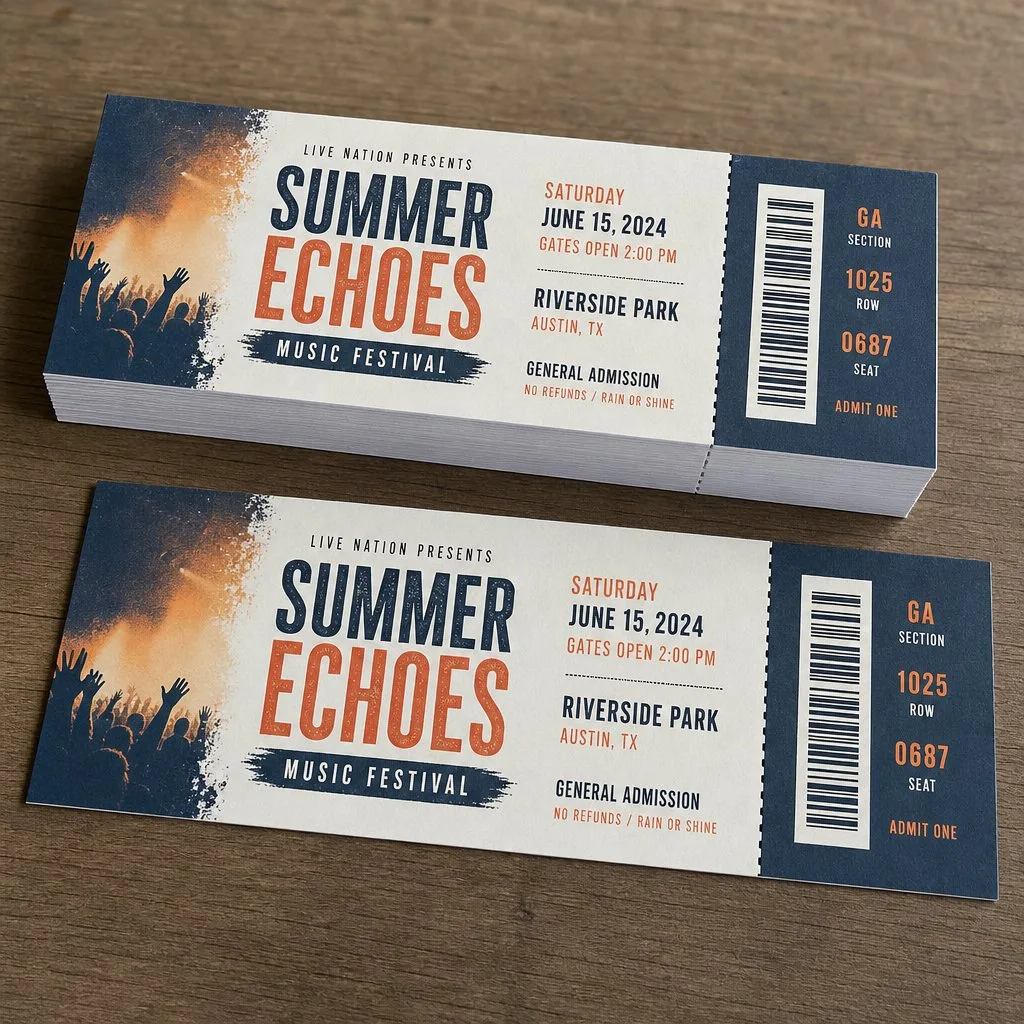
A digital event ticket from Salesforce is a wallet pass issued against the attendee record your org already holds. An admin builds a ticket template, maps its fields to that record, and sets a Flow to issue the pass when the record meets a condition. The ticket sits in Apple Wallet or Google Wallet and carries a code that's checked at the door. This guide covers what to have in place first, the five steps, how paid events differ, and what to test before tickets go out.
What a Salesforce digital event ticket is
A digital event ticket holds the attendee's name, the ticket type, the event date and a scannable code. Each ticket has its own serial number, given to the pass when it's issued and stored against the record it came from. One ticket maps to one attendee, so a single ticket can be revoked without touching the rest of the list.
The record behind the ticket is usually the Campaign Member: the record created when a person is added to the event's campaign. The ticket is a view of that record rather than a copy of it. Change a mapped field, such as the session or the start time, and the pass already on the phone updates.
An event ticket is for one date and has no use after it. A digital membership card works the other way: a member keeps it for a year while the tier or renewal date changes. The template shows the difference, since an event ticket carries a venue and a date that a yearly card doesn't need.
What has to be ready before you create tickets
Which records hold the event and the attendee
The event is a Campaign. Registering a person adds them to it, which creates a Campaign Member. The person also exists as a Contact or a Lead, with the name and the email address the ticket is sent to. The ticket is issued against the Campaign Member, because that's the only record unique to this attendee at this event. Organizations that run events on a custom object issue tickets the same way. The template points at whichever object holds the attendee.
The fields the ticket reads
| Ticket field | Usual source |
|---|---|
| Attendee name | Contact or Lead |
| Event name, date and venue | Campaign, reached through the Campaign Member's lookup |
| Ticket type and session | Fields on the Campaign Member |
| Scannable code | The serial number given to the pass at issue |
A record left half-filled produces a ticket with gaps, so check the fields before the Flow is switched on.
Who owns the Apple and Google issuer setup
A wallet pass has to be signed before a phone accepts it. Apple's pass-building guide has you create a pass type identifier and a signing certificate in an Apple Developer account, and Google Wallet starts with issuer onboarding for an issuer account. Whoever holds those credentials is the issuer, along with the renewals that come with them. With Kemicard, the certificates are managed for you, so the admin maps fields rather than handling keys. The trade-off is set out in build vs buy for wallet passes on Salesforce.
How to create digital event tickets from Salesforce in five steps
Step 1: Design the ticket template
Open Kemicard Studio and choose the event ticket type. The front of the pass holds the few values a person reads at a glance. The back holds the longer details: entry times, directions, refund terms and a support contact. Branding, meaning the logo, background colour and header image, is set on the same screen, as is the barcode format. Match it to the scanner your door staff will carry.
Step 2: Map the ticket fields to the record
Point each slot on the template at a field on the source object. Values on a related record are reached through the lookup, which is how the event date on the Campaign reaches a ticket issued against the Campaign Member. A slot left unmapped comes out blank on every ticket. Text typed straight into a slot, such as the event name, stays fixed on every pass.
Step 3: Issue the ticket with a Flow
Issuing runs on a record-triggered Flow on the Campaign Member. The entry condition decides who gets a ticket:
- Free events: when the Campaign Member is created.
- Several ticket types: when the ticket type field is filled in.
- Paid events: when the paid value is recorded (see below).
The action in the Flow generates the pass and writes the link back to a field on the record (Flow guide).
Step 4: Send the add-to-wallet link
An email alert on the same Flow can send the link the moment the pass is generated, with SMS or a landing page for anyone email misses. Every route carries the same link, and the phone decides which wallet opens (sending wallet passes from Salesforce).
Step 5: Test a ticket before registrations open
Issue one ticket in a sandbox against a test record, then open the link on an iPhone and an Android phone to see what each wallet renders. Checking on real phones catches what the builder hides, such as a blank field or a name cut short. Finish with a scan, using the scanner your door staff will carry, to confirm the barcode format matches.
Paid events: when the ticket waits for the money
A free event issues the ticket as soon as the attendee record exists. A paid event holds it until the payment is recorded. The template, the mapping and the Flow stay the same, and one condition separates them.
Where the payment is taken
Kemicard issues the ticket. It doesn't take the payment. The payment runs through a gateway connected to the org, a commerce or billing product, or the registration tool that already collects money for the event, such as Blackthorn Events. What reaches Salesforce is the result, written onto a record.
Which record marks a ticket as paid
- An Opportunity at Closed Won, for a sponsorship or a table sale.
- An Order with a paid status, for sales through a commerce product.
- A payment field on the Campaign Member, for a registration form that collects the fee directly.
Whichever record holds the value becomes the Flow's entry condition, so a paid event waits on that field where a free event fires on creation.
Cancellations and refunds
A refund or cancellation is recorded on the record the ticket came from, and that's what pulls the ticket back. Nothing new is sent to the attendee. The scan checks the live record, so a refunded ticket fails at the door even if the pass is still on the phone.
Security features worth the effort
Ticket fraud is an economics problem: make duplication cost more than a ticket is worth and it stops. Three things do that without holograms or watermarks:
- Validation against the live record. Anything a scanner reads without checking a record is a photocopy waiting to happen.
- Single-use or rotating codes. Single-use redemption is built in and switched on per template in the Flow, so a second scan is refused. On Google Wallet, a rotating barcode makes a screenshot go stale.
- Named tickets. A ticket with the holder's name on it is far harder to resell than a generic one.
If resale is a real problem for your event, the answer is a pass you can revoke and reissue centrally, not a printed ticket you lose control of the moment it's sent.
The ticket as a channel
A wallet ticket keeps working after it's issued. A schedule change reaches the lock screen, a queue update reaches everyone still outside, and a thank-you and a survey reach the people who actually came, because you know who scanned. That's the practical difference between a PDF and a pass.
Frequently asked questions
Can event tickets be generated in Apex?
Yes. Apex can build and sign a pass file, but you also build the certificate handling and the update service Apple and Google expect, and platform limits on heap and callouts start to matter as volume grows. Build vs buy compares the routes.
What is a .pkpass file?
Apple Wallet's pass format: a signed bundle holding the ticket data and the images shown on it. Google Wallet works from a pass object created through its API instead of a file, which is why one template can cover both phones (what is a .pkpass file).
Does this replace our registration software?
No. Your form or events app still captures the attendee and any payment, and the ticket is issued from the record it writes into Salesforce (conference ticketing in Salesforce).
Can we still offer printed tickets?
Yes. A printed ticket with the same code scans the same way at the door.
What if an attendee changes phones before the event?
Send the link on the attendee's record again and they save the ticket on the new phone. The pass's sharing settings decide whether it can sit on more than one device at a time.
Can tickets be issued in bulk after registrations close?
Yes. Kemicard Connect issues tickets for everyone in a report, such as all Campaign Members without a ticket, now or at a time you schedule. Start with a one-record report, then run the full list.
Related reading: event check-in and attendance tracking in Salesforce, event registration and event tickets from Salesforce.
Sources: Apple's Pass.Barcodes reference and Adding a Web Service to Update Passes; Google's Event tickets documentation; Salesforce Help: Triggered Flows.
Explore Kemicard
Product & solutions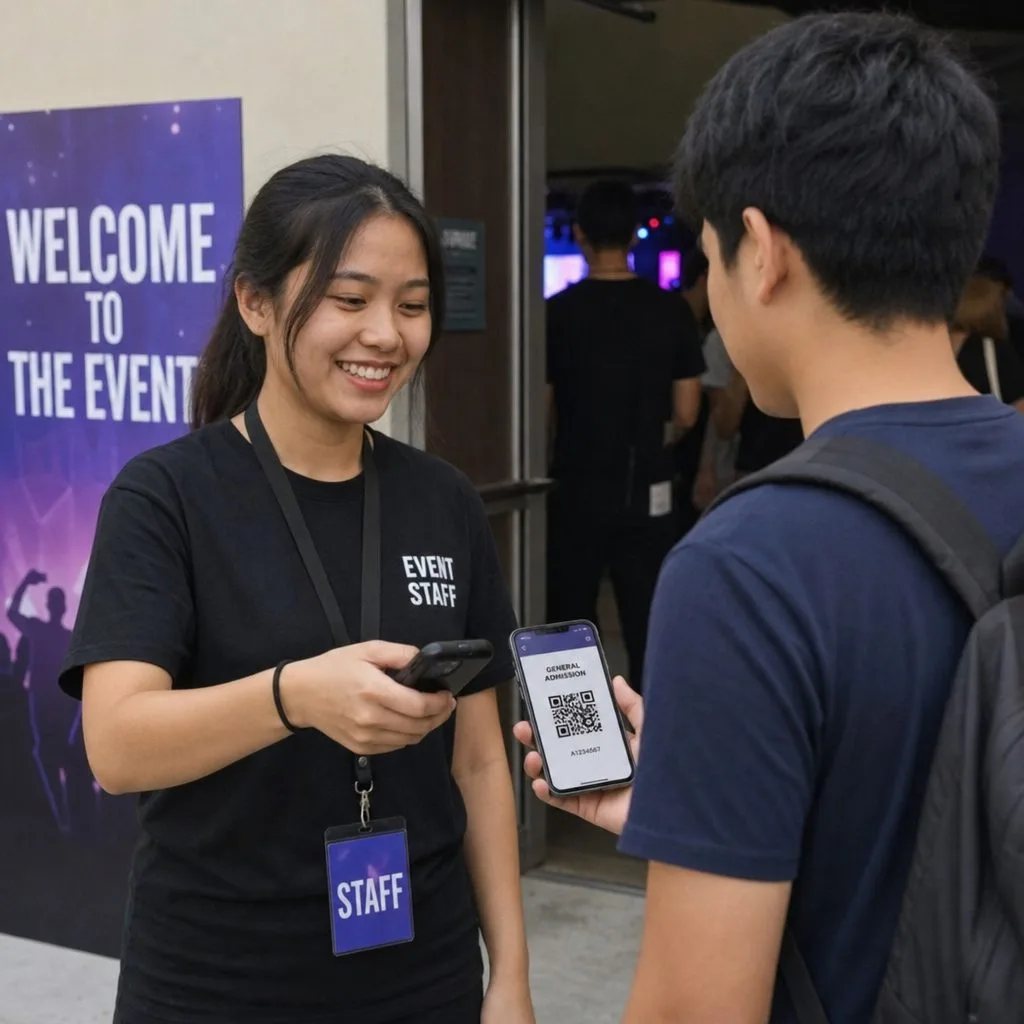

Build a Ticket From Your Own Event Record
Book a demo, test drive Kemicard, or start a free 30-day trial.
 Start Free Trial