

Event Check-In and Attendance Tracking in Salesforce, Made Simple
 By the Kemicard team
Event check-in and attendance tracking in Salesforce means recording who arrived on the records you already have, not on a separate list. This guide covers which Salesforce record should hold attendance, how a scan at the door marks someone as attended, and what the attendance data can tell you afterwards.
Check-in and attendance tracking are two steps
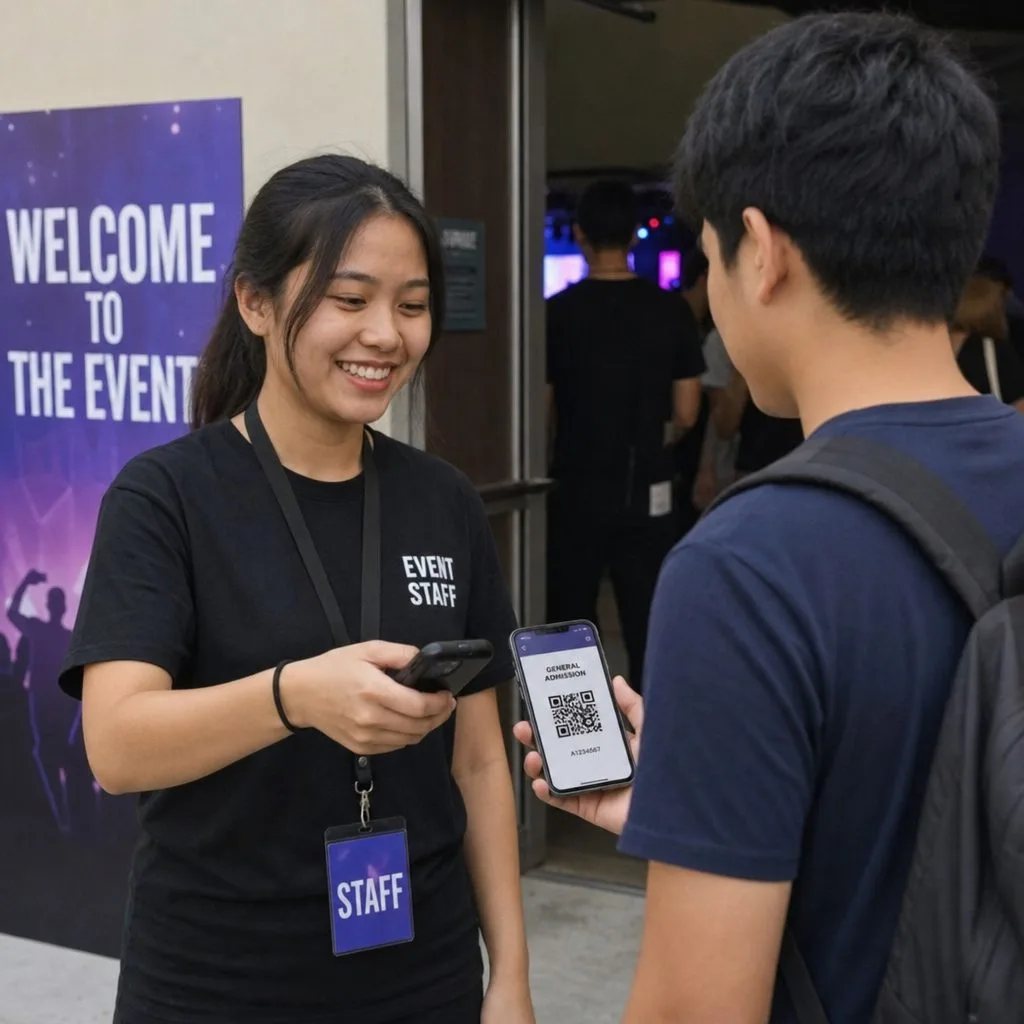
Check-in is the moment a person arrives and the code on their ticket is scanned. The scanner reads the code, the person is looked up against their record, and staff see the result at the door. Attendance tracking is what's recorded afterwards, against the campaign the person registered for. That's the part that lasts: reports read it once the event is over, so the count comes from the records rather than a spreadsheet.
Paper lists fail both steps. A list printed the day before doesn't know about the transfers, cancellations and walk-ins since, and a clipboard count is an estimate.
Campaigns and Events hold attendance differently
Salesforce has two standard places attendance could live, and the choice decides where your count comes from.
- An Event is an activity on the Salesforce calendar, with a date and time. Its invitees are named in the Attendees field, along with each person's response. It suits a meeting on a staff calendar.
- A Campaign holds an event program, such as a conference or a fundraiser. Each person at it is a Campaign Member with a Member Status the admin defines, and that status can be reported for everyone at once.
| Event record | Campaign and Campaign Member | |
|---|---|---|
| What it represents | A calendar entry with a date and time | An event program, with one member record per person |
| Where attendees are named | The Attendees field on the Event | A Campaign Member record for each person |
| Scale | A meeting-sized invitee list | A full attendee list, added in bulk from a report or list view |
| Status values | Invitation responses | Member Status values the admin defines, such as Registered and Attended |
| Reporting | Activity reports | Campaign reports and dashboards across the whole list |
For a conference with a registration list, use Campaign Members.
How to track event attendance in Salesforce
The status values attendance runs on
Each campaign has its own list of Member Status values. An event campaign runs on two: Registered for the person who signed up and Attended for the person who came. Add a No-show value if you report on it. Each status can also be flagged as responded, which counts that member in the campaign's response totals (CampaignMemberStatus). Settle the wording before registrations open, because your reports will read these values.
What changes the status at the door
The registration creates the Campaign Member. With Kemicard, each scan at the door writes a check-in record to Salesforce with the time and method. A record-triggered Flow on that check-in then sets the Campaign Member's status to Attended. For someone who arrives without a ticket, staff can set the status by hand from a list view. Both routes write to the same field, so the count holds everyone who came through the door.
How a scan records attendance
QR check-in on a phone or a handheld
The code on the ticket carries the pass's serial number, not the attendee's status, so the Kemicard Scanner checks the live record before staff let anyone through. The answer comes back as valid, already scanned or invalid, and the check-in record is written in the same step. A second scan of the same ticket shows the earlier check-in instead of letting someone in twice.
Session rooms and restricted doors
The same pass is scanned at the main entrance and at session rooms. Doors limited to certain ticket types read the same pass, as with access control. Each scan is written back with a time against the attendee, which is what a session-level count is built from.
Planning for poor connectivity
The barcode displays on the attendee's phone even when their phone is offline, so the risk is on your side of the door. Test the scanning point on the venue's actual network before the day, run scanners on a dedicated hotspot rather than shared Wi-Fi, and keep a manual lookup lane.
What attendance data reports on
Attendance lives on the Campaign Member, so an attendance tracker in Salesforce is a report, not a separate product:
- Attendance rate per campaign: attended against registered. It's the honest measure of how compelling the program was, and the basis for next year's capacity.
- No-shows: members still at Registered once the event closes, the follow-up group for next time.
- Session-level counts: scans grouped by room or session, showing which content filled the room.
- Arrival curve: when the rush actually happened, so next year you staff the entrance for it.
- Repeat attendance: contacts on more than one event campaign, the closest thing to a loyalty signal an events program has.
Installs and scans sit alongside the rest of your Salesforce reporting.
Acting on it while the event is running
Most attendance data is read the following week, which is too late to be worth much. A live count lets you move staff to the entrance that's backing up, or open the overflow room before the corridor fills. In an evacuation, "how many people are in the building?" needs an answer in seconds: scan-based attendance gives you a number and a list, where a clipboard gives you an estimate.
Follow-up that reflects what happened
Attendees, no-shows and partial attendees deserve three different emails and usually get one. With attendance on the Campaign Member, segmenting them is a filter, and sponsor reporting becomes a query rather than a reconstruction.
Final take
Attendance in Salesforce comes down to choosing the record. An Event holds a meeting on a calendar. A conference runs on Campaign Members, where Registered and Attended are the values your reports count. The scan at the door is what moves the value, and the session counts and no-show list follow from there.
Kemicard issues the ticket from the Campaign Member, checks it against the live record at the door, and writes each scan back to Salesforce. See event tickets from Salesforce, or conference ticketing in Salesforce for the step before the door.
Frequently asked questions
Does attendance tracking work the same way on a nonprofit org?
Yes. Campaign Members carry the status on a nonprofit org too, and volunteer shifts and program sessions can be tracked on the same values (nonprofits).
Can the standard Event object hold a conference?
It can hold a session as a calendar entry, with attendees in the Attendees field. Reporting across a full registration list comes from Campaign Members.
Do attendees need an app?
No. Apple Wallet and Google Wallet are already on the phone, and the ticket arrives as one link.
Can we track more than the front door?
Yes. A scan point per session or zone gives you movement data, not just an arrival count.
Related reading: how to create digital event tickets from Salesforce and event check-in at the door.
Sources: Salesforce Developers: CampaignMemberStatus object reference; Salesforce Help: Triggered Flows; Trailhead: Campaign Basics.
Explore Kemicard
Product & solutions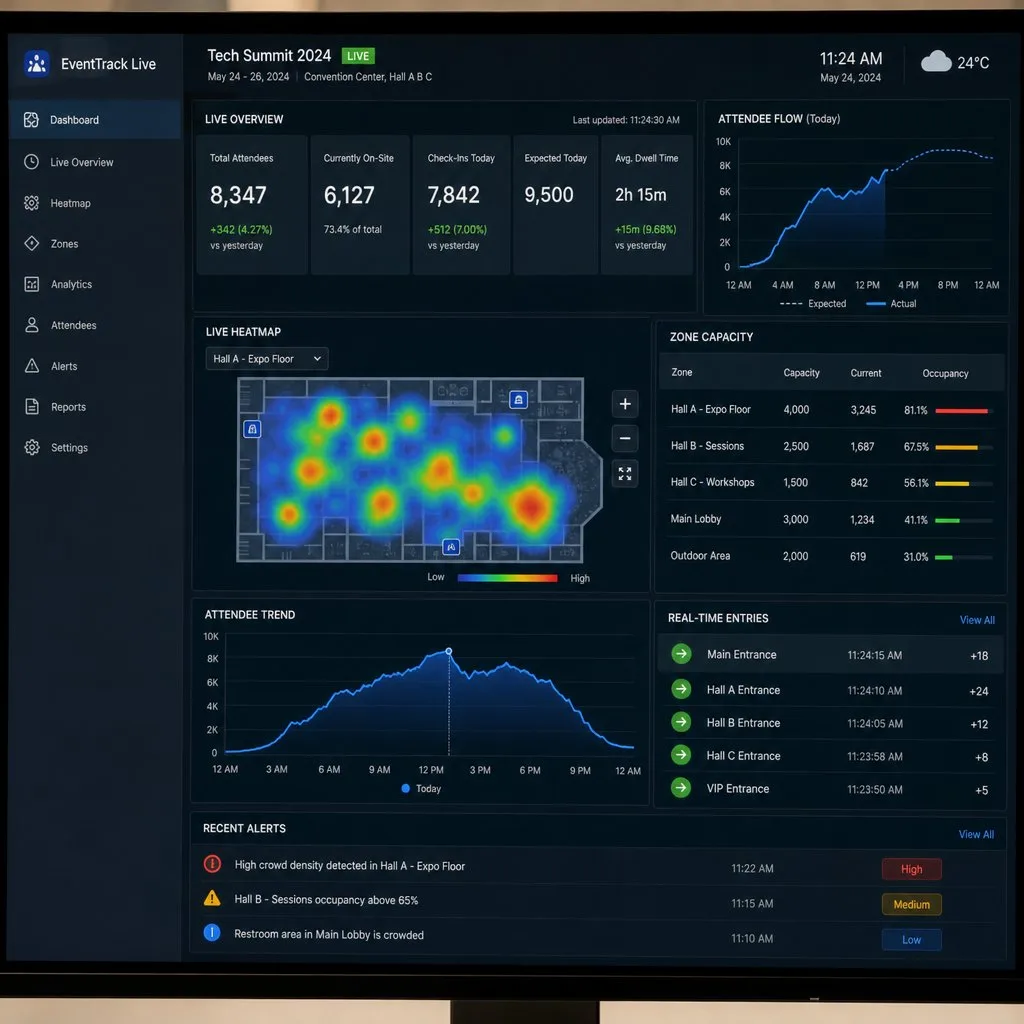
See a Check-In Scan Write Back to Salesforce
Book a demo, test drive Kemicard, or start a free 30-day trial.
 Start Free Trial