

Digital ID Cards: Where They Work and Where They Don't
 By the Kemicard team
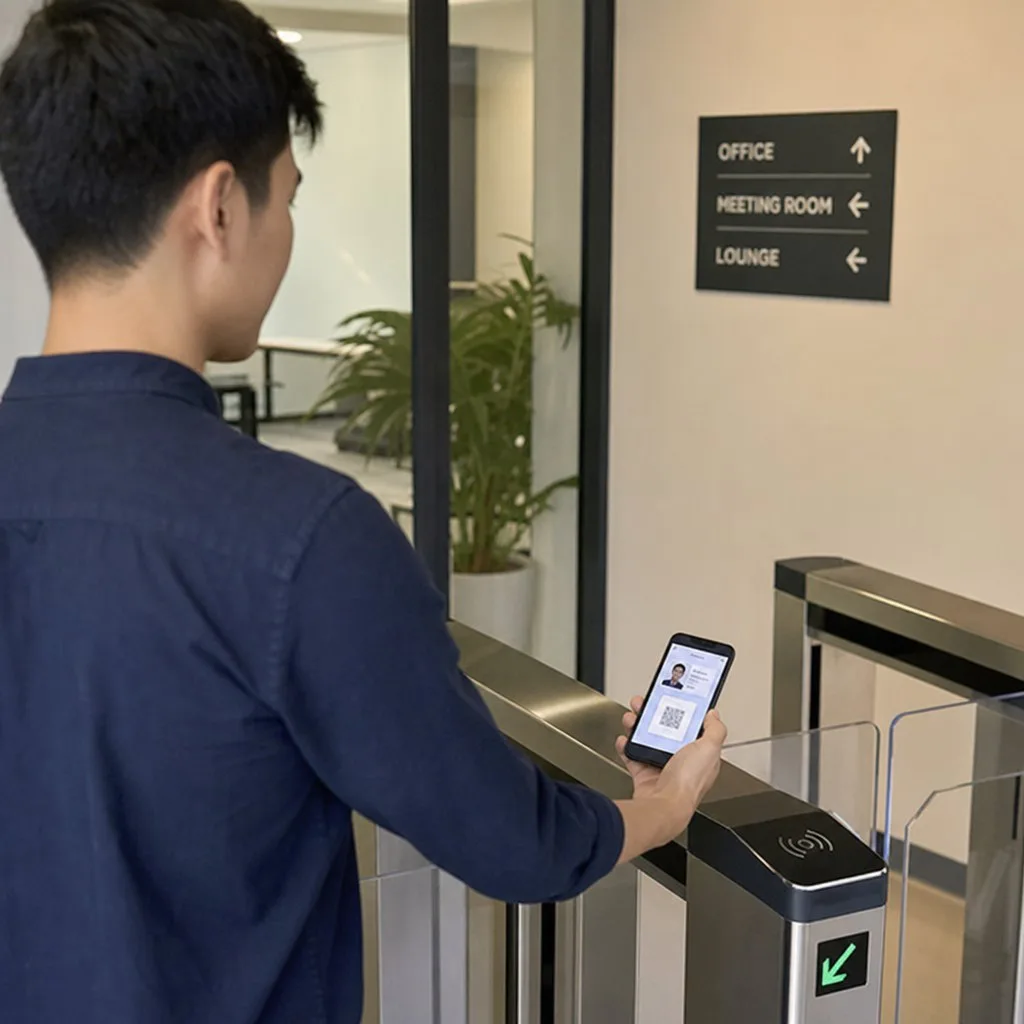
"Digital ID" covers two very different things, and conflating them is the source of most confusion on the subject. One is a government identity document. The other is a credential your organisation issues to say who someone is to you. The second is the one you can actually deploy this quarter.
The distinction that matters
A driving licence in Apple Wallet is a regulated identity document. It exists in a handful of jurisdictions, requires the issuing authority's participation, and is not something a business can decide to adopt.
An employee badge, a member card, a contractor pass, a patient identifier or an insurance card is different in kind. You are the authority. You decide what it asserts, who gets one, and when it stops being valid. Nothing outside your organisation has to agree for it to work.
Almost every practical "digital ID" project is the second kind. It is also the kind that returns value quickly, because the thing being replaced — a printed badge that goes stale — has obvious costs.
What you gain over plastic
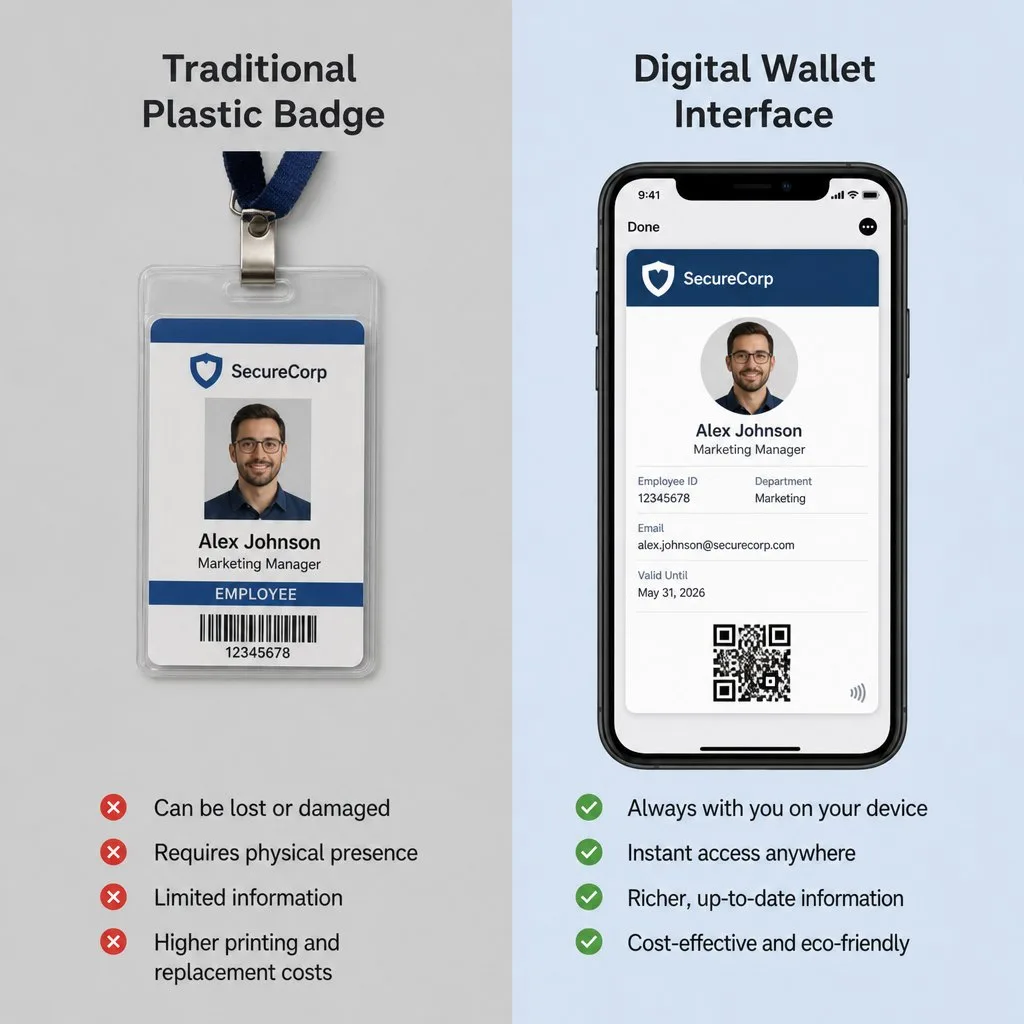
- It cannot silently go out of date. A printed badge is accurate on the day it was issued. A pass reflects the record, so a role change, a lapsed clearance or a departure is visible immediately.
- Revocation is real. Collecting a badge from someone who has left is a policy that fails routinely. Revoking a pass does not depend on anyone handing anything back.
- It lives on a protected device. A dropped badge works for whoever picks it up; a lost phone can be locked remotely and the pass revoked.
- There are no consumables. No printers, ribbons, blank stock, or a desk to run them.
- Issuance scales. A thousand contractors on a Monday morning is a single Kemicard Connect send rather than a queue.
Designing what goes on it
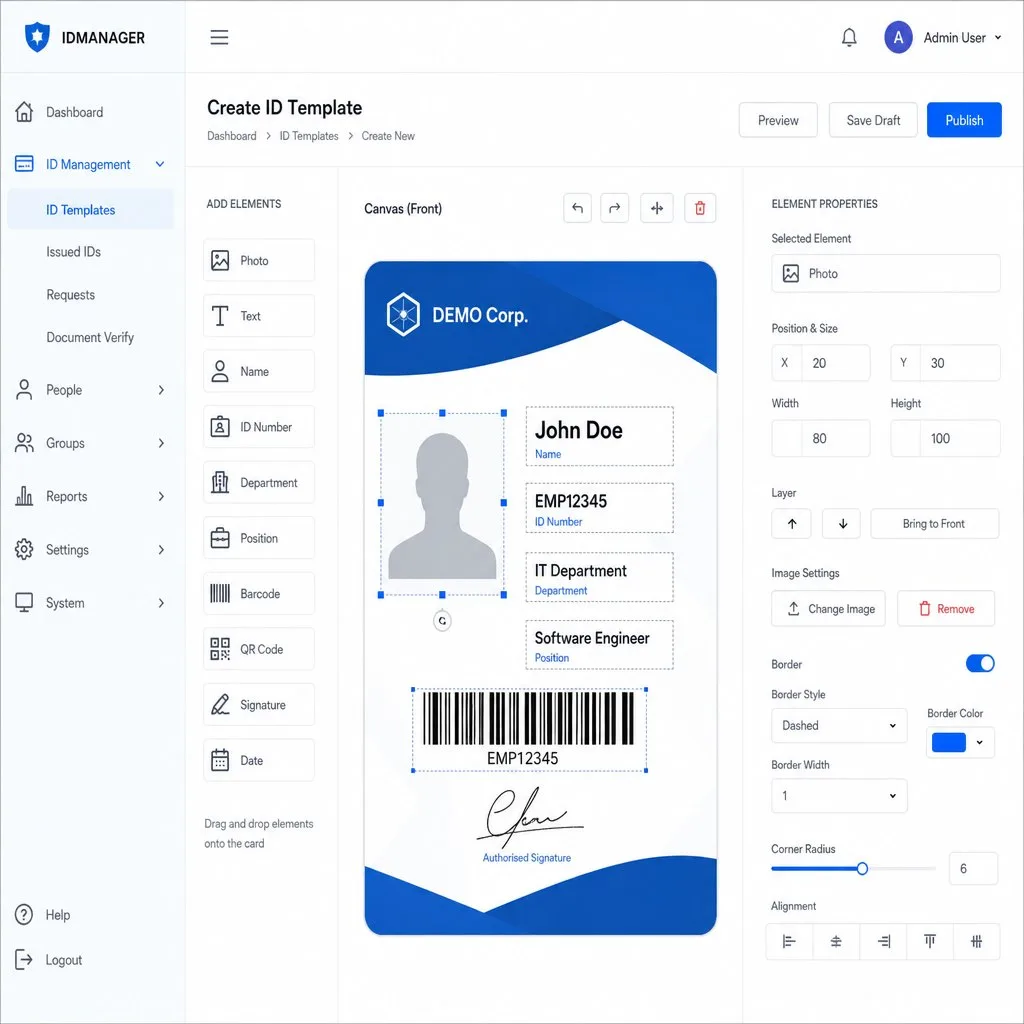
The instinct is to put everything on the card. Resist it. The right question is what the person checking the credential actually needs to see, and the answer is usually four or five fields.
- A name and a photo — the human verification step, and the one people actually use.
- A scannable code that resolves to the record. This is what makes the credential verifiable rather than merely presentable.
- A role or access tier, so a checker can make a decision at a glance.
- Validity dates, which are what make an expired credential obviously expired.
- Contact details on the back — security desk, helpdesk, whoever the checker calls when something looks wrong.
Anything sensitive belongs in the system the code resolves to, not on the face of the pass. A credential that leaks information when someone glances at a screen is a worse credential.
Verification is the part people skip
A pass that is only looked at is a laminated card with extra steps. The value appears when the code is scanned and checked against a live record, because that is what distinguishes a valid credential from a screenshot of one.
This does not require expensive hardware. A phone camera and a scanning app is enough for most checkpoints, and it is the difference between a credential and a picture.
Both platforms, or you have covered half your people
Your workforce, membership or patient population splits roughly evenly between iOS and Android, and you do not get to choose. A credential programme that works properly on one platform has failed everyone on the other — which in an access-control context means they need a fallback, and the fallback becomes the real system.
One issuance link that detects the device and delivers the right format is the only sensible approach. See how the two platforms differ.
Where it should stay plastic
Being honest about the limits makes the rest more credible.
- Where a regulator requires a physical document. Check rather than assume; the answer varies by jurisdiction and changes.
- Where phones are prohibited — secure facilities, some clinical and industrial settings, some examination halls.
- Where the credential must survive without power. A flat battery is a real failure mode for a badge that opens a door.
- Where readers cannot be changed and read only proximity cards.
Most organisations end up hybrid, and that is a sound outcome rather than a compromise. Issue wallet credentials to the large majority, keep a small print run for the exceptions, and share the barcode so the readers do not care which one arrives.
Where the record lives
If the people you are credentialling are already records in Salesforce — employees, members, contractors, policyholders, patients — the credential can render from those records directly, and revocation is a field change rather than a task. See access control and insurance for two common shapes of this.
How verification actually works
"Verified" covers three different operations that are worth separating, because organisations frequently buy one and assume they got another.
- Authentication — is this the person the credential was issued to? Handled by the device lock and, at a checkpoint, by a human comparing a face to a photo.
- Validation — is this credential real and still current? Handled by scanning and checking against the issuing record. This is the step most often skipped, and skipping it makes the credential decorative.
- Authorisation — is this person entitled to what they are asking for? A separate question, answered by the record rather than by the card.
A credential programme that does all three is secure. One that only does the first is a laminated photo with extra steps.
A note on decentralised identity
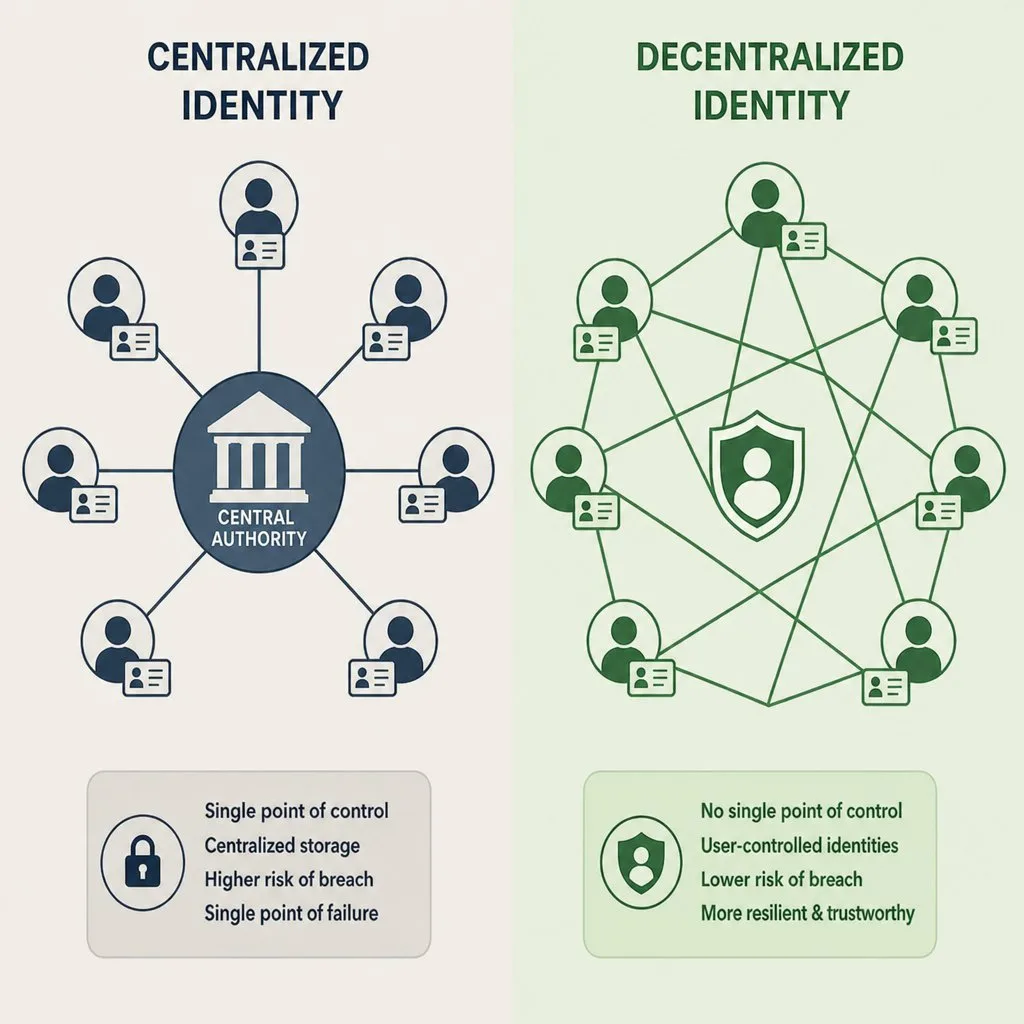
You will encounter blockchain-based and self-sovereign identity models in any survey of this field. They are real areas of work, and the premise — that the holder controls their credentials rather than an issuer's database — is a serious one.
They are also, for most organisations reading this, not the decision in front of them. Issuing an employee badge, a member card or a policyholder ID does not require a distributed ledger, and adopting one adds substantial complexity to a problem that a signed pass and a live record already solve.
Kemicard is not a decentralised identity platform and does not claim to be. It issues organisational credentials from your system of record. If your requirement is genuinely self-sovereign identity, that is a different category of product.
Storing credentials safely
Guidance worth giving your holders, because most credential compromise is mundane rather than sophisticated:
- A device lock is the whole foundation. Google Wallet requires one; on iOS it is the difference between a protected credential and an open one.
- The native wallet beats a screenshot in every respect — a screenshot cannot update, cannot be revoked, and will eventually be presented after it has expired.
- Remote wipe should be set up before it is needed, not after the phone is lost.
- Report loss to the issuer, because revocation is instant and it is the one action that genuinely closes the exposure.
FAQ
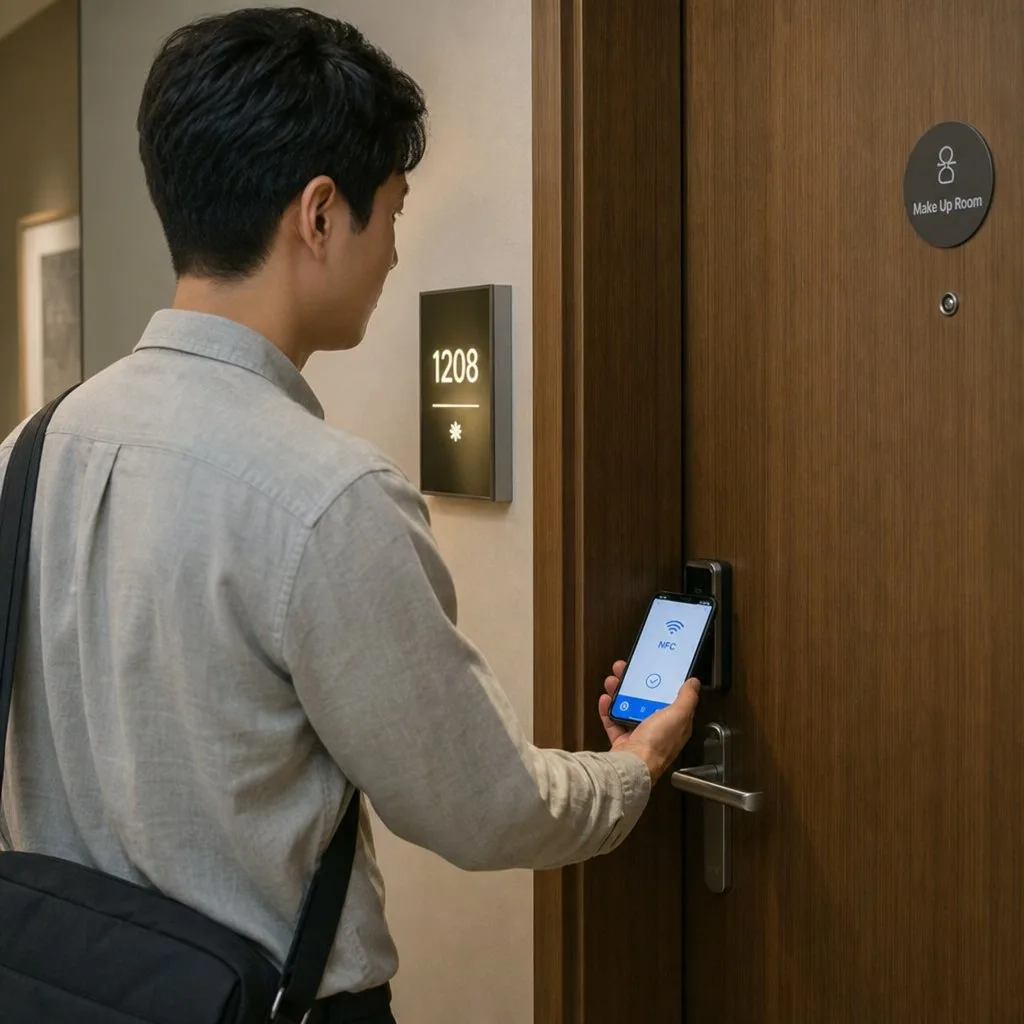
- Can this replace our door access system? Where readers accept NFC or QR, yes. Where they read proximity cards only, the pass complements rather than replaces them.
- What if someone's phone is lost or dead? Reissue to the new device from the same record; keep a temporary-badge process for the flat-battery case.
- Is a screenshot a problem? Only if you never scan. Validation against the record is what defeats it.
- Does it work offline? The pass does. Live validation needs connectivity at the checkpoint.
Sources: Apple Support's Add your driver's license to Apple Wallet; Google's Generic pass documentation.
Explore Kemicard
Product & solutions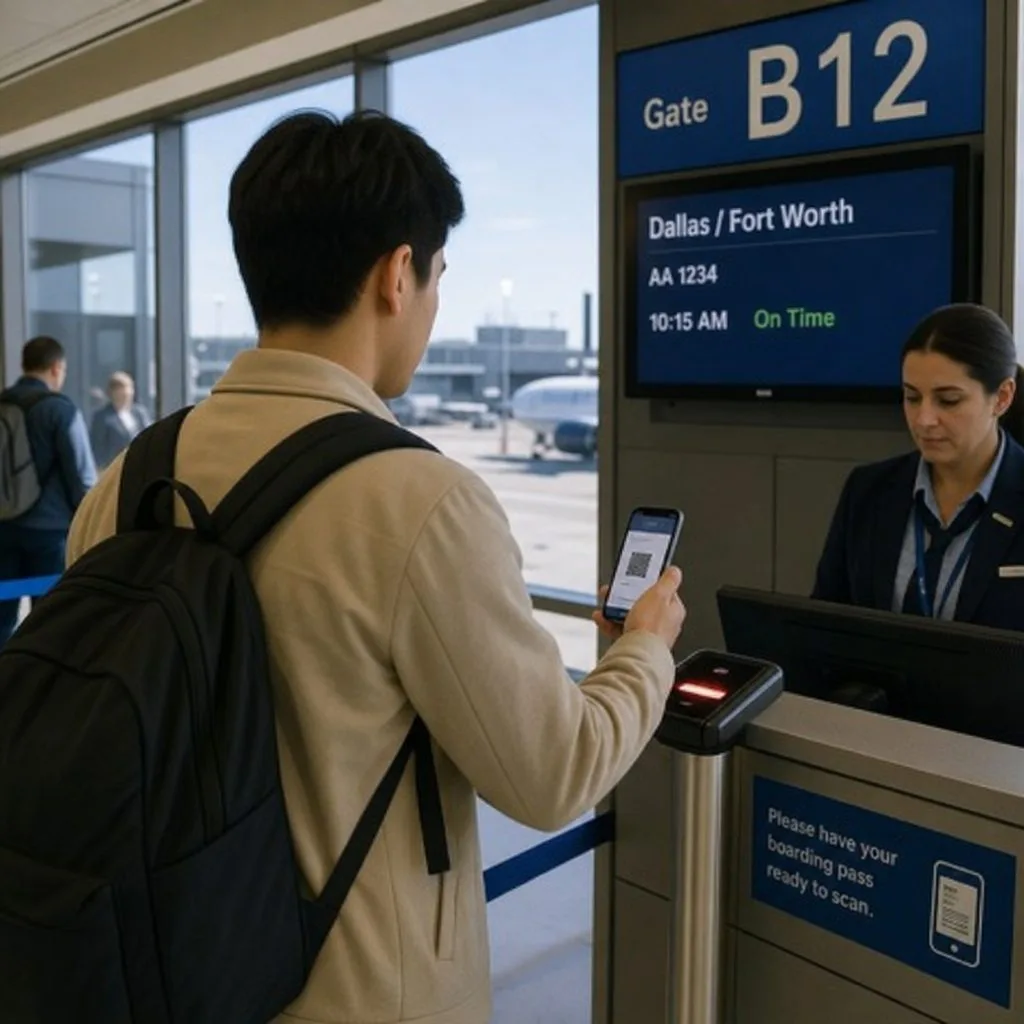

Issue Credentials From Your Own Records
Book a demo, test drive Kemicard, or start a free 30-day trial.
 Start Free Trial