

Student ID Cards: What Goes on Them — and Why Digital Wins

 By the Kemicard team
Every school ID answers the same three questions: who is this, what are they part of, and what can they access? Get the information architecture right and the format debate — plastic versus digital — largely answers itself.
What information goes on a school ID?
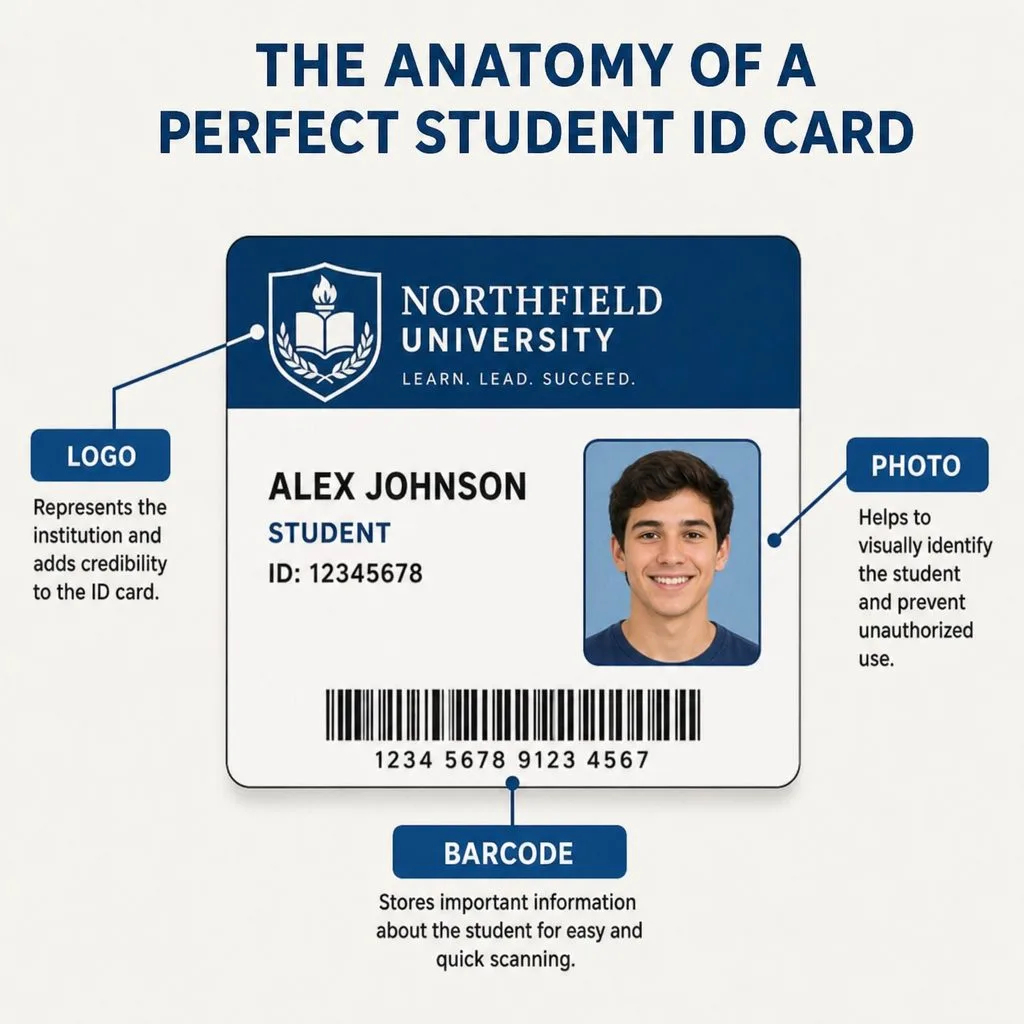
- Identity — full name, photo, and student number.
- Affiliation — institution name and logo, program or faculty, and role (student, staff, visitor).
- Validity — academic year or expiry date, so a glance confirms the card is current.
- Function — a barcode or QR code for library, access, and attendance systems.
- Practicalities — emergency contact info and a "return if found" line.
Design and security best practices
Keep the photo large and recent (plain background, consistent capture setup), reserve one visual element per role so staff can distinguish credential types at a distance, and never print more personal data than the function requires. On physical cards, security means holograms and controlled printer stock; on digital cards, it means cryptographic signing and scan-time validation — harder to defeat, and far cheaper to run.
The modern debate: physical vs digital
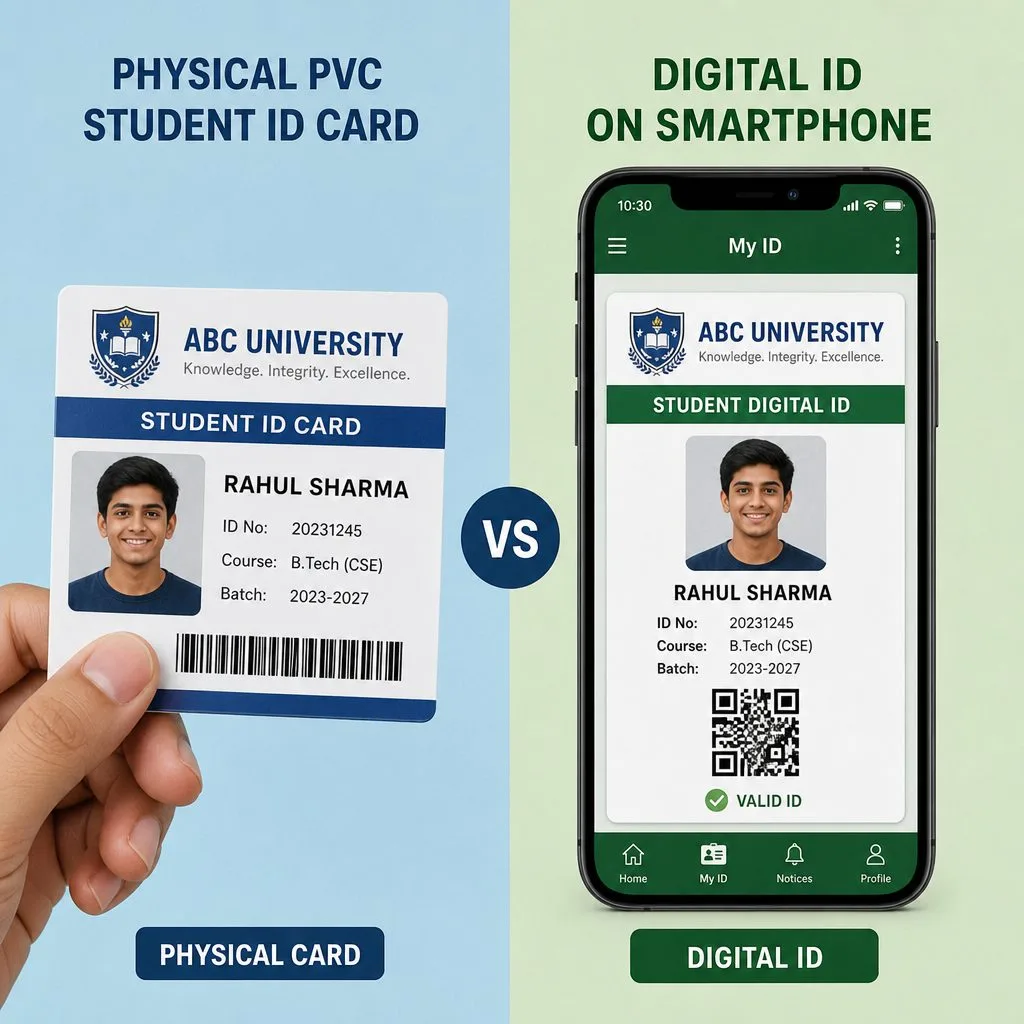
Plastic requires printers, ribbons, lamination, and a replacement desk; a digital student ID card lives in Apple Wallet or Google Wallet, can't be left in the dorm, updates itself when status changes, and is revoked instantly when someone leaves. Most campuses land on digital-first with plastic as the fallback for the few who need it — the transition plan is in our campus rollout guide.
Issuing from your student system
The ID is only as accurate as the record behind it. Rendering cards from Salesforce — Education Cloud or any student data model — means enrollment changes, holds, and graduations flow to every issued card automatically, and scans write attendance back. See Kemicard for education.
Sources: Apple's Building a Pass and Adding a Web Service to Update Passes; Google's Google Wallet API documentation.
Explore Kemicard
Product & solutions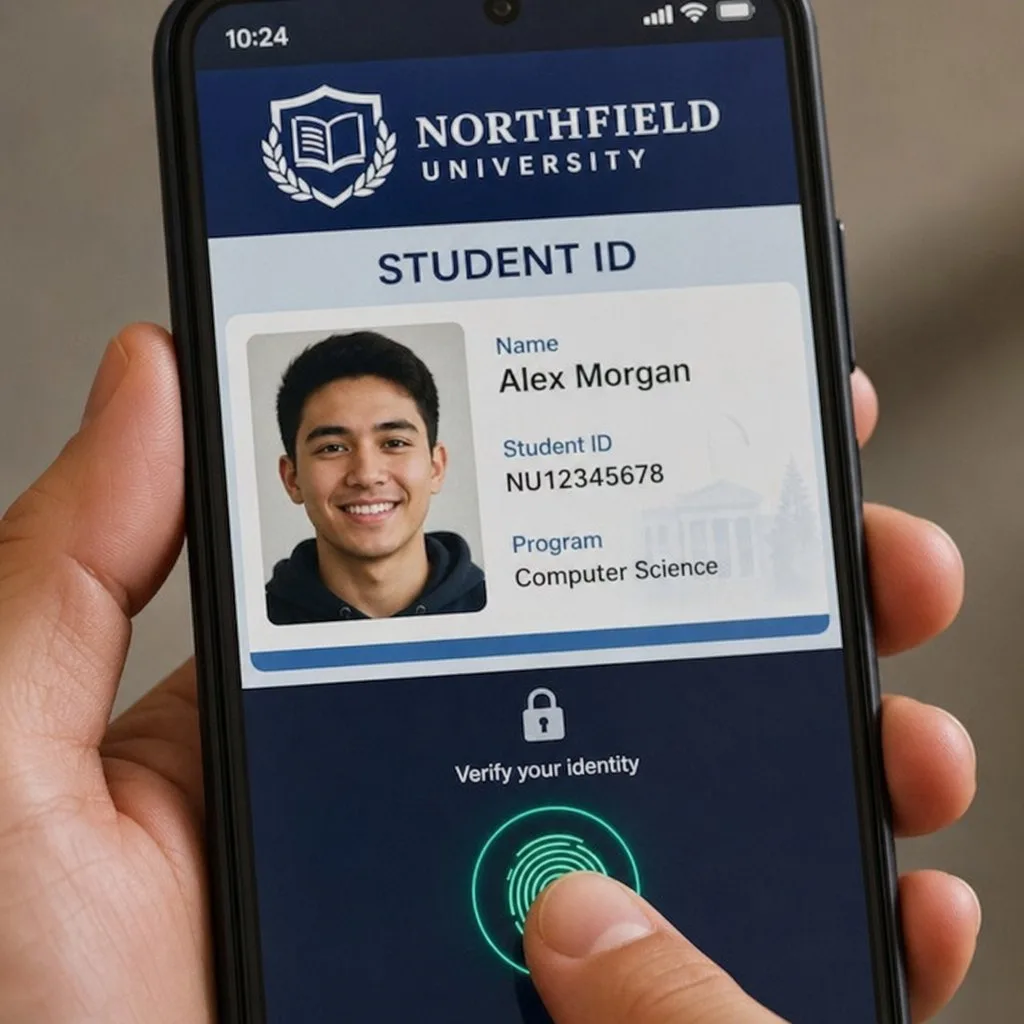
Put Student IDs Where Students Look
Book a demo, test drive Kemicard, or start a free 30-day trial.
 Start Free Trial