

Digital Student ID Cards: A Practical Campus Guide

 By the Kemicard team
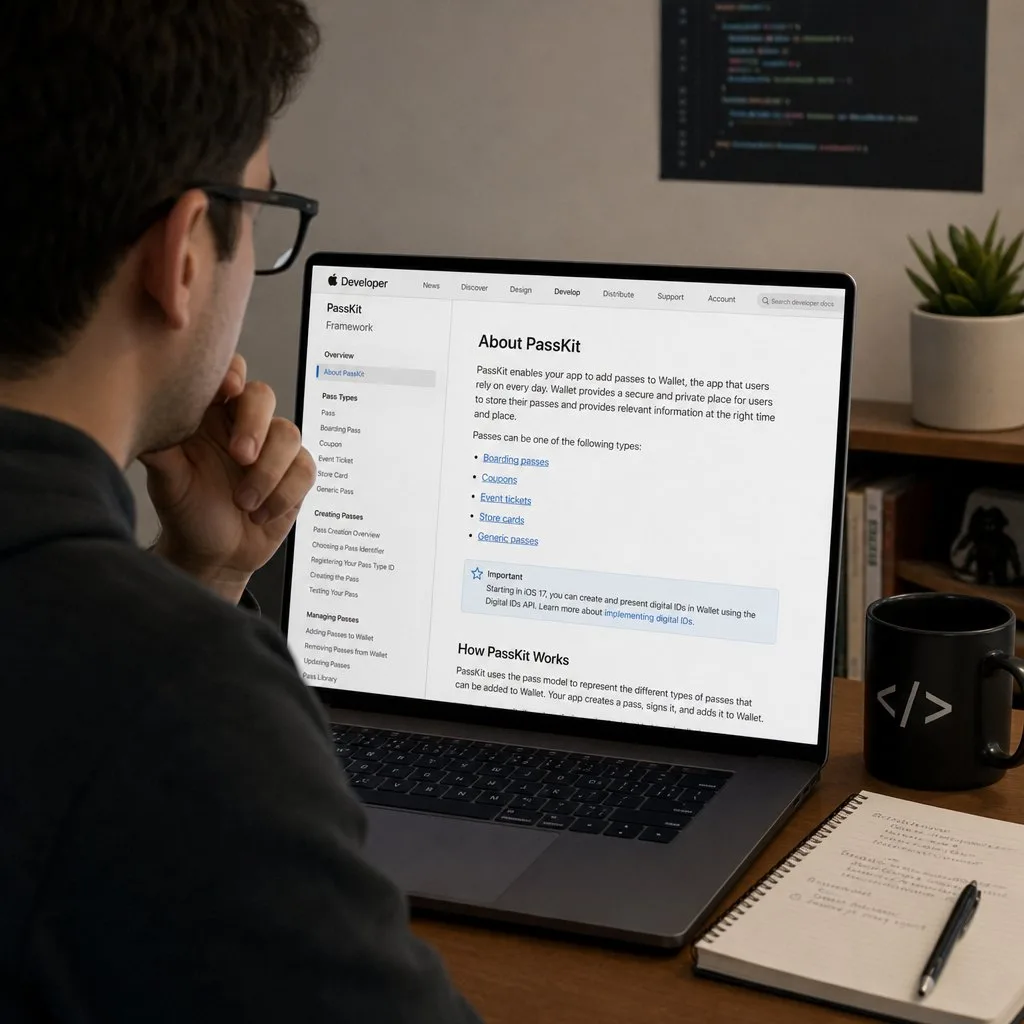
Students lose plastic ID cards, forget them on exam day, and pay replacement fees nobody enjoys collecting. A digital student ID card lives in Apple Wallet or Google Wallet on the device students already carry everywhere — and it never gets left in a dorm room.
What is a digital student ID card?
It's a wallet pass carrying the student's photo, name, program, student number, and a scannable barcode — the same credential as the plastic card, minus the plastic. It installs with one tap from an enrollment email or portal link, sits next to the student's payment cards, and updates itself when their status changes: new academic year, new program, graduation to an alumni card.
What campuses use them for
- Identity — visual ID checks with photo and validity status, plus barcode verification for exams and services.
- Access — libraries, labs, gyms, and events, verified by scan against live enrollment data.
- Attendance — scan-based check-in for lectures, orientations, and student events, recorded automatically.
- Perks — student discounts and campus offers delivered to the back of the card, updated per term.
- Lifecycle — the same card becomes an alumni card at graduation, keeping the relationship alive.
Why issue them from your CRM
The hard part of campus cards was never printing — it's keeping credentials in sync with reality. When the ID card renders from the student's record in Salesforce — Education Cloud or any student data model on the platform — there is nothing to sync: enrollment changes, holds, and graduations update every issued card automatically, and revocation is instant. Verification scans write attendance and access events back to the same record. The full picture is on our education industry page.
Rolling out in one semester
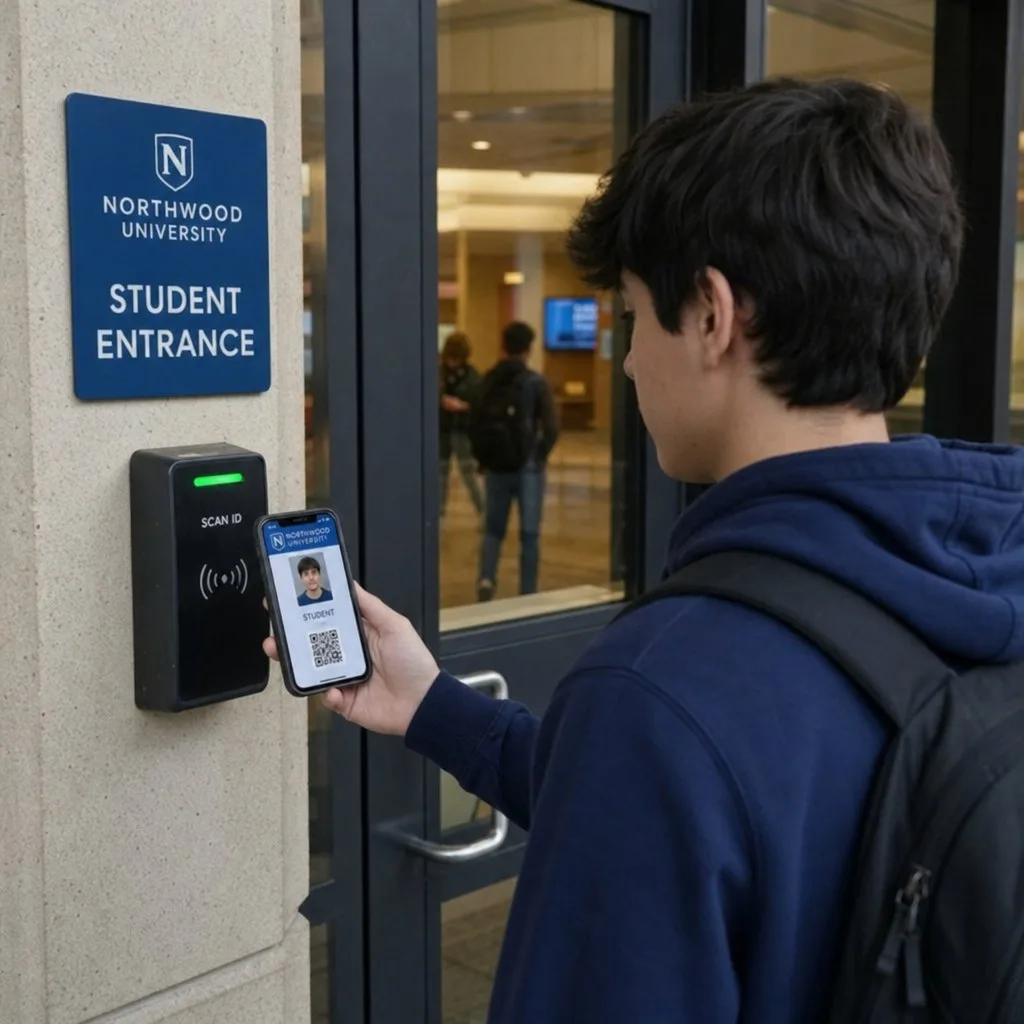
Successful rollouts follow the same arc: pilot with one faculty or incoming class, distribute cards through the enrollment confirmation email, put QR posters at high-traffic service points for stragglers, and equip front desks with the scanner. Because there's no app to build and no hardware to buy, the project is measured in weeks — and replacement-card requests drop to near zero.
The cost case, stated plainly
Card printers, ribbons and blank stock are a fixed annual cost that scales with intake. Software does not scale the same way — the ten-thousandth pass costs what the first one did. The larger saving is the one nobody budgets for: every lost card today is a queue, a fee to collect, an old card to void and a new one to print. Reissuing a wallet pass is a link in an email.
Waste is the third argument and it is not decorative. A card per student per programme, replaced on loss, all of it laminated PVC that does not recycle.
Security: better, not merely different
The reflex objection is that a phone is less secure than a card. The opposite holds, for reasons worth being specific about.
- The credential lives on a phone the student already protects. A dropped card works for whoever picks it up; a lost phone can be locked remotely and its pass revoked from the record.
- NFC exchanges are encrypted. Magnetic stripe and older proximity cards clone with equipment that costs less than a textbook.
- Revocation is immediate and remote. Withdrawal, suspension, a changed lab permission — the pass updates or dies without anyone confiscating anything.
- There is an audit trail. You know when a credential was issued, updated and used.
The lifecycle, end to end
- Issue at enrolment, generated from the student record.
- Activate — the student authenticates and adds the pass.
- Use and update — access, identification, payments; changes push to the device.
- Expire on graduation or departure, automatically.
Step four is the one legacy systems handle worst, and the one that matters most for security.
Rolling out without drama
- Pilot narrowly. One intake, one faculty or one hall. Fix what surfaces before it surfaces at scale.
- Do not assume the reader upgrade. If NFC on every door is out of budget this year, run QR at the door — a phone camera or a cheap scanner is enough, and NFC can be added later without reissuing anything.
- Teach it in ninety seconds. A short video in the enrolment email beats a policy page.
- Keep a plastic fallback. A small minority will need one; the barcode is shared, so readers do not care which arrives.
Cross-platform is not optional
Roughly half your intake is on Android and half on iOS, and the split varies by faculty and by country. A credential programme that works properly on one platform has failed half your students. One issuance link that detects the device and delivers the right format is the whole answer — see how the two platforms differ.
FAQ
- What about students without smartphones? Keep plastic as a fallback for the few who need it; the wallet card serves the overwhelming majority at near-zero marginal cost.
- Can a card be shared? Sharing controls, device-binding on Google Wallet, and scan-time validation against live records catch shared or expired credentials — see our security explainer.
- Apple and Android both? Yes — one template renders for both wallets, delivered by one smart link.
Sources: Apple's Adding a Web Service to Update Passes; Google's MultipleDevicesAndHoldersAllowedStatus reference on pass sharing.
Explore Kemicard
Product & solutions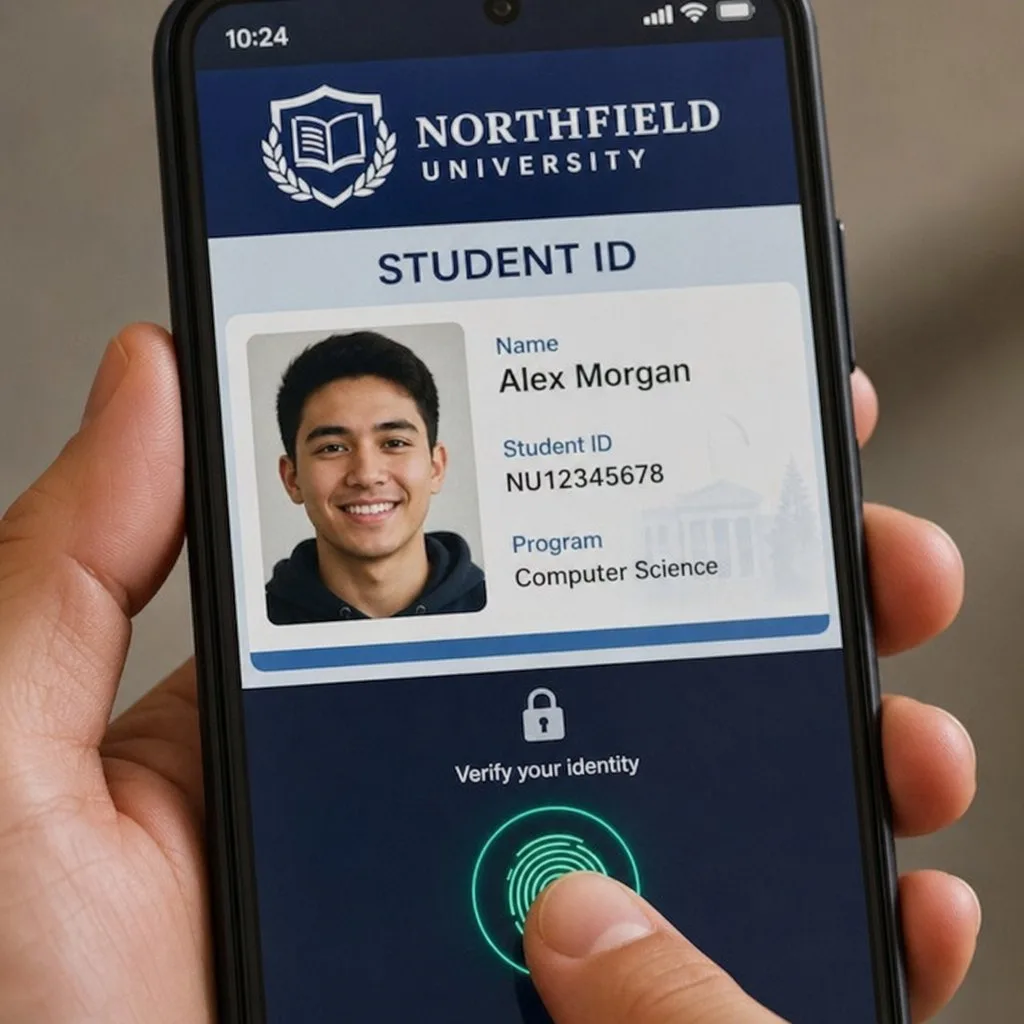
Bring Student IDs to the Wallet
Book a demo, test drive Kemicard, or start a free 30-day trial.
 Start Free Trial