

What Is a Web Wallet? (And How It Differs From a Mobile Wallet)
 By the Kemicard team
"Wallet" is one of tech's most overloaded words. Searching for a web wallet turns up three very different things — a crypto tool, a browser payment feature, and the mobile wallet apps on every phone. Here's the two-minute disambiguation.
Meaning 1: crypto web wallets
In the cryptocurrency world, a web wallet is a browser-based tool for holding digital currency keys — custodial (an exchange holds the keys) or non-custodial (you do). It has nothing to do with membership cards, tickets, or passes, and nothing on this site touches that world.
Meaning 2: browser autofill wallets
Chrome, Safari, and password managers store payment cards and addresses for online checkout. Useful, but confined to the browser — nothing installs to a phone's lock screen.
Meaning 3: mobile wallets — the one that matters here
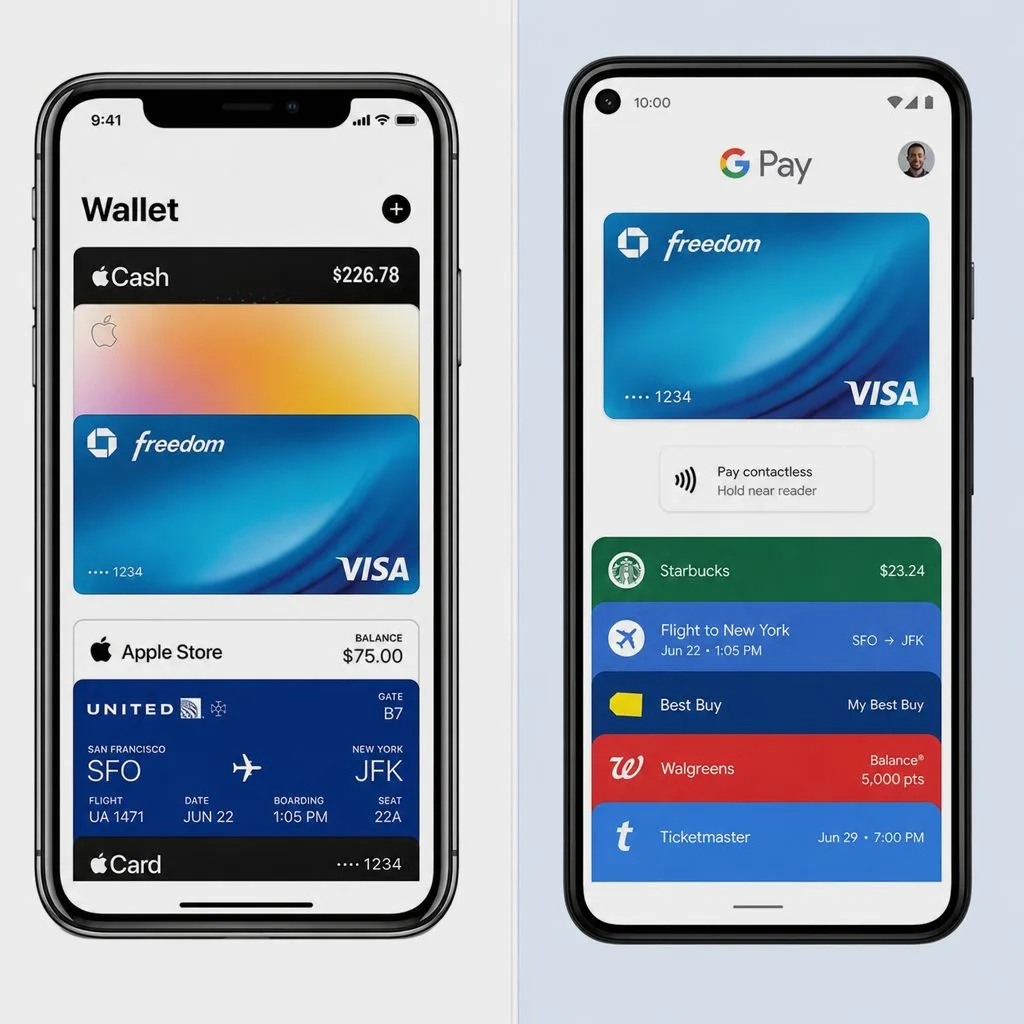
Apple Wallet and Google Wallet are the pre-installed apps where payment cards, tickets, loyalty cards, membership cards, and IDs live. This is the wallet businesses issue to: passes that update in real time, surface contextually, and scan at the door. The full explainer is in Apple Wallet vs Google Wallet.
Why the distinction matters for organizations
If your goal is putting membership cards, tickets, or credentials on customers' phones, you want mobile wallet passes — no crypto, no browser plugins, no app to build. From Salesforce, that's Kemicard: records in, wallet passes out, one tap for the member.
Sources: Apple Support's Add, use, and share tickets and passes in Apple Wallet; Google Wallet Help: About Google Wallet; Google Chrome Help: Fill out forms automatically in Chrome; Apple Support's Change AutoFill settings in Safari on Mac.
The Wallet Your Members Already Have
Book a demo, test drive Kemicard, or start a free 30-day trial.
 Start Free Trial