

From Passbook to Apple Wallet: What Changed, and What Didn't
 By the Kemicard team
If you have inherited an old integration, an old iPhone or an old piece of documentation, you will run into the name Passbook. It is not a separate product you need to support. It is what Apple Wallet was called before 2015 — and the technical foundation it established is still, almost unchanged, what your passes run on today.
A short history that still matters
Passbook arrived with iOS 6 in 2012, and its premise was narrow on purpose: not payments, but everything around payments. Boarding cards, cinema tickets, coffee stamp cards, store coupons — the paper that accumulates in a pocket and matters for exactly one day.
The interface leaned into the metaphor. Passes stacked like tickets, and a deleted pass was shredded on screen. Underneath, the clever part was contextual surfacing: a boarding pass appearing on the lock screen at the airport, a coffee card at the counter, driven by time and location rather than by the user going to look for it.
iOS 8.1 added Apple Pay. iOS 9 renamed the app to Wallet, because "Passbook" no longer described something that also held payment cards. The rename is the whole story of the change — passes did not move, break or need reissuing.
What Wallet holds now
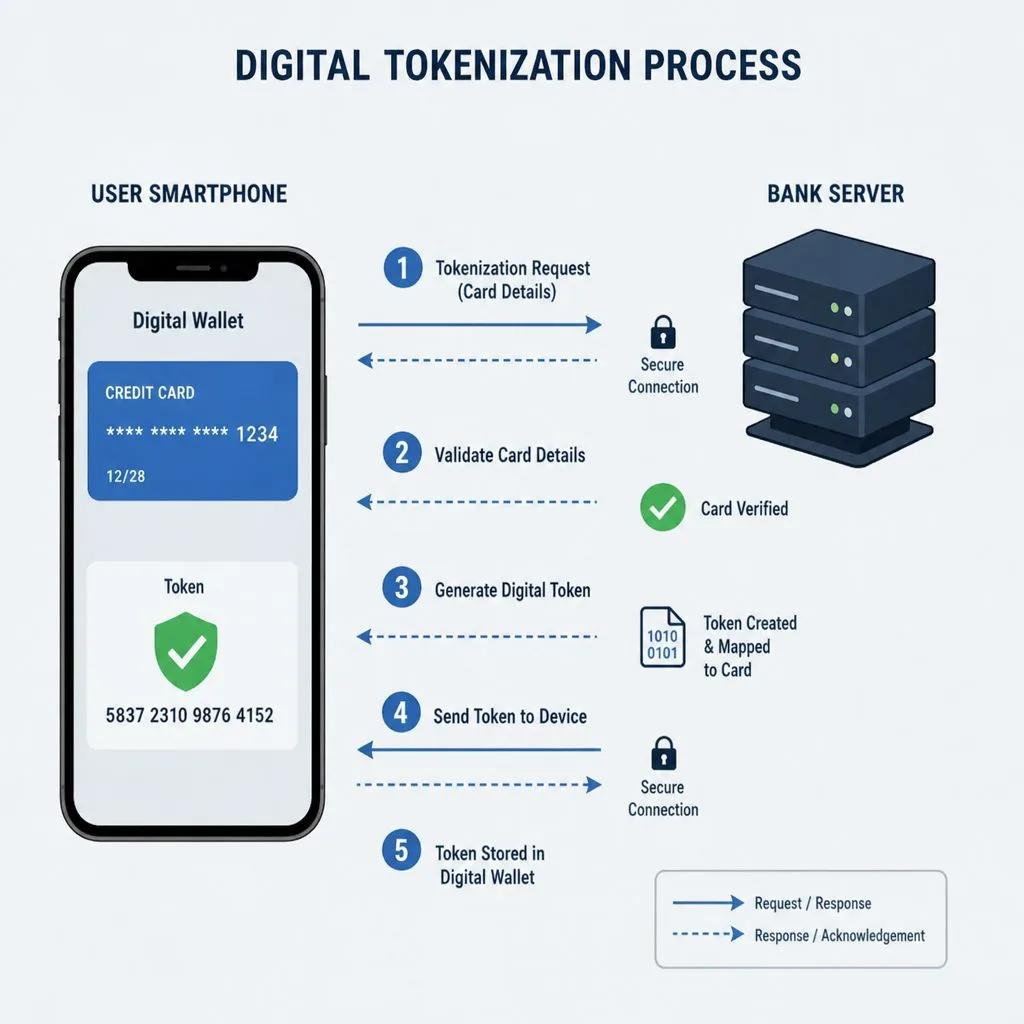
- Payment cards — the Apple Pay half, tokenised so the merchant never receives the real card number.
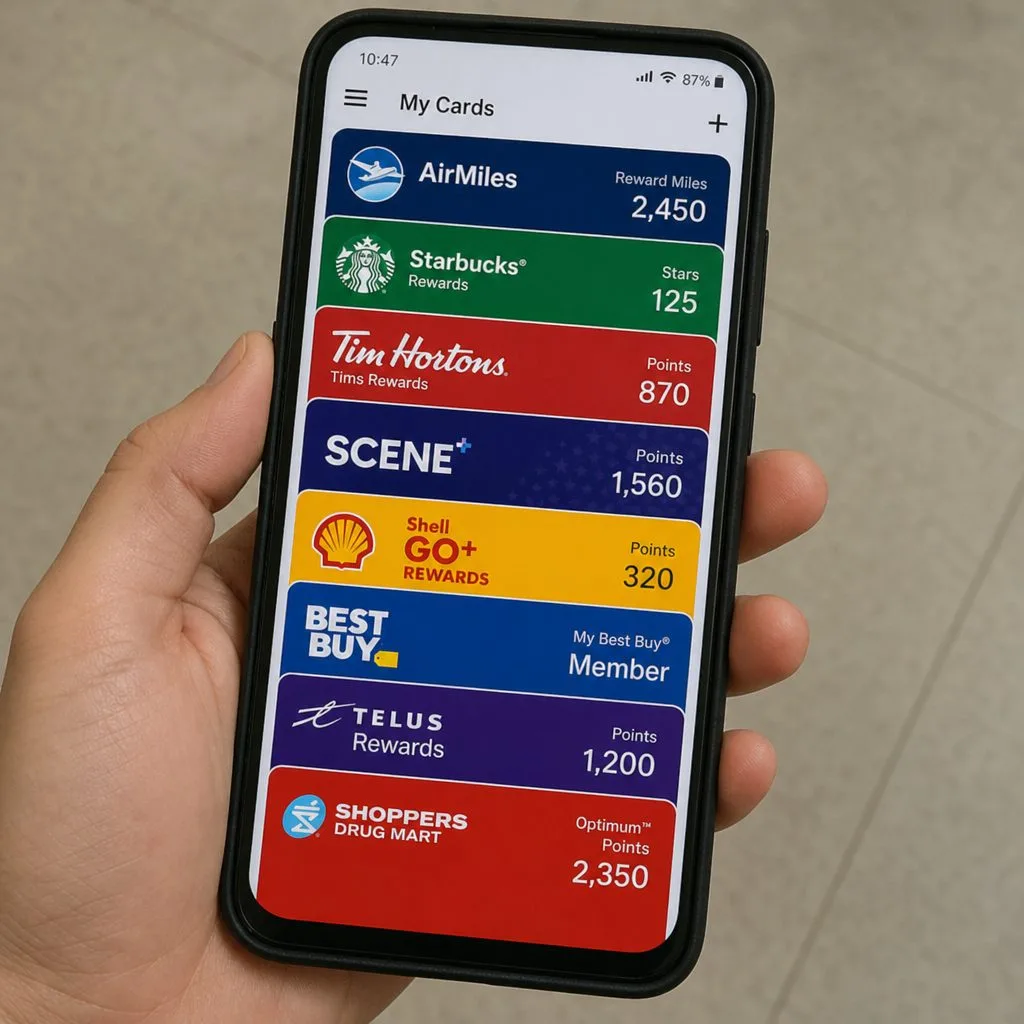
- Passes — the Passbook half, unchanged in kind: tickets, boarding passes, loyalty, membership, coupons, ID.
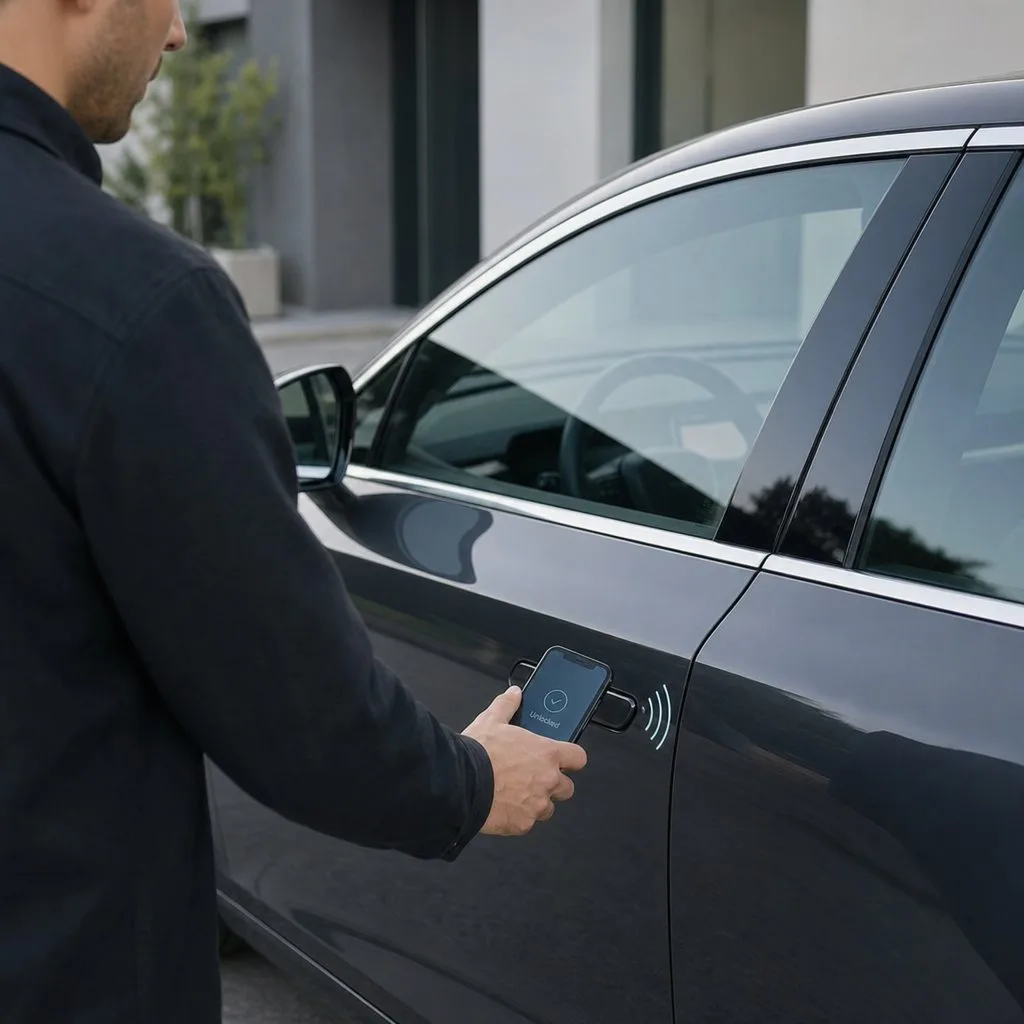
- Keys and credentials — car keys, hotel rooms, office and campus access on supported hardware.
- Identity documents — driving licences and state IDs in participating jurisdictions.
For anyone issuing passes, only the second category is your concern, and it behaves the way it did a decade ago.
The file format you will actually deal with
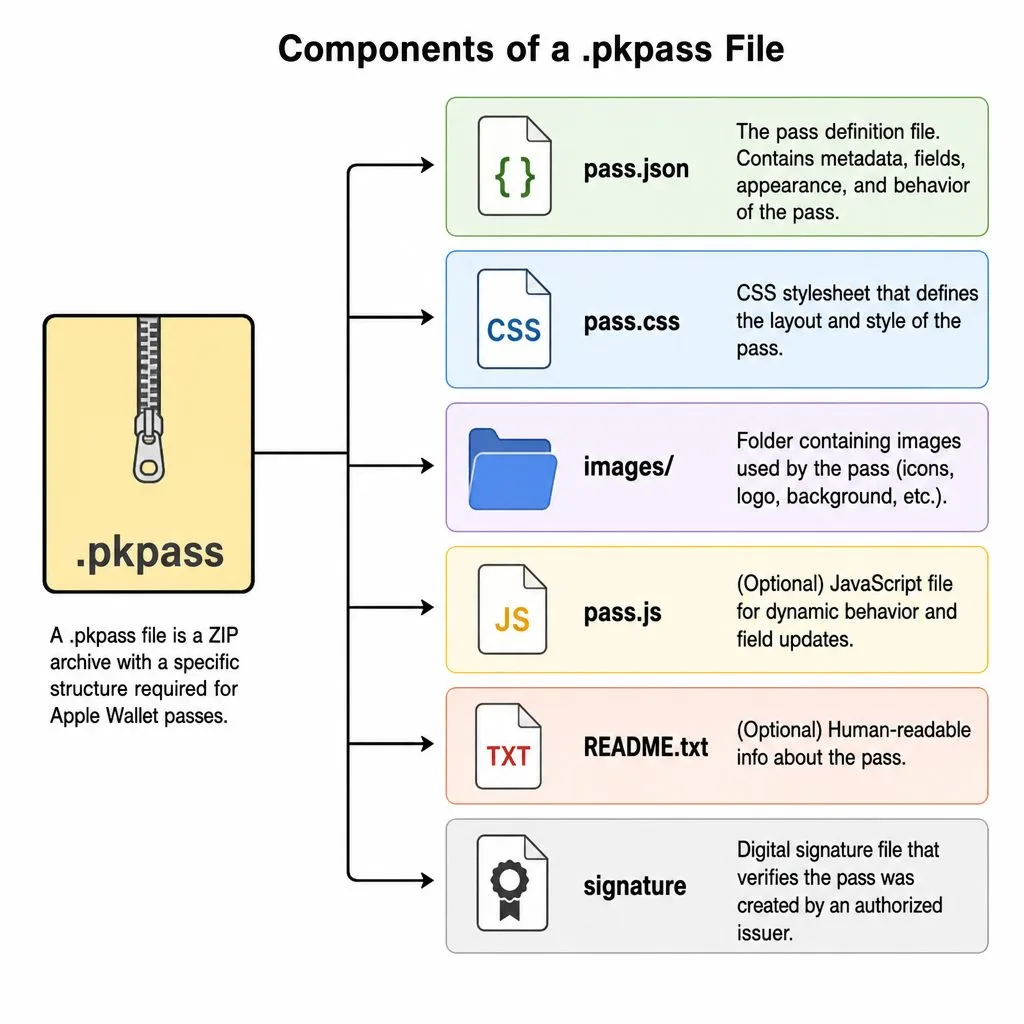
A pass is a .pkpass file: a signed, zipped bundle containing a JSON description, images, localisations and a manifest, signed with a certificate issued to your Apple Developer account. Five pass styles exist — boarding pass, coupon, event ticket, store card and generic — and the style determines the layout, not merely the label.
Two properties do most of the work in practice. A web service URL lets you push updates to a pass already on someone's phone. Relevance — a date, a location, or both — is what makes a pass appear on the lock screen at the moment it is needed. A pass without either is a static image with a barcode; a pass with both is a channel.
The mechanics, end to end, are in our .pkpass explainer.
Why "Passbook" still shows up
Three reasons, all harmless. Older devices and screenshots carry the name. A lot of developer documentation and Stack Overflow history predates the rename. And the underlying framework Apple ships is still called PassKit — which is a framework name, not a vendor, and worth knowing if you are reading Apple's docs for the first time.
If a colleague asks whether you need to support Passbook separately: no. Any pass valid today works on every iOS version that still receives updates.
What Apple got right, in retrospect
Passbook made a bet that looks obvious now and did not then — that the value of a digital pass is not the saved paper but the fact that a pass can change. A gate change reaches a boarding pass. A points balance updates itself. An expired membership stops working without anyone collecting a card.
Every wallet platform since has copied that model, Google Wallet included. The two ecosystems differ in packaging and distribution but agree on the premise. We compare them properly in Apple Wallet vs Google Wallet.
Issuing passes without the certificate archaeology
You can build .pkpass files by hand. Most teams do it once, discover that certificate renewal, push updates, Android parity and per-recipient personalisation are the actual work, and look for a platform.
Kemicard handles the signing, the update service and the Google Wallet equivalent, and issues from the Salesforce record you already maintain — so the pass reflects the contact, membership or ticket rather than a copy of it. See how it works.
FAQ
- Is Passbook discontinued? Renamed, not discontinued. It became Apple Wallet in iOS 9.
- Do old passes still work? Yes. The format has been backward compatible throughout.
- Is PassKit the same as Passbook? PassKit is Apple's developer framework for passes. It is also, confusingly, the name of an unrelated third-party vendor.
- Do I need Apple Pay to issue passes? No. Passes and payments are independent halves of Wallet.
- Can passes be updated after they are added? Yes, via the pass's web service URL and a push notification.
Sources: Apple's Building a Pass, Pass reference, Adding a Web Service to Update Passes and Showing a Pass on the Lock Screen.
Explore Kemicard
Product & solutions
Issue Apple Wallet Passes from Salesforce
Book a demo, test drive Kemicard, or start a free 30-day trial.
 Start Free Trial