

The Rise of Digital Wallets in Customer Experience
 By the Kemicard team
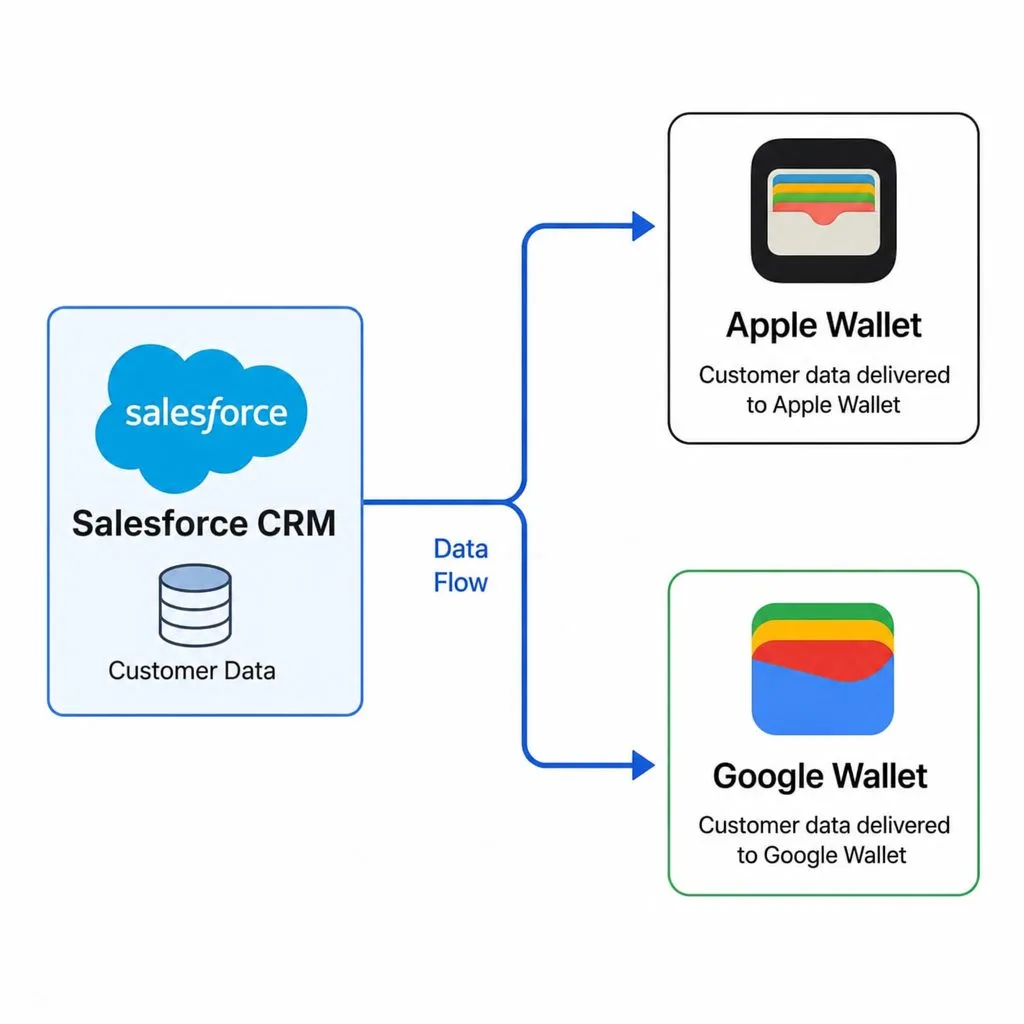
The smartphone replaced the leather wallet — and the mobile wallet became prime real estate for brand engagement. The question for any business: how do you get onto that screen without forcing customers to download yet another app?
Wallets are no longer just for cards
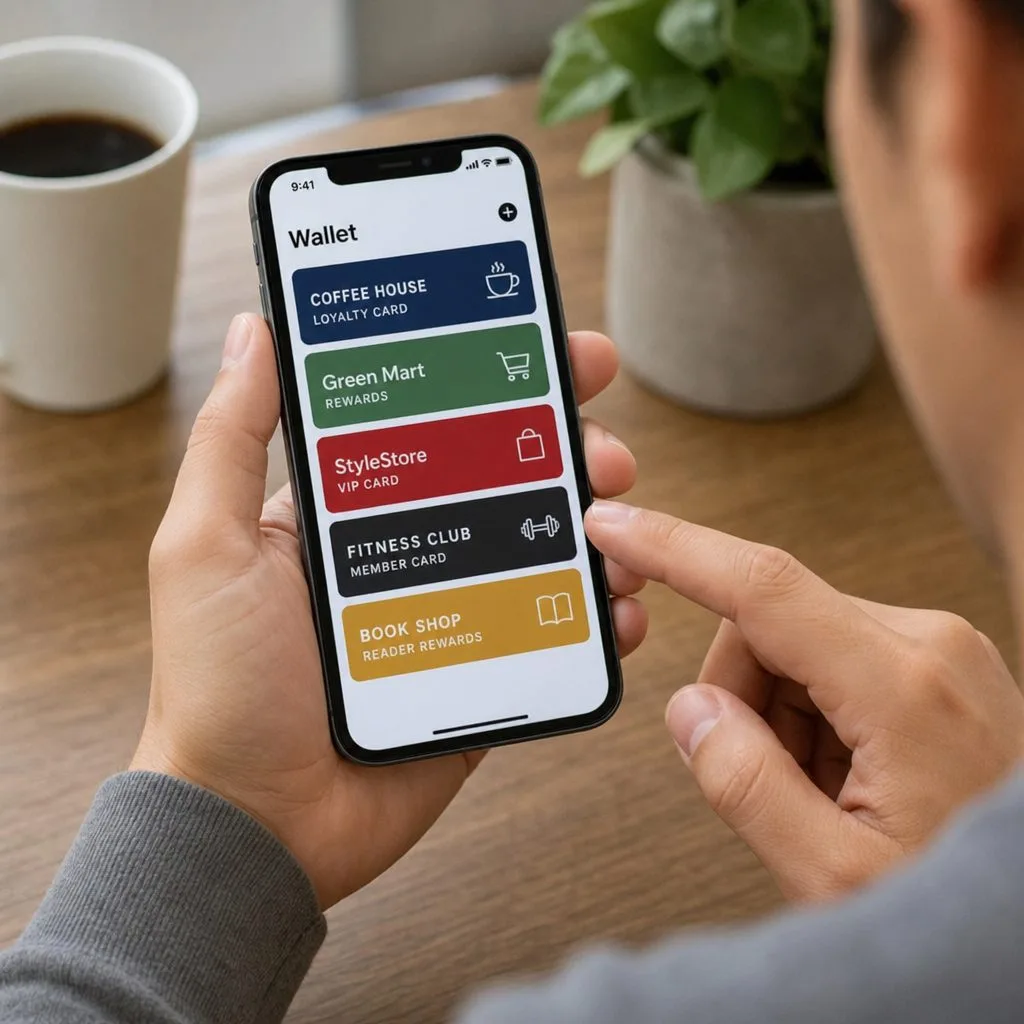
Apple Wallet began in 2012 as Passbook, a home for boarding passes, tickets and loyalty cards, and Google Wallet grew out of Google's payment apps; today they're dynamic hubs for loyalty cards, tickets, coupons, and IDs. Users love the convenience — Siri pulls up a loyalty card at checkout, Google surfaces the right pass at the right time — and businesses love the economics: no printing, no mailing, no plastic replacement cycle, and a far richer, interactive experience.
Why connect Salesforce to the wallet
CRM data is only as valuable as how you use it to engage. Wiring Salesforce to mobile wallet passes turns static records — Sales Cloud contacts, Service Cloud cases, Experience Cloud members — into something customers carry: the card is always on their phone, your brand lives alongside their most-used apps, and unlike an email that gets buried, a wallet pass updates itself and can speak on the lock screen.
Kemicard vs building it yourself
Connecting the two ecosystems is a build-or-buy decision. A custom mobile wallet API integration means developer resources, certificate management, and permanent maintenance as Apple and Google evolve their platforms. Kemicard is the purpose-built alternative: a managed package that sits inside your Salesforce environment, with real-time synchronization between records and passes — change the record, the pass updates; scan the pass, the record updates.
Automation, notifications, and ROI
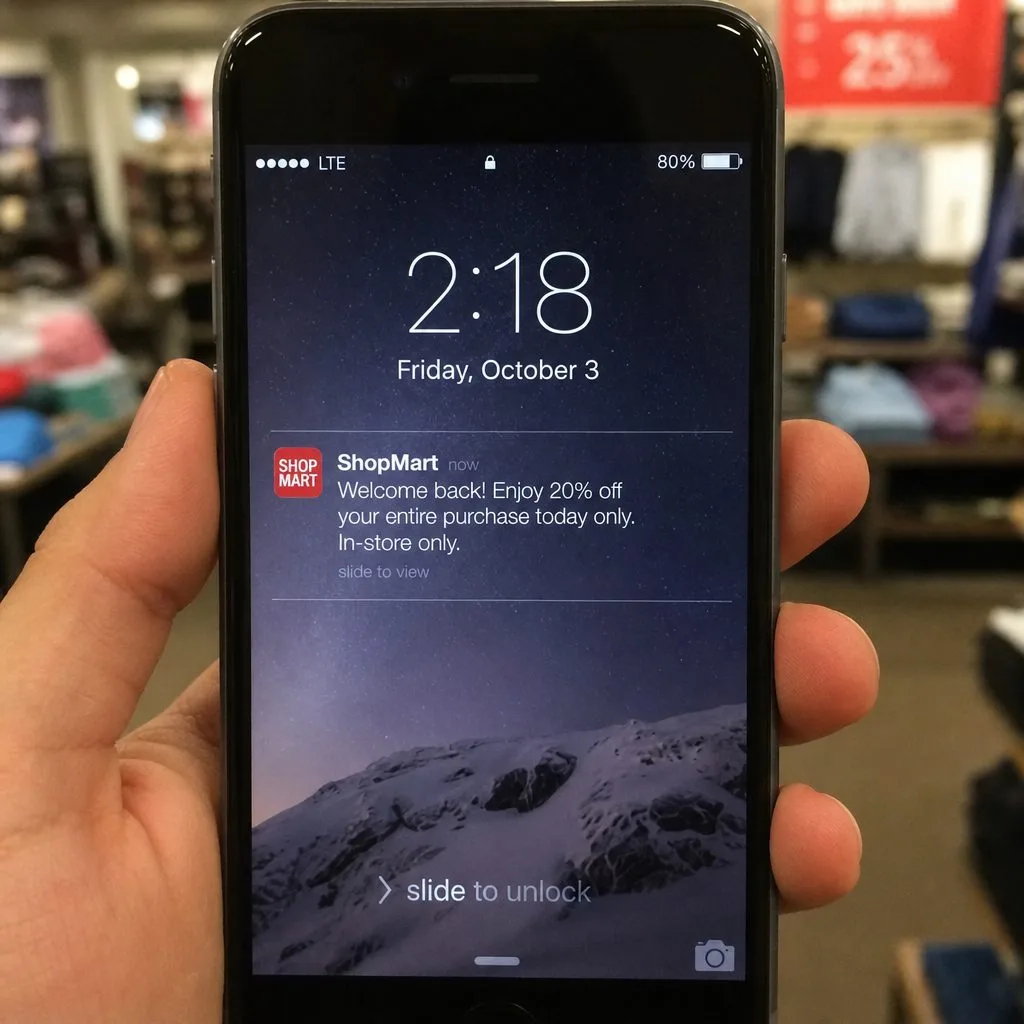
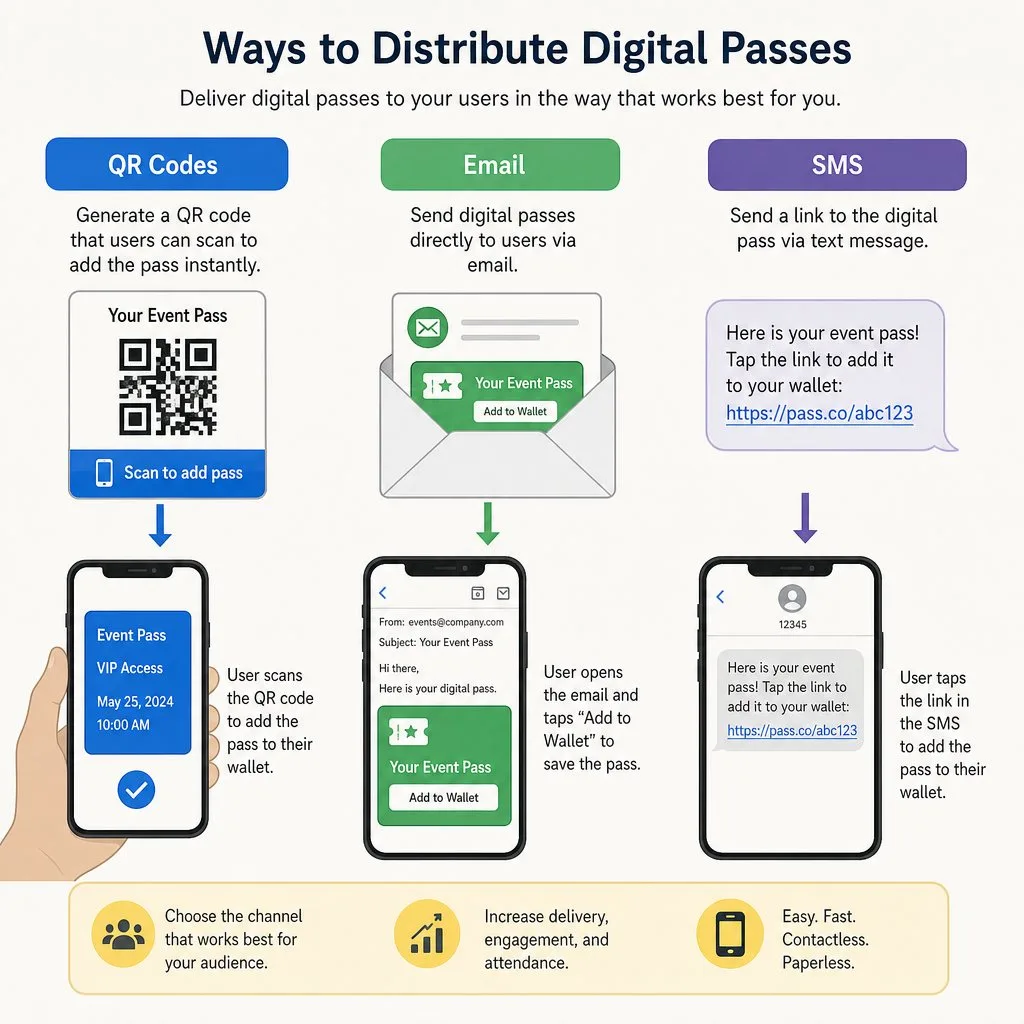
Campaigns run themselves: a Flow issues a pass when a record hits a milestone, a Salesforce Marketing Cloud journey delivers it mid-campaign, a Kemicard Connect send pushes an offer to a whole report, now or on a schedule, and geofenced alerts greet customers near your location. Because every install, update, and scan is a Salesforce event, ROI isn't a guess — it's a report. See what to measure.
Design best practices
Keep the front glanceable (name, status, one number that matters), put depth on the back of the pass, brand with restraint, and message sparingly — the lock screen is earned space. Full guidance in Kemicard Studio docs, and the strategic view on the platform overview.
Sources: Apple's Wallet design guidelines, Showing a Pass on the Lock Screen and Adding a Web Service to Update Passes; Google's Google Wallet API documentation.

Put Your CRM on Their Lock Screen
Book a demo, test drive Kemicard, or start a free 30-day trial.
 Start Free Trial