

Wallet Pass Analytics: What to Measure (and Where)
 By the Kemicard team
A pass program you can't measure is a guess. Wallet pass analytics answer three questions: who installed, who's engaging, and what happened at the door. The answers belong in your CRM, not a vendor dashboard.
The metrics that matter
- Install rate. Passes added, divided by links sent. This is your adoption headline, and the number to move first with better emails, a QR code at the desk or a reminder.
- Active passes. Installed and not removed: the audience you can actually reach on the lock screen.
- Scan events. Check-ins and redemptions by location, date and staff member. This is the ground truth of engagement.
- Message performance. Notifications sent, set against the scans and redemptions that follow. It shows which messages actually move people.
Where each signal comes from
None of these numbers needs a tracking pixel. Each comes from how the wallets work:
- Installs and removals on Apple Wallet. When someone adds a pass, the device registers with the issuer's web service for updates. When it is removed, the device unregisters. Both are signals (Apple's web service model).
- Saves and deletions on Google Wallet. Google can call the issuer back when a pass is saved or deleted (Google's callbacks).
- Scans. Each scan with the Kemicard Scanner verifies the pass against the live record and writes the check-in or redemption to Salesforce.
- Messages. Notifications sent with Kemicard Connect are logged against each run, with every recipient's success or failure.
Why native reporting wins
When every install, update and scan is a Salesforce record, wallet pass analytics are just reports. Kemicard writes wallet activity back to the Contact and the Campaign, so a pass program is measured with the same objects, filters and folders as everything else in your CRM (analytics and reporting). There are no exports and no second analytics tool to learn, and CRM Analytics can go further if you have it.
It also inherits your governance. Pass activity follows the sharing rules and role hierarchy already set on the objects it is stored against. A regional manager sees their branches' installs and scans and nothing above them, without a separate vendor seat.
Five reports worth building first
- Install rate by campaign. Passes installed against links sent, per send. A low number points at the email or the timing, not the card.
- Active passes by tier or membership type. The size of the audience you can reach, and whether your best members carry the card.
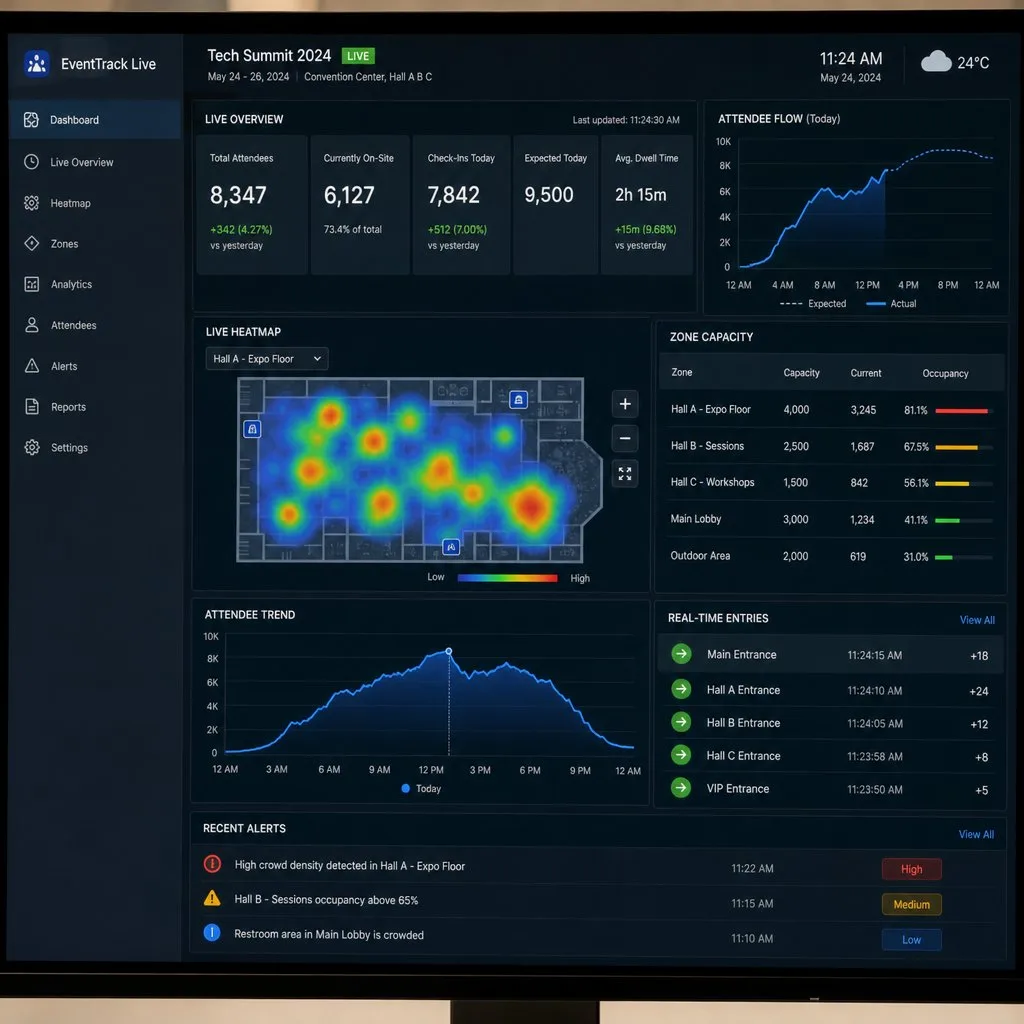
- Check-ins by event, location and day. Attendance you can trust, because it was scanned, not estimated.
- Lapsed members who still carry a pass. Your warmest renewal list: they kept the card, so they haven't left in their own minds.
- Redemptions by offer. Which coupons and rewards are used, and which only fill space on the back of the card.
All five are ordinary Salesforce reports and dashboards. If your team is new to them, Trailhead's reports and dashboards guide covers the basics.
Turn the numbers into action
Data in the CRM can trigger something, not just be looked at:
- Pass removed: start a win-back Flow, or flag the record for a call.
- First scan at an event: send a welcome message or a session reminder.
- No scan in 90 days: add the member to a re-engagement campaign before renewal comes round.
- Points threshold crossed: update the tier, and let the card change with it.
Each is a record-triggered Flow on data your org already holds.
What not to measure
- Passes issued, on its own. It counts emails sent, not cards carried. Report it next to install rate, never instead of it.
- Notification volume. More messages is not more engagement. Google caps notification-triggering messages at three per pass per day, and members mute a card that talks too much.
Related reading: event attendance tracking and customer retention strategies.
Sources: Apple's Adding a Web Service to Update Passes; Google's Add and delete callbacks and Trigger Push Notifications; Salesforce Help: Triggered Flows; Trailhead: Lightning Experience Reports & Dashboards.
Explore Kemicard
Product & solutions
Turn Wallet Engagement Into CRM Insight
Book a demo, test drive Kemicard, or start a free 30-day trial.
 Start Free Trial