

Why Event Teams Outgrow Spreadsheets: The Case for a CRM
 By the Kemicard team
A conference has a hundred moving parts — venues, speakers, sponsors, VIP RSVPs, dietary requirements, volunteer shifts. Run it on scattered spreadsheets and something will fall through. Here is what changes when the whole event lives in a CRM instead.
What makes an event CRM different from a normal one
A standard CRM tracks leads, pipelines and customer interactions. An event CRM is shaped by deadlines. It has to manage relationships not just with ticket buyers and attendees, but with sponsors, vendors, venues and your own staff — and it has to do that against a date that will not move.
That is the gap between generic event planning software and a real database. One holds a task list. The other is the single source of truth for the whole event ecosystem.
Centralised data, and the end of information silos
On a large event, silos are the enemy. A good CRM keeps every dietary restriction, ticket type and VIP status in one profile that anyone on the team can reach.
It should not stop at attendees. The same platform can carry speaker contracts, travel availability and AV requirements alongside volunteer shift schedules and training material — one dashboard rather than four systems and a shared drive.
Registration that updates itself
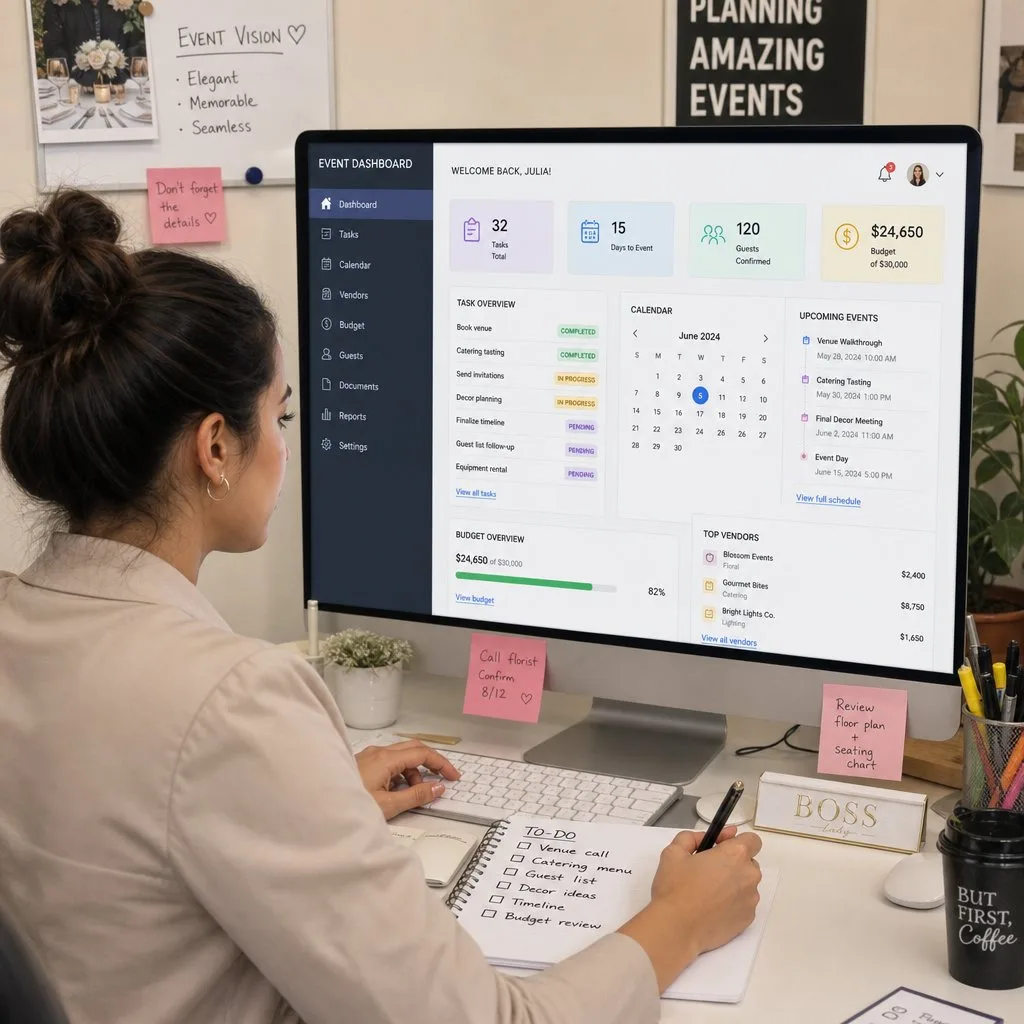
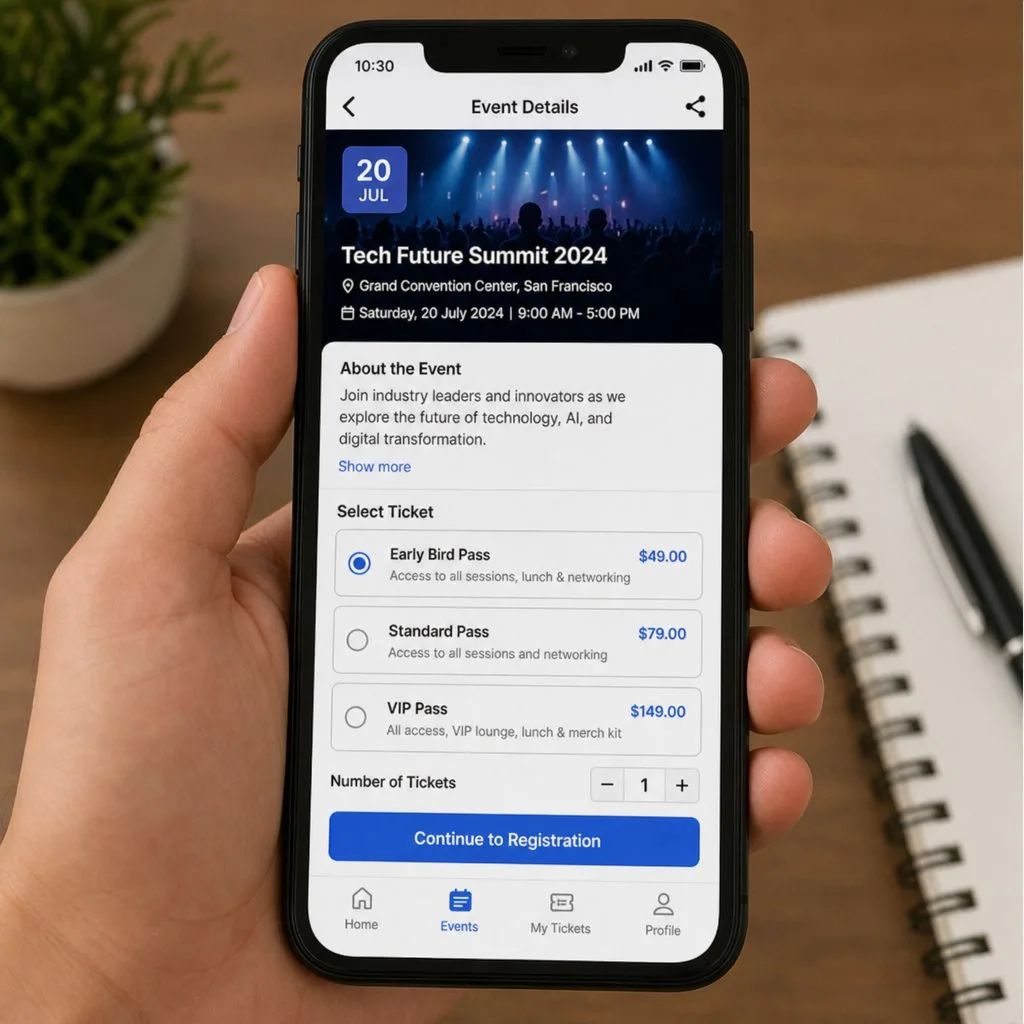
Administrative lifting is the biggest drain on an event team. Automating registration removes the manual tracking entirely: a guest registers, their profile updates, a confirmation goes out, and venue capacity adjusts — without anyone touching a spreadsheet.
This is exactly where wallet credentials earn their place. Instead of emailing a PDF that is out of date the moment a room changes, the registration record issues a pass to Apple Wallet or Google Wallet. Change the record, and every attendee's pass updates on their phone.
Check-in as a data event, not a queue
Scanning a credential at the door is the moment your plan meets reality. Done well, it takes seconds per person and writes attendance straight back to the record — which means your session numbers, no-show rate and peak arrival times are all real data rather than estimates. Our check-in guide covers the mechanics.
Sponsors notice the difference
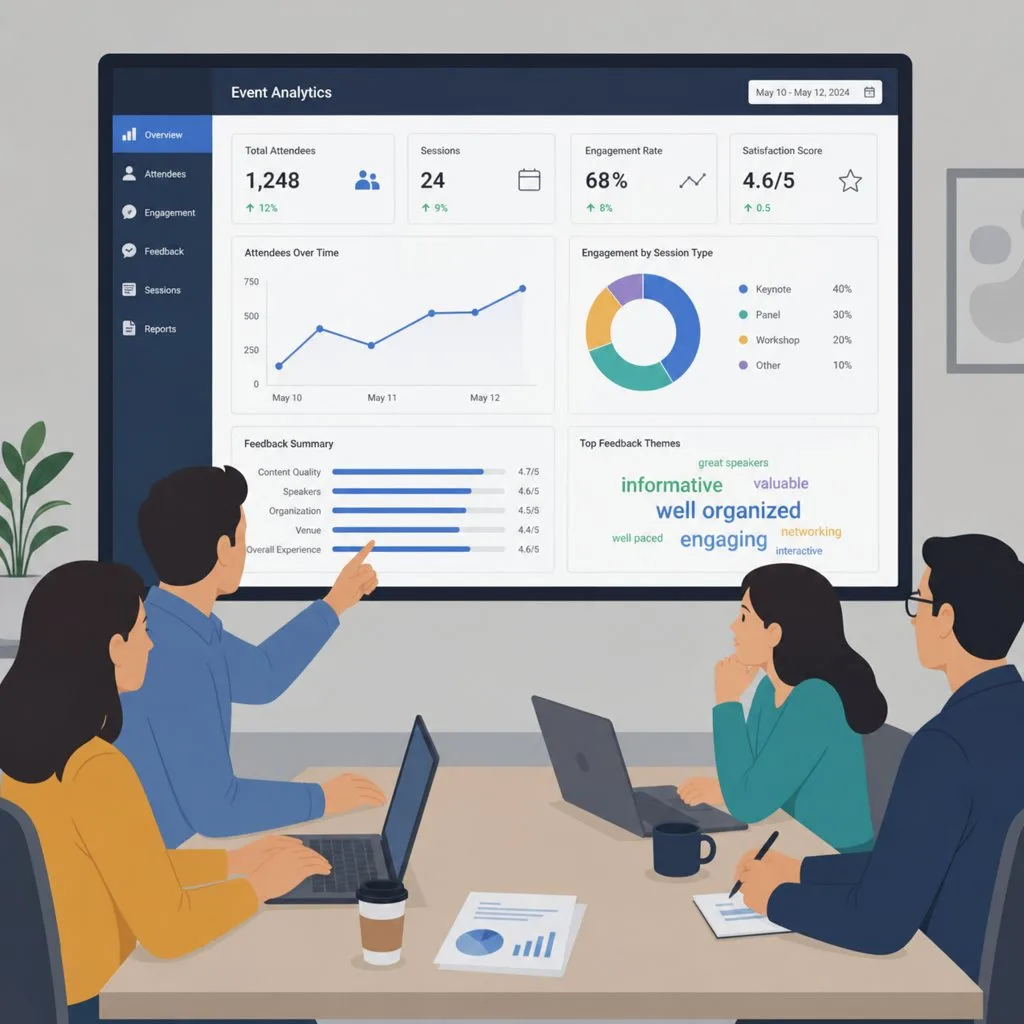
Sponsorship renewals hinge on evidence. A CRM that records who scanned in, which sessions filled and how attendees moved through the venue gives you something concrete to put in the renewal conversation — rather than a headcount and an anecdote.
If the pass itself carries sponsor branding, that presence stays in the attendee's wallet after the event ends. It is the rare sponsor benefit that outlives the day.
Where Salesforce fits
If your organisation already runs on Salesforce, you do not need a separate event platform holding a second copy of your contacts. The event is your CRM data: Contacts, Campaigns, Campaign Members. Kemicard issues the attendee credential from those records and writes the scan back to them, so the event never becomes an island. See event ticketing for how that works end to end.
FAQ
- Do we need a dedicated event platform as well? Usually not. If the attendee already exists as a Contact or Lead, adding a second system creates a sync problem you will maintain forever.
- What about walk-ins? A credential can be issued on the spot from a QR code at the door, and the record is created at the same moment.
- Can sponsors see their own numbers? Scan events are Salesforce records, so a sponsor-facing report or Experience Cloud page is a configuration exercise, not a development project.
Sources: Salesforce Help: Get to Know Salesforce Campaigns; Apple's Adding a Web Service to Update Passes; Google's Event tickets documentation.
Explore Kemicard
Product & solutions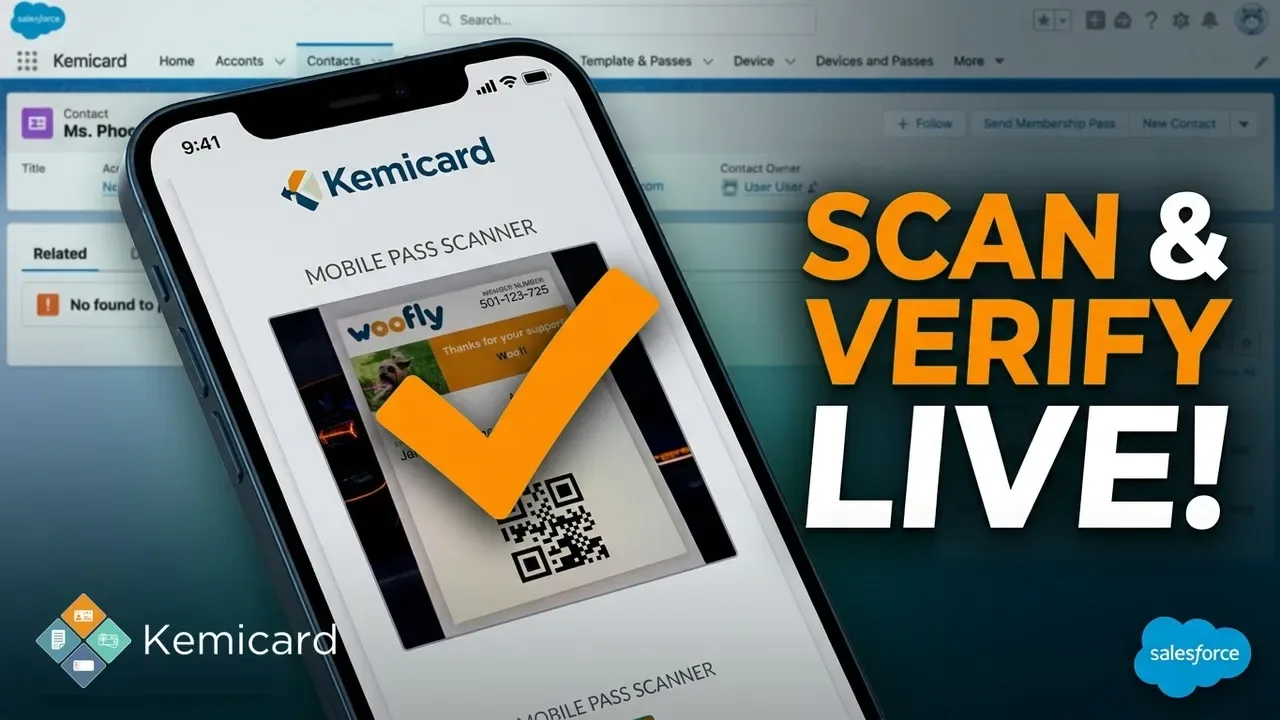

Run Your Next Event From Salesforce
Book a demo, test drive Kemicard, or start a free 30-day trial.
 Start Free Trial