

Google Pay vs Google Wallet: Which Does What?
 By the Kemicard team
Two Google apps, similar names, overlapping icons — and a good deal of confusion about which one holds your event ticket. The distinction is simpler than it looks, and it matters if you issue passes.
The short version
A mobile wallet is a storage container: cards, credentials, tickets, passes. A payment app moves money between people and businesses. Google Wallet is the container. Google Pay, where it still exists as a separate app, is the money-movement side.
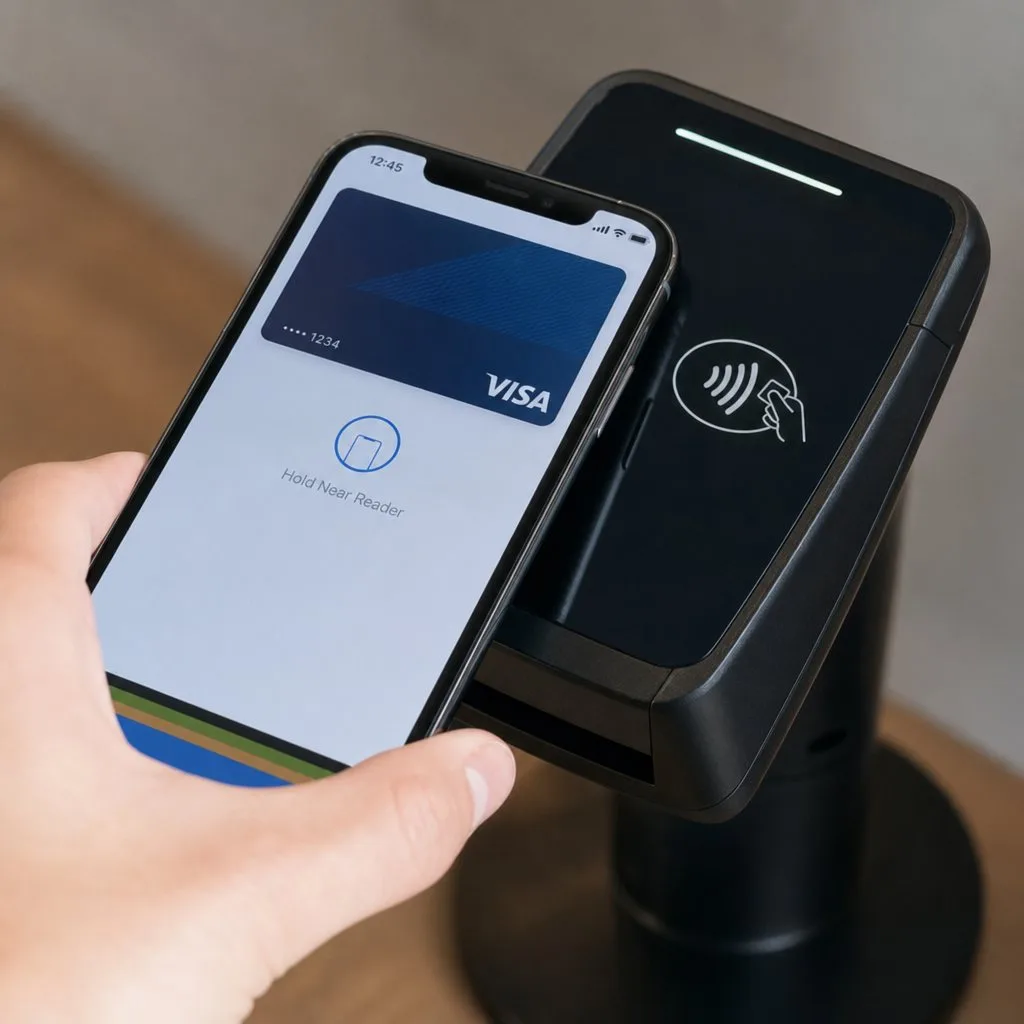
Google Wallet is the direct replacement for the physical wallet in your pocket — payment cards, transit passes, boarding passes, loyalty cards, event tickets, and in some regions identity documents.
Why both are on some phones
The ecosystem has been reorganised more than once. On many devices Google Wallet has absorbed what Google Pay used to do, and the separate Pay app remains only in certain markets, focused on peer-to-peer transfers and offers. If you have both, Wallet is the one holding your passes.
What this means if you issue passes
It means your integration target is Google Wallet, not Google Pay — and the mechanics differ from Apple's in ways worth knowing:
- Apple installs a file; Google saves an object. Apple Wallet passes are signed
.pkpassbundles. Google Wallet passes are objects created through an authenticated API call — never assembled by the holder. - Device binding. Google can restrict a pass to the device that first saved it, which invalidates forwarded copies.
- Layout differs. Rounded cards, circular logo, hero image at the bottom. The same content needs a different arrangement.
We compared the two platforms properly in Apple Wallet vs Google Wallet, and covered the Android side in the Google Wallet passes guide.
Security, briefly
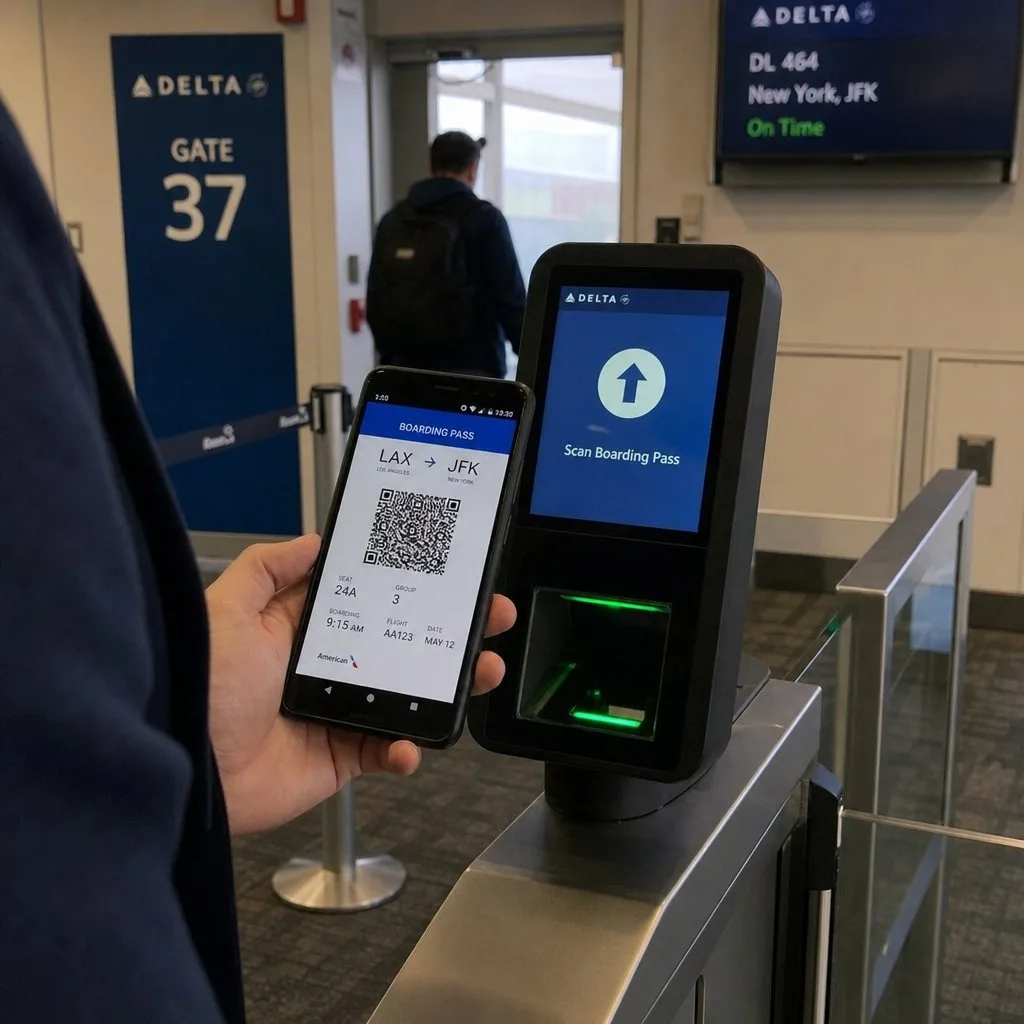
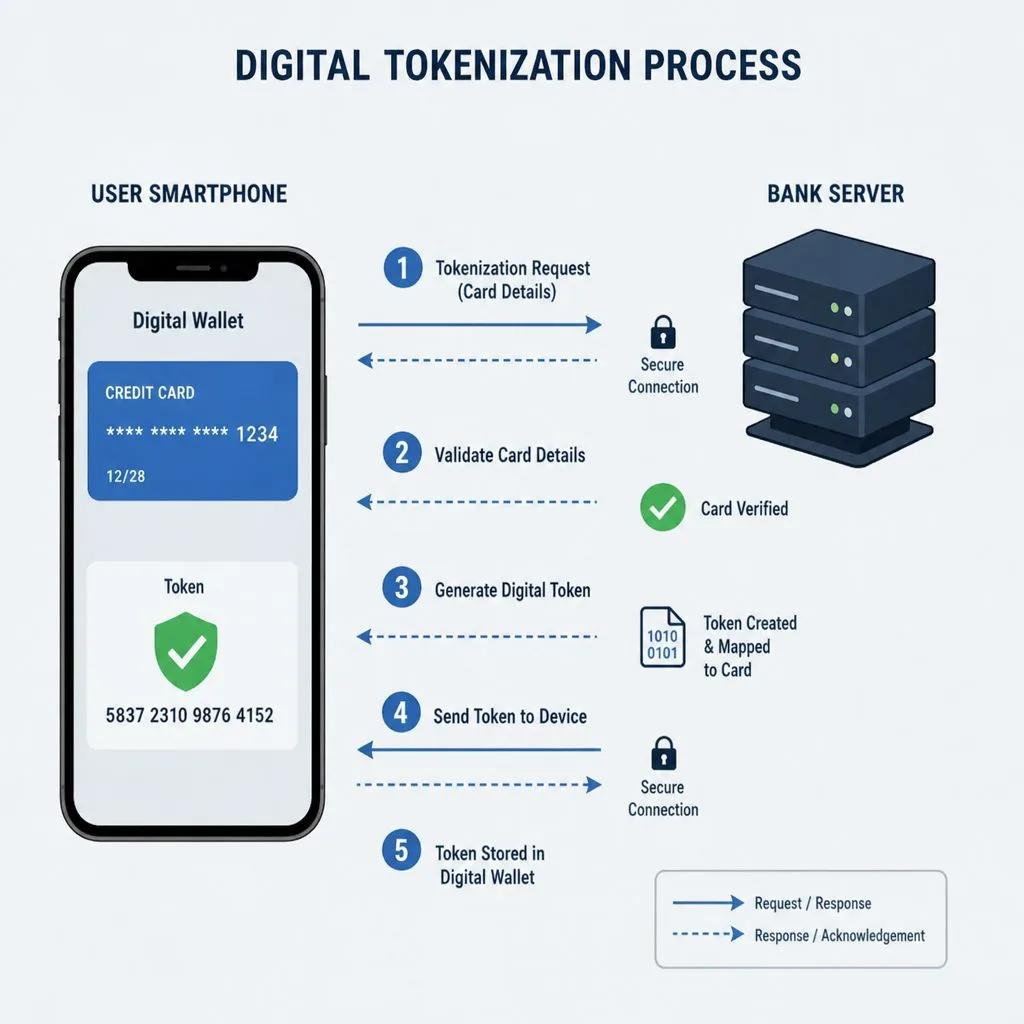
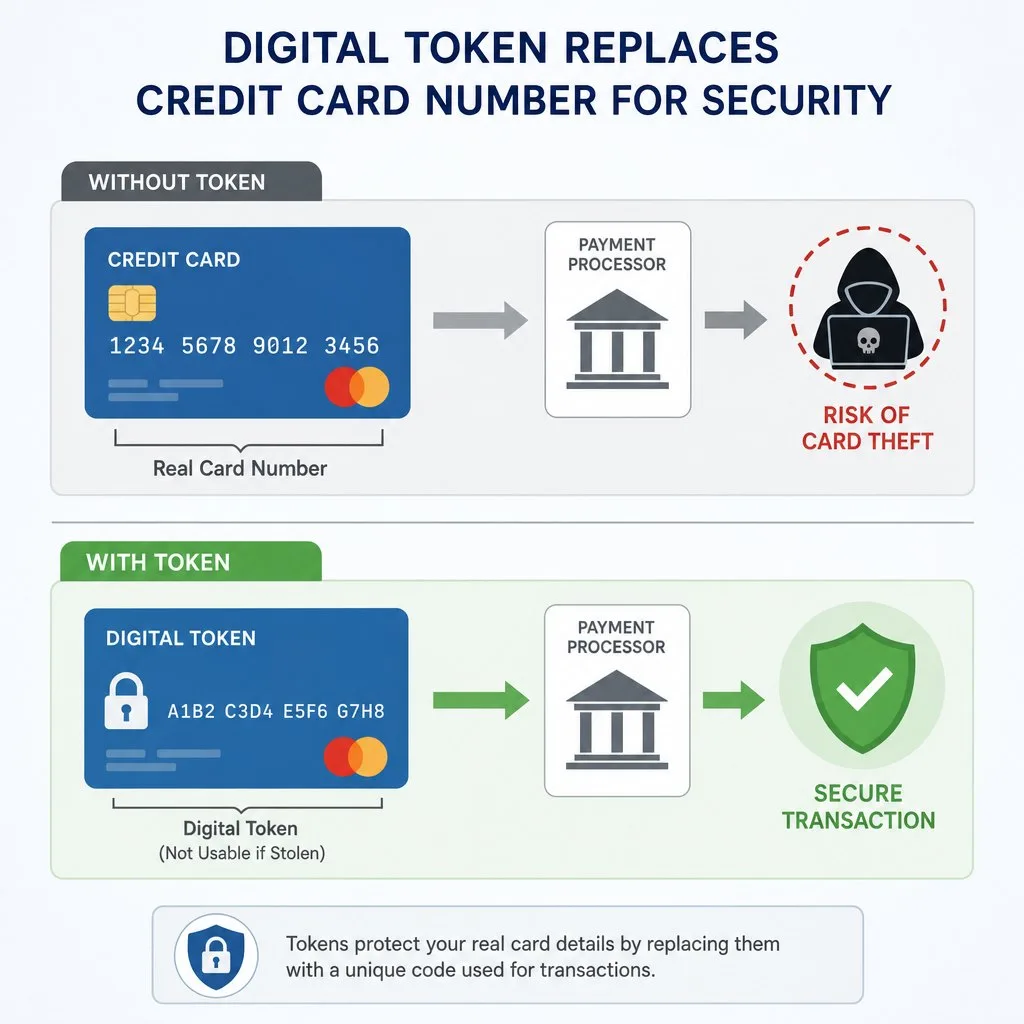
Both halves of the ecosystem lean on the same foundations: tokenisation so real card numbers never reach the merchant, biometric authentication at the point of use, and NFC or QR at the moment of presentation. For passes specifically, the meaningful control is scan-time validation — checking the credential against the live record rather than trusting what the screen shows.
The practical conclusion
Do not pick a wallet. Your audience is split across both, and any serious pass programme has to reach Apple and Google from one design. That is the whole premise of how Kemicard works: one template in Salesforce, both wallets, one link that knows which device it landed on.
What Google Wallet actually holds
It is easy to assume Wallet means payment cards, because that is the part with the advertising. In practice the app is a container with four fairly different tenants.
- Payment cards — tokenised, so the merchant never receives the real number.
- Passes — loyalty, membership, tickets, boarding passes, offers. This is the half that concerns issuers.
- Keys and access — car, hotel and office credentials on supported hardware.
- Identity — state IDs and, in some regions, digital licences.
Only the second exists for you if you are issuing passes, and it is available without any payments integration whatsoever.
Security, without the marketing gloss
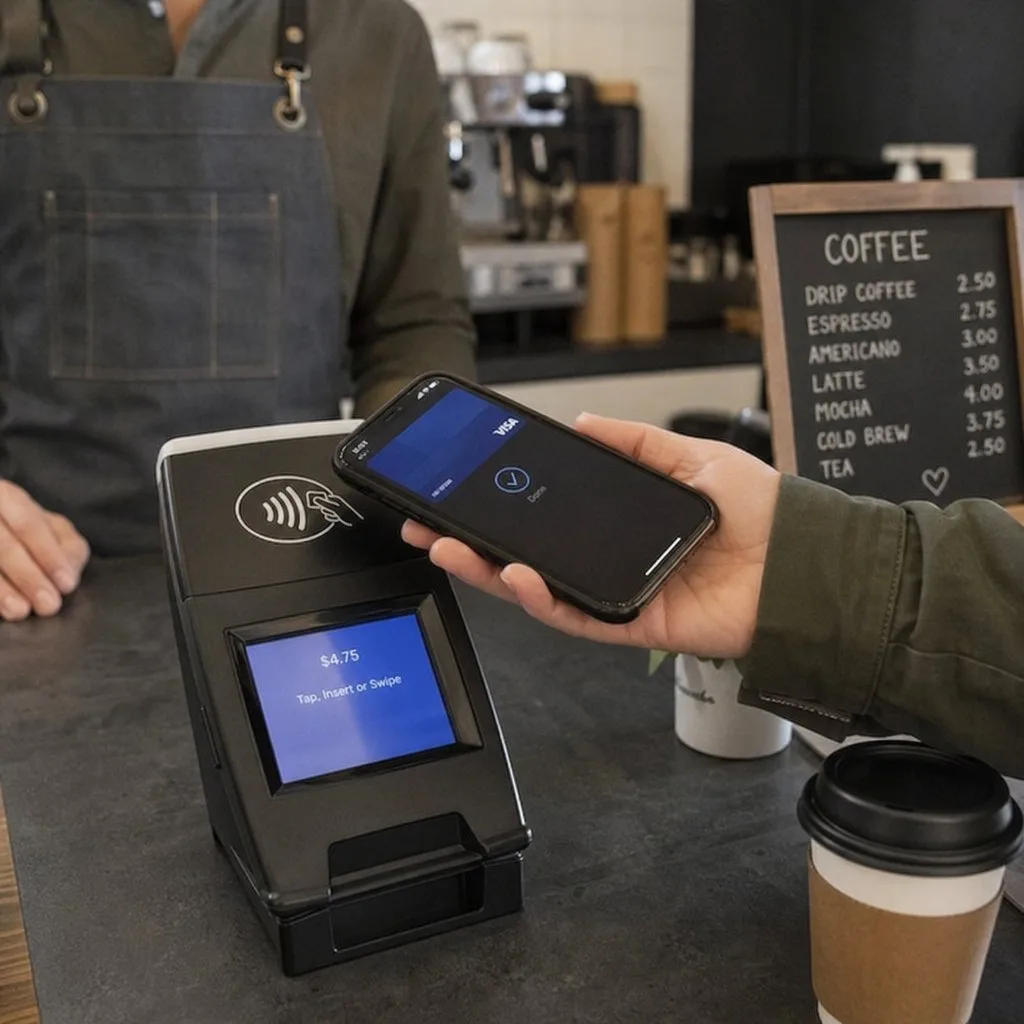
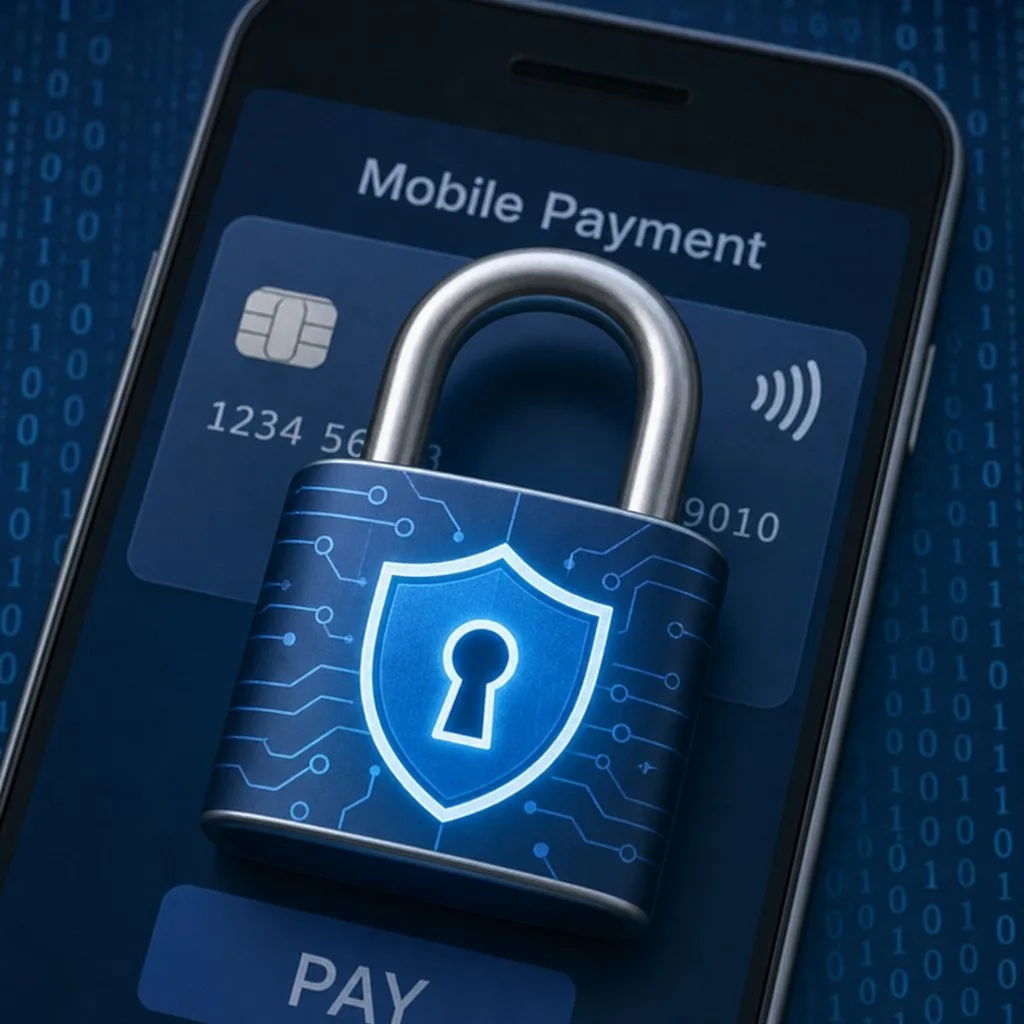
Tokenisation is the important mechanism: the number transmitted at the terminal is a device-specific substitute, useless if intercepted. Everything sits behind the device's own screen lock and biometrics, and a lost phone can be wiped remotely from a browser.
For passes specifically, the security question is different and simpler: the pass carries what you put on it, so put on it what a card would have shown and leave the sensitive fields in your system of record.
Setup, from the holder's side
Worth knowing because your support inbox will ask. Wallet is preinstalled on most Android devices and available from Play elsewhere; set a screen lock — Google requires one for payments, and a missing screen lock is a common cause of "it will not let me save the pass". NFC needs to be on for tap-to-use, but a QR-based pass works without it.
FAQ
- Does Google Wallet work on iPhone? Google's download page lists Android requirements only; iPhone users add passes to Apple Wallet.
- Can one link serve both? Yes — device detection sends iPhone users to Apple Wallet and Android users to Google Wallet.
- Do we need a Google merchant account? You need a Google Wallet issuer account. Kemicard provisions this as part of setup.
Sources: Google Wallet Help: About Google Wallet and Manage items in Google Wallet; Google's blog: Simplifying our payment apps in the U.S.
One Template, Both Wallets
Book a demo, test drive Kemicard, or start a free 30-day trial.
 Start Free Trial