

Google Wallet vs Samsung Wallet: What Pass Issuers Should Know
 By the Kemicard team
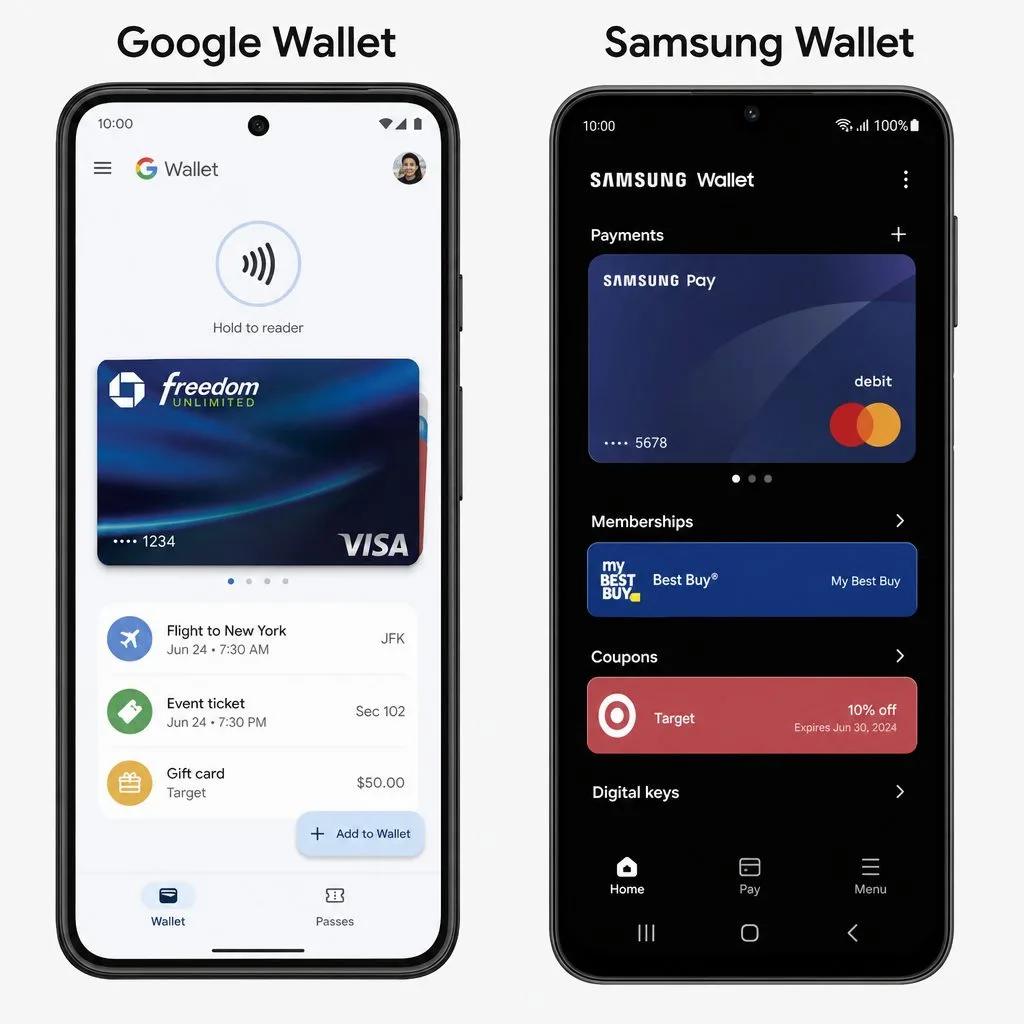
Android users split between two wallets: Google Wallet, the universal Android solution, and Samsung Wallet, the Galaxy exclusive. Consumers compare payment features; if you issue passes, the question is simpler — where do your passes land?
The two wallets in brief
Google Wallet comes preinstalled on most modern Android devices and holds payment cards, transit passes, tickets, loyalty cards, and IDs. Samsung Wallet is preinstalled on Galaxy devices, blending payments with Samsung Pass identity features. Many Galaxy owners have both — and Google Wallet remains installable on every Galaxy.
What it means for issuers
- Issue to Google Wallet and you cover Android — including Galaxy owners, since Google Wallet runs everywhere Android does.
- No separate Samsung format needed — a Add to Google Wallet link works on a Galaxy exactly as on a Pixel.
- One smart link covers the rest — iPhones get Add to Apple Wallet; everything else gets Google Wallet (the full comparison).
The consumer differences, honestly
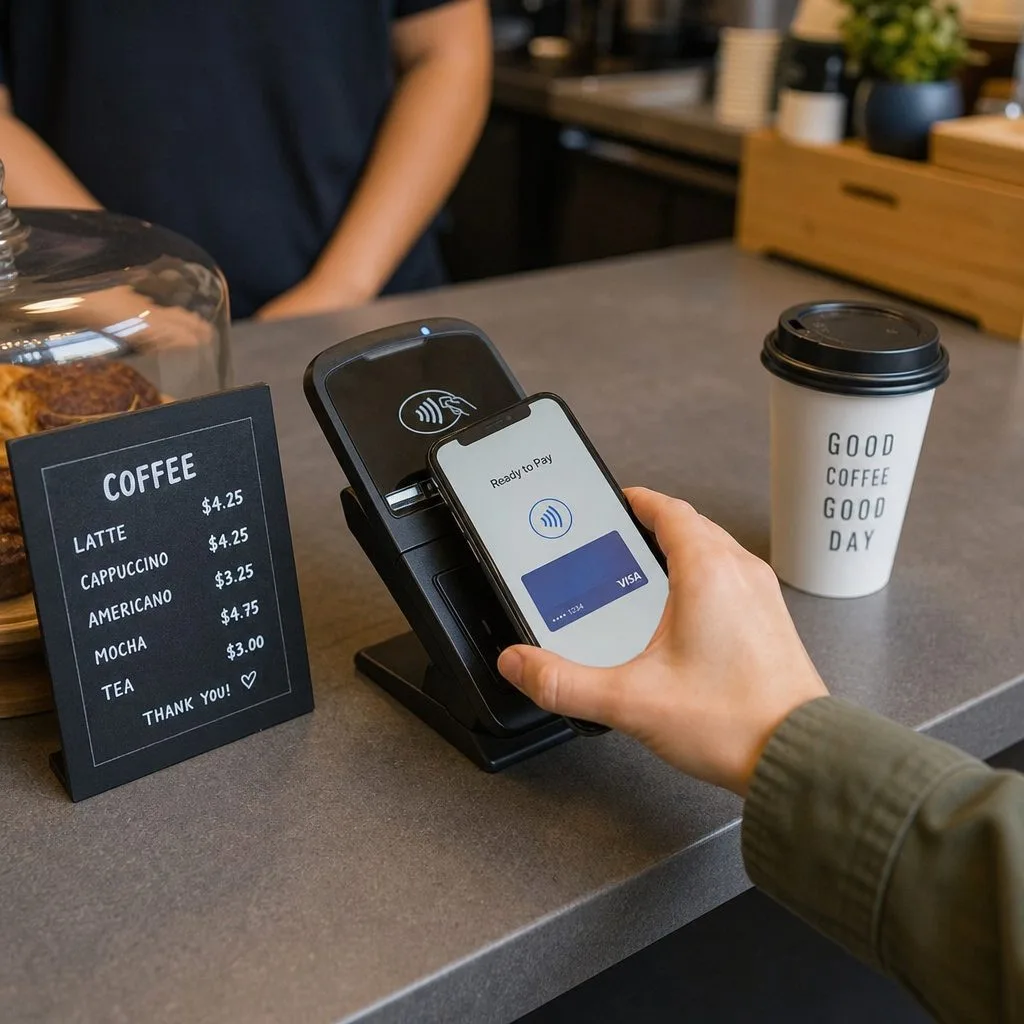
Samsung's hardware perks (and legacy MST payment support on older devices) matter for tap-to-pay preferences, not for pass delivery. For loyalty cards, tickets, and membership passes, the behaviors that matter — offline barcode display, lock-screen surfacing, push updates — are Google Wallet features available across the whole Android ecosystem.
The practical takeaway
Design one template, deliver one link, and let the device decide: that's how Kemicard issues from Salesforce to every phone your members carry — Pixel, Galaxy, or iPhone. Deep-dive on the Android side in the Google Wallet passes guide.
Sources: Google's Google Wallet API documentation for pass issuers; Samsung's Samsung Wallet developer documentation.
Explore Kemicard
Product & solutions
Every Android, One Link
Book a demo, test drive Kemicard, or start a free 30-day trial.
 Start Free Trial