

Mobile Wallet Passes: What They Are and How They Work
 By the Kemicard team
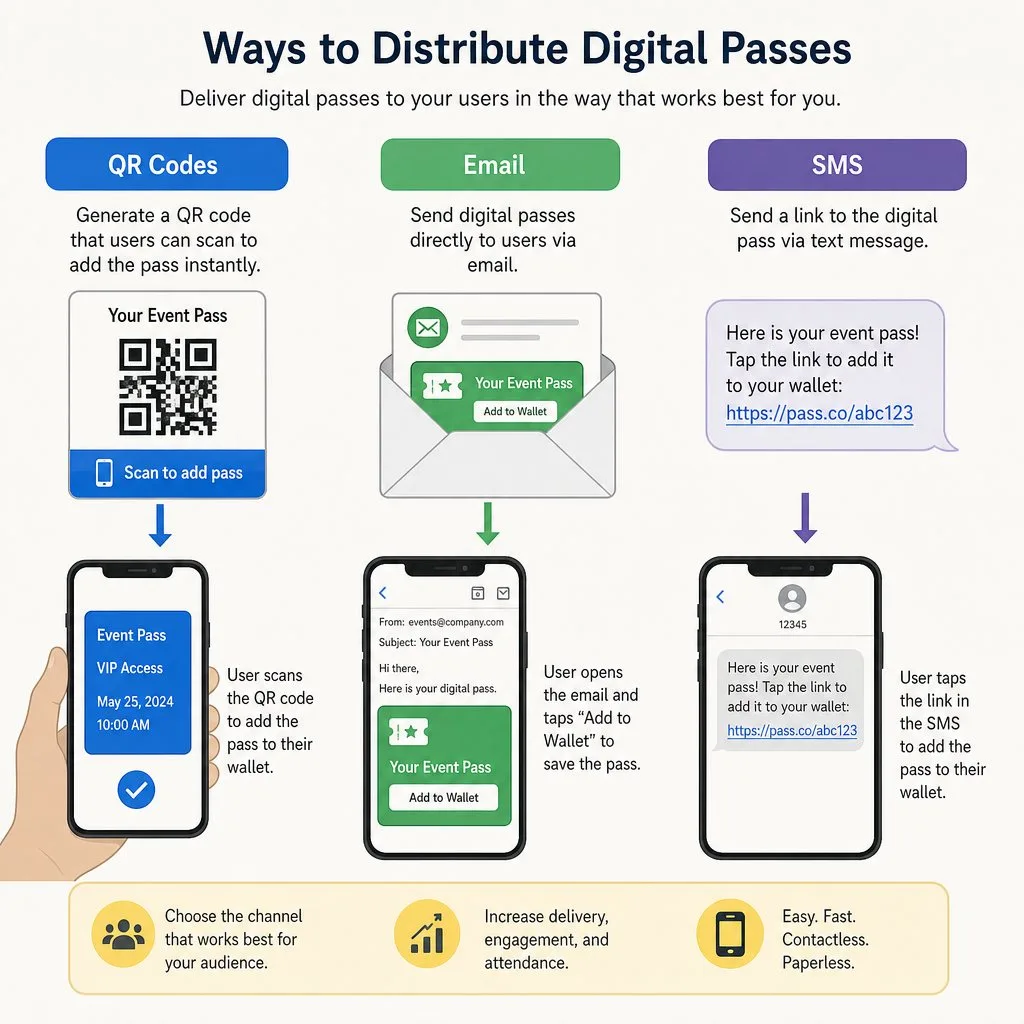
A mobile wallet pass is not a picture of a card. It is a live object your organisation controls after it has been delivered — and that single difference is what makes it useful.
What a pass actually is
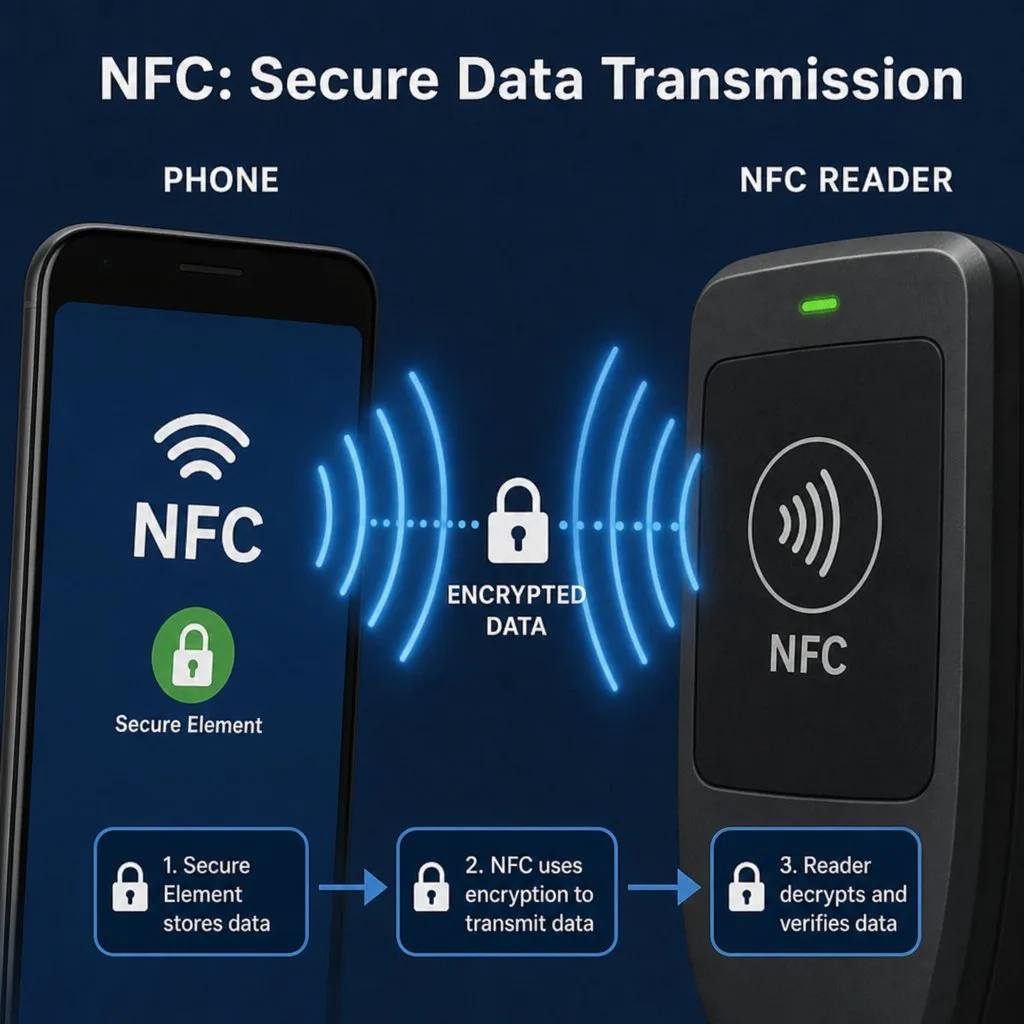
Apple Wallet passes are cryptographically signed bundles installed on the device. Google Wallet passes are objects created through an authenticated API call. Neither is assembled by the holder, and neither can be meaningfully edited by them. That is the foundation everything else rests on.
Apple Wallet ships on every iPhone and Google Wallet on most Android phones, which is why passes outperform standalone apps: there is nothing to download and nothing to persuade anyone to keep installed.
The five things a pass can do that a PDF cannot
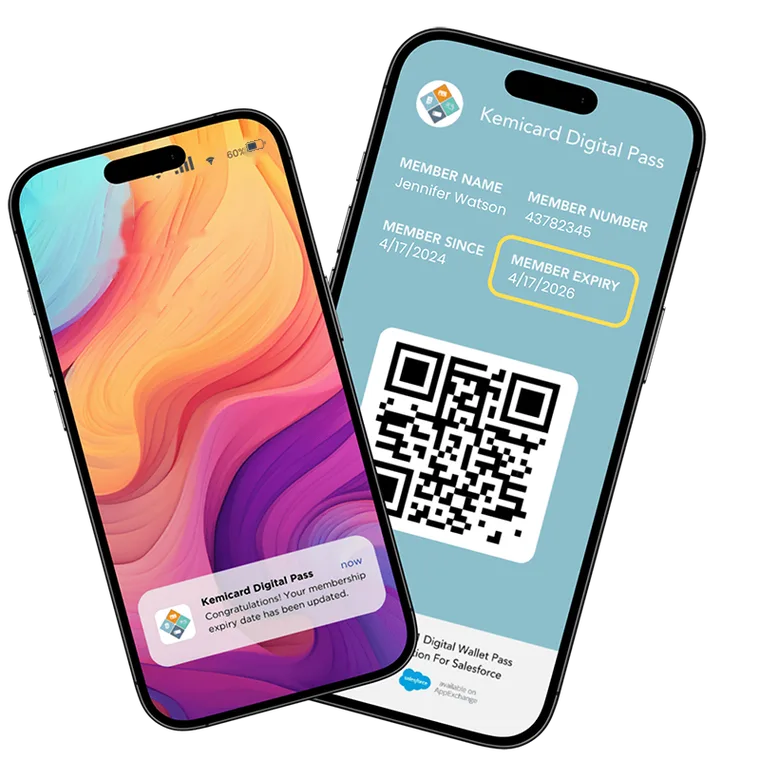
- Update after delivery. Change the record; every issued pass reflects it. No reissue, no second email.
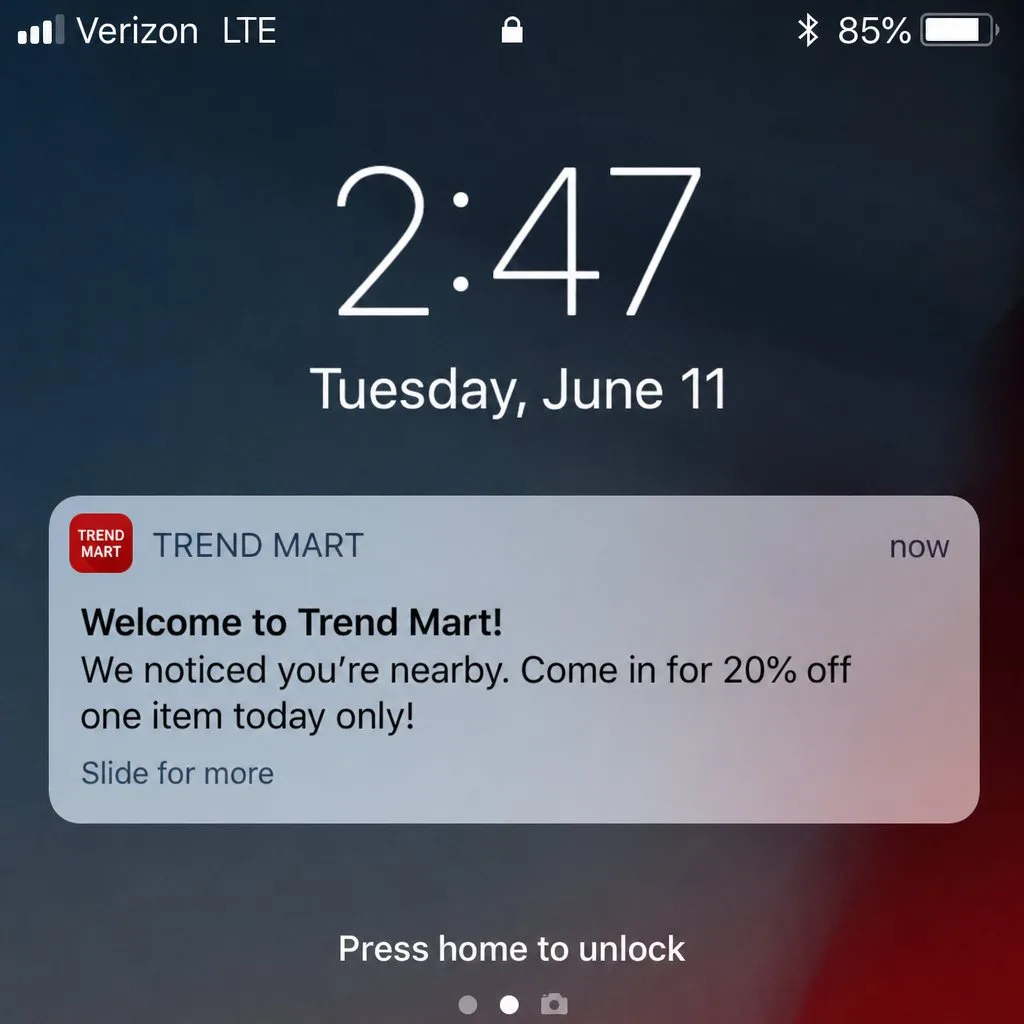
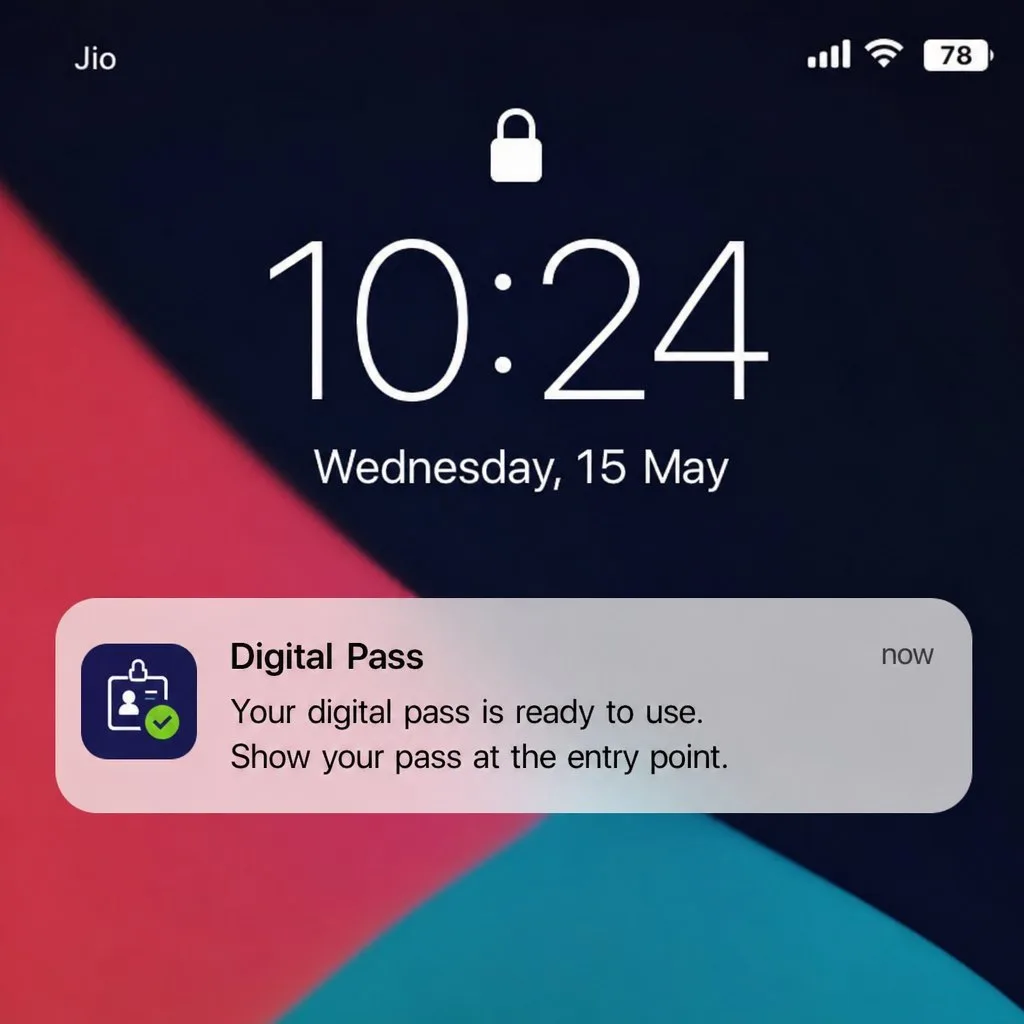
- Reach the lock screen. Push messages, including location-triggered ones near a venue or store.
- Validate at the point of use. The scan resolves against the live record — active, expired, already used, revoked.
- Be revoked centrally. Instantly, without collecting anything physical.
- Report back. Installs, scans, location and time become data on the record.
What people put in them
Membership and loyalty cards, event and transit tickets, coupons and offers, staff and student identity, permits and licences, appointment reminders, boarding passes. The common thread is a credential that has a holder, a validity period and a moment of verification.
Where they are going
Three shifts are worth watching. Identity documents are moving into wallets in more jurisdictions each year, which raises the bar for issuer verification. Location relevance is improving, so the right pass surfaces at the right place without being asked. And the expectation of live accuracy is hardening — a static credential increasingly reads as broken rather than merely old-fashioned.
Best practice, briefly
- Design for the glance. The front carries what someone checks in two seconds; the back holds everything else.
- Make the barcode the point. Everything else is packaging around the thing that gets scanned.
- Send few notifications, and mean them. Lock-screen space is borrowed, not owned.
- Never let the pass become stale. A pass that disagrees with your system is worse than no pass.
- Issue from the system of record, not a copy of it.
The architecture question
Most pass platforms require a synchronised copy of your customer data in their cloud — a second processor, a second security posture, a second thing to keep current. Kemicard renders the pass from the record inside your own Salesforce org, so there is no copy and nothing to sync. That is the whole argument of how it works, and we compare the approaches on the comparison page.
FAQ
- Do holders need an app? No. Apple Wallet and Google Wallet are already on the phone.
- What is the file format? Apple uses .pkpass; Google uses API-created objects.
- Can one design serve both? Yes — see Apple vs Google.
Sources: Apple's Wallet Passes documentation; Google's Google Wallet API documentation.
Explore Kemicard
Product & solutions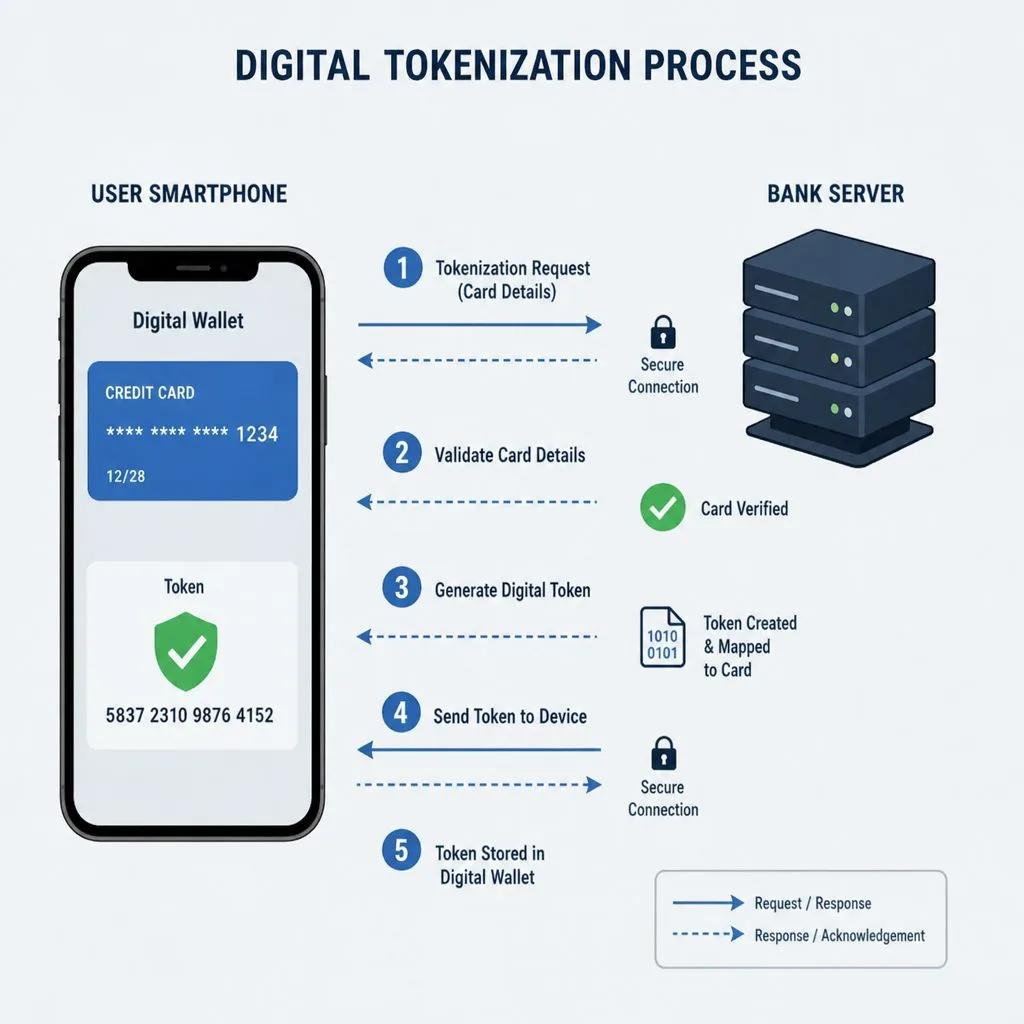
Put a Live Credential in Every Customer’s Wallet
Book a demo, test drive Kemicard, or start a free 30-day trial.
 Start Free Trial