

QR Codes at Events: What They Fix, and Where They Fall Short
 By the Kemicard team
A QR code is not a strategy. It is a pointer — and everything useful about event QR codes depends on what sits behind the pointer. Get that part right and check-in stops being the bottleneck. Get it wrong and you have printed a very modern queue.
Why the industry moved
Paper tickets cost money to print, money to post, and money again every time one is lost. The replacement process is manual, which means it happens at the door, which is exactly where you have the least capacity to handle it.
Digital passes remove the printing line entirely and the reissue line very nearly. They also remove the argument at the gate about whether the crumpled printout is real.
The four things QR actually buys you
1. Entry that keeps moving
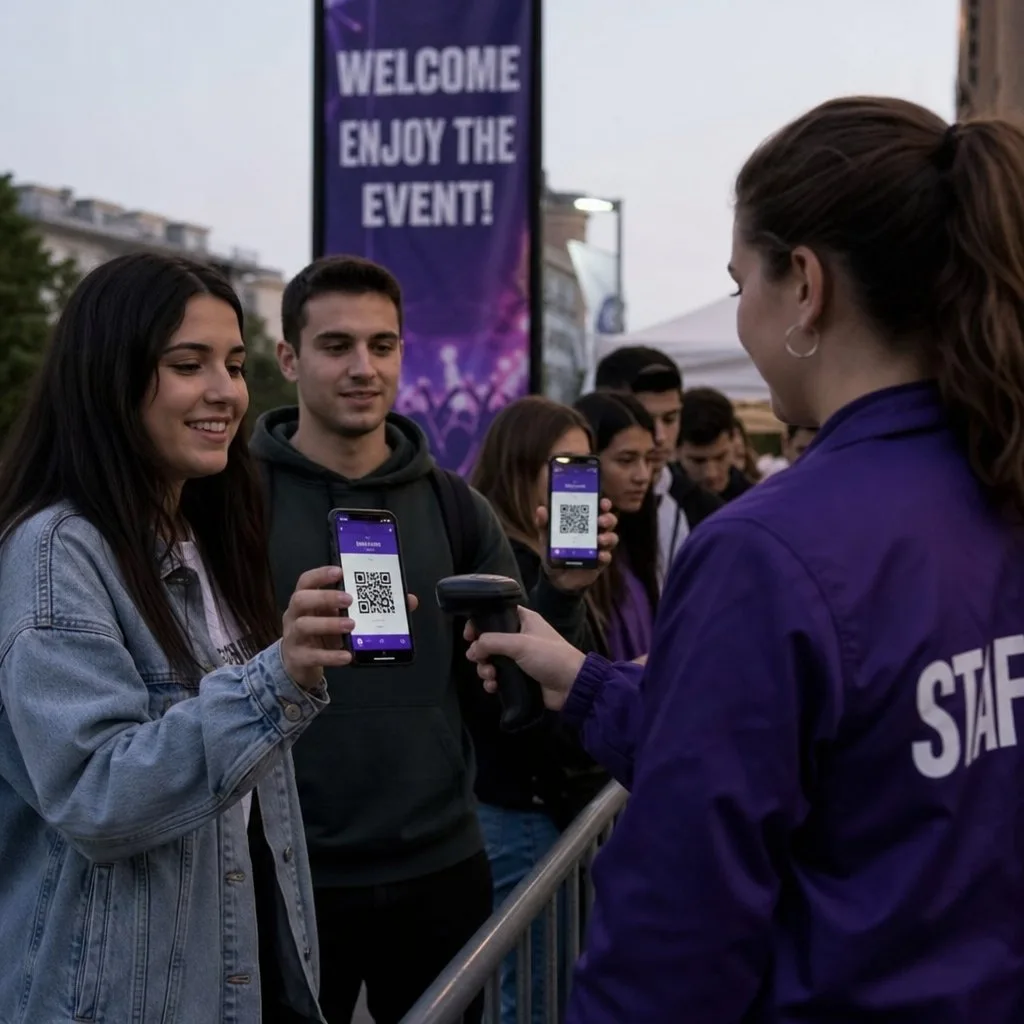
A scan takes about a second. The gain is less about the second and more about determinism — every attendee is handled the same way, so throughput becomes predictable and you can staff to it. Tickets that arrive automatically on purchase also mean nothing to distribute manually.
2. Counterfeits become hard rather than easy
A photocopied paper ticket works. A screenshot of a static code works too — which is why the code should be validated against a live record, not merely read. When the scanner checks a database, the second use of a code fails, and rotating or single-use codes make resale impractical.
3. Data you did not have before
Arrival curves, which entrance is congesting, who registered and never showed. That is operational information during the event and segmentation information after it — no-shows are a different follow-up audience than attendees, and treating them identically wastes both.
4. It works on every phone
This is the underrated one. NFC is faster and feels better, but it needs hardware at the gate and a device that supports it. A QR code needs a screen and a camera. For a one-off conference or a venue you do not own, that difference decides the project.
Where a bare QR code falls short
A code in an email attachment is findable only if the attendee can find the email — at the door, on a bad signal, with a queue behind them. That is the failure mode QR alone does not solve.
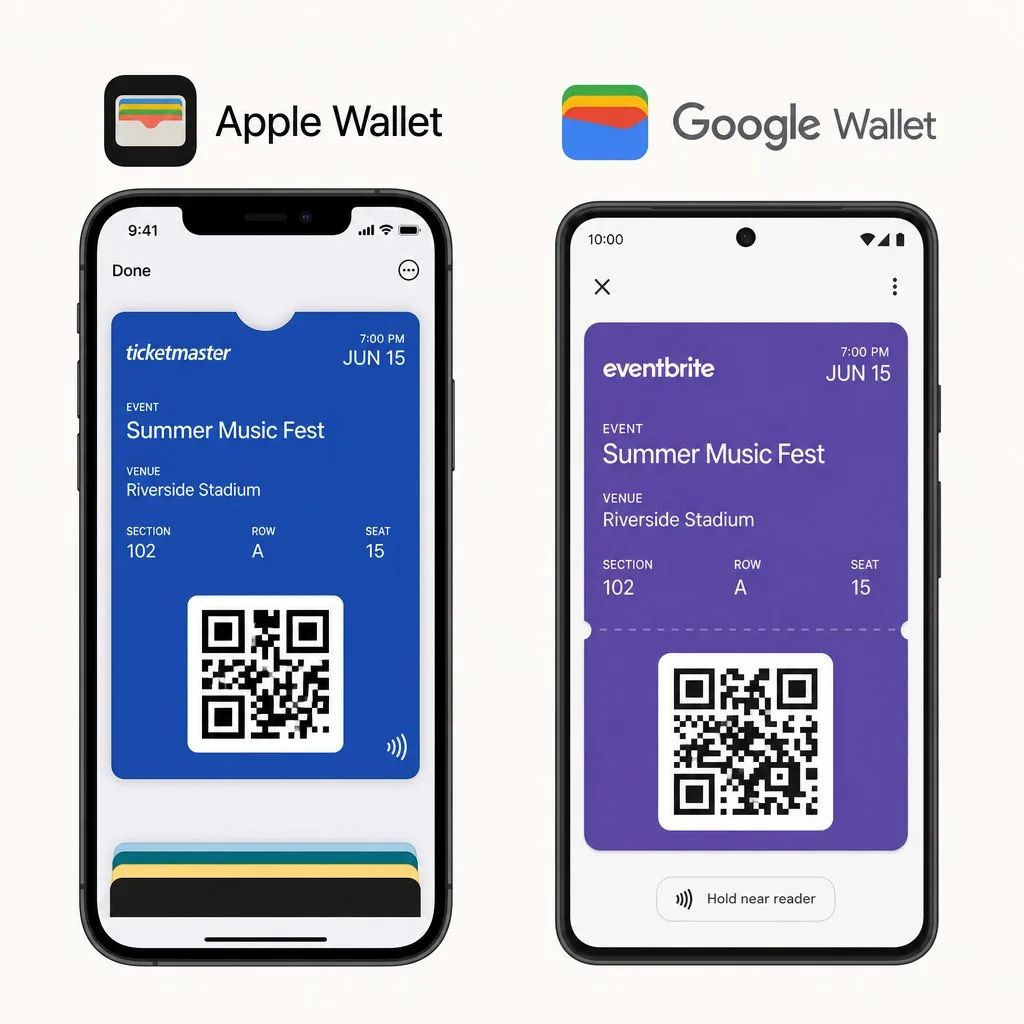
Putting the same code inside a wallet pass fixes it. The pass is one swipe from the lock screen, works offline, surfaces itself by time and location, and brightens the screen for the scanner without being asked. Same code, dramatically better retrieval.
Static versus dynamic, and why it matters
A static code encodes its data in the image: change the data and the code is wrong. A dynamic code points at a record you control, so an upgrade from general admission to VIP, a session change or a gate reassignment updates without reissuing anything.
For anything beyond a single-day, single-tier event, dynamic is the only sensible default.
Branding without breaking the scan
Colour, shape and a centred logo are all fine within limits — error correction absorbs a modest logo, contrast must stay high, and light-on-dark inverted codes fail on some scanners. Test on the actual hardware you will use at the door, not on your own phone in good light.
Beyond the front door
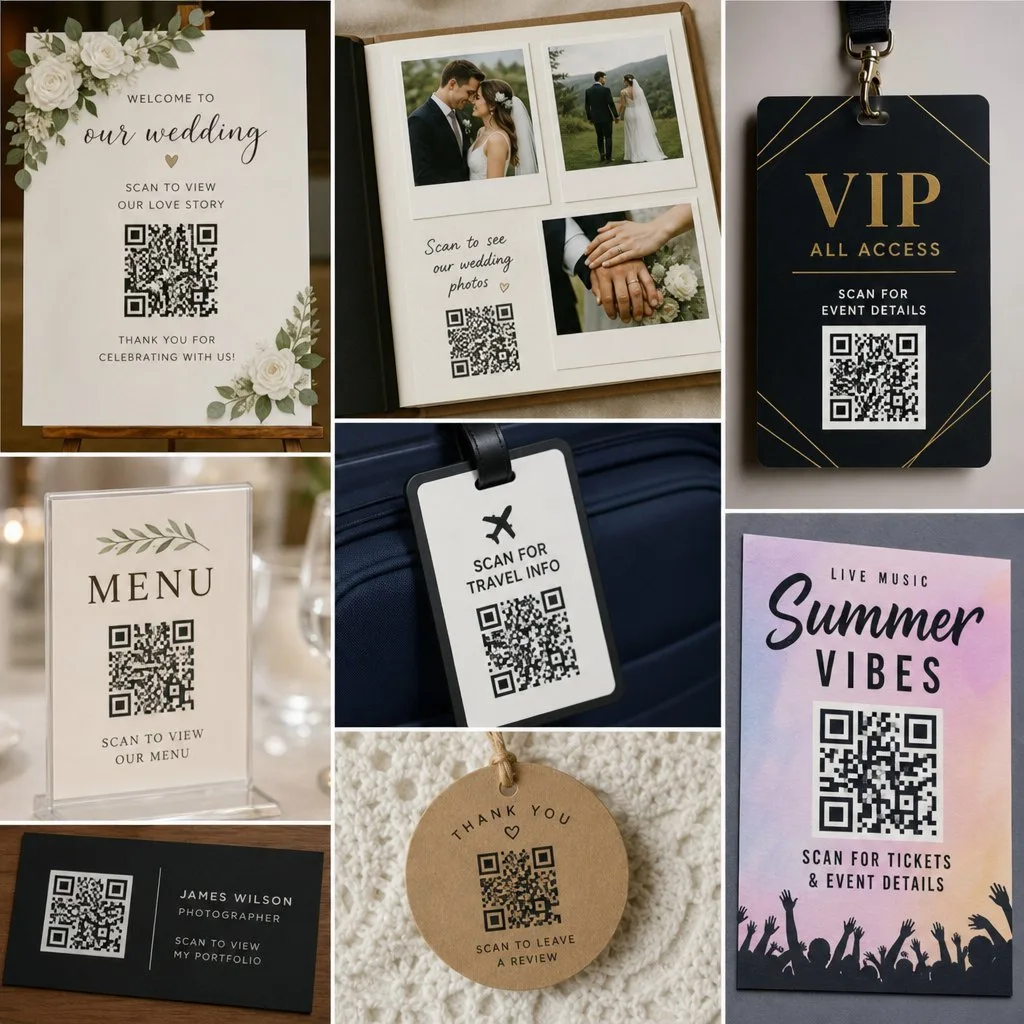
Once every attendee carries a scannable credential, the same pass handles the rest of the event: VIP lounge access, session capacity, merchandise discounts, sponsor booth scans that write back to the attendee record. Members and season-ticket holders get a standing pass rather than a fresh ticket each time.
The integration point that decides everything
If scans do not reach your CRM, you have digitised the ticket and kept the spreadsheet. The value is in the write-back: attendance on the contact record, sponsor evidence you can produce without collating, follow-up segmented by what someone actually did.
Kemicard issues event passes from the Salesforce record itself, so a scan updates the same object your team already works in. Nothing to reconcile afterwards. See attendance tracking and how to create event tickets.
FAQ
- NFC or QR? QR unless you control the venue hardware and need maximum speed. Many events run both from one pass.
- Do scans need internet at the gate? Live validation does. Good scanning apps queue offline and reconcile — confirm yours does before a venue with poor signal proves it does not.
- Can someone screenshot and share a ticket? They can share the image; validation against the record is what stops the second entry.
- Is a free QR generator enough? For a link on a poster, yes. For ticketing you need validation, revocation and analytics, which free generators do not provide.
Sources: Apple's Showing a Pass on the Lock Screen; Google's Event tickets documentation.
Explore Kemicard
Product & solutions

See Event Check-In Running on Salesforce
Book a demo, test drive Kemicard, or start a free 30-day trial.
 Start Free Trial