

Student ID Card Makers: What to Look For, and What to Skip
 By the Kemicard team
The first week of an academic year is the stress test. Hundreds of credentials, a queue in the corridor, and a print run that will be out of date by half term. The right issuing tool removes most of that — and the wrong one just moves the queue indoors.
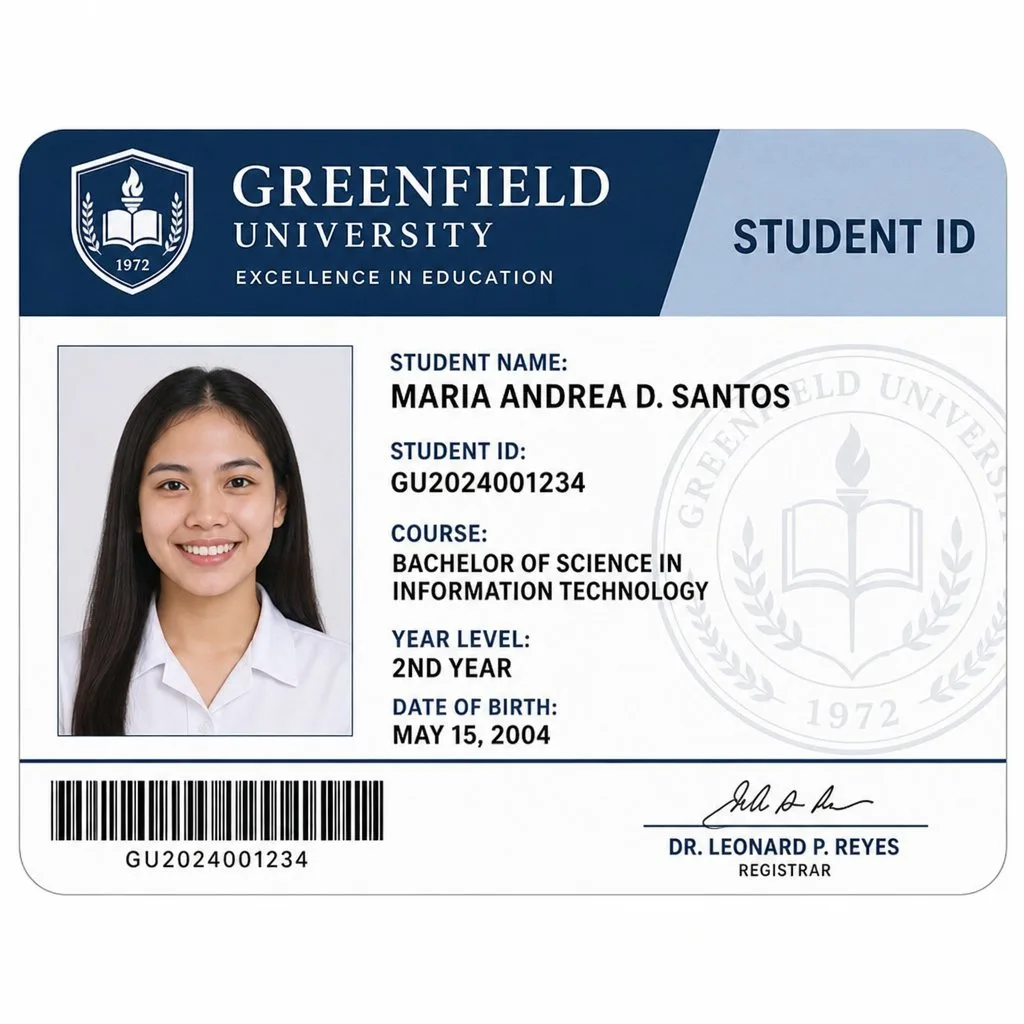
Professional printing versus doing it yourself
The historic choice was bad in both directions. Outsourcing produced good cards slowly and expensively — a lost card mid-semester meant weeks of waiting. Doing it in-house on generic tools produced cards that faded, forged easily, and looked it.
Modern issuing software collapses the choice: print-shop quality, produced from the admin office, on demand. That is genuinely better than either option was.
What matters when choosing
- It connects to your SIS. Manual re-typing of student data is the source of most errors and most of the time cost. The card should read the record, not a spreadsheet export of it.
- Bulk issuance that actually works. Issuing to an entire intake from a list, with validation and error handling, is the difference between a morning and a fortnight.
- Templates you control. Per-cohort designs — undergraduate, postgraduate, staff, visitor — without a design agency involved each time.
- Access integration. If a status change does not propagate to door access, you have a security gap with a paper trail.
- Replacement cost. Ask what a lost card costs you today. That number is the business case.
The question worth asking first
Not "which card maker" but "does this need to be a card at all?"
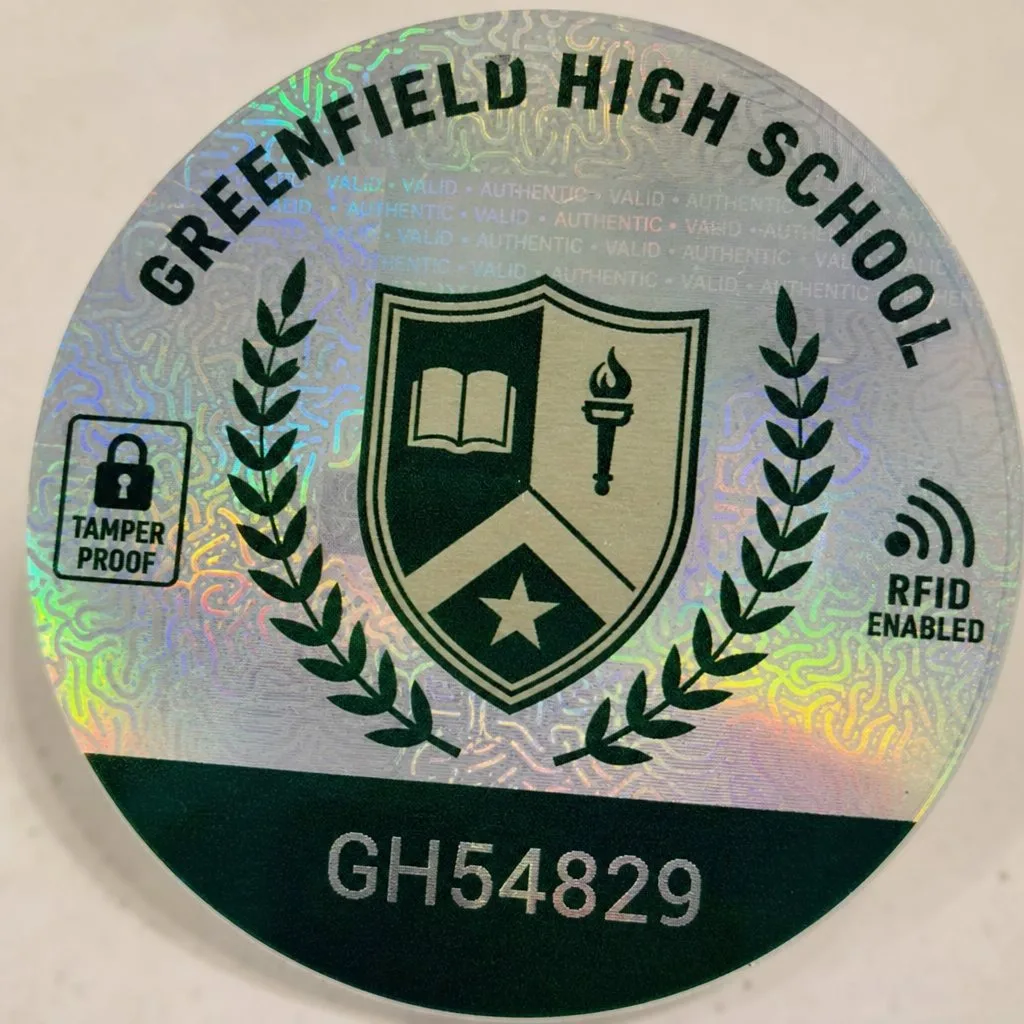
Plastic has real costs beyond the stock: printers, ribbons, a replacement desk, staff time, and the permanent gap between what the card says and what the record says. A wallet credential removes the consumables entirely and closes that gap — enrolment changes, holds and graduations reflect automatically.
Most campuses land on both: wallet credentials for the overwhelming majority, a small plastic run for the few who need it, sharing the same barcode so the readers do not care which one arrives.
What good looks like operationally
- Issuance at the point of enrolment, not a separate appointment.
- Distribution through the confirmation email students already receive.
- QR posters at service points for anyone who missed it.
- Front desks equipped to scan, with validation against live enrolment.
- Replacement handled by reissuing a credential, which costs nothing.
Where the record lives
If your institution runs Salesforce — Education Cloud or any student data model on the platform — the credential can render directly from it. Nothing to sync, and revocation is immediate. See education, and our student ID guide for the rollout detail.
On what to actually print, see what information goes on a student ID.
Printers and scanners: what you still need
Going digital does not always mean retiring the hardware, and it is worth being clear about what each piece is for.
- A student ID card printer earns its place if you issue plastic to a meaningful minority — visitors, staff in phone-free areas, students without a suitable device. If that group is small, outsourcing the print run is usually cheaper than owning and maintaining a printer.
- An identification card scanner matters more than the printer. Whether you print student ID cards or issue wallet credentials, the check that counts is the scan against the live record. A photo ID scanner that only reads the card without validating it is inspection, not verification.
- A shared barcode across both formats means one scanner configuration and one verification process, whichever credential a student presents.
The order matters: fix verification first, then decide how much student ID card printing you still need. Most institutions find the answer is far less than they expected.
FAQ
- Can we keep our existing card printers? Yes. Hybrid programmes are common, and the barcode is shared.
- How long does a rollout take? Pilot with one faculty or intake first; full rollouts are usually measured in weeks.
- What about students without smartphones? Keep plastic as the fallback. It is a small minority, and the economics still work.
Explore Kemicard
Product & solutions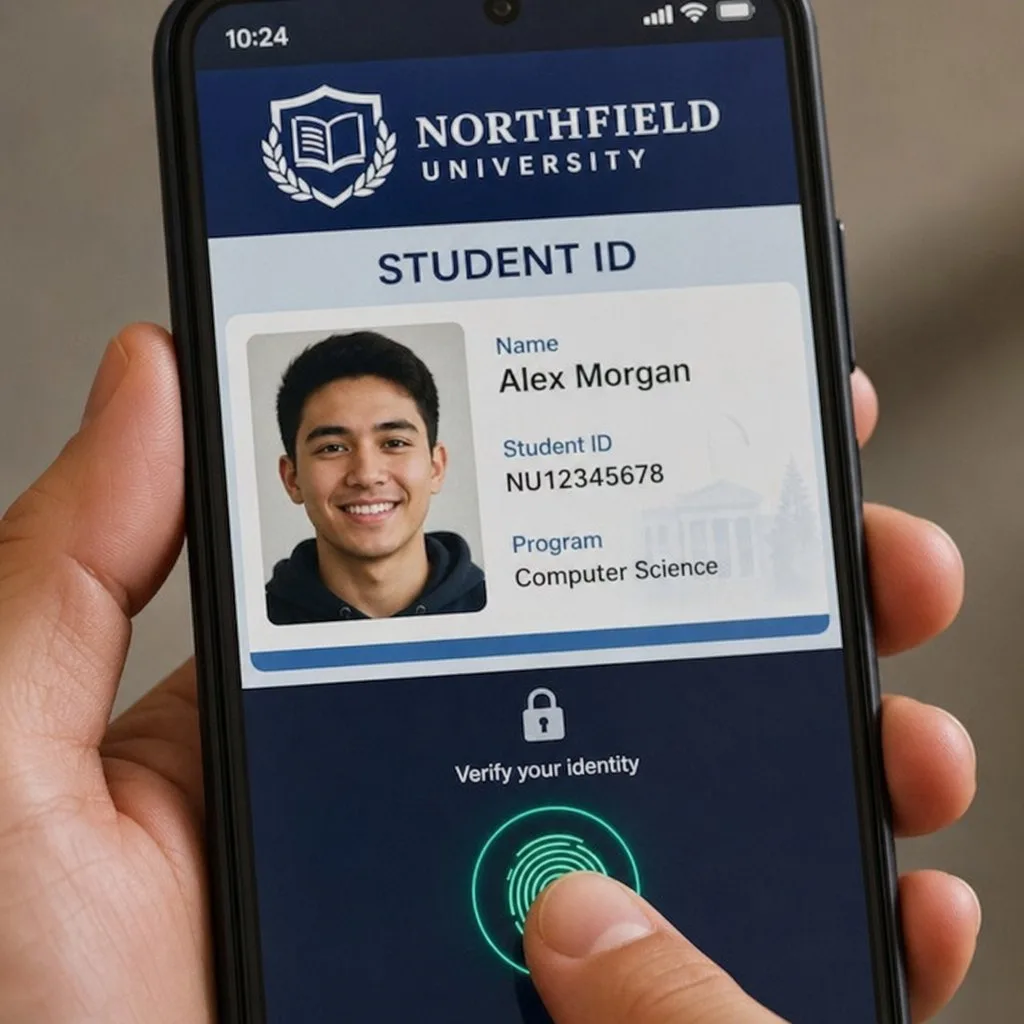
See a Student Credential Built Live
Book a demo, test drive Kemicard, or start a free 30-day trial.
 Start Free Trial