

What Information Actually Goes on a Student ID?
 By the Kemicard team
A student ID is asked to do a lot: prove identity at an exam desk, open a library turnstile, buy lunch, and get a discount off campus. What you print on it — and what you deliberately leave off — decides how well it does all four.
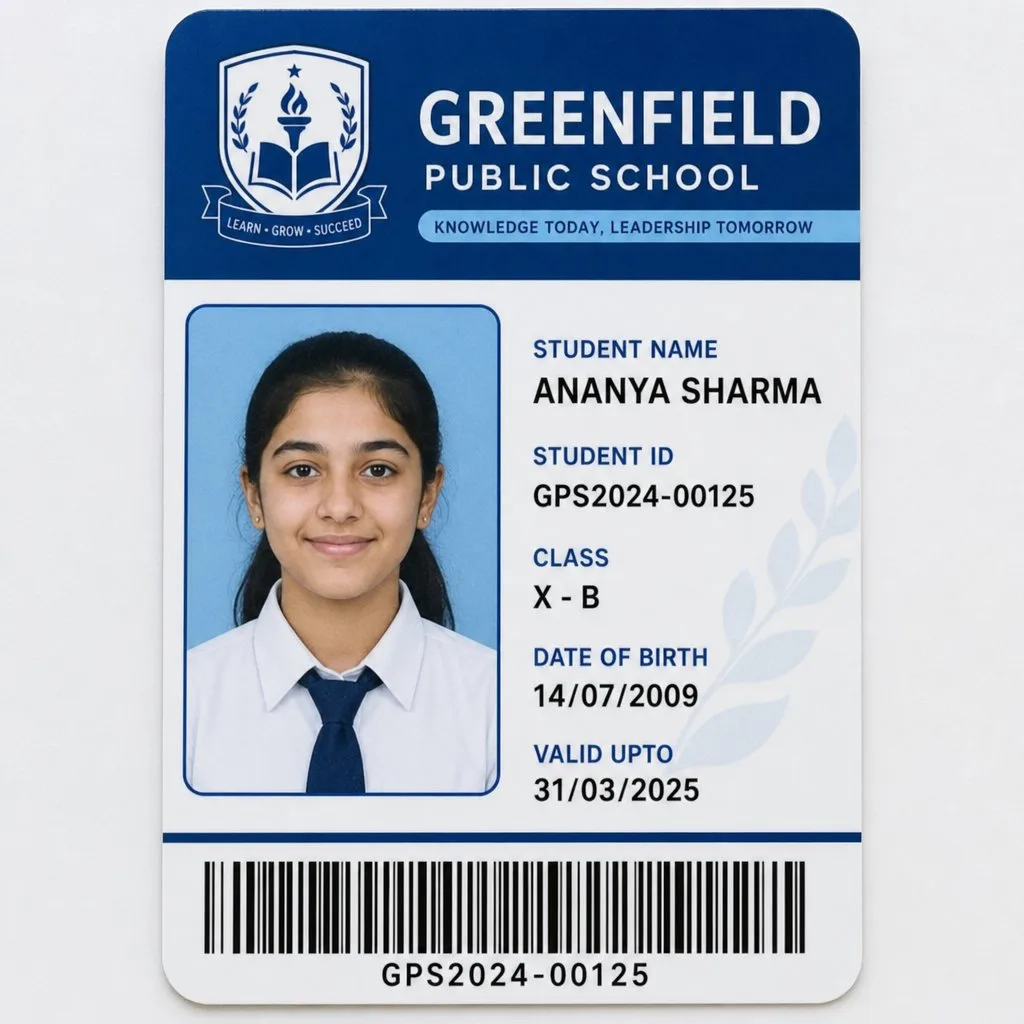
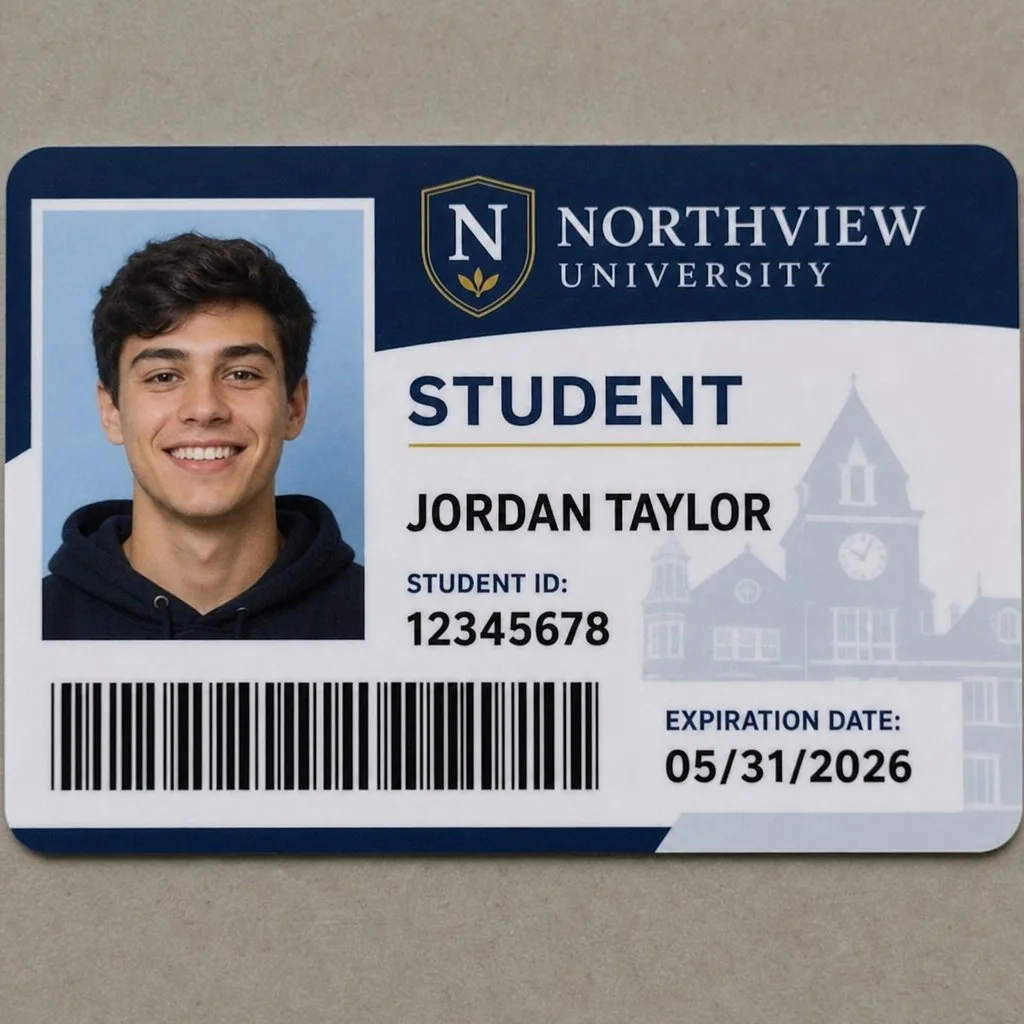
The fields almost every card needs
- Photograph. The only field that supports a visual check by a human.
- Full name as the institution records it.
- Student number. The key that ties the card to every system behind it.
- Institution name and mark. Identity and, off campus, credibility for discounts.
- Validity period. The single most important anti-fraud field, and the one most often omitted.
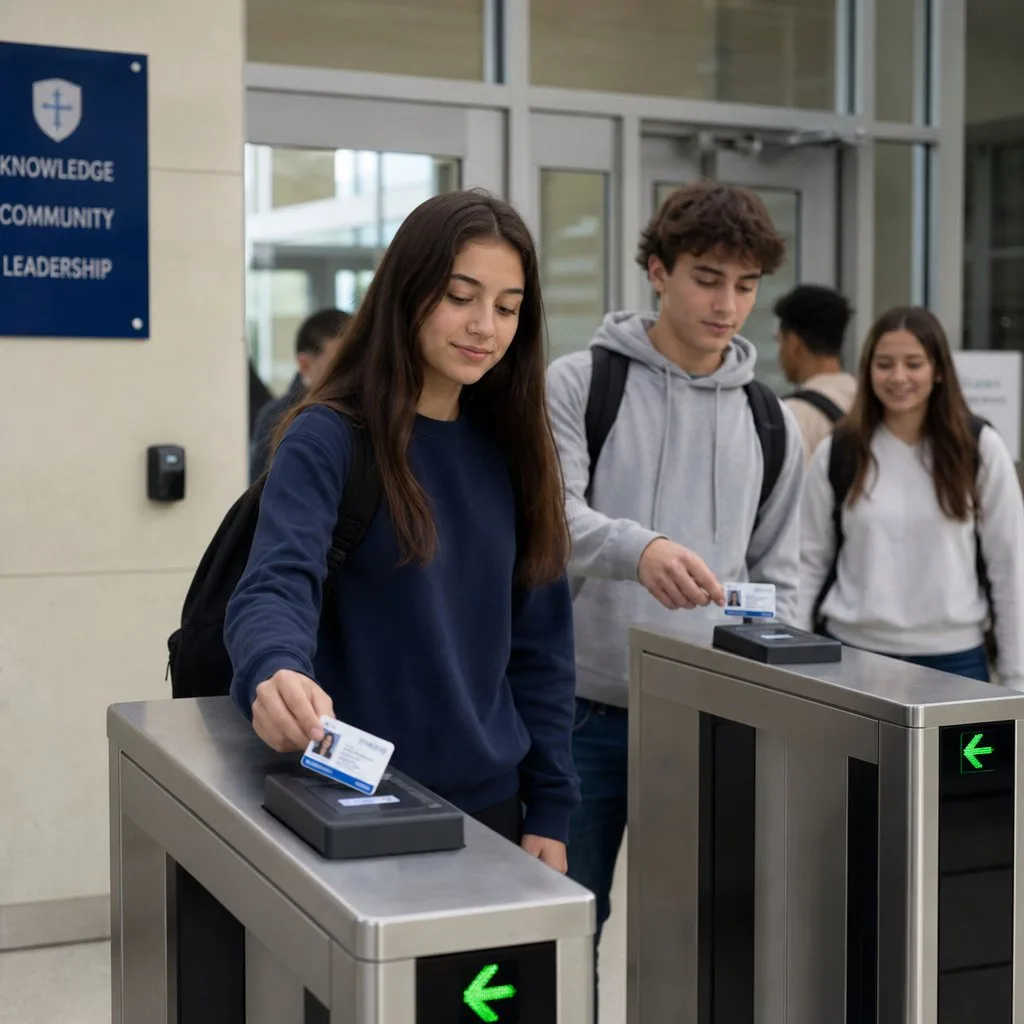
- A scannable code. Barcode or QR — what turnstiles, library desks and exam halls actually read.
The fields worth adding
Programme or faculty, year of study, and entitlement flags — meal plan, lab access, parking — turn a card from proof of identity into proof of permission. That is where a card starts saving staff time rather than just existing.
What to leave off, deliberately
This part gets less attention than it deserves. A card is lost in public more often than any other credential you issue.
- Date of birth — rarely needed for campus function, and a gift to identity fraud.
- Home address — never.
- National identifiers — social insurance or equivalent numbers have no business on a badge.
- Medical or accessibility detail — link it to the record instead, where access is controlled.
The principle: the card should carry what a door or a desk needs to decide, and nothing that would harm the student if it were photographed.
Why the digital version changes the calculation
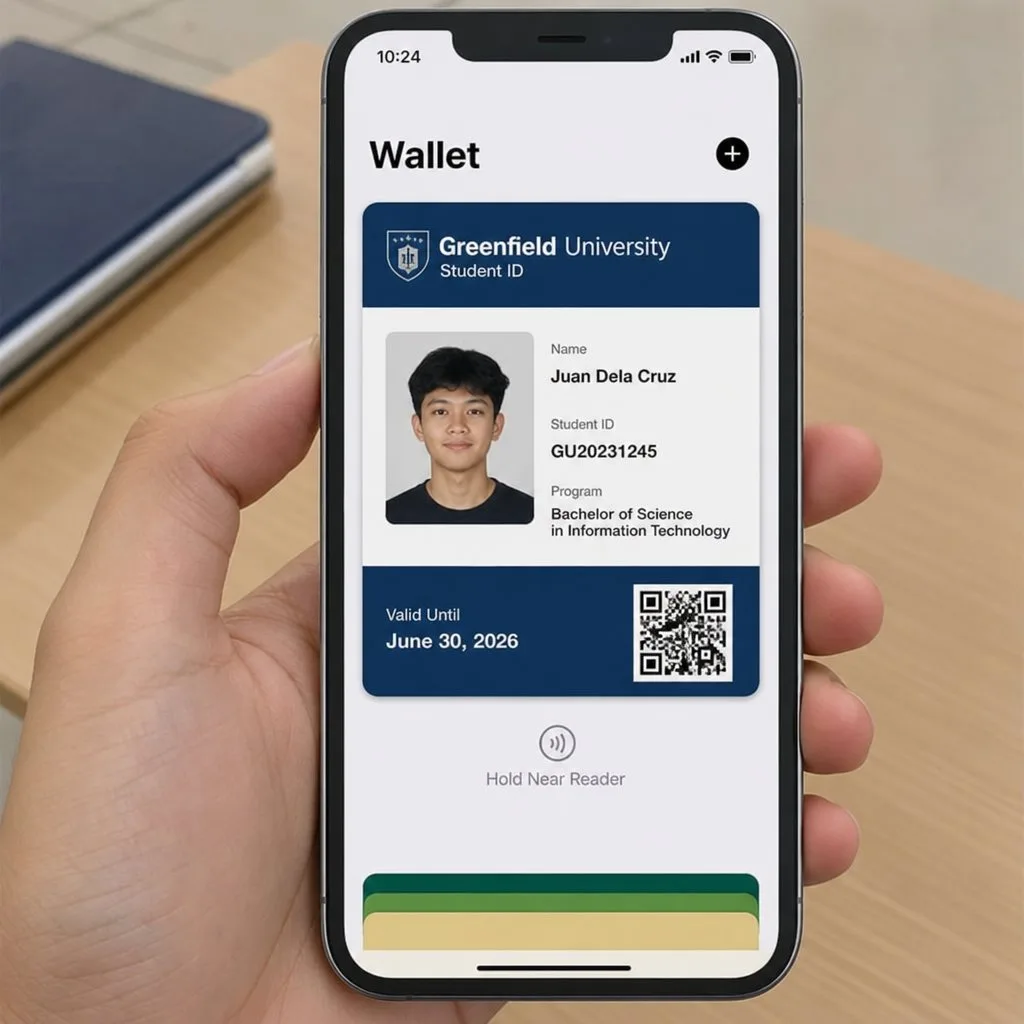
On plastic, every field is permanent — printed in August, wrong by October. On a wallet credential the fields are a projection of the student record, so enrolment status, programme changes and entitlements are current whenever anyone looks.
It also makes the omissions safer. Sensitive detail can stay behind the scan rather than on the face of the card: the code resolves to the record, and the record decides what the person at the desk is allowed to see.
Validity is the field that does the work
A plastic card with a printed expiry is valid until someone looks closely. A wallet credential validated at scan time is valid only while the record says so — which means a student who withdraws loses access at the next scan, not at the end of the year.
That single difference is why we argue for digital in digital student ID cards, and it is the same logic behind wallet pass security generally.
Design notes that survive contact with a turnstile
- Photo large enough to be checked at arm's length.
- Student number legible without squinting — staff read it aloud more often than you would think.
- Code placed where a thumb will not cover it.
- High contrast. Campus lighting is not a design studio.
The photograph is the security feature
Everything else on a student ID supports the moment a human compares a face to a picture. That makes the photo standard worth more attention than it usually gets.
- Even, front-on lighting and a plain background. Shadow across the face defeats the purpose at a glance.
- Head and shoulders, face unobstructed. Sunglasses and hats belong in the rejection criteria, written down before intake week rather than argued about during it.
- Resolution above display size, so the image stays sharp on a high-density screen and in any printed fallback.
- A stated re-take policy. A four-year-old photo of a first-year is a different person by graduation.
Anti-counterfeiting: what transfers to digital and what does not
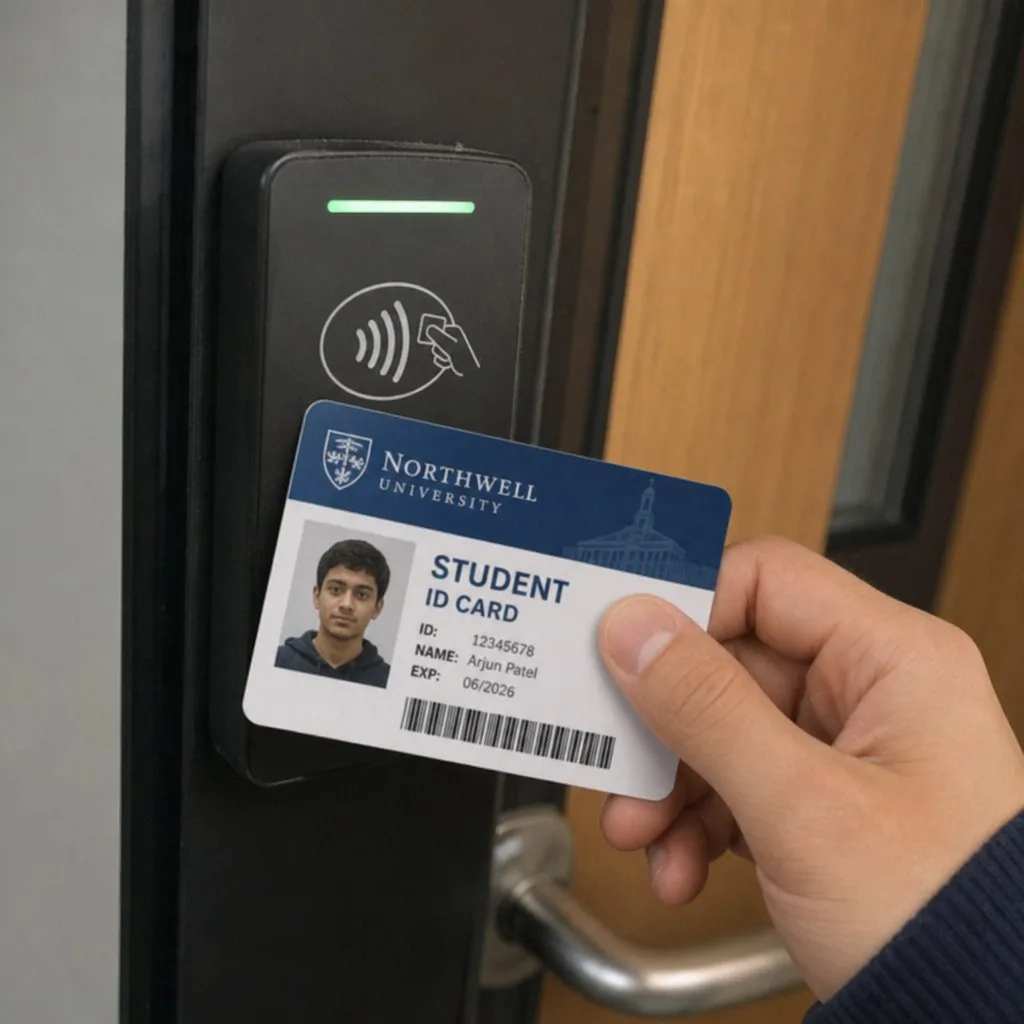
Plastic cards accumulated a toolkit against forgery — holograms, microtext, UV-reactive ink, guilloche patterns. Those are all defences against someone manufacturing a card, and they matter where the card is the credential.
A wallet credential shifts the problem. Nobody manufactures a digital pass; they screenshot one. So the defence changes shape entirely:
- Validation against a live record replaces the hologram. A screenshot presents fine and fails the scan, which is the only check that matters.
- Remote revocation replaces confiscation. A withdrawn student's credential stops working without anyone retrieving anything.
- The phone itself replaces the photo-on-plastic for casual misuse — a dropped card works for whoever finds it, while a lost phone can be locked remotely and its pass revoked from the record.
The practical consequence: if you are running a hybrid programme, spend the anti-counterfeiting budget on the plastic and spend the digital effort on making sure people actually scan.
Finding the balance on a hybrid campus
Most institutions land on both formats, and the split is worth deciding deliberately rather than by drift.
- Wallet credential as the default for the large majority, issued at enrolment.
- Plastic for the exceptions — students without a suitable device, staff working where phones are prohibited, visitors and contractors.
- One shared barcode, so every reader on campus treats the two identically and no service point needs to know which format a person carries.
- One record behind both, or you have created two sources of truth and will eventually trust the wrong one.
FAQ
- Should the card show a barcode or a QR code? Match whatever your existing readers use. Kemicard supports both — see mobile student IDs from Salesforce.
- What about alumni? The same credential can switch to an alumni design at graduation rather than being replaced.
- Do we still need plastic? Keep a small stock for the few who need it; the wallet card serves the rest at near-zero marginal cost.
Explore Kemicard
Product & solutions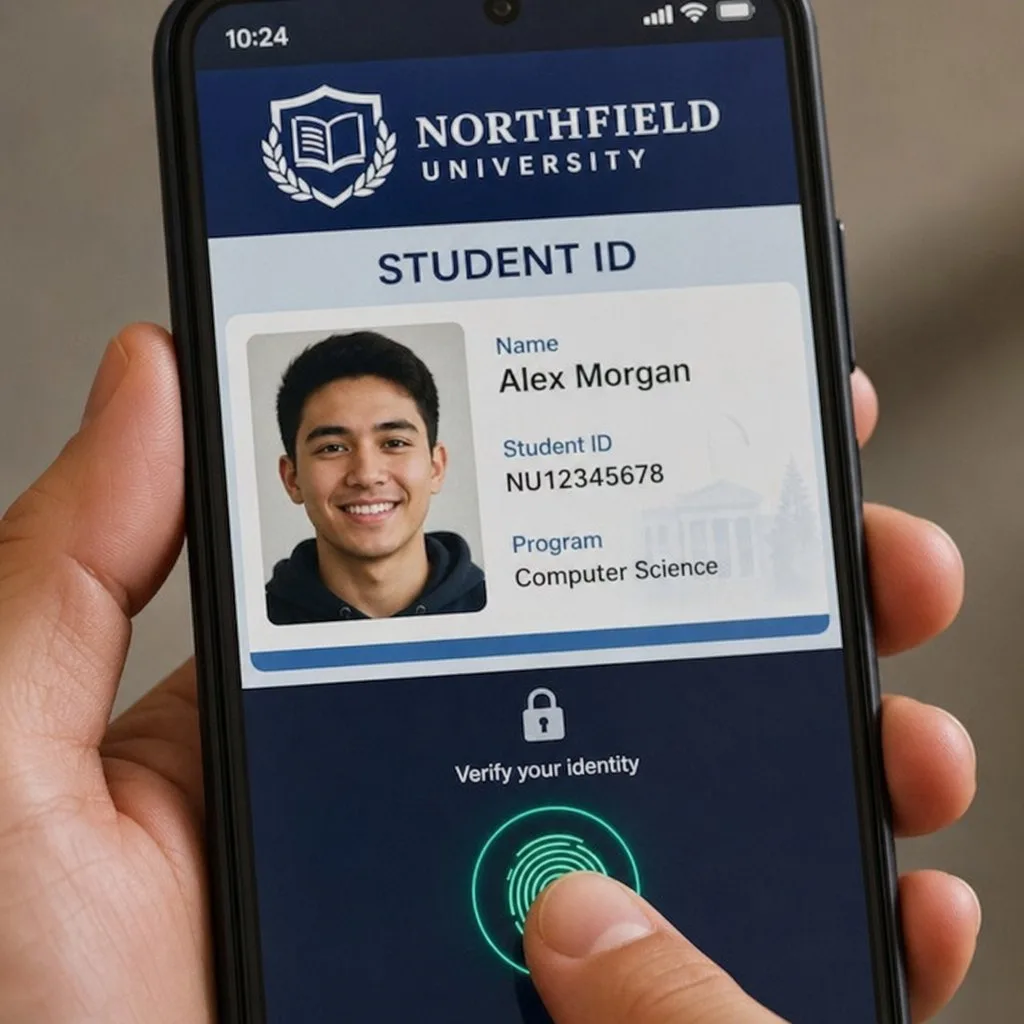
Issue Student IDs From Your Student Record
Book a demo, test drive Kemicard, or start a free 30-day trial.
 Start Free Trial