

How to Add a Pass to Apple Wallet
 By the Kemicard team
Boarding passes, event tickets, membership cards and loyalty rewards all belong in one place behind Face ID. Here are the five ways a pass gets into Apple Wallet — and what to do when the button does not appear.
From an email
Most airlines, promoters and retailers send a confirmation containing an Add to Apple Wallet badge. Open the email in Mail, scroll to it, tap once. The pass generates and lands in Wallet immediately.
From an app
Airline, hotel and ticketing apps put the same badge below the ticket details or QR code on the confirmation screen. Tapping previews the pass first, so you can check it before saving.
With the camera
If all you have is a printed receipt or a code on someone else's screen, point the iPhone Camera at the QR code. A yellow prompt appears offering to save the pass — no app download required.
From a link or a PDF
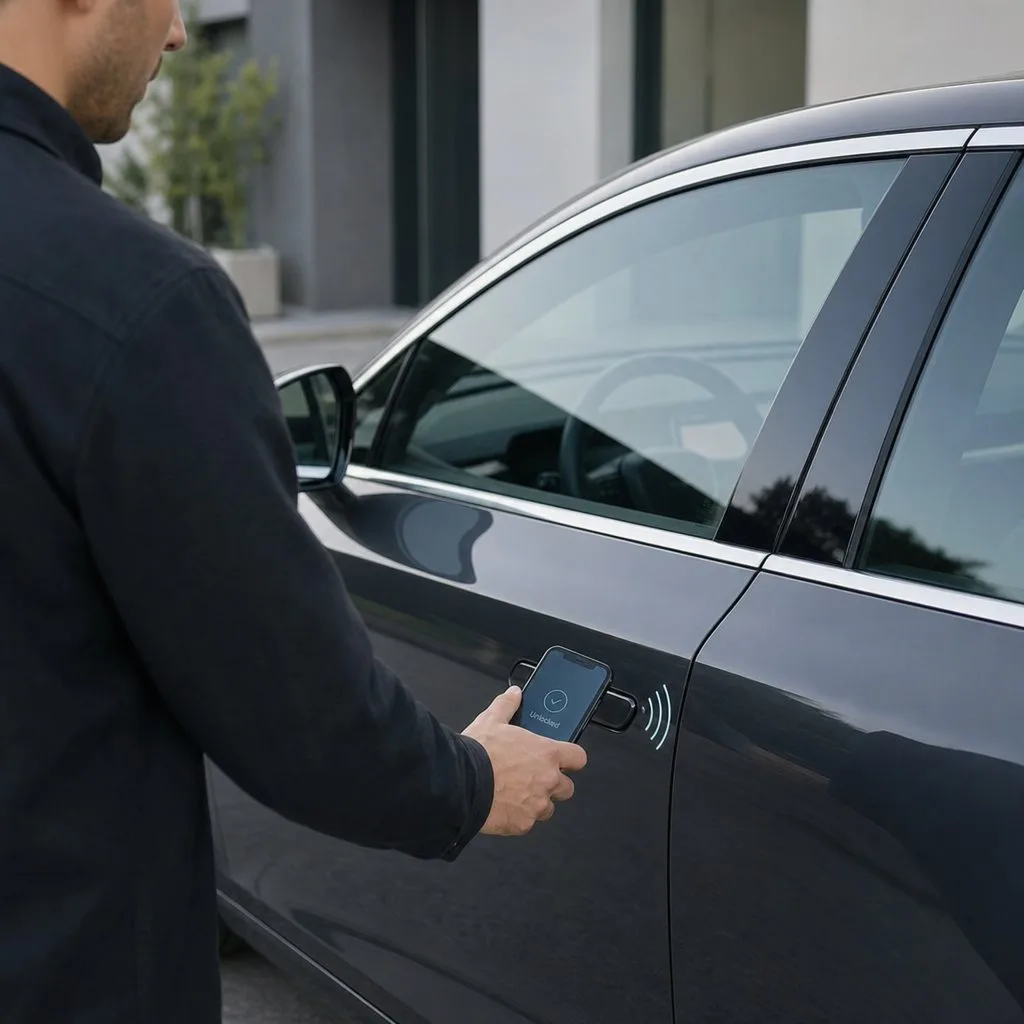
A well-built pass link works the same way in a browser: tap, preview, add. A PDF is different — a PDF is a picture of a ticket, not a pass. Some issuers attach a .pkpass file alongside it, and that is the one that opens in Wallet. If you are curious what that file actually contains, we wrote about the .pkpass format.
When the button does not appear
- You are on Android. Apple Wallet is iOS only. A well-made link detects the device and offers Google Wallet instead.
- The email opened in a third-party client. Some clients strip the badge. Open the message in Mail, or on the phone rather than the desktop.
- The issuer only sent a PDF. There is nothing to add — that is an issuer problem, not a device one.
- The pass expired. Wallet will refuse a pass whose relevance date has passed.
Once it is in there
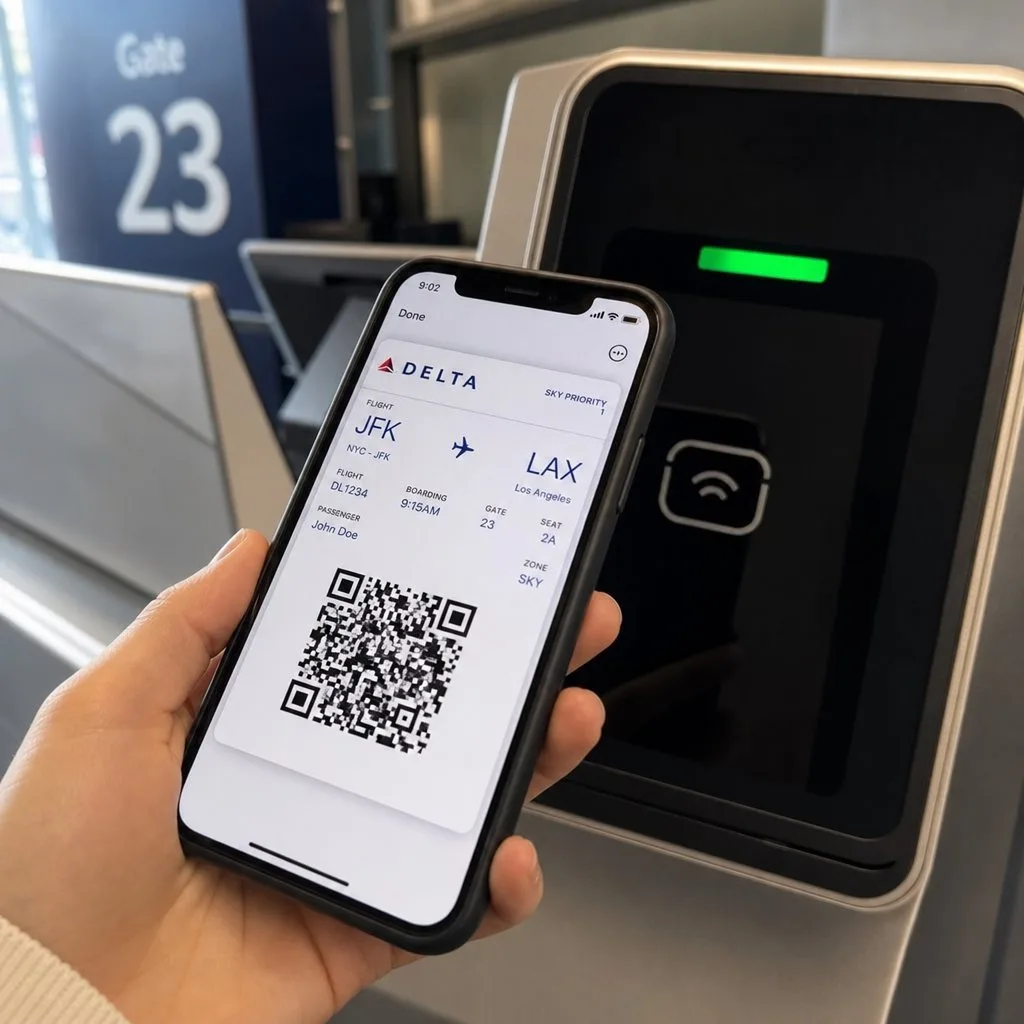
The useful part is what happens next. A properly built pass is not a static image: the issuer can update it silently, so a gate change or a new points balance appears without the holder doing anything. It can surface on the lock screen near the venue. And it can be revoked centrally if it needs to be.
That is the difference between a screenshot and a credential — and it is why a wallet pass is harder to forge than a printout.
For the organisations sending them
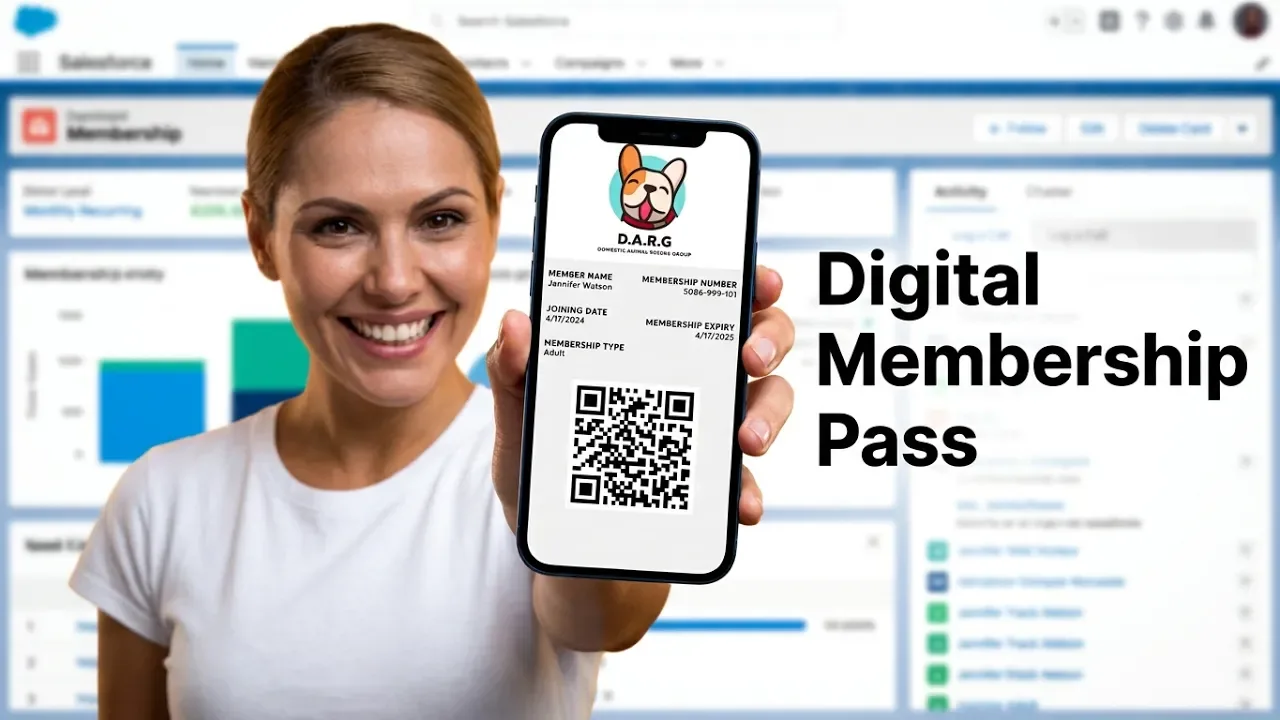
If you are on the issuing side of this, the question is where the pass gets its data. Kemicard builds the pass from your Salesforce record, so the pass in someone's Wallet reflects what your system says right now. See sending passes from Salesforce.
FAQ
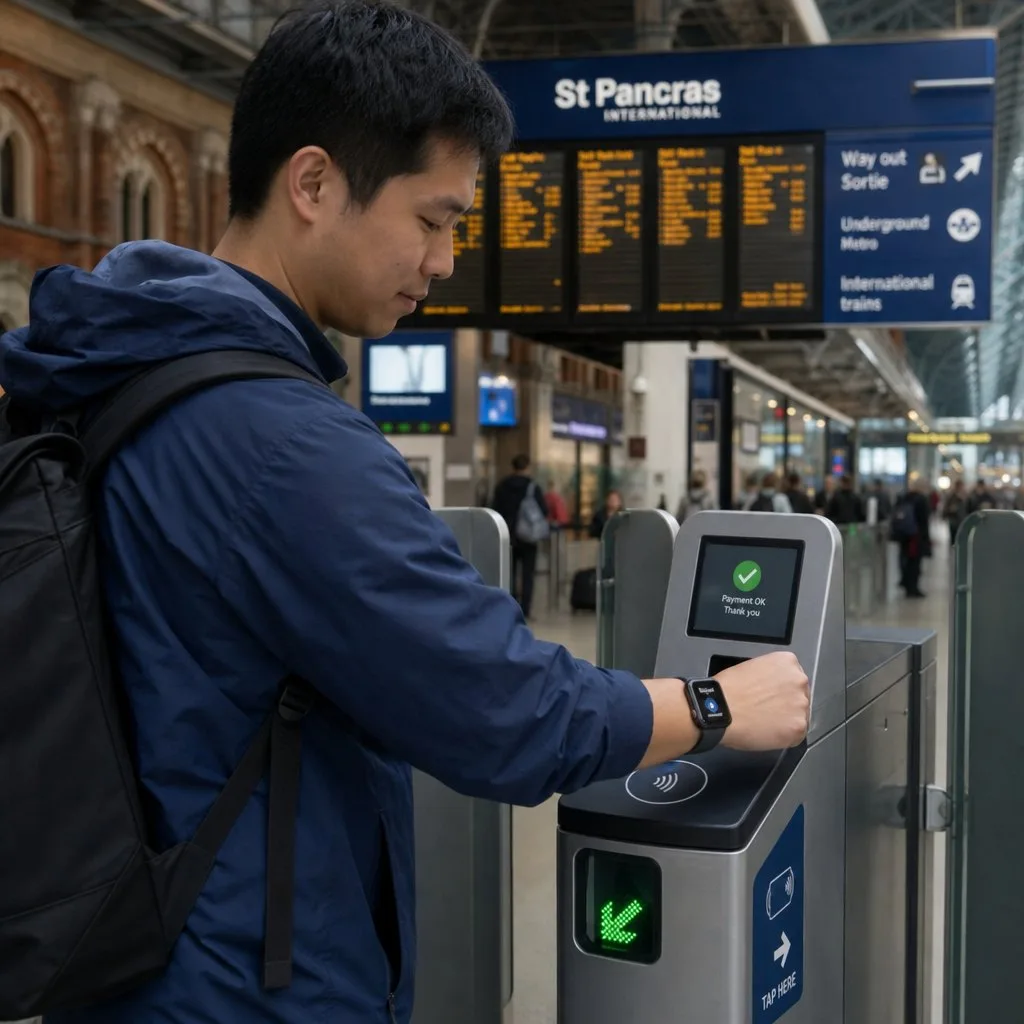
- Do passes sync to Apple Watch? Yes, and the watch is often the faster way to present one.
- Can I add a pass without an internet connection? Adding usually needs a connection; presenting one afterwards does not.
- Why did my pass disappear? Wallet archives expired passes. Check the expired section at the bottom of the stack.
Sources: Apple Support's Add, use, and share tickets and passes in Apple Wallet; and, for issuers, Apple's Wallet Passes documentation.
Explore Kemicard
Product & solutions
Issue Passes Your Customers Can Add in One Tap
Book a demo, test drive Kemicard, or start a free 30-day trial.
 Start Free Trial