

Real-Time Membership Card Updates: Why Static Pass Generators Fall Short
 By the Kemicard team
A member moves up a tier, renews late, or lets a membership lapse, and the Salesforce record captures each change as it happens.
A printed card and a static one-time pass both hold the values they were issued with. When the tier or the renewal date moves, the card in the member's hand has to be replaced rather than corrected.
A card issued from Salesforce closes that gap, because the pass refreshes when a mapped field changes. The pass in Apple Wallet or Google Wallet is built from the same member fields that produce a Salesforce digital membership card, and the new value reaches the phone without a second link or a reinstall.
Why a plastic card and a static pass file stop matching the record
A membership card is correct only while the record behind it stays the same. A tier upgrade, a later renewal date, or a lapsed status changes the Salesforce record, and the card has to match it. A plastic card and a static pass file cannot show the new value, because each holds what it was given at issue and never reads the record again.
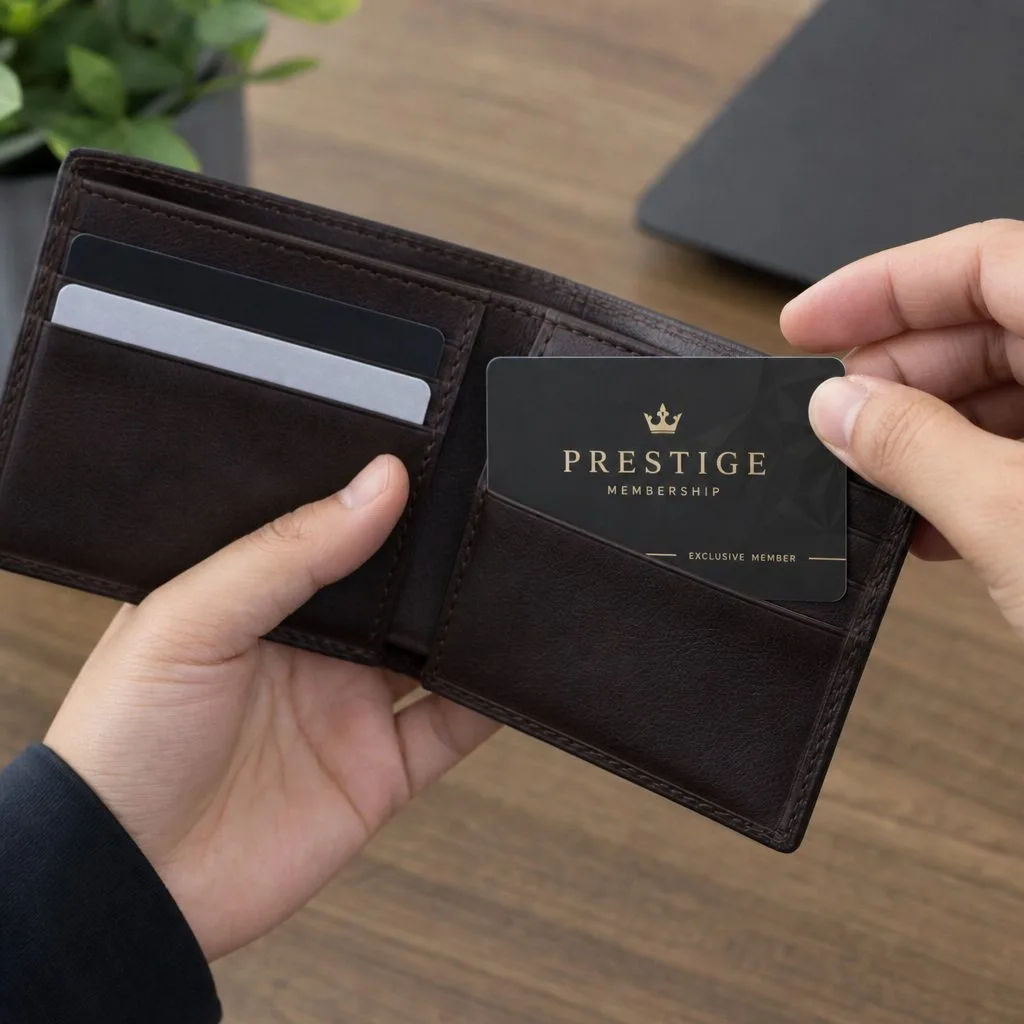
A plastic card locks in the details printed on it
A plastic card is printed once, with the member name, the member ID, the tier, and the expiry date fixed on it. A tier upgrade or a new renewal date cannot be applied to a card already printed, so the organization prints a replacement and mails it. The member holds the old card in the meantime, and staff at the door read a tier that no longer applies.
A lost card follows the same path, adding a reprint and a mailing delay before the member has a working card. The cost of every change is a new print run and postage, paid each time a value moves again.
A static pass file locks in the same details in digital form
A static pass generator builds one pass file per member and hands it over as issued. On Apple Wallet the file is a .pkpass, the package the Wallet app reads. On Google Wallet it is a pass object stored on Google's side. Neither carries a live link back to the source data, so an update has nothing to act on.
A changed tier or renewal date means generating a fresh file and sending it out. The member then adds the new card from scratch. The old card stays on the phone until it is replaced by hand, which leaves two versions of the same membership in circulation.
Plastic, static file, and live pass compared
A static wallet pass and a live one diverge the moment a mapped field on the record changes.
| Change on the record | Plastic card | Static pass file | Live Salesforce pass |
|---|---|---|---|
| Renewal date moves | Reprint and remail | Regenerate and re-add | Updates in place from the mapped field |
| Tier changes | Reprint and remail | Regenerate and re-add | Updates in place from the mapped field |
| Membership lapses or is revoked | Card keeps displaying as valid | Card keeps displaying as valid | Pass pulled or marked on the phone |
| Benefits text changes | Reprint and remail | Regenerate and re-add | Updates in place from the mapped field |
| Effort per change | New print run and postage | New file the member re-adds | Push from Salesforce, no member action |
The live pass is the only format that changes without a reprint or a new file the member has to add, because it reads the mapped field on the Salesforce record instead of holding a printed or generated copy.
How do wallet pass updates work?
A wallet pass update starts on its own, from a change to the Salesforce record. An admin edits a field, and the new value travels to the card already on the phone. The certificates and the service that carry the pass are set out in what a wallet pass build actually involves. What matters for a membership program is what starts an update, and what the member sees.
The Salesforce record change pushes the update
An update starts with a field edit on the record, not with a new send. A record-triggered Flow, the Salesforce automation that runs when a record is created or updated, watches the mapped fields and fires when one changes. A tier value that moves, or a renewal date pushed to a later year, is enough to set the update off. The issuing app then pushes the new version of the pass to the phone, with no second link and no action from the member.
The lock-screen notification the member sees
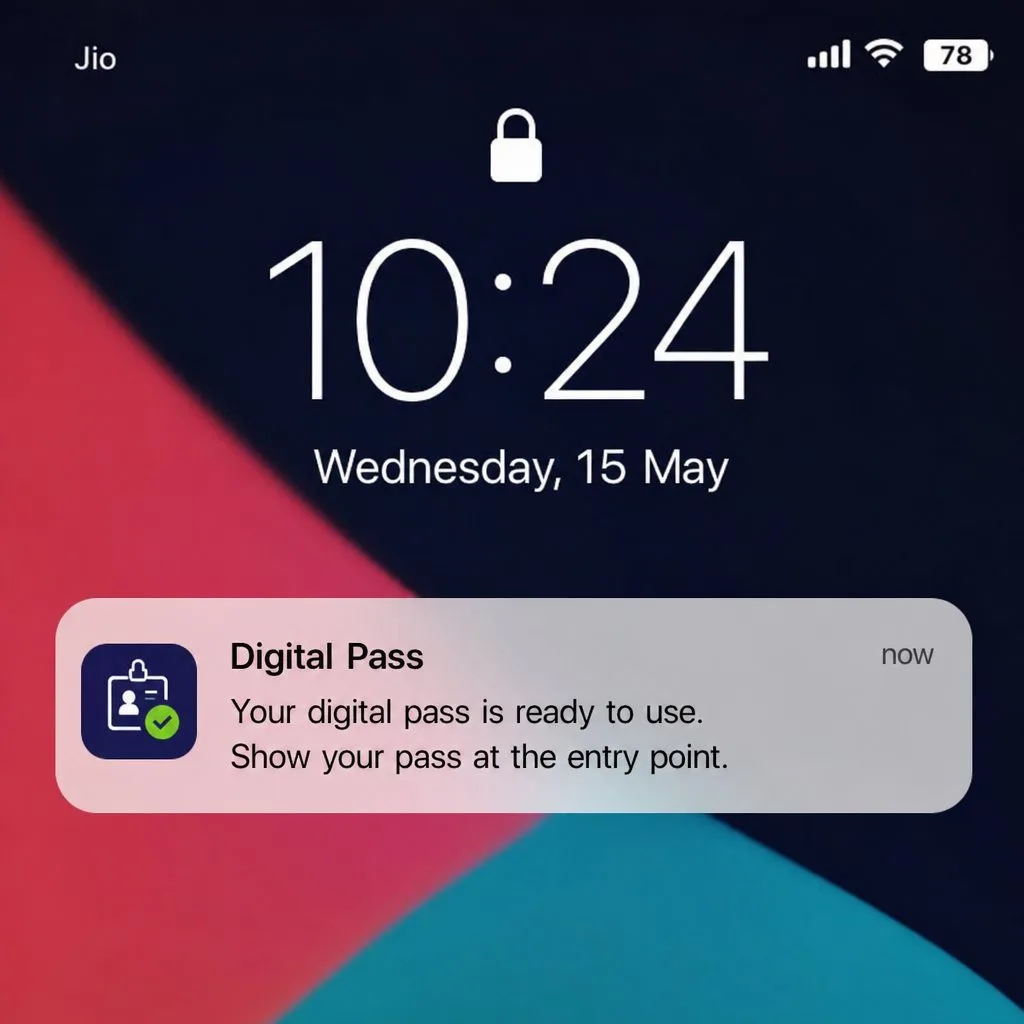
The member does nothing to receive an update. The refreshed pass arrives in the background, and the card shows the new tier or date once the refresh reaches the device. A push notification can go with it — a short line on the lock screen naming what changed. Sending one is configured in Salesforce, so a program can announce the change or update the card quietly.
Apple and Google deliver the update differently
Apple keeps the pass content with the issuer, so the phone holds a pass that points back to an update service and fetches a new version when told there is one — the model set out in Apple's Wallet Passes documentation. Google stores the pass object on its own servers, so an update there is a call to the Google Wallet API that changes the stored object.
For a Salesforce program the practical result is the same, because the app manages both paths and the update leaves from one record edit. The certificate and API handling behind it sits on the platform and API page.
What live updates change for a membership program
The record stays the source of the value, and the card follows it without a reprint or a resend. That removes the manual work a card locked at issue leaves behind.
- Tier and status stay current. An upgrade or a lapse changes the mapped field, and the card shows the new value the same day. No reprint run, no second enrollment link.
- Apple Wallet passes update automatically. A change on the record reaches the .pkpass on the phone without the member opening the app. Kemicard signs and delivers the new version, so the card updates in place.
- Renewals stop creating reprints. A renewal date pushed to a later year updates the expiry on the card already installed. The member keeps the same pass across renewal cycles.
- A lapsed card is pulled the same day. One edit on the record revokes the pass, so a lapsed card stops scanning as valid — the same control shown on the membership cards page.
- No pass infrastructure to run. Building the update path in-house means certificates, a signing service, push handling, and monitoring, weighed up in build vs buy. A live card issued from the app carries none of that for the team.
Each change starts from a field an admin already updates in Salesforce, so the card stays accurate without adding a task to anyone's day.
Final take
A plastic card and a static pass file hold the values they were issued with, so a tier change or a renewal means a reprint or a fresh file the member adds again. A card issued from Salesforce reads the record instead, so the update reaches the phone from the same field an admin edits. The member keeps one card across renewal and tier changes.
Kemicard issues Apple Wallet and Google Wallet passes from Salesforce records and pushes the new version when a mapped field changes. The certificates and the update service are managed by Kemicard, so no admin holds a signing key.
Frequently asked questions
What happens when a wallet pass changes?
A mapped field on the Salesforce record changes, and the issuing app sends a new version of the pass to the phone. The card in Apple Wallet or Google Wallet shows the new value, and the member adds nothing. The serial number stays the same, so the update replaces the existing card rather than creating a second one.
How often do wallet passes refresh?
A wallet pass refreshes on a trigger rather than a fixed schedule, when a mapped field changes on the record. The issuing app signals the phone that a new version is ready, and the device fetches it in the background. A member who opens the card also prompts a check for the latest version.
Can wallet passes update in real time?
Close to it. The update starts the moment the mapped field changes in Salesforce, and the remaining time is what the phone takes to fetch the new version after the signal. Network conditions on the device decide that last step, so the arrival time varies by phone rather than being guaranteed to the second.
Do Apple Wallet passes update automatically?
Yes, once the member has saved the card. Apple holds a pass that points to an update service, and the phone fetches a new version when the issuer signals a change. The member does not reopen a link or reinstall the card.
Explore Kemicard
Product & solutions
Retire the reprint
See a card update in place from a field edit on your own Salesforce record. Or install from AppExchange and watch a test pass change in your sandbox.
 Start the AppExchange Trial