PO Box 55056 RPO Windermere, Edmonton, AB T6W 5B4, Canada

Issue and Manage the Modern Library Card

Turn the patron record your library already maintains into a digital library card for Apple Wallet and Google Wallet. Kemicard helps libraries issue wallet passes from Salesforce, keep mapped card details current, and use the pass for service updates, holds, due dates and program communications.

Kemicard provides the infrastructure behind the credential. We are not a public library, we do not determine who is eligible for a library card, and we do not provide e-books, audiobooks, databases or other library content. Patrons should contact their local library to apply for a card or ask about access.

Looking to get a library card? Kemicard does not issue cards to the public. Please contact your local library.
Definition

What Is a Library Card?

A library card is the membership credential a library system issues to identify a registered patron and carry their borrowing and access privileges. Underneath the format, it is an identifier tied to a patron record — the number a staff member scans at the desk, or the patron enters online, to check out an item, place a hold, sign in to a subscription resource, or book a room.

Historically the credential and the card were the same object: a laminated card with a printed barcode. They are no longer the same thing. Library cards now include cards registered online, cards issued only as digital credentials, and cards that exist in both forms at once. The card is the key; the privileges live in the patron record behind it.

That distinction is what makes a wallet pass practical. If the credential is the record rather than the printed object, it can be reissued, updated or revoked without reprinting anything.

Built around the record

A Library Card Built Around the Patron Record

A traditional plastic library card is a printed snapshot. Patron information may change, but the card itself does not. A Kemicard wallet pass is generated from mapped Salesforce data, so the credential can reflect updates to fields such as patron status, home branch, expiration date and borrower number without another print run.

Give Patrons a Card They Can Keep on Their Phone

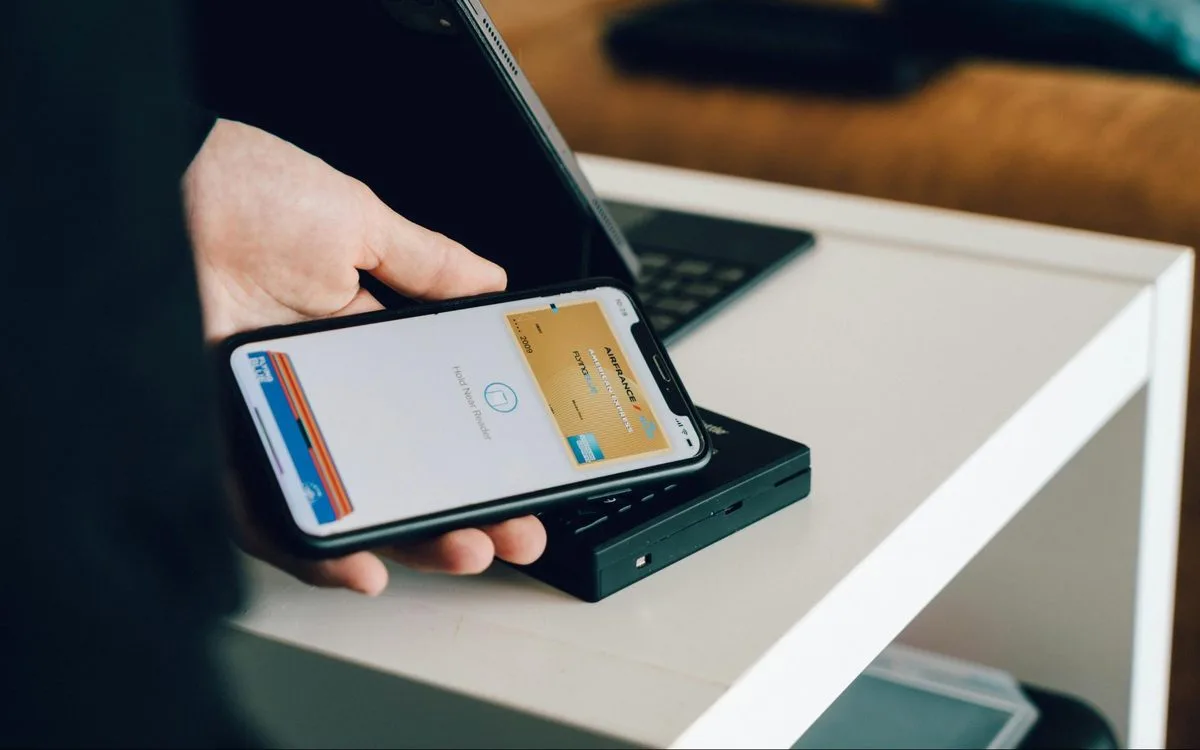
Send each patron an add-to-wallet link by email, SMS or QR code. The patron adds the pass to Apple Wallet or Google Wallet without your team building a separate library app.

The result is a digital library card designed to be available on the device patrons already carry. The pass can display the borrower barcode used at the circulation desk, subject to your library's system configuration and scanner compatibility.

Keep Card Details Connected to Salesforce

Kemicard runs through the Salesforce records and workflows your organization uses. Your team selects the source record and maps the fields that belong on the pass. When mapped data changes, the wallet pass can be updated from the system of record rather than recreated as a static credential.

For a closer look at the Salesforce-to-wallet process, visit How Kemicard Works.

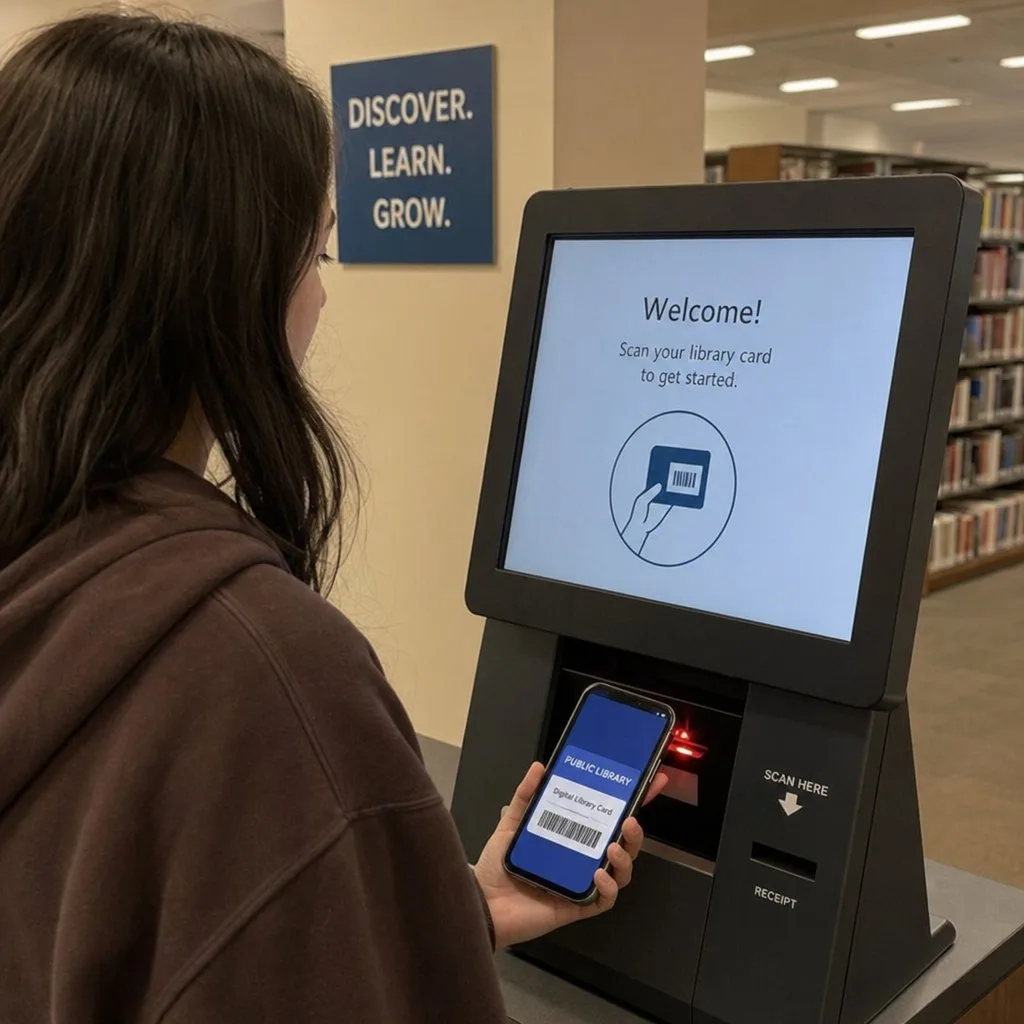
A patron presenting a digital library card on a phone at a circulation desk
An opt-in channel

Turn a Silent Credential Into an Opt-In Service Channel

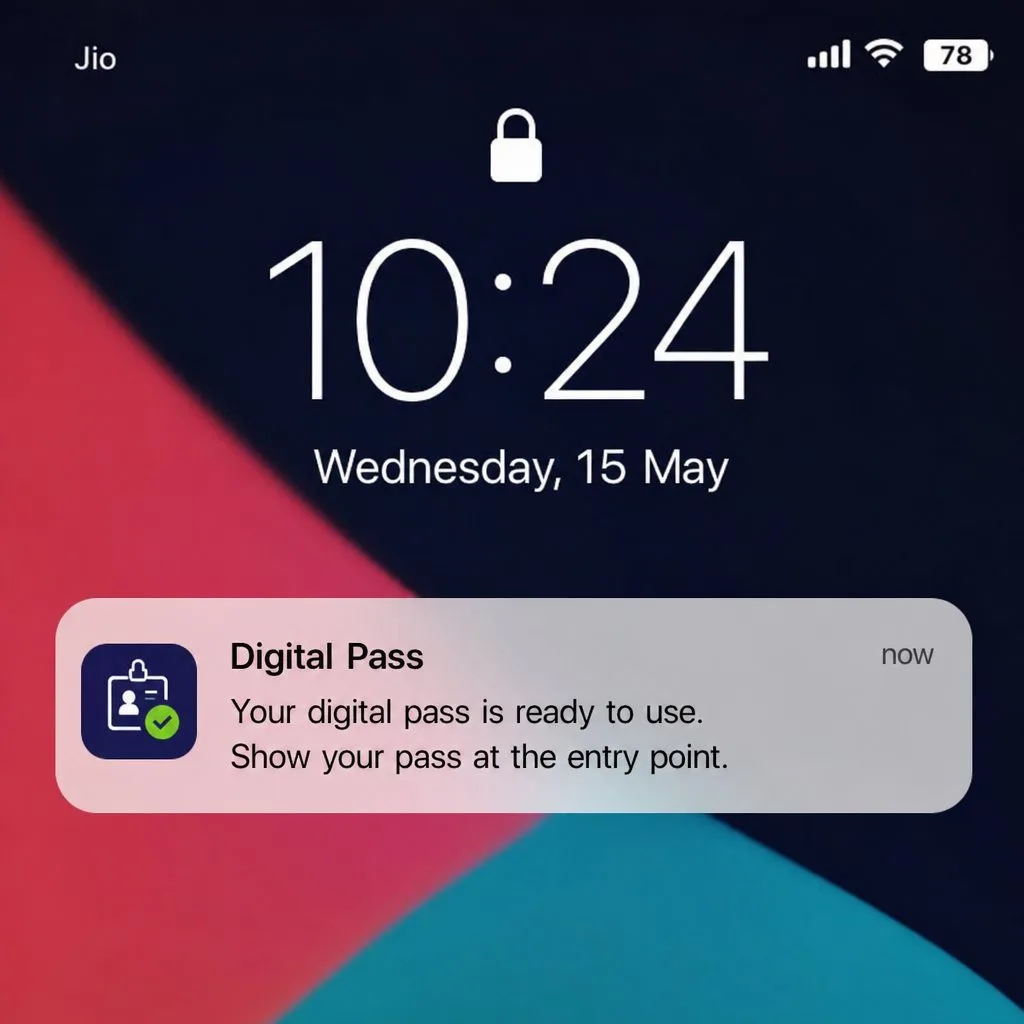
A physical card waits to be scanned. A wallet pass can also support timely notifications. Libraries can use the channel for messages such as:

  • A hold ready for pickup
  • An approaching due date
  • A branch closure or schedule change
  • Summer reading registration
  • Author talks, workshops and community programs
  • Digital-literacy classes or other patron services

Patron notifications are opt-in and revocable from the pass. Libraries should define their own communication policies, message cadence, consent language and operational workflows before launch.

9:41
Tuesday, March 3
Example Public Librarynow
Your hold is ready for pickup. Held at the Main branch until Saturday.
Example Public Library2d ago
3 items due Thursday. Renew from the back of your card — no trip needed.
Example Public Library5d ago
Summer reading opens Monday. Registration is now available online.
Onboarding

Support Online and In-Person Library Card Onboarding

Getting a library card should not create avoidable friction for patrons or repetitive work for staff. Kemicard supports the delivery of the credential after your library's approved registration and eligibility steps are complete.

Complete Online Registration With a Wallet-Ready Credential

Your library controls the online application, identity or address checks, eligibility rules and approval process. Once a patron record is ready in Salesforce, your workflow can send an add-to-wallet link by email or SMS. Kemicard provides the digital card infrastructure; it does not approve applications or set access policy.

Kemicard does not issue public library cards directly. To get a library card, a patron must apply through the public, academic, school or special library that serves them.

Equip Staff for In-Person Issuance

At a branch, staff can help an eligible patron add a wallet pass while completing the library's existing registration process. A QR code can provide a straightforward handoff from the desk to the patron's phone.

Keep a physical-card option for patrons who need or prefer one. A digital library card should expand choice, not create a new barrier.

Keep Eligibility and Access Rules With the Library

Residency, age, student status, identification, fees, borrowing privileges, expiration and resource access vary by library. Those policies remain entirely with the issuing institution. Kemicard delivers and updates the credential after your approved rules and workflows have been applied.

A librarian helping a patron add a library card to a mobile wallet
Formats

Choose the Right Mix of Library Card Formats

Most libraries do not need to treat physical and digital cards as an either-or decision. The better model is often a controlled mix based on patron needs, access requirements and existing systems.

Standard Library Cards

A physical library card remains useful for patrons without a compatible smartphone, people who prefer a tangible credential, and environments where existing scanning hardware cannot reliably read a phone screen.

Continue issuing plastic where it is needed while reducing unnecessary printing and replacement work where a wallet pass is appropriate.

Online Library Cards and Digital Library Cards

The terms “online library card” and “digital library card” are sometimes used interchangeably, but they can describe different parts of the patron journey:

  • An online library card may refer to a credential created through a web-based registration process.
  • A digital library card may refer to the credential a patron uses on a phone, including a wallet pass.
  • A library may combine both: the patron applies online, the library approves the record, and the patron receives a wallet-ready card.

Kemicard supports the credential-delivery and management layer. Your library remains responsible for registration, eligibility, circulation and digital-content access.

Standard and Digital Cards, Side by Side

Standard library cardDigital or online library card
IssuedIn person, immediatelyOnline, in minutes
FormatPhysical plastic cardMobile wallet, app or digital ID
Physical checkoutsAlways includedIncreasingly included, subject to your scanner estate
VerificationIdentification checked at the deskAutomated or third-party address match
ReplacementRequires a branch visitResend the approved link

Some systems deliberately hold certain privileges — museum passes, reciprocal borrowing — back from digital-only cards until address verification completes. That is a policy decision for your library, not a technical limit.

How a Wallet Pass Differs From a Traditional Card

A plastic card displays the information printed at issuance. A Kemicard wallet pass can display mapped information from Salesforce, support updates, include tappable links on the back of the pass, and receive approved notifications.

It can complement the barcode and circulation workflow patrons and staff already understand, while giving the library a more adaptable digital touchpoint.

Example Library
Example Library
Updated 2026-08-02
Automatic Updates
Allow Notifications
Suggest on Lock Screen
Show based on time or location.
Remove Pass
Example Public Library
Main Branch, 14 Example Street
Edmonton, AB
Opening Hours
Mon–Thu 9:00 AM – 8:00 PM
Fri–Sat 9:00 AM – 5:00 PM, Sun 12–5
My Account
https://catalog.example.org
Renew by Phone
(555) 010-0000 — automated renewals
Borrowing
Limits and renewal rules set by the library
Powered by Kemicard
Connected services

Connect the Card to Library Services

A library card is valuable because of the services behind it. Kemicard does not supply those services, but the pass can help patrons find and use the access points your library already operates.

Make Digital Resources Easier to Find

Use tappable back-of-pass fields for useful destinations such as:

  • The online catalog
  • Account login and renewals
  • E-book and audiobook services
  • Research databases
  • Online courses and learning tools
  • Interlibrary loan information or request pages
  • Branch locations, hours and contact details

Kemicard supports mapped back-of-pass fields, including text, links and service information. Your team decides which destinations matter most and which links belong on the card.

Bring Holds and Due Dates Closer to the Credential

When your library's data and workflows support it, the wallet pass can be used as a notification channel for hold and due-date messages. The card stays associated with the patron relationship rather than functioning as a one-time enrollment artifact.

Promote Programs Beyond the Newsletter List

Library events and workshops depend on awareness. An opt-in wallet channel gives your team another way to announce summer reading, author events, storytimes, makerspace sessions, tax-help programs and digital-skills workshops.

Use the channel selectively. Service-critical updates and high-value program messages should take priority over volume.

Precedent

How Other Library Systems Handle Digital Card Verification

The hardest question in a digital-first card programme is not the pass. It is how far a patron gets before their address is confirmed. Public systems have landed in noticeably different places, and each is defensible:

  • Instant, verified by a third party. The Las Vegas-Clark County Library District issues an eCard after an automated identity check, with an upgrade to a full card at a branch later.
  • Instant digital, address confirmed by post. The Los Angeles Public Library e-card opens digital access immediately, then mails a postcard to verify the address before the account is fully validated.
  • Several card classes, different privileges. The New York Public Library maintains separate physical, digital and visitor cards; LA County Library runs a dedicated digital card alongside its standard one.

The pattern worth taking from this: the credential and the verification are separable. A patron can hold a working digital card at one privilege level while the library completes its own checks at its own pace. Kemicard issues and updates the pass from whatever your workflow decides; the eligibility rules stay yours.

Card-class design matters at consortium scale too. Georgia's PINES network lets one card reach the shared collections of roughly 300 member libraries — the kind of arrangement that makes a single, updatable credential more useful than a printed one.

Operations

Reduce Recurring Card Work Without Excluding Patrons

Digital library cards can reduce operational tasks associated with printing and replacing physical credentials, while a hybrid approach preserves access for patrons who still need plastic.

Simplify Replacement

When a patron needs the pass on another phone, staff can resend the approved add-to-wallet link rather than print a new card. Your library should define verification steps before resending any credential.

Keep Patron-Facing Details Current

Map useful card fields to Salesforce so approved changes can flow to the wallet pass. Examples may include patron name, borrower number or barcode, home branch, expiration date, account or membership status, branch contact information, and catalog and renewal links.

The exact field set should follow your data model, privacy requirements, circulation rules and front-desk workflow.

Test Existing Scanners Before Launch

Image-based CCD and 2D scanners commonly read barcodes from phone screens, while older laser scanners may have difficulty with reflected light. Self-service kiosks and RFID equipment should also be tested because compatibility varies.

Run a desk-by-desk pilot before announcing the digital library card to the full community. Confirm barcode format, brightness behavior, scanner angles, kiosk performance, staff procedures and fallback options.

Privacy

Protect Patron Privacy by Limiting What the Pass Carries

The wallet pass should contain only the information needed for the card's purpose. The pass carries the barcode rather than borrowing history, and circulation data remains in the system of record.

Before rollout, library and IT teams should review:

  • Which fields appear on the front and back of the pass
  • Which data remains only in the circulation or CRM system
  • How patrons consent to and revoke notifications
  • How a lost or replaced phone is handled
  • How staff verify a request to resend a credential
  • Which retention, security and accessibility requirements apply

Your library's policies and systems remain authoritative. Kemicard supplies digital card infrastructure; it does not replace privacy governance, circulation controls or patron-service procedures.

Rollout

Plan a Practical Library Card Rollout

A focused pilot lets your team validate the experience before a systemwide launch.

1. Define the Source Record

Identify the Salesforce object and fields that drive the card. Confirm which system remains authoritative for borrower status, circulation and eligibility.

2. Design the Pass

Choose the barcode, patron-facing fields, branch information and useful links. Keep the front of the card focused on the information needed at the point of service.

3. Build the Issuance Workflow

Decide when an eligible patron receives the add-to-wallet link and whether distribution happens by email, SMS, QR code or a combination of channels.

For more detail on planning a Salesforce-based card program, read Digital Membership Cards for Salesforce: A Launch Guide.

4. Test Hardware and Staff Procedures

Pilot with staff and a small patron group. Test every circulation desk, kiosk and relevant self-service point. Document the fallback process for patrons using plastic cards.

5. Set the Notification Policy

Define opt-in language, approved message types, ownership, frequency and escalation procedures before using the pass as a communications channel.

6. Expand in Stages

Use pilot feedback to refine the card, staff scripts, support documentation and rollout sequence. Keep physical issuance available for patrons who need it.

Academic libraries

Digital Library Cards for Academic and Campus Libraries

For academic libraries, the library card may be one function within a broader campus credential. Kemicard also supports student IDs, alumni cards, library passes and campus event passes generated from Salesforce-managed data.

Explore digital student IDs, alumni cards, and campus passes for the campus-wide use case.

Questions

Frequently Asked Questions

No. Kemicard is a technology provider for libraries and other organizations. It provides infrastructure to create and manage digital wallet passes from approved organizational data. Patrons must apply through the library that serves them, and that library determines eligibility, borrowing privileges and resource access.

A digital library card is an electronic patron credential that can display identifying card information and a scannable borrower barcode on a phone. With Kemicard, a library can create a wallet pass for Apple Wallet or Google Wallet from mapped Salesforce data.

Not directly. A library may use its own online registration and approval process, then use Kemicard to deliver the approved credential as a wallet pass. The library controls the application, verification, eligibility and access rules.

Yes. A library using Kemicard can send an add-to-wallet link by email, SMS or QR code, allowing an approved patron to add the pass to Apple Wallet or Google Wallet.

It does not have to. Libraries can use a hybrid model, offering a digital card to patrons who want one while continuing to issue physical cards where needed.

Many image-based CCD and 2D scanners can read barcodes from phone screens. Older laser scanners may struggle, and kiosk or RFID compatibility varies. Every device and service point should be tested during a pilot.

Kemicard maps selected fields from a Salesforce record to the wallet pass. When the approved source data changes, mapped card information can be updated from Salesforce rather than reprinted as a new static card.

A library may configure fields such as patron name, borrower number, barcode, home branch, expiration date, account status, service links, hours and contact information. The final field set depends on the library's data model, policies and privacy requirements.

Kemicard supports wallet-pass notifications, and holds, due dates, branch news and program announcements are common library use cases. The library controls the underlying data, workflow, consent and message policy.

The pass carries the barcode rather than borrowing history, and circulation data remains in the system of record. Libraries should still review their configuration, data minimization and privacy requirements before launch.

Yes. Academic libraries can use a standalone library pass or make library access part of a broader campus credential strategy. Kemicard's education solution covers student IDs, alumni cards, library passes and campus event passes.

Cover of the Libraries brochure
Take it with you

Libraries — the brochure

A one-page summary for a conference table or an email, or the six-page version for the colleague who has to approve it. Both cover what you can issue, how it works, and the push and back-of-card examples for libraries.

Download

Libraries

Cover of the Libraries one-pager

Straight to your inbox and your downloads. We use your details to send the PDF and to follow up once — nothing else.

We will email you about Kemicard occasionally. Unsubscribe in one click. Privacy policy. Or see every guide and brochure.

Put Your Library Card Infrastructure in the Wallet

See how Kemicard can turn approved Salesforce patron data into an Apple Wallet or Google Wallet pass, support online and in-person delivery, and keep mapped card details connected to the patron record. Review your patron data model, issuance workflow, scanner environment and communication goals with the Kemicard team.

See How Kemicard Works