

The AppExchange Loyalty App That Puts Your Retail Program in Apple Wallet and Google Wallet
Configure the card, map the points field, and send it by SMS or email. All of it inside the Salesforce org your loyalty team already works in.
Salesforce for Retail Loyalty, Configured by the Team That Owns the Program
The people who own the loyalty program configure it themselves. Field mapping and offer targeting are point-and-click work inside Salesforce.
The Loyalty Team
Owns the card end to end. Build it, brand it, choose which shoppers get it, all in the Salesforce admin UI.
Store Teams
Get one QR code that does two jobs, signing new shoppers up and scanning existing cards at checkout.
Marketing
Runs offers on the loyalty card the same way they run any Salesforce campaign, with the results in the same reports.
Push Notifications: Retail's Free Owned Channel
No ad spend, no algorithm, no unsubscribe — a wallet card is the only marketing channel that lives on the lock screen. Retailers use it for the moments that move revenue.
- Walk-by conversion. Geofenced messages surface the loyalty card — and today's offer — as the shopper passes your storefront.
- Sale starts. VIP early access and clearance events announce themselves to every cardholder at once.
- Back-in-stock and BOPIS. Order-ready and restock pushes triggered by Flows from your commerce data.
- Receipt-to-relationship. A first purchase becomes an installed card; every push after that is a repeat-visit opportunity.
Every message here is a template — sent automatically from a Salesforce Flow, a Bulk Action, or a single record, at no per-message cost.

A Salesforce Loyalty Program for Retail Stores Moving Off a Legacy Card Platform
Points cards and coupon passes that lived in separate tools consolidated into one Salesforce setup. One admin, one annual pass volume behind all of it.
- Bulk Card Issuance in One Operation. Bulk issuance sends cards to every existing member, with each pass tied to its own Contact record and logged there.
- Existing Member Numbers Stay Valid. The barcode or QR value renders from the member ID field you already use, so POS lookups and reporting keep working unchanged.
- Plastic and Wallet Cards Run in Parallel. Both validate against the same Salesforce record during the transition, which means no cutover date and no confused shoppers at the counter.
- Birthday and Anniversary Offers. Offers fire from the date already on the record, with no monthly list pull and no manual campaign build.
- Peak-Week Volume Handled In One Queue. A hundred thousand offer passes ahead of a sale weekend are generated, tracked, and logged against individual records.
310 Fifth Street
Nashville, TN 37203
Sunday: 11:00 AM – 6:00 PM
The Back of the Card: Service Answers at Hand
Member perks, return rules, and store info live on the card back — cutting the questions your floor staff answer every day.
Every row is a back-of-pass field configured in Kemicard Studio — plain text, tappable links, and phone numbers, all mapped to Salesforce data. Holiday hours? Extended returns? Update once in Salesforce and every customer carries the news.
Omnichannel Loyalty in Salesforce for Retailers Selling in Store and Online
Store scans and online orders write to one Salesforce record. One customer view, no channel merge.
One Record Behind Every Channel
The card reads the same Salesforce record your web store and your tills already write to.
Online Orders Visible to Store Teams
What a shopper bought on the site is on the record before they walk into a branch.
Click and Collect Closed in One Scan
The collection scan completes the order and logs the store visit against the same shopper.
Returns Reconciled Across Channels
A refund processed online adjusts what the card shows in store, with no manual correction.
Install Data by Channel
See how many shoppers added the card by SMS, at the till, or from the website, and fund what works.
Repeat Purchases, Driven From the CRM
- No app barrier — Apple Wallet and Google Wallet ship on every phone. One tap and your brand is on the lock screen.
- StoreConnect & commerce integrations — passes work alongside Salesforce-ecosystem commerce apps, so transactions and loyalty live on one record.
- Marketing Cloud journeys — trigger pass creation and offers from the campaigns you already run.
- Real ROI math — digital cards eliminate printing, distribution, and replacement costs while lifting engagement with push visibility of 80–90%.
 Green Grove Rewards
 Maple & Main
Brand-Funded Offers Delivered on Mobile Wallet Passes for Retail
Brand offers targeted from CRM segments and reports per scan. Proof for the supplier, margin for a retail store.
- Offers Printed on the Back of the Pass. Your brand owns the front, suppliers pay for the back. Same card, second revenue surface.
- Several Brands on One Card Back. Multiple funded offers sit on the same pass and rotate by segment. One card, several advertisers.
- Redemption Reported Per Supplier Campaign. Installs, opens, and scans by campaign in Salesforce. Evidence attached to every invoice.
- Category Exclusivity Set As a Field. One brand per category per drop, enforced by configuration rather than by a planner's spreadsheet.
Enrolment Is Where Loyalty Schemes Die
Most retail loyalty programmes are lost at the join step, not the reward step. A scheme that asks a customer to download an app while a queue forms behind them loses the majority of them, and the ones it keeps are the ones who were loyal already.
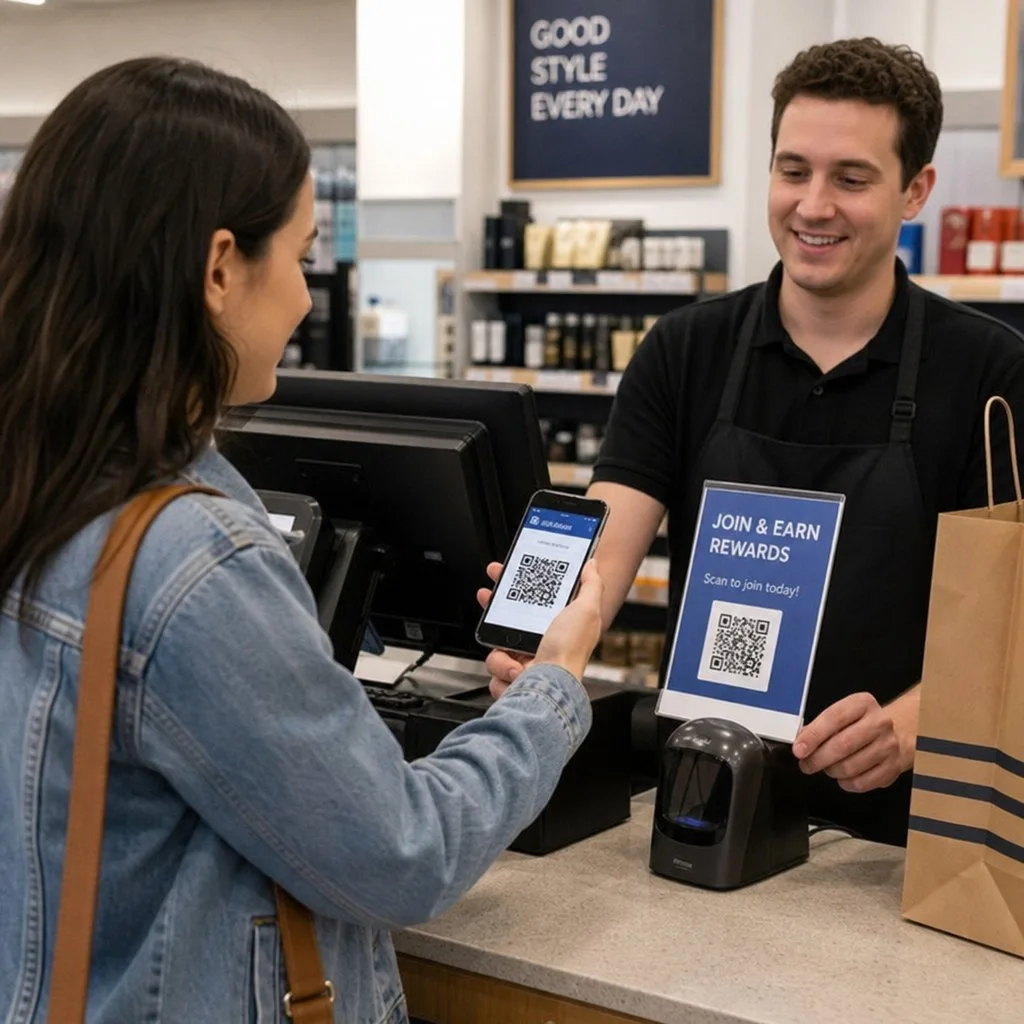
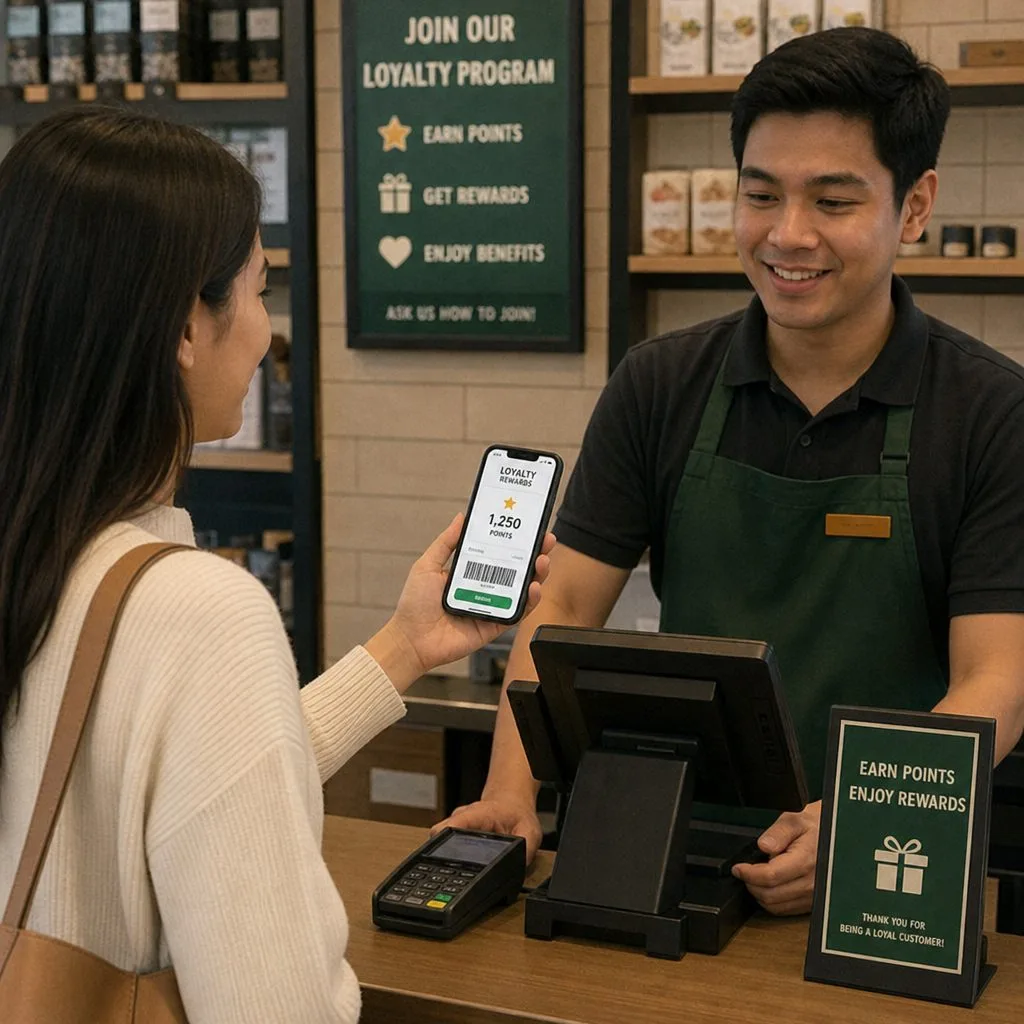
- Ten seconds, no install. A QR code at the till adds the card to the wallet the customer already has. That constraint decides the whole design.
- Put the code where the transaction is — the till, the receipt, the bag — not on a poster by the door nobody stops at.
- Make adding a point take under five seconds, or it will quietly stop happening on a busy Saturday.
- Say something in the first week. A card that never speaks becomes invisible by the second visit.
More detail in QR loyalty for small businesses.
Retail, in practice
Retail wallet programs live or die on friction. A loyalty card that needs an app download converts a fraction of shoppers; a card that saves to Apple Wallet or Google Wallet in one tap from a receipt email, an SMS, or a counter QR code converts the queue. Once installed, the card is a persistent, brand-colored presence on the phone that reappears — via geofencing — exactly when the shopper walks near your store.
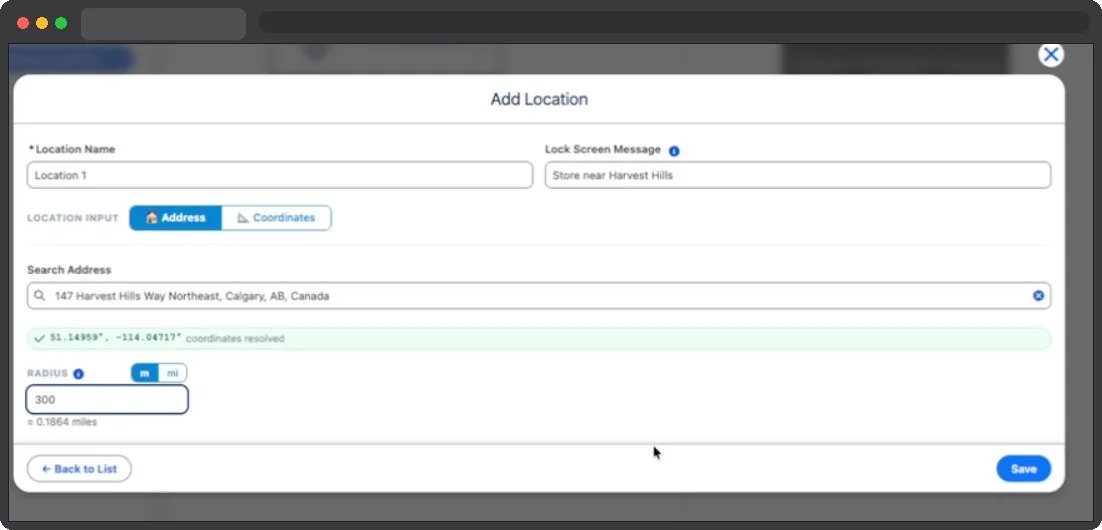
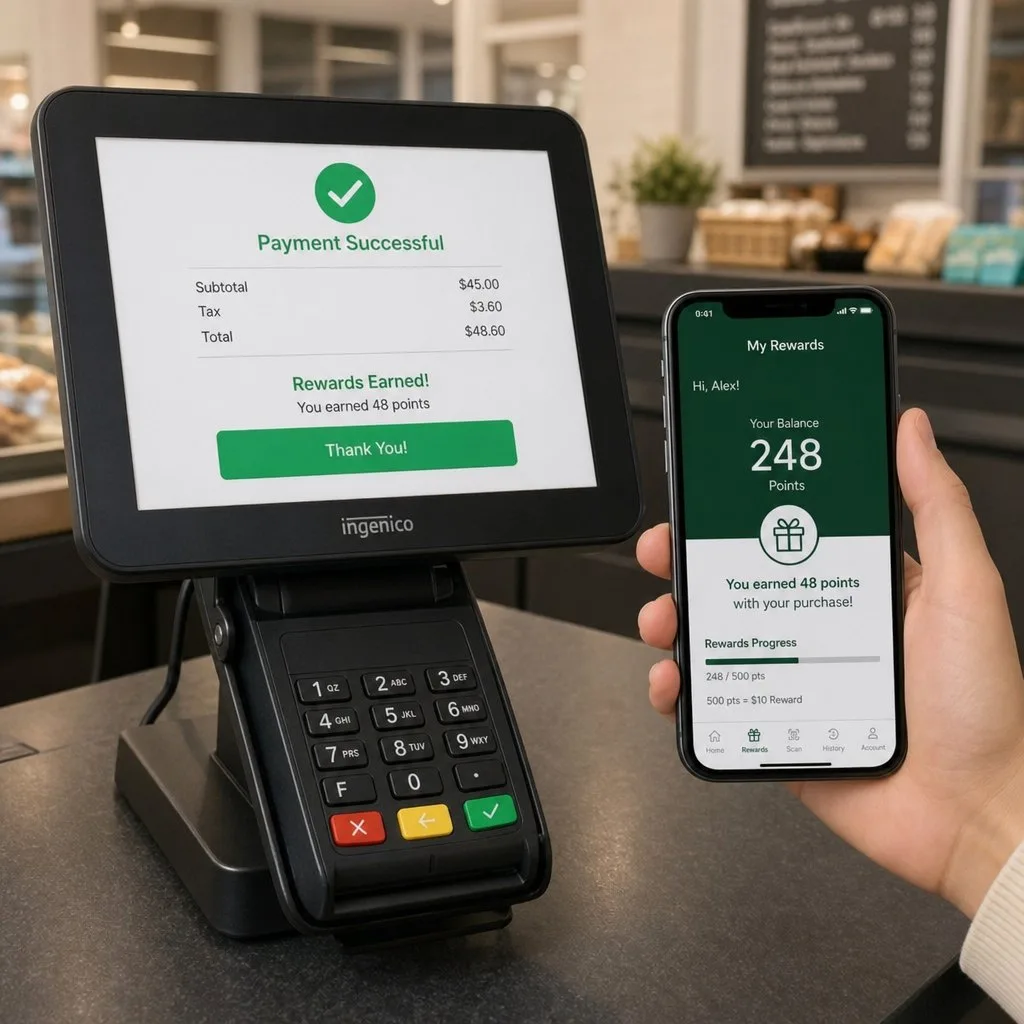
Because Kemicard runs on your Salesforce org, the card reflects the truth of the record behind it. Points update the moment the order or POS integration writes to Salesforce; a tier upgrade re-themes the card automatically; a lapsed customer's card can switch to a win-back offer template. Every one of those changes can push a lock-screen notification — a marketing channel with no per-message cost and no algorithm between you and the customer.
At the counter, staff scan the pass with the Kemicard Scanner (any browser, any device) or your existing barcode hardware reading the same QR or PDF417 code. Scans validate against Salesforce in real time — catching duplicates and expired cards — and log to the record, so redemption data lands in the same reports as revenue. Start with a single-store pilot from a report of your best customers using Bulk Actions, then scale chain-wide without new infrastructure.
A Retail Loyalty Platform That Is Not Another Silo
Retail loyalty solutions usually arrive as a separate platform with its own customer list, its own reporting and its own definition of who your best customers are. Within a year most retailers are running two versions of the truth and trusting neither.
Kemicard is a loyalty platform for retailers that adds no database. Cards are issued from the Salesforce contact, scans write back to it, and the segment you build for a campaign is the same segment your service team sees. Free digital loyalty card schemes and enterprise programmes use the same mechanism; the difference is scale, not architecture.
The practical test when comparing: ask where the customer record lives, and what it costs in staff time each month to keep it agreeing with your CRM.
Frequently Asked Questions
The card carries a barcode or QR value that your existing scanners read, so most retailers need no new hardware at the till. Kemicard does not replace your POS or your earn rules; scan events post back to Salesforce, and the points logic stays where it runs today. Worth walking through your specific setup on a call, since salesforce pos loyalty integration varies by estate.
No. Kemicard reads standard and custom objects, so whichever record holds your members works, whether that is Loyalty Management, a custom object, or Contacts with a balance field.
es, it installs from the AppExchange into your own org like any other managed package. Your Salesforce admin handles it, and there is no separate platform for provision.
Yes. Market-specific fields and layouts sit on the same template set, so a chain trading in more than one country runs one configuration with local variation on the card.
They scan the card at their counter without needing a Salesforce login, since validation happens against the record centrally. The head office keeps the configuration and the reporting.
The pass link goes out through the channels you already use, including your existing email and SMS automation. Kemicard issues and updates the card; your send platform stays as it is.
Kemicard runs inside your Salesforce org rather than on an outside server, so shopper records are not copied to a third-party platform. The controls your team already approved apply to the passes.
Plans are sized by cards issued per year rather than per store or per user seat, which suits estates issuing at volume. Confirm current tiers with sales, since pricing is set by annual pass volume rather than headcount.
Retail & eCommerce — the brochure
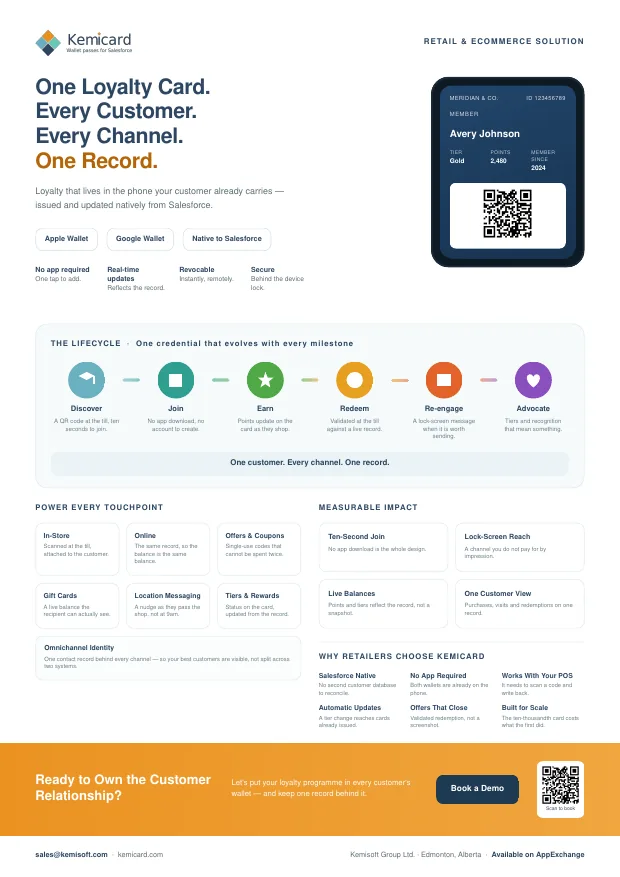
A one-page summary for a conference table or an email, or the six-page version for the colleague who has to approve it. Both cover what you can issue, how it works, and the push and back-of-card examples for retail and ecommerce.

 Get It on AppExchange