

The Salesforce Event Ticketing System That Puts Every Ticket in Apple Wallet and Google Wallet
A Salesforce-native event ticketing app, installed from AppExchange. Your team creates tickets from registration records, updates them when the event changes, checks attendees in at the gate, and reports on every scan without leaving Salesforce.
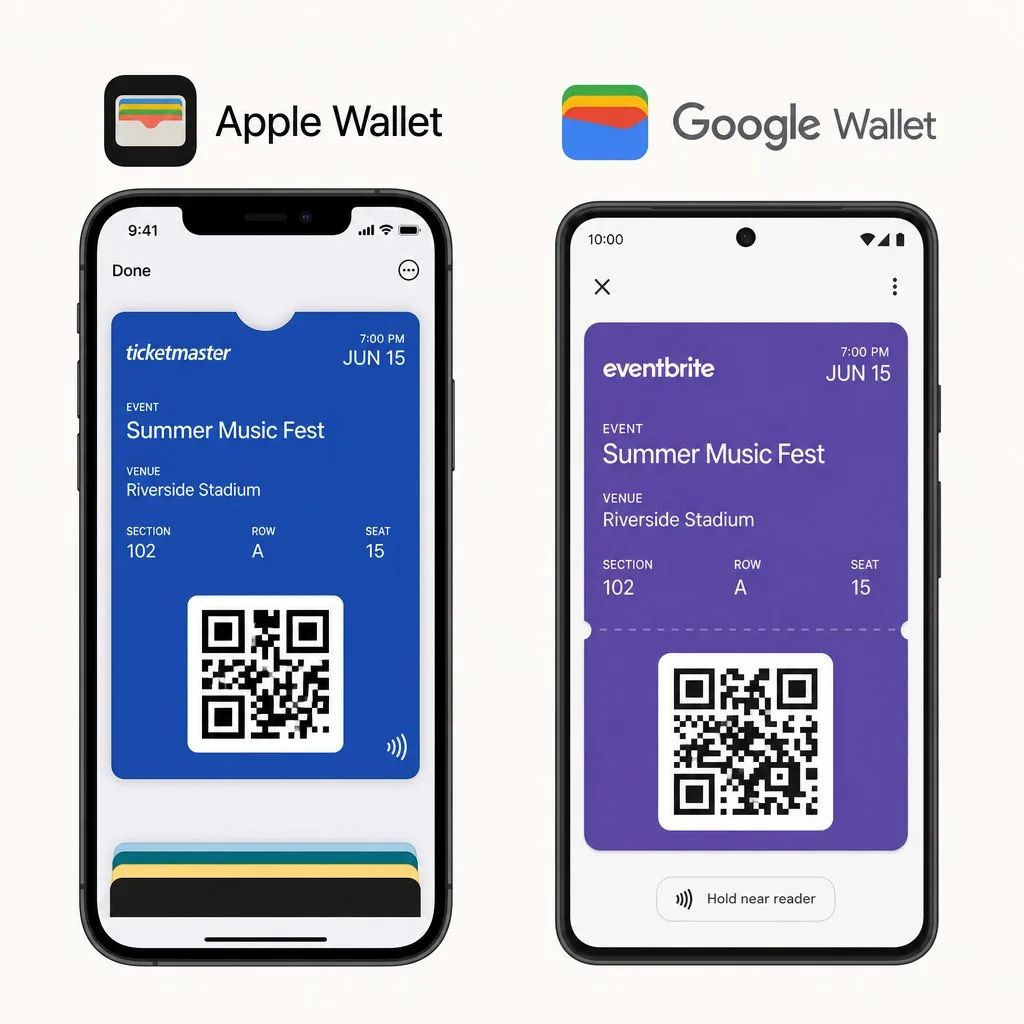
Online event ticketing usually means another portal and another app. Kemicard issues digital tickets for events straight from Salesforce instead — electronic tickets for events that install in one tap. On iPhone they are digital event tickets Apple Wallet surfaces on the lock screen at the venue; on Android, digital event tickets Google Wallet keeps current automatically. No separate event ticket app for attendees, and no sync jobs for you: these are digital event tickets Salesforce creates, updates and scans natively.
 Try on AppExchange
Salesforce Event Ticketing Integration Apps Still Leave the Event Work in Another System
Your attendees register through Salesforce, but the ticketing platform holds the tickets, the scans, and the entry history in its own database. None of it reaches the Contact record until someone uploads it.
Who is inside right now
Live check-in counts exist only in the scanner app. Staff standing at the venue can see the number, but Salesforce has no record of it.
Which ticket was already used
A duplicate scan surfaces at the gate and stays there. The record in Salesforce never learns that the same ticket tried to enter twice.
Who did not show
No-show lists arrive days after the upload. By the time the segment exists, the moment to book them for the next event has passed.
Every question above has an answer during the event. None of those answers reach Salesforce until the event is over and someone sends the export manually — unless the tickets, the scans, and the records live in the same system to begin with.
Salesforce Event Tickets in Apple Wallet and Google Wallet, Built From the Fields on Your Records
Map a pass field to a Salesforce field once, and every ticket fills itself. It works the same on standard and custom objects, so registrations can live wherever your org already keeps them.
Mapped from your objects
Registrations can live on standard or custom objects. Point each pass field at a Salesforce field once, and every ticket after that fills itself.
Personalized to each attendee
One template renders a personal ticket for every registrant. The name and tier on the pass belong to that attendee, pulled from their record.
One edit updates both wallets
Kemicard compiles the same template to Apple Wallet and Google Wallet formats. Change the design once, and both versions carry it — nothing is maintained twice.
Your next event can run its tickets from Salesforce. Issue, update, check in, and report, all inside Salesforce.
Book the Event Ticketing DemoThe Features of a Salesforce Native Event Ticketing App, Built Around Event Day
Whatever the event, set the trigger once and tickets are issued as registrations come in. On the day, the same passes work at the gate, and every scan lands back on the record.
Automated ticket issuance
A registration meets the condition you set in Flow, and the ticket goes out on its own. Nobody works through a send list.
Bulk issuance
Issue tickets for the whole registration list in one operation. A festival's worth of passes goes out in batches, without any manual sends.
Multi-channel delivery
The add-to-wallet link goes out by email, SMS, WhatsApp, or QR code. Landing pages cover the walk-ups who register right at the door.
Geo-triggered surfacing
The ticket appears on the lock screen as the attendee nears the venue. Nobody searches an inbox while the queue builds behind them.
Event reminders
Doors-open alerts and session notices push through the pass itself. The message reaches the lock screen, and no separate app download is required.
Real-time ticket updates
Change the gate or the start time on the record, and every issued ticket shows the new detail in both wallets straight away.
Unique QR per ticket
Every pass carries its own code, tied to the record it came from. The scanner validates it in real time at the gate.
Tier-aware tickets
VIP and general passes render from the same template with different field values. The tier shows on the pass and at the scan.
Gate rules and flags
Set how re-entry and duplicates are handled for each event. Staff sees the result at the moment of scan, while the line moves.
Event Check-In Reports Inside Salesforce, Ready Before the Event Ends
Attendance, entry times, check-in rates, and no-show segments are built in Salesforce dashboards during the event. One report setup covers every event on the calendar, and the numbers update as staff scan.
Attendance tracking
Every check-in belongs to a Contact, and history builds across the event series. The same record shows this year's arrival and last year's no-show.
- Live check-in counts by gate and by session
- Session attendance measured against registrations
- No-show segments ready for follow-up journeys
Entry scan reports
Scan-level detail for the team running the venue. Entry times and gate activity show where queues form and when a door needs staff.
- Scans reported per gate and per hour
- Entry-time distribution for queue planning
- Re-entry and duplicate logs, as configured per event
Salesforce AppExchange Event Management, Ticketing, and Check-In on One Native App
Registration, ticketing, check-in, and reporting run as one managed package in your org. Tickets are issued from your objects, and scans are written back to them.
One record for the whole event
Registration, ticket, scan, and follow-up all land on the same Contact or registration record. Nothing is exported or merged after the event closes.
Security and permissions inherited
Ticketing data stays inside your Salesforce environment. The profiles and permission sets you maintain govern it, in Salesforce's SOC 2 Type II environment.
Scales with the org
Bulk issuance and Salesforce automation carry a small gala or a full festival weekend. The setup stays the same while the volume grows.
Priced by passes, no per-ticket fees
Plans are annual and priced by the passes you issue. A sold-out event costs what you planned, with no fee per ticket sold.
From Registration to Post-Event Campaign, in One System
- Registration-driven issuance — proven flow with Blackthorn Events: registration page → attendee record → welcome email with the pass → add to wallet. Eventbrite and payment integrations scoped per client.
- Live ticket updates — venue changes, schedule updates, and day-of reminders push straight to the ticket. No resending.
- QR / barcode entry — scan with the Kemicard Scanner, your event platform's app, or existing hardware that emulates keyboard input.
- Attendance tracking — every scan is a Salesforce record, powering post-event dashboards and follow-up journeys.
- VIP & exhibitor badges — separate templates per audience, bundled with membership passes under one record.
- Event-day geofencing — the ticket surfaces on the lock screen when the attendee arrives at the venue.
 Summit 2026
 Metro Music Fest
Check-in, demonstrated
The scanner verifying a pass against live Salesforce data — the same component you would put on a door or a registration desk.
More on the video tutorials page.
The Ticket That Keeps Attendees Informed
Between purchase and doors-open, everything can change. Push notifications turn every issued ticket into a direct line to the attendee.
- Day-of logistics. Doors time, gate assignments, parking guidance — pushed to every ticket holder an hour before arrival, when they actually need it.
- Live changes. Venue moved? Show delayed? Update the record once and every ticket updates, with a lock-screen message no one can miss.
- Fill the room. Last-minute seat releases and encore announcements go to people who already proved they'll attend.
- Post-event follow-through. Thank-you messages and next-event presales land while the experience is still fresh.
Every message here is a template — sent automatically from a Salesforce Flow, a Bulk Action, or a single record, at no per-message cost.

200 Harbor Avenue
Seattle, WA 98121
Show: 7:30 PM
The Back of the Ticket: Everything but the Seat
Venue logistics, policies, and help — on the ticket itself, updated in real time if anything about the night changes.
Every row is a back-of-pass field configured in Kemicard Studio — plain text, tappable links, and phone numbers, all mapped to Salesforce data. Change the bag policy or parking guidance for one event and only those ticket-backs update. Attendees always read the current version.
Built Around Real Wallet Behavior
Relevant dates handled
Kemicard sets relevant and expiry dates so tickets surface at the right time and never get archived unexpectedly by wallet-platform quirks.
Reliable barcode formats
QR recommended; PDF417 supported for a 1-D look. Both scan reliably on Apple and Google passes.
Fraud controls
Disable sharing at the template level, track duplicate scans, and switch suspect tickets to an error-state design that hides the QR.
Running the door with confidence
Event ticketing fails at the edges: the will-call line, the forwarded ticket, the last-minute room change. Wallet tickets close those edges. Each Kemicard ticket is generated from the Salesforce registration record with a unique QR code; if the venue, time, or seat changes, every issued ticket updates in place and can notify the holder on the lock screen — no resend, no version confusion at the door.
Check-in runs on the Kemicard Scanner — a managed LWC component you place on any Salesforce or Experience Cloud page layout. Staff scan from a desktop or iPad logged into Salesforce, from the Salesforce mobile app on any phone, or from your Experience Cloud portal for volunteers and venue crews — no extra Scanner license required. Each scan validates in real time — valid, already-scanned, or invalid — so gate staff get an unambiguous signal, and duplicate or shared tickets are caught on the second scan. Every check-in writes to Salesforce as it happens, giving organizers a live attendance dashboard instead of a next-day reconciliation.
The data outlives the event. No-shows flow into follow-up journeys; first-time attendees get membership offers; multi-event patterns feed season-pass targeting. For recurring programs, the event thumbnail feature gives each event its own image on an otherwise identical template, keeping the wallet tidy for regulars. Registration can come from any source that reaches Salesforce — forms, Fundraise Up, or your AMS — and ticketing simply follows the record.
Kemicard powers check-in at Salesforce community events too — see the conferences we attend and run.
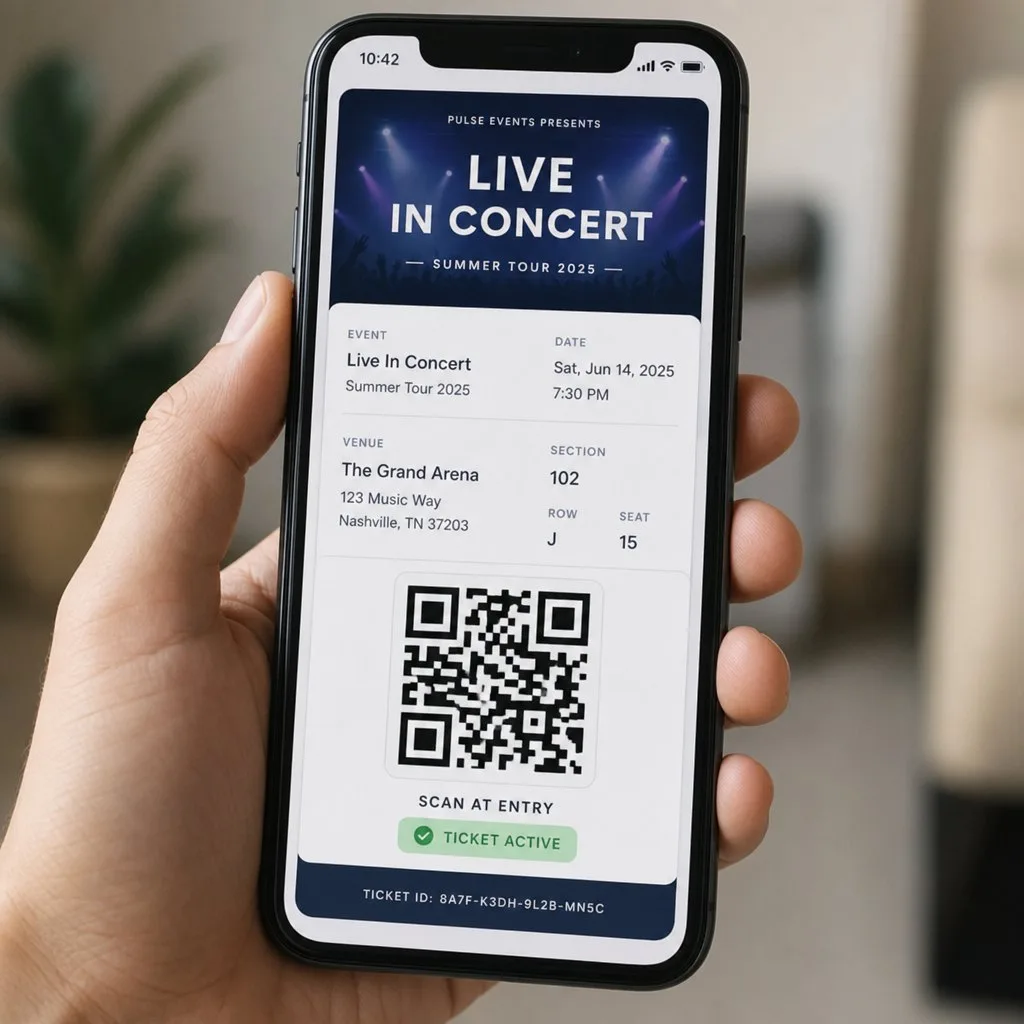
What a Ticket Has to Carry Now
A ticket is no longer a receipt for entry. It is the last piece of brand a guest sees before walking in, and the only channel you are guaranteed to reach them on during the event.
- A validated code, not merely a readable one. Anything a scanner reads without checking a record is a photocopy waiting to happen.
- Tier and access rights on the face. General admission, VIP, crew, speaker — visible to staff at a glance, enforced by the scan.
- Personalisation. A named ticket is far harder to resell than a generic one.
- A way to change it. Time changes, venue changes and upgrades happen; a ticket you cannot update becomes a support queue.
Online Event Ticketing Without a Second Database
Most online event ticketing platforms are built for public sale to an audience you do not have — which is a real service, and one you pay for in fees and in the reconciliation work of getting attendee data back into your CRM afterwards.
If your attendees are already your members, customers or staff, an online ticketing solution that lives outside your CRM is solving a problem you do not have while creating one you did not. Kemicard issues tickets from the Salesforce record, so registration, the ticket, the scan at the door and the follow-up all attach to the same contact.
That does not make an external platform wrong. Where you genuinely need discovery and public sale, the fee buys something. The comparison worth making is in what event ticketing actually costs, which includes the staff time nobody quotes.
Frequently Asked Questions
No. Check-in opens as a screen on phones, tablets, or handheld barcode scanners your staff already carry. There is no gate hardware to rent and no separate scanner account to manage.
Yes. The same template renders name, role, and access level on the pass, and the QR handles entry and session scans. Conferences skip badge printing and the pickup queue that comes with it.
For issuing tickets, running check-in, and reporting attendance, yes. However registrations reach Salesforce — web forms, Experience Cloud pages, or imports — tickets are issued from the record. There is no external ticketing database left to sync.
A Salesforce admin does. Setup is a pass template, field mapping, and a Flow trigger — the same work admins already do. Typical orgs configure it without custom code.
Check three things on any shortlist: where the ticketing data lives, whether every scan writes back to your records, and whether pricing adds per-ticket fees. Kemicard keeps the data in your org, writes back every scan, and prices annually by passes issued.
Yes. Templates and Flows are reused per event, and attendance history builds on the Contact across the series. The third year of your conference reports against the first two.
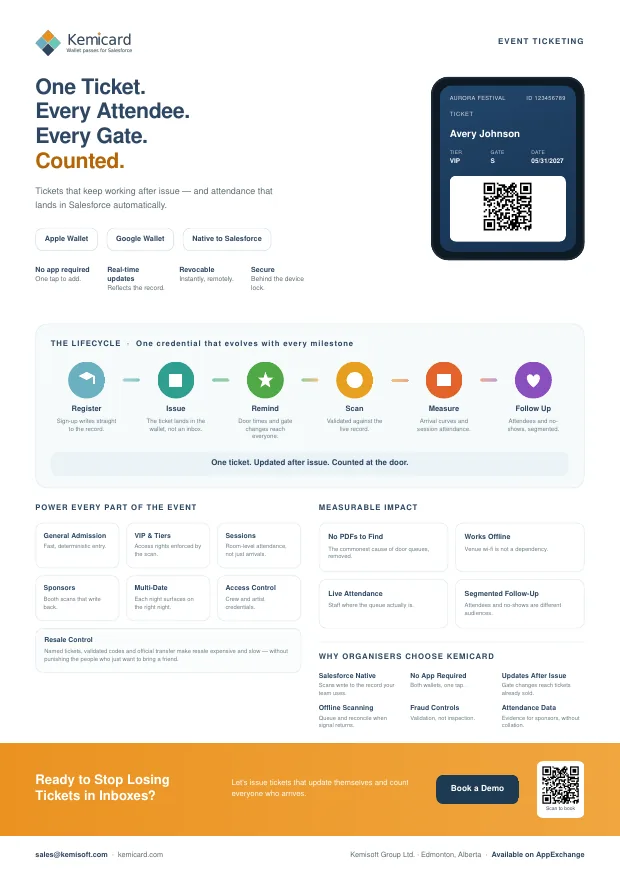
Event Ticketing — the brochure
A one-page summary for a conference table or an email, or the six-page version for the colleague who has to approve it. Both cover what you can issue, how it works, and the push and back-of-card examples for event ticketing.
Further reading
From the blog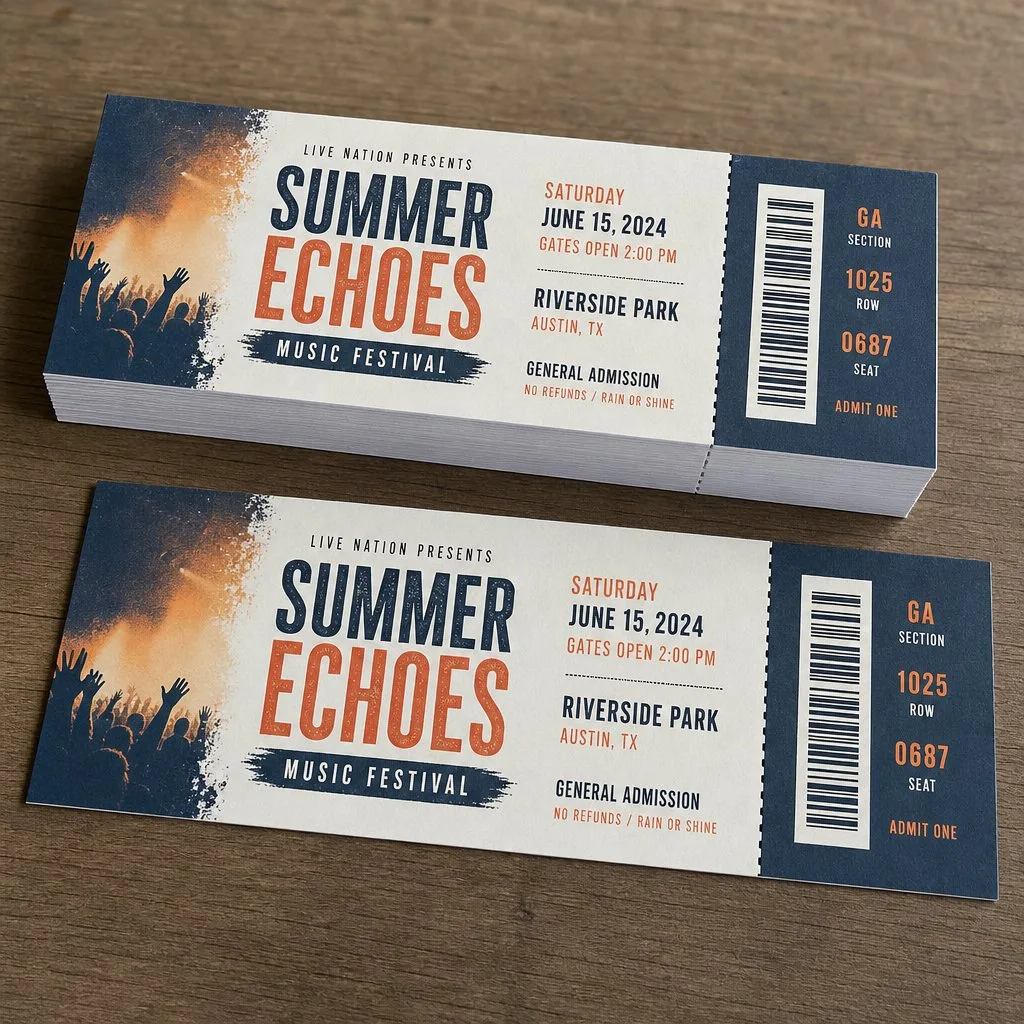
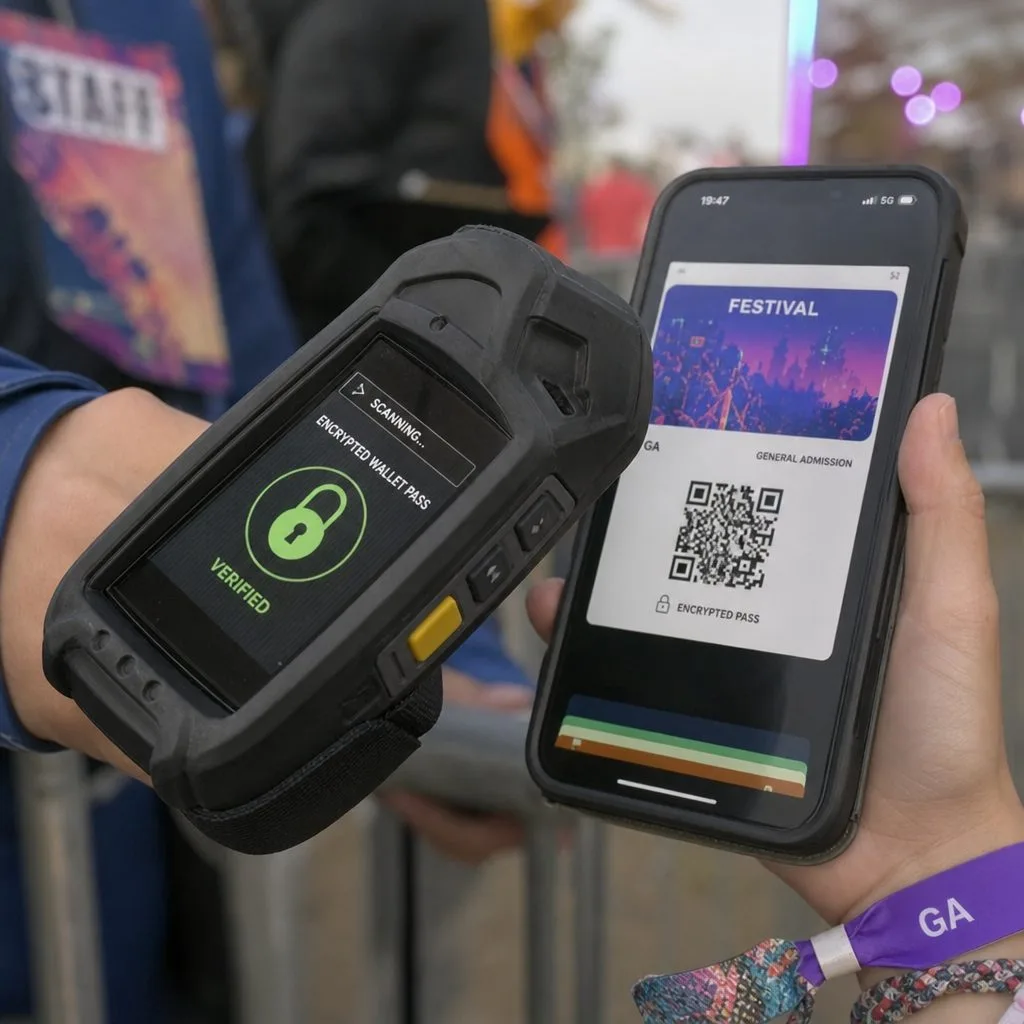
See a Ticket Issued, Updated, Scanned, and Reported From Salesforce
Bring your event data model to the demo. We issue a live wallet ticket, change the gate, and scan it back onto the record.